Free online journal maker.
Adobe Express makes it quick and easy to create stunning online journals. Create scroll-stopping entries with customizable templates, one-click themes, and Adobe Stock design assets at your side.

How to create an online journal.
1. Pick a portfolio template.
Easily get started with a portfolio template. Explore all the templates available and choose one to customize. You can also start your project from scratch.
2. Customize it.
Add text, Adobe Stock images, buttons, and more. Explore different theme options to easily transform the text and style of your online portfolio with just one click.
3. Publish and share.
Preview your online portfolio to ensure it looks polished. Once ready, click Share to generate a unique URL. You can share it on social media, via email, or elsewhere, and even set a password for access control.
Build your online journal with Adobe Express.
Any journal, be it virtual or on paper, is a labor of love. With our online journal maker, you can create entries that beautifully showcase your travels, daily life, and unforgettable experiences with a unique blend of text, photogrids, and slideshows. Go back anytime to create new entries.

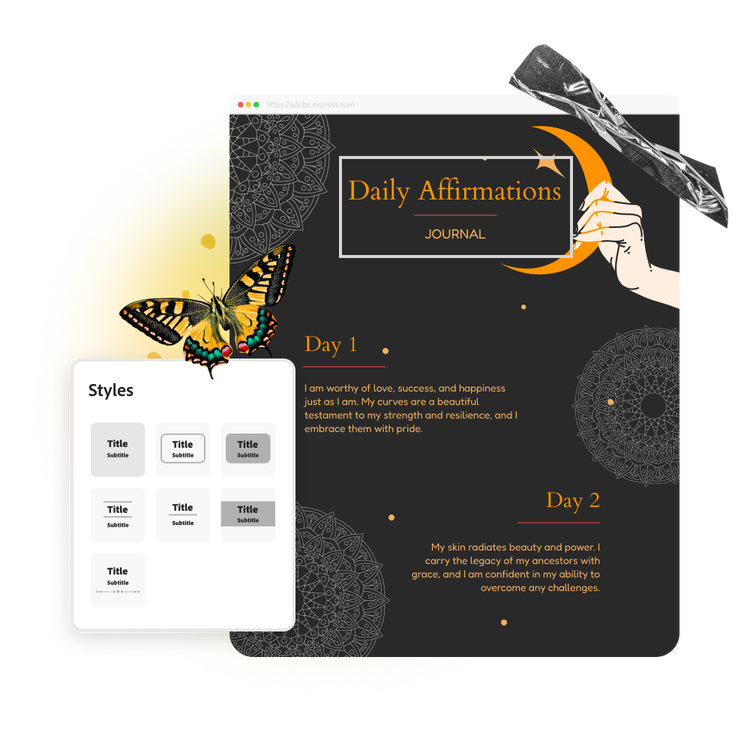
Personalize your online journal with a theme.
Create a professional online journal exactly how you envision it, without requiring design expertise. Once you've added the important details, complete your online journal with a theme. Pick from our wide selection or create your own with your preferred logo, color schemes, and fonts, all applied in one click.
Start a free online journal with Adobe Express.
Online journals are not new, but now, it’s easier than ever to create an aesthetically pleasing digital journal. Whether you’re making a public journal to document your travels and family life or a private journal to process through your feelings and record your memories, we’ve got just the right template for you. You can edit each template entirely - swap out color schemes, display a collection of images or videos using gorgeous slideshows, and so much more. Adobe Express makes it easy for you to design each journal entry exactly as you’d like.

Collection ID
(To pull in manually curated templates if needed)
urn:aaid:sc:VA6C2:15159022-e18b-4b38-a18d-f7297e884779Orientation
(Horizontal/Vertical)
Width
(Full, Std, sixcols)
Limit
(number of templates to load each pagination. Min. 5)
Sort
Most Viewed
Rare & Original
Newest to Oldest
Oldest to Newest
Behaviors
(still/multiple-pages/video/animated)
Premium
(true, false, all) true or false will limit to premium only or free only.