
Kokeile näitä opastusohjelmia sovelluksella Illustrator
Luo kuvituskuvia ja muuta grafiikkaa vektoreilla.
Click on your object on the canvas. In the Gradient panel, select Freeform Gradient.
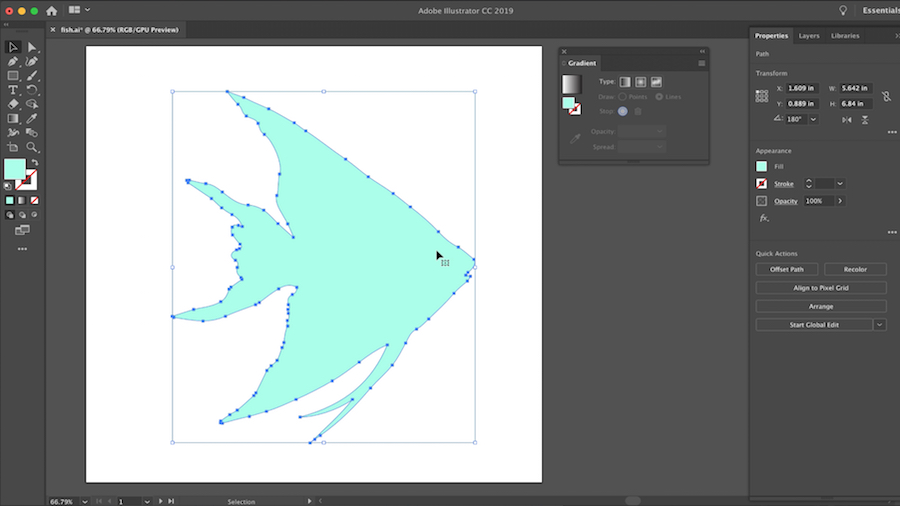
Choose the Points method to create color stops as independent points in the object.
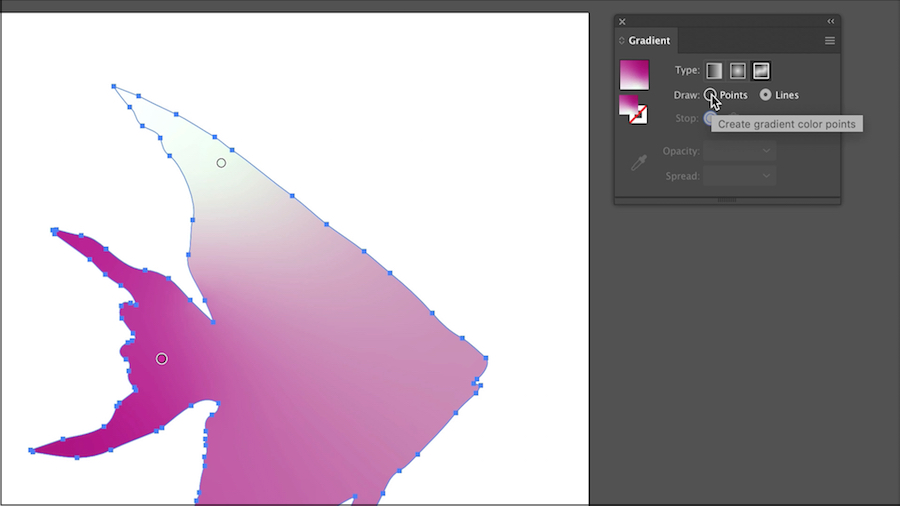
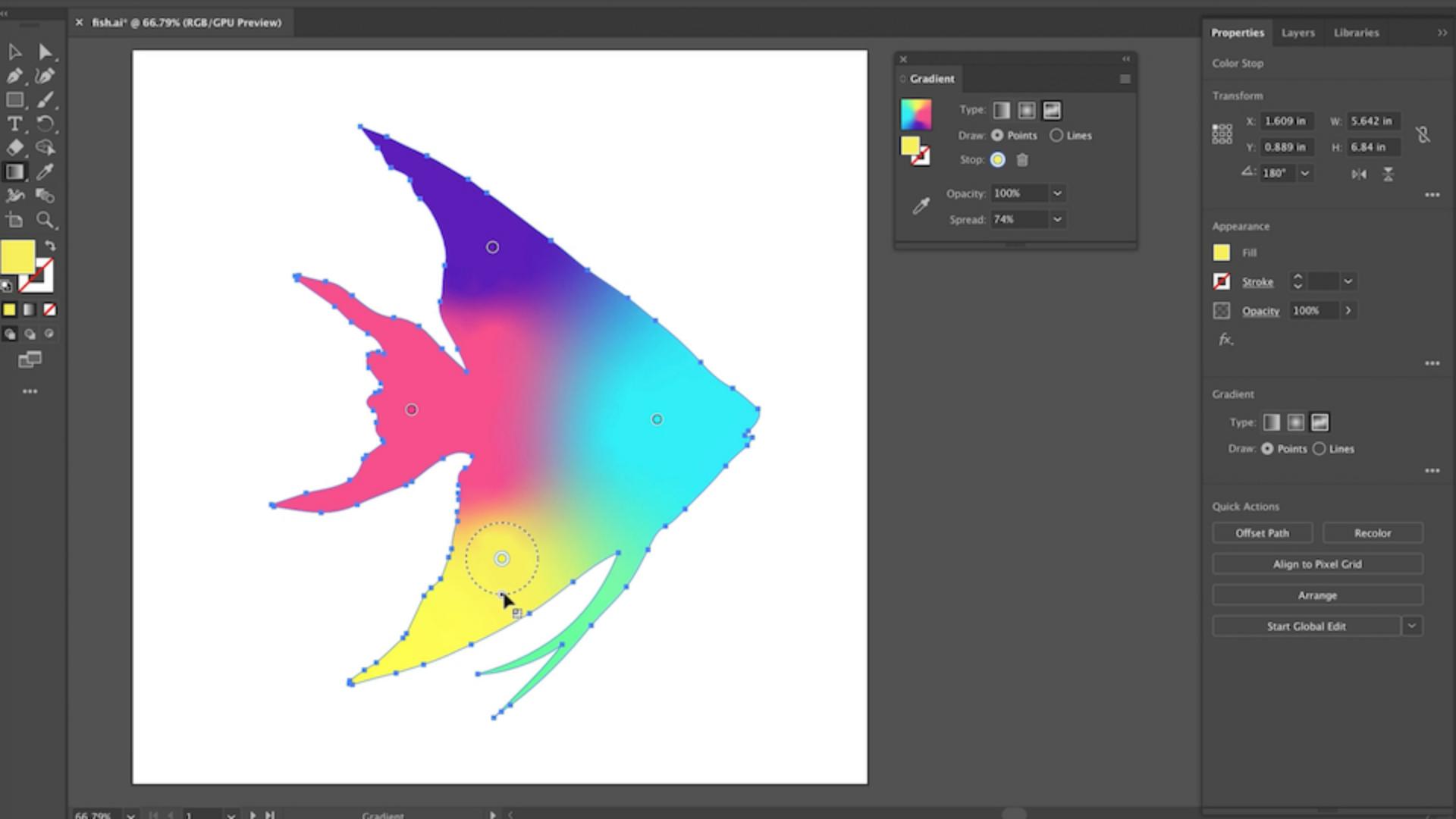
Click anywhere on the object to add the colors stops.
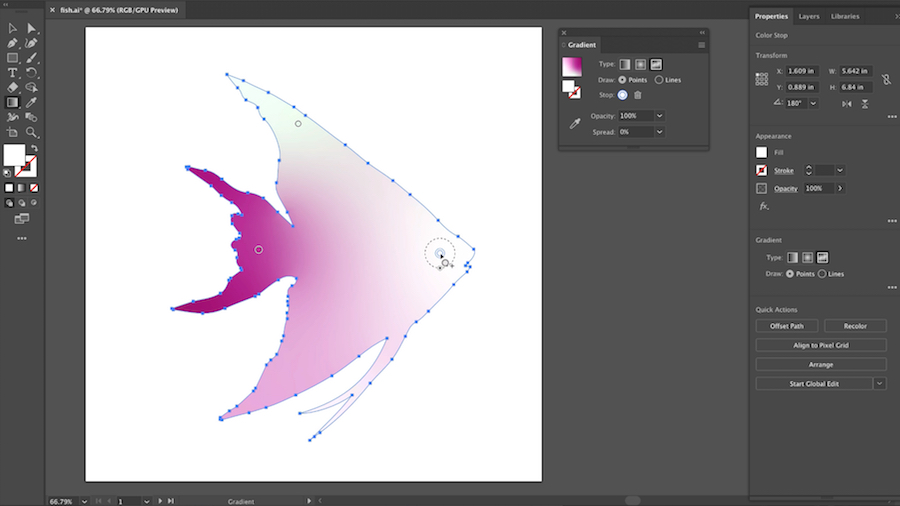
Drag them to your desired locations and assign colors.
To delete a color stop, simply drag it outside of the object, or click Delete in the Gradient panel, or press the Delete key.
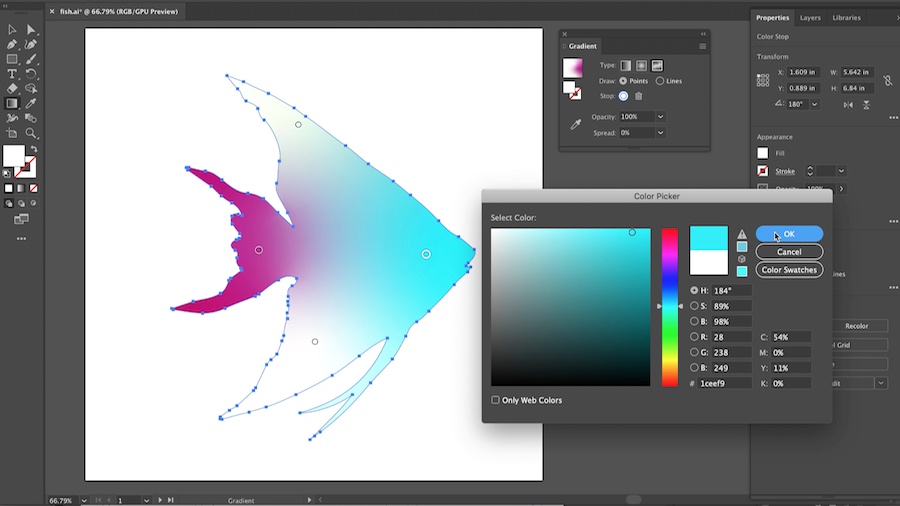
You can adjust the spread for each color stop by enlarging or contracting the circle around the color point.
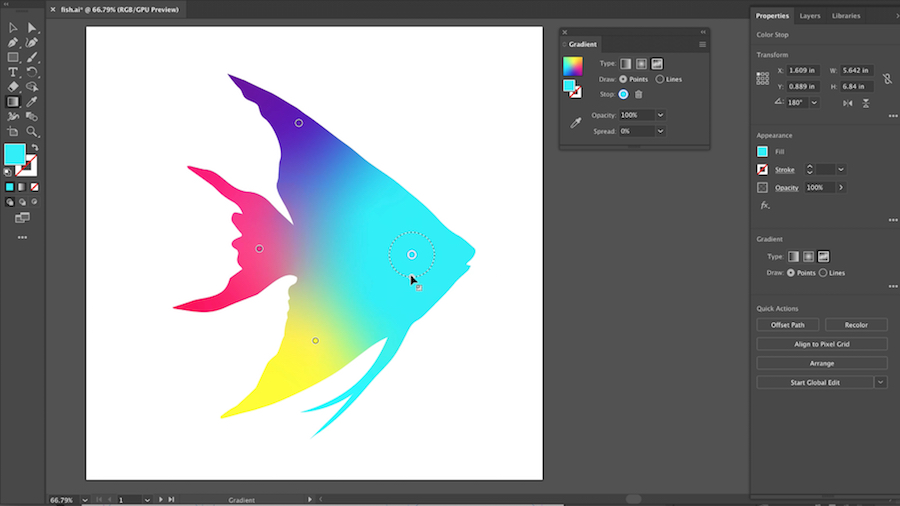
You can also type a value for the Spread in the Gradient panel (or in the Properties or Control panels).
The default value for the spread of color stops is 0%.
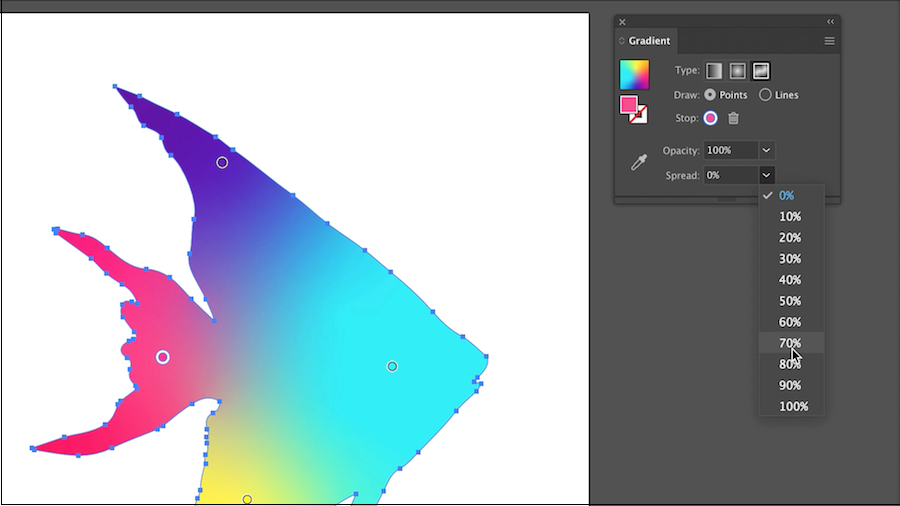
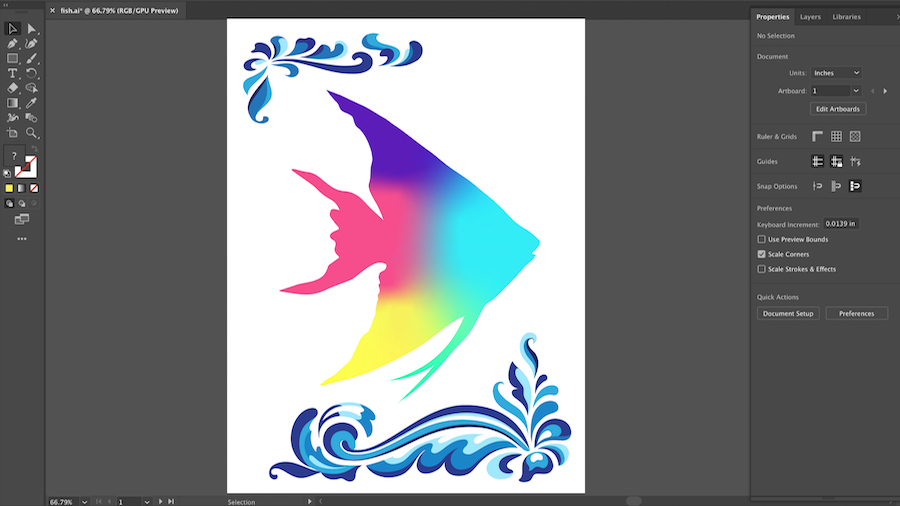
Easy-to-make, beautiful gradients add a colorful touch to your graphic designs!