https://main--cc--adobecom.aem.live/cc-shared/assets/img/firefly.svg https://main--cc--adobecom.aem.live/cc-shared/assets/img/ff-lockup-f4.svg | Adobe Firefly
使用 AI 居家設計工具,免費產生居家設計視覺效果。
描述房間、風格或格局,加入參考影像,即可建立細緻的室內視覺化圖像。使用 Adobe Firefly 探索設計方向、與客戶分享概念,無需相機或已完成的空間,也能將您的想法化為具體畫面。
Or tap here
File must be JPEG (JPG), PNG, or WEBP and up to 100MB.
By uploading your image or video, you agree to the Adobe Terms of Use and Privacy Policy and confirm you are 18 years of age or older.
https://main--cc--adobecom.aem.live/cc-shared/assets/svg/s2-icon-upload-20-n.svg Upload your image
Or tap here
File must be JPEG (JPG), PNG, or WEBP and up to 100MB.
By uploading your image or video, you agree to the Adobe Terms of Use and Privacy Policy and confirm you are 18 years of age or older.
https://main--cc--adobecom.aem.live/cc-shared/assets/svg/s2-icon-upload-20-n.svg Upload your image
Or drag and drop here
File must be JPEG (JPG), PNG, or WEBP and up to 100MB.
By uploading your image or video, you agree to the Adobe Terms of Use and Privacy Policy and confirm you are 18 years of age or older.
- File size larger than 100MB
- 無法處理要求
- We are unable to process this file type. Please try again.
- 一次只能上傳一個檔案
- Image is smaller than the minimum dimensions (512 x 512 pixels). Please resize and try again.
https://main--cc--adobecom.aem.live/cc-shared/assets/img/product-icons/svg/firefly-80.svg
Adobe Firefly
https://main--cc--adobecom.aem.live/cc-shared/assets/img/product-icons/svg/firefly-80.svg
Adobe Firefly
創意 AI 的下一波革新已來臨,透過影像、影片、音訊和向量工具來實現您的所有想法
在打造空間之前,先將下一個空間視覺化
輸入您心目中的房間描述,Adobe Firefly 即可免費產生精細影像,作為設計的起點。探索調色盤、家具擺設、燈光氛圍與建築風格,反覆調整直到視覺效果與您的理想完全吻合。
從文字提示快速打造房間概念
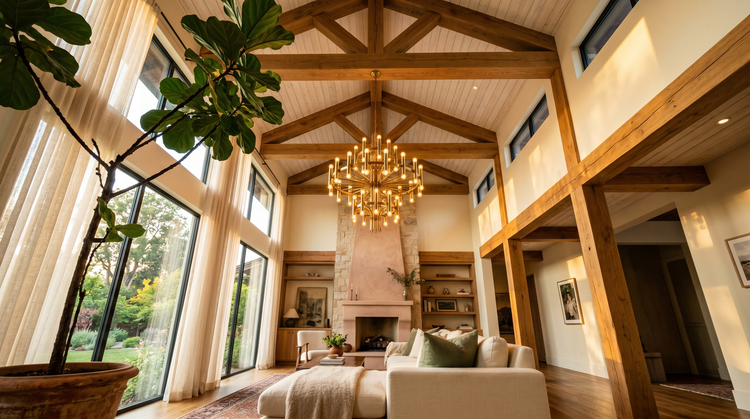
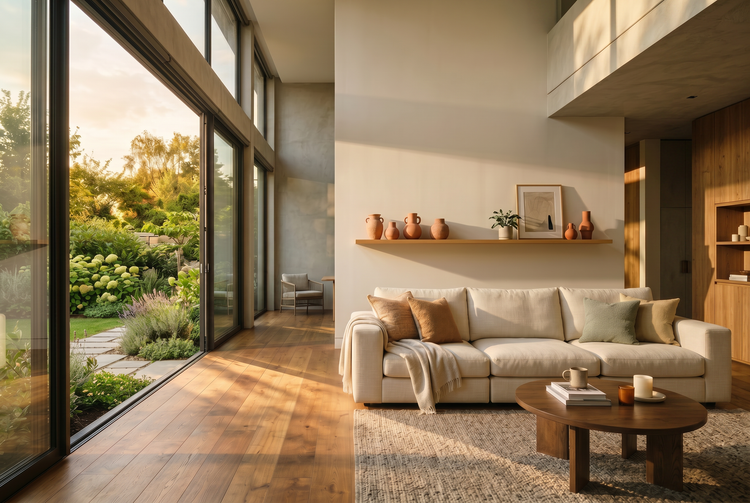
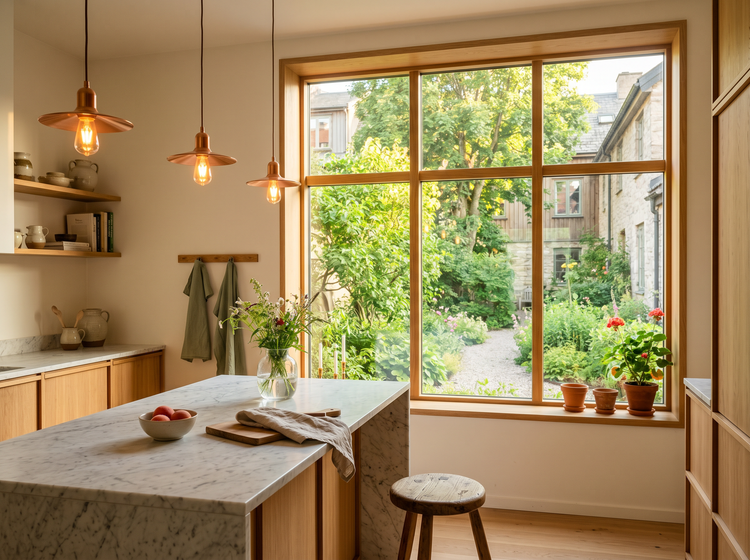
描述一間鋪有溫潤橡木地板、設有落地窗的世紀中葉現代風客廳,或一間搭配實木檯面與開放式層架的溫馨農舍風廚房。Adobe Firefly 會將您的文字描述轉化為可分享、可反覆優化的視覺概念,協助您與團隊或客戶對齊設計方向。
自由探索各種風格
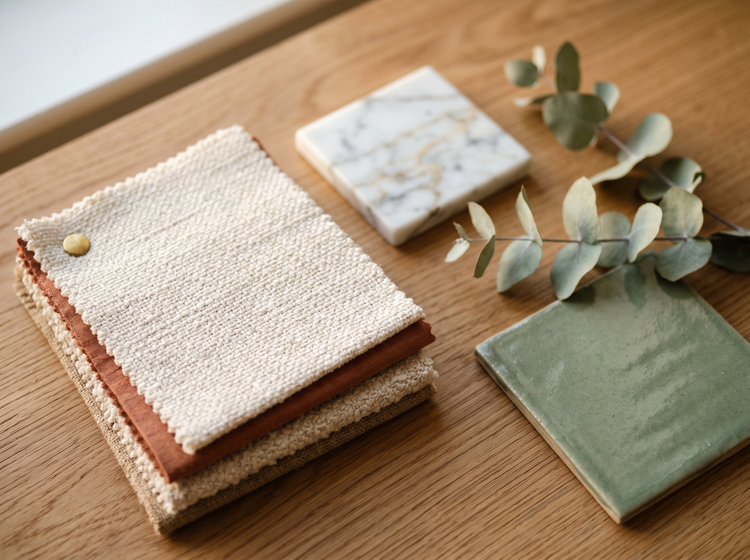
試試北歐極簡風在小坪數公寓中的呈現效果。看看大膽的極繁風壁紙會為餐廳帶來什麼樣的視覺變化。比較溫暖大地色系與清爽海岸色調的不同效果。透過「產生影像」,您可以在購買任何家具或預約承包商之前,先嘗試數十種設計方向。
建立可安心用於商業用途的居家設計作品
透過 Adobe Firefly 模型生成的每張影像皆可安心用於商業用途。您可將居家設計視覺圖應用於客戶簡報、房地產刊登頁面、社群貼文、情緒版及行銷素材,而無需擔心授權或使用權問題。
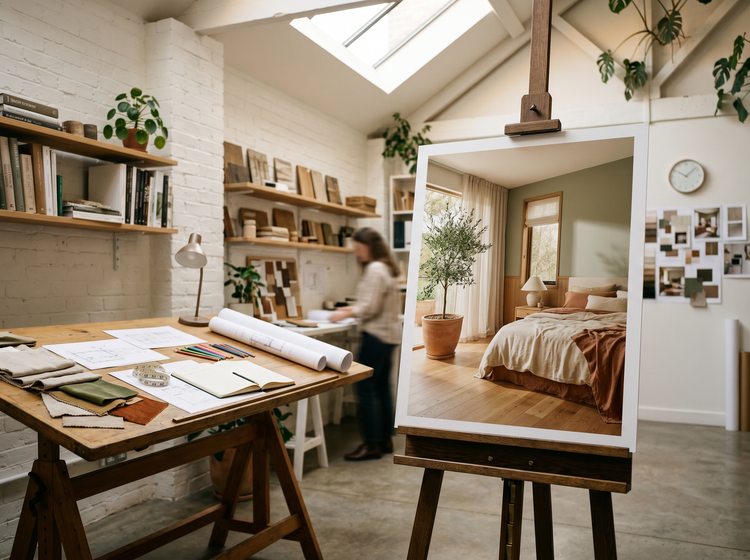
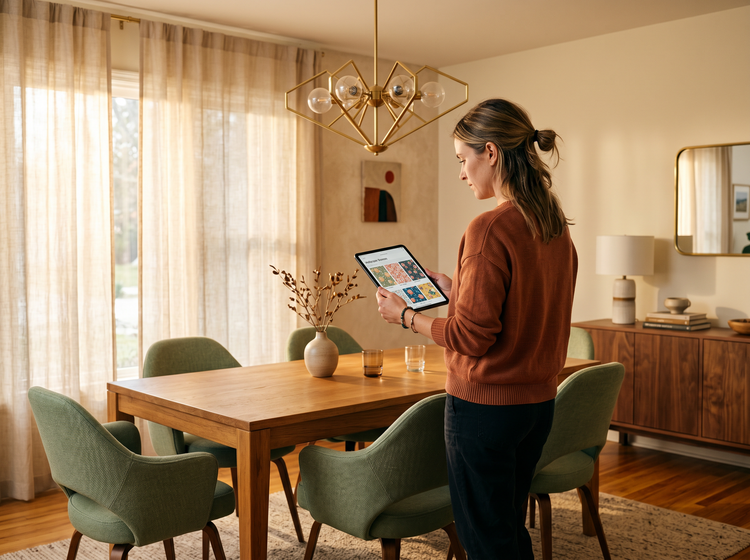
精細調整重要細節
透過調整提示內容,您可以精準設定地板材質、牆面顏色、自然光或人工照明,以及家具擺設位置等細節。提供的細節越完整,生成結果就越貼近您的設計構想。儲存您最喜愛的成果,並透過內建編輯工具進行更精細的調整。
如何使用 Adobe Firefly 產生居家設計視覺圖
步驟 1
開啟 Adobe Firefly。
步驟 2
描述您的空間
步驟 3
產生並比較成果
步驟 4
精修您最喜愛的版本
步驟 5
儲存並分享
使用 Adobe Firefly「產生影像」功能建立 AI 居家設計視覺圖的步驟
PT5M
firefly
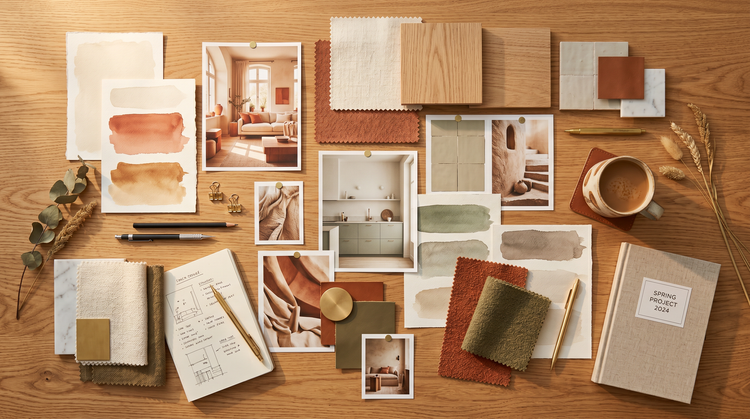
更快速的概念發想
描述您想要的空間,即可在短時間內獲得視覺化成果。在確定方向之前,先產生多種方案比較格局、配色與風格。
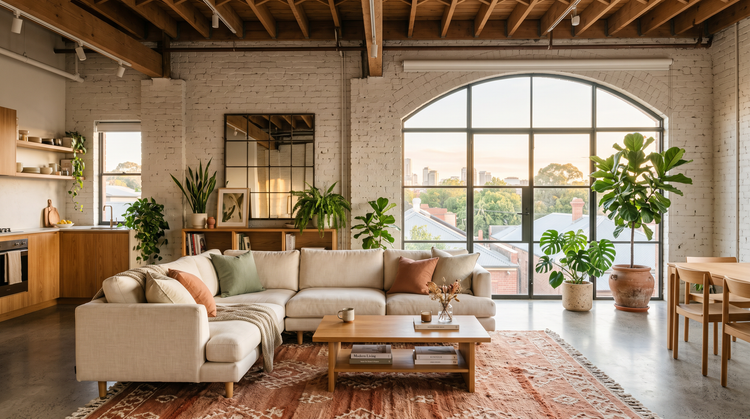
隨處可用的專業級成果
下載高品質影像,可直接應用於客戶簡報、物件刊登頁面、社群貼文及印刷素材。所有透過 Adobe Firefly 模型產生的影像皆可安心用於專業及商業用途。
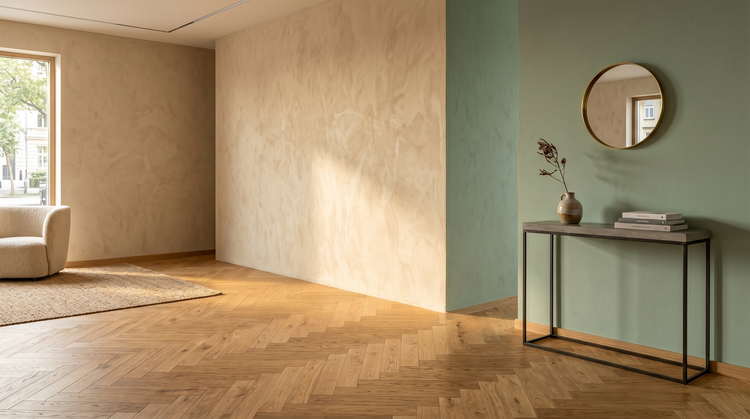
無需專業軟體
無需 CAD、3D 建模或照片編輯經驗。輸入您想呈現的內容,Adobe Firefly 即可為您產生。透過後續提示與內建的簡易編輯工具,持續精修成果。