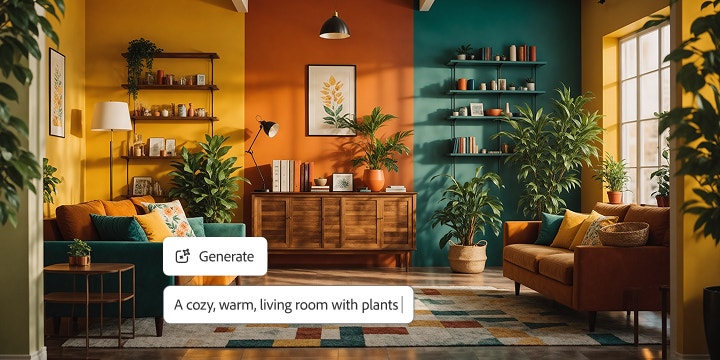
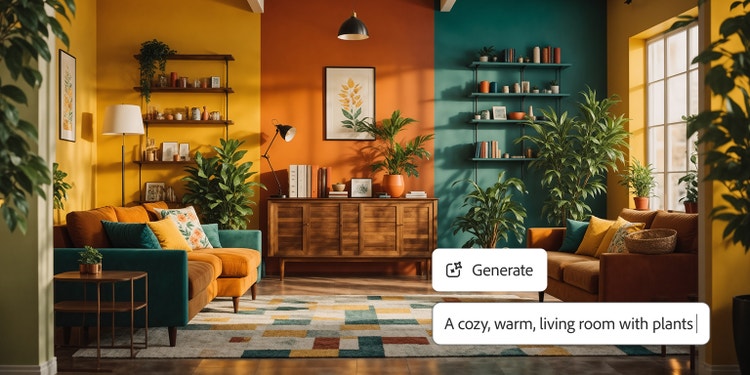

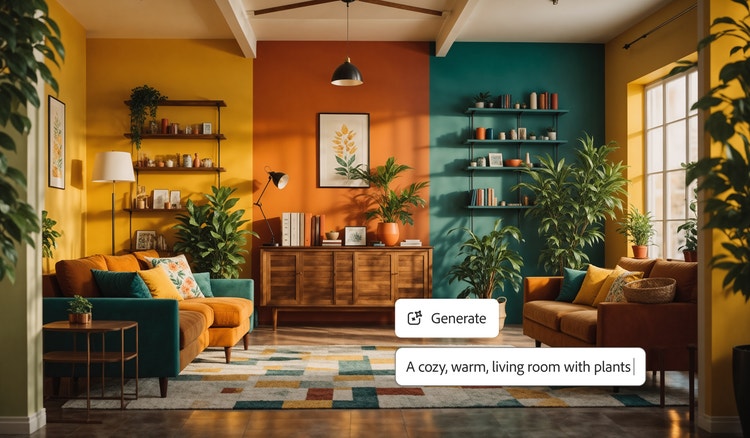
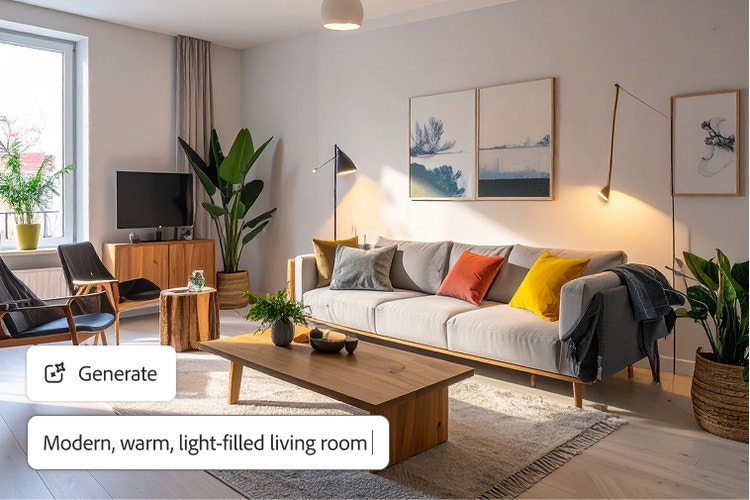
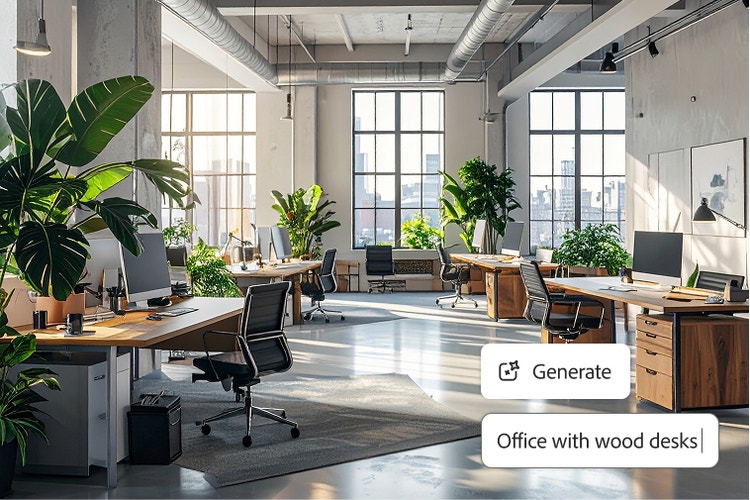
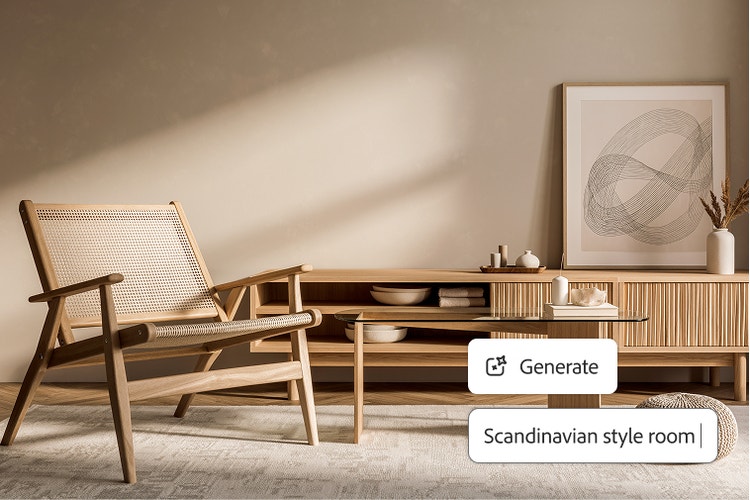
Visualize your dream space with AI room design.
Transform sketches, photos, or text prompts into realistic and professional AI interior designs with Firefly.
https://main--cc--adobecom.aem.page/cc-shared/assets/img/product-icons/svg/firefly-80.svg
Adobe Firefly
https://main--cc--adobecom.aem.page/cc-shared/assets/img/product-icons/svg/firefly-80.svg
Adobe Firefly
Use everyday language to create extraordinary results with generative AI.
Discover amazing AI room designs.
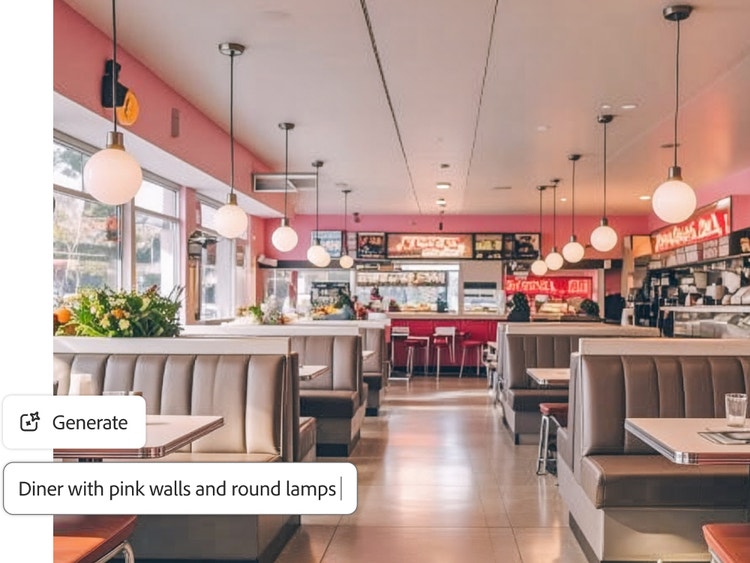
Firefly is your fast and easy AI interior design tool. Just type a text prompt to bring your vision to life for a home renovation, office redesign, or creative interior styling project.
Quickly transform the look of any space.
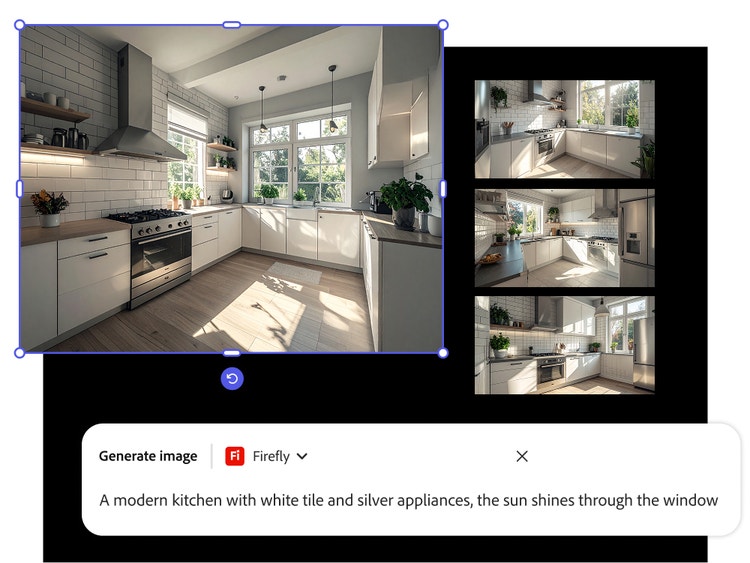
Want to know how to use AI to design a room? Simply upload inspiring photos or sketches to the Firefly mood board generator, and then generate stylish new concepts and layouts in minutes with Generate Image.
Explore endless creative possibilities for AI interior design.
Experiment with different AI room design styles, lighting, textures, and layouts. Firefly integrates with Adobe Creative Cloud, so you can send your AI room designs to apps like Adobe Photoshop and Illustrator to make precise edits, add depth with gradients, and export production-quality images.
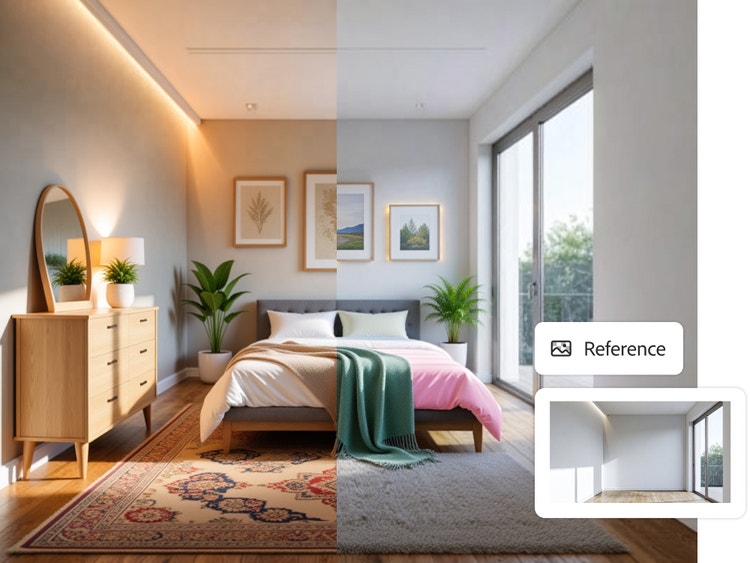
Get AI room design tools that are perfect for any space.
Ready to have AI decorate your room? Firefly is ideal for designing residential or commercial spaces for personal projects, professional commissions, or marketing use cases.
Use vision boards to plan your ideal AI interior designs.
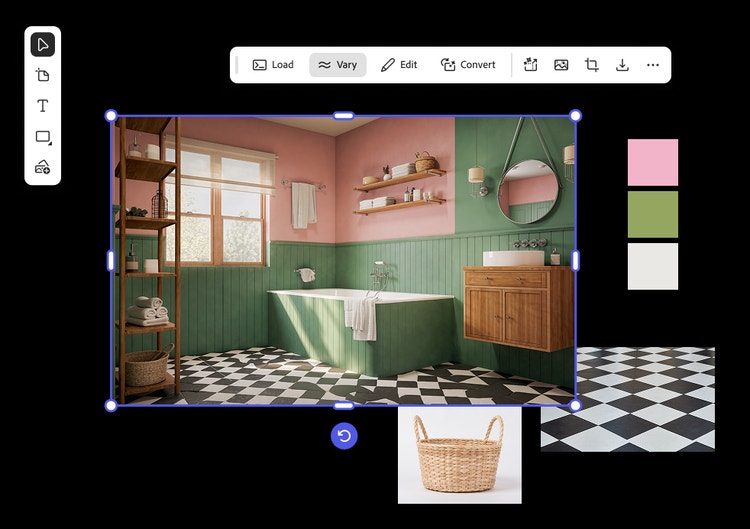
Firefly Boards is the ultimate vision board tool for capturing inspiring imagery in one digital canvas. Easily begin your AI room design project in Firefly Boards by exploring visual directions or using the artboard composite workflow to expertly blend disparate assets into a cohesive scene.
Commercially safe output.
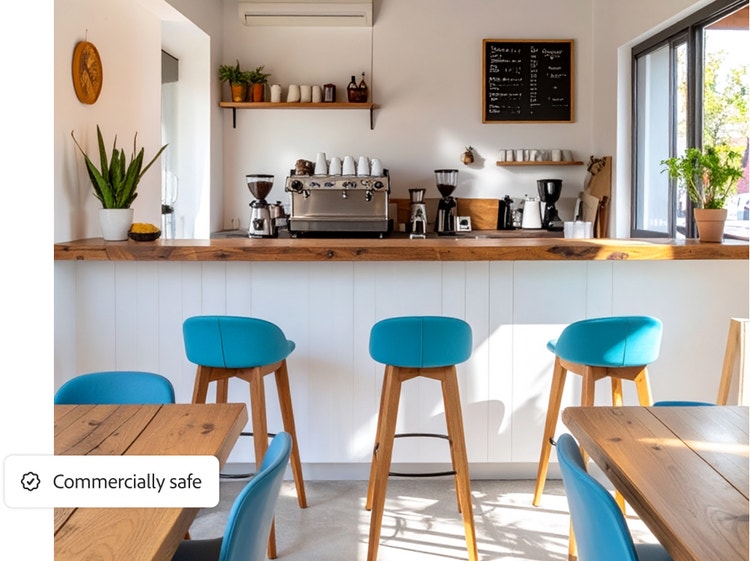
Firefly models are built for commercial use, so you can create AI room designs without worrying about copyright issues or usage rights.
How to use AI to design a room with Firefly.
Creating AI room designs with Firefly is fast and fun, thanks to generative AI. In just a few steps, you can bring together your inspirations, flesh out your ideas, and start creating with AI interior design tools.
- Start a new board in Firefly Boards and gather inspiring images.
Open Firefly Boards and create a new project. Then upload interior design images or sketches from your device, Adobe cloud storage, Adobe Stock, and other favorite sources. - Build your canvas layout.
Drag and resize your uploads to create a layout that organizes everything to show how different colors, textures, furniture pieces, and décor elements might work together in your space. - Generate and remix your AI room design inspirations.
Experiment freely with powerful Firefly tools to have AI decorate your room. Select multiple photos and Remix to explore new color palettes, moods, or layouts. Select an image and try the Vary feature to get new ideas that are similar or in the same style. Or write a text prompt describing what you’d like to see and click Generate to have Firefly deliver unique image options. - Edit and refine your elements.
Fine-tune the details of your AI interior design to match your vision. Firefly makes it easy to edit, reframe, and polish any element. Just select an image to access tools like Generative Fill, Expand, Remove Background, and more. - Share your AI room design.
Export your design as a JPG, PNG, or PDF by grouping board images and then clicking Download or Export. Email it to a client, print it out, or share it on social media. You can even share your board with others for review and collaboration..
Why use Firefly for AI room design?
Adobe Firefly is an AI interior design tool built for ideation, helping you visualize spaces quickly so your finished rooms look exactly the way you want. Turn inspiration into visual directions you can refine and build on. The advantages include:
- Professional results: Firefly generative AI models deliver high-quality images you can use for personal or commercial projects.
- Power and simplicity: With easy-to-use AI interior design tools like Generate Image and Generative Fill, you can quickly create all-new images and then fine-tune them to fit your needs.
- Adobe Creative Cloud integration: Firefly is seamlessly integrated with other Creative Cloud apps, so you can quickly add your newly created AI interior design to layouts, websites, or other projects.
Questions? We have answers.
What are some AI tools for home design?
What makes Firefly the best AI room designer?
I want to know how to use AI to design a room. Is there a steep learning curve?
Is the Firefly AI room designer free?
Learn more about generative AI and room design.
Create an interior design mood board to bring spaces to life.
Learn how a mood board for interior design helps organize colors, designs, and materials to turn concepts into visual plans.
Learn more | Learn more - Create an interior design mood board to bring spaces to life
Digital mood board examples for any project or aesthetic.
From fashion to branding to interior design, mood board examples offer a starting point for every creative process. Browse styles and layouts to spark ideas for the perfect mood board vibe.
Learn more | Learn more - Digital mood board examples for any project or aesthetic
How generative AI works: From training to output.
Generative AI is all over the headlines, and that’s not empty hype. This new technology is likely to be part of your life soon — if it’s not already. Learn how generative AI works and start streamlining your workflow.
How to write AI art prompts that get results.
The best prompts for AI aren't always obvious. These tips get you to your destination in record time.
Learn more | Learn more - How to write AI art prompts that get results.