https://main--cc--adobecom.aem.live/cc-shared/assets/img/firefly.svg Adobe Firefly
免費以 AI 以圖生圖:輕鬆變換現有照片
運用強大的影像轉影像 AI 工具,瞬間編輯、合成與重新設計任何視覺內容。
或將檔案拖放到這裡
檔案必須為 JPEG (JPG)、PNG 或 WEBP 格式,且不超過 100MB。
https://main--cc--adobecom.aem.live/cc-shared/assets/svg/s2-icon-upload-20-n.svg 上傳您的影像
或將檔案拖放到這裡
檔案必須為 JPEG (JPG)、PNG 或 WEBP 格式,且不超過 100MB。
https://main--cc--adobecom.aem.live/cc-shared/assets/svg/s2-icon-upload-20-n.svg 上傳您的影像
或將檔案拖放到這裡
檔案必須為 JPEG (JPG)、PNG 或 WEBP 格式,且不超過 100MB。
- 檔案大小超過 100MB
- 無法處理要求
- 無法處理此檔案類型。請重新嘗試。
- 一次只能上傳一個檔案
- 影像小於最小尺寸 (512 x 512 像素)。請調整大小後重新嘗試。
https://main--cc--adobecom.aem.live/cc-shared/assets/img/product-icons/svg/firefly-80.svg
Adobe Firefly
https://main--cc--adobecom.aem.live/cc-shared/assets/img/product-icons/svg/firefly-80.svg
Adobe Firefly
創意 AI 的下一波革新已來臨,透過影像、影片、音訊和向量工具來實現您的所有想法
什麼是以影像建立影像 AI?
以圖生圖 AI 是一種生成式 AI 技術,可將一張影像轉換為另一張,例如將白天場景變為夜晚。它運用在大型影像資料集上訓練的機器學習模型,識別圖樣、風格與視覺脈絡。使用者只需上傳影像並選取修改方式,即可從照片、繪圖、數位藝術等素材中免費生成 AI 影像,輕鬆創作各種變化版本,盡情發揮創意。
如何在 Adobe Firefly 中使用影像轉影像 AI
運用以影像建立影像 AI 技術,輕鬆將相片、草圖或設計轉化為全新作品。無論您是想提升產品相片、重塑手繪角色,還是為數位藝術注入新風格,AI 影像生成器都能靈活簡便地滿足您的需求。只需上傳您的影像,選擇想要的轉換方式,AI 就會為您完成剩下的工作,輕鬆生成 AI 影像。
步驟 1
開啟 Firefly
步驟 2
上傳您的影像
步驟 3
新增文字提示
步驟 4
選擇您的 AI 模型
步驟 5
調整強度
步驟 6
嘗試各種風格
步驟 7
匯出您的影像
- 如何在 Firefly 相片編輯器中移除照片中的物件。
- 在 Firefly 相片編輯器中移除照片物件的步驟說明
- PT5M
- firefly
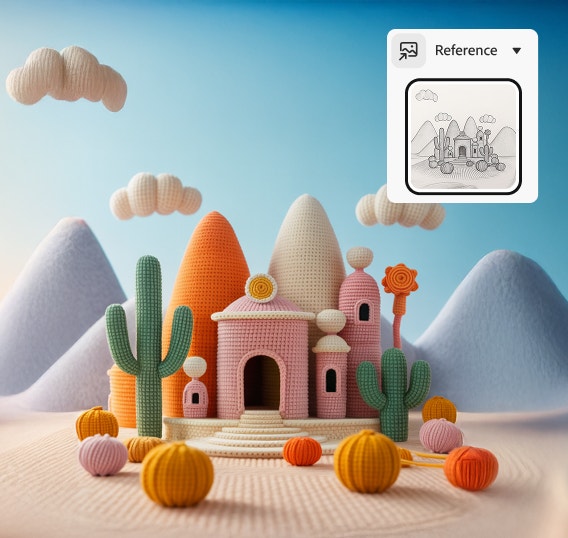
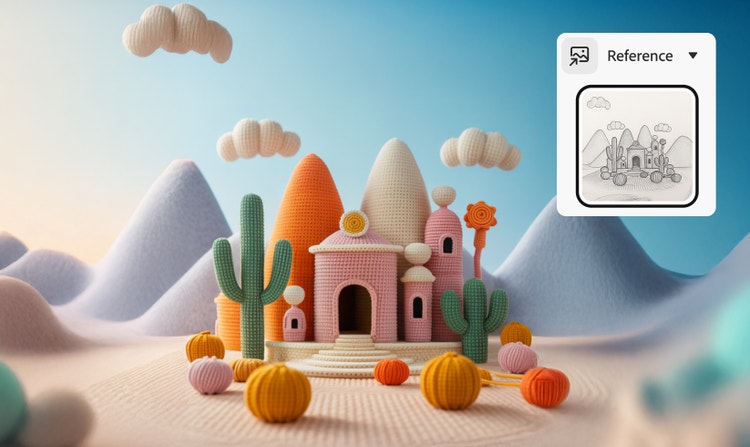
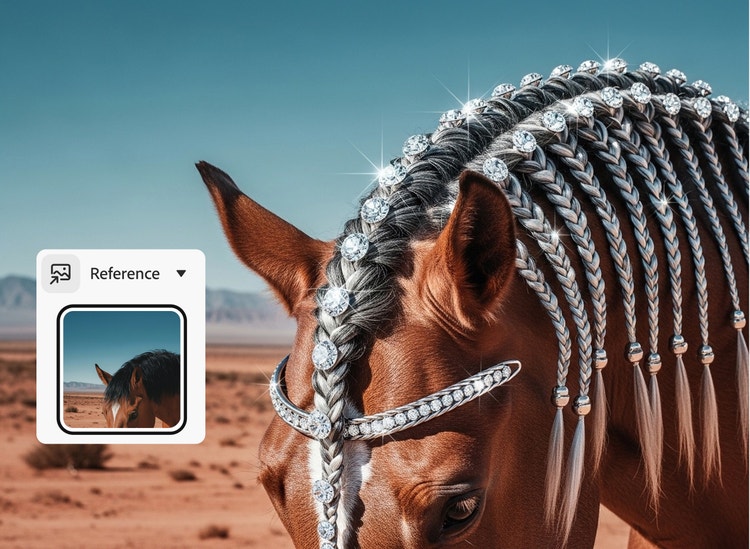
結構保真度
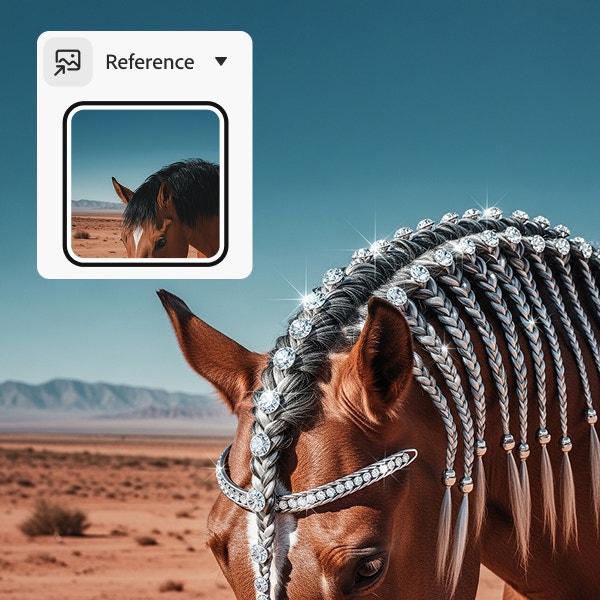
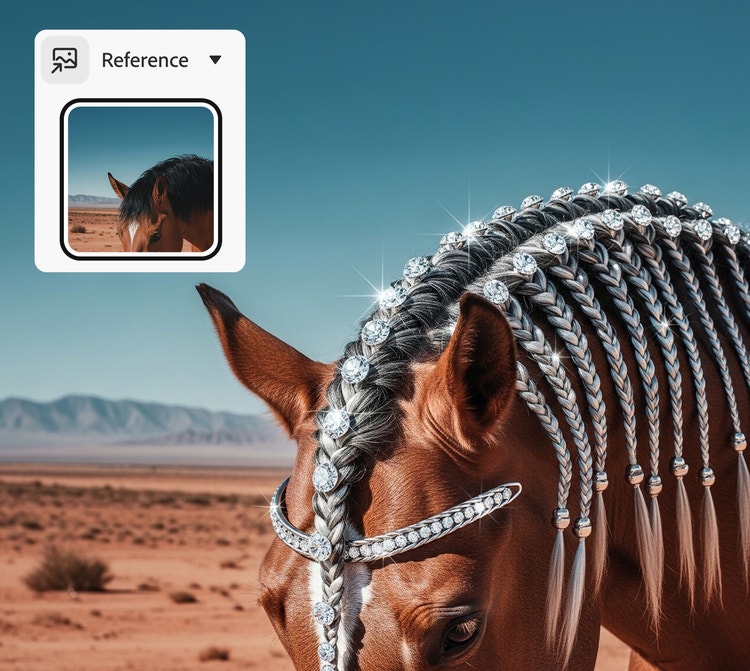
透過在 Firefly 中使用參考影像,您可以在轉換風格的同時保持影像結構。
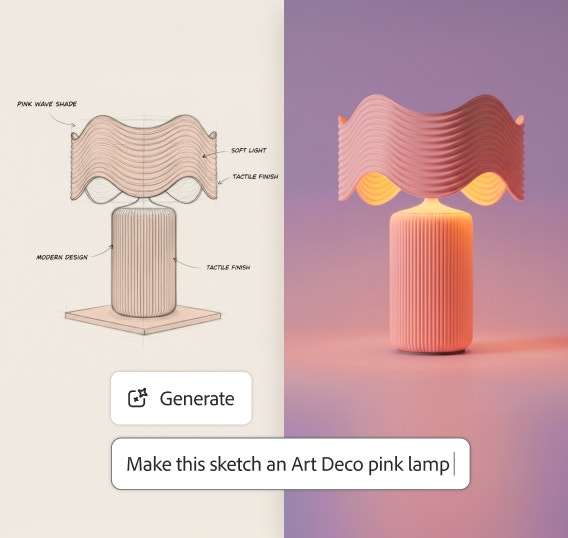
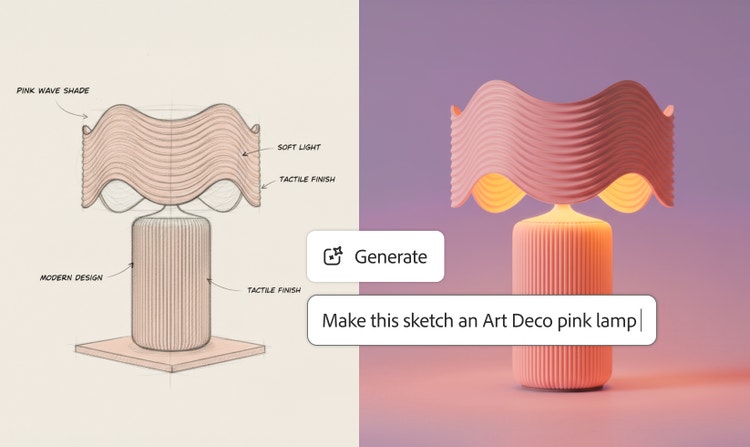
快速創意探索
快速演進產品攝影或影像概念,同時與企業和品牌需求保持一致。
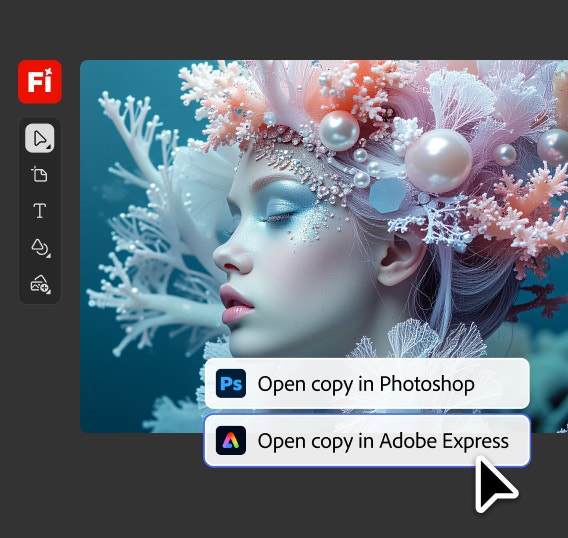
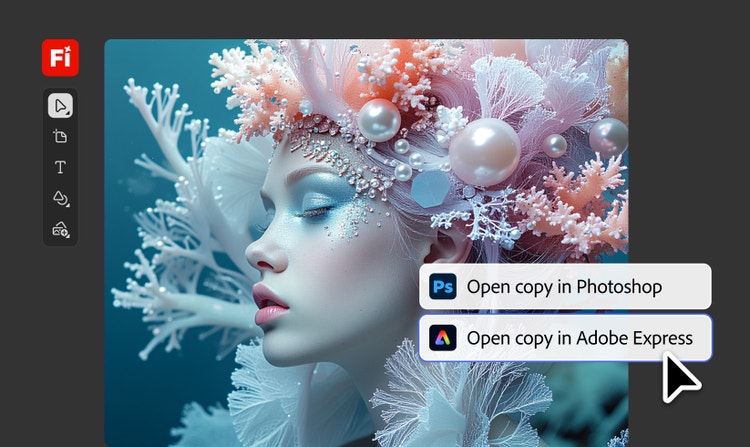
無縫 Creative Cloud 整合
在 Firefly 中生成影像後,您可以將其傳送至 Creative Cloud 應用程式 (如 Photoshop 和 Illustrator) 進行進一步處理。開發兒童讀物角色和場景、將漫畫面板轉換為風格化插圖等。
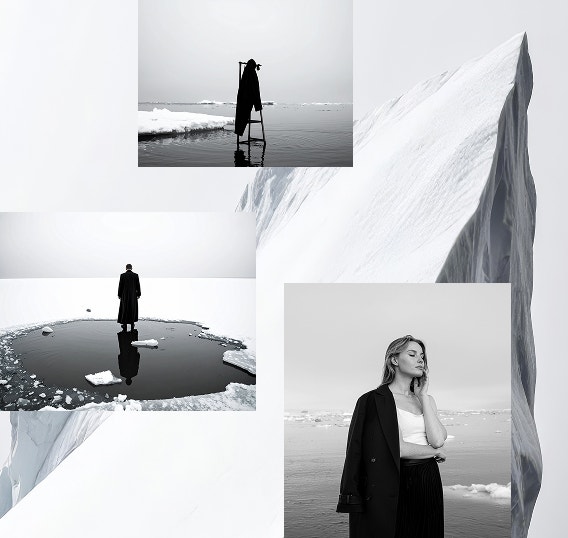
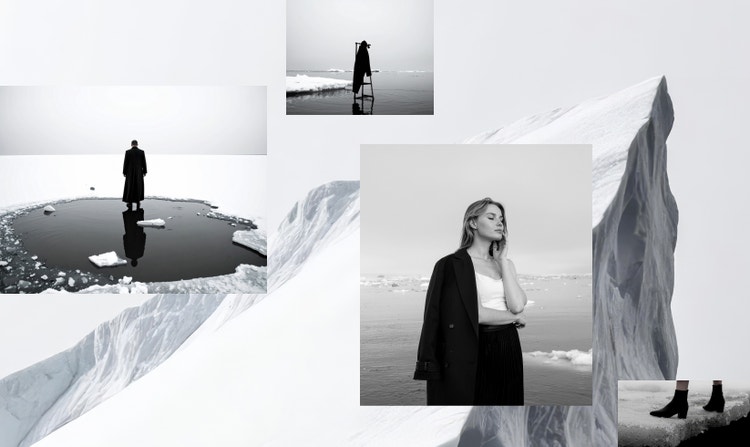
單一流程,快速產出多種版本
無論您是將手繪平面設計概念轉換為精緻的數位資產,還是更新社群媒體照片,Firefly 都能讓您輕鬆比較視覺變化,加快決策速度。
探索 Firefly 的無限可能
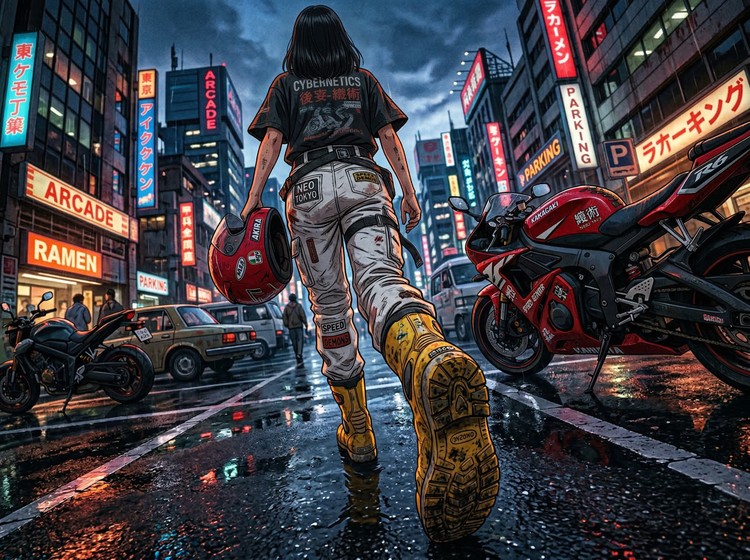
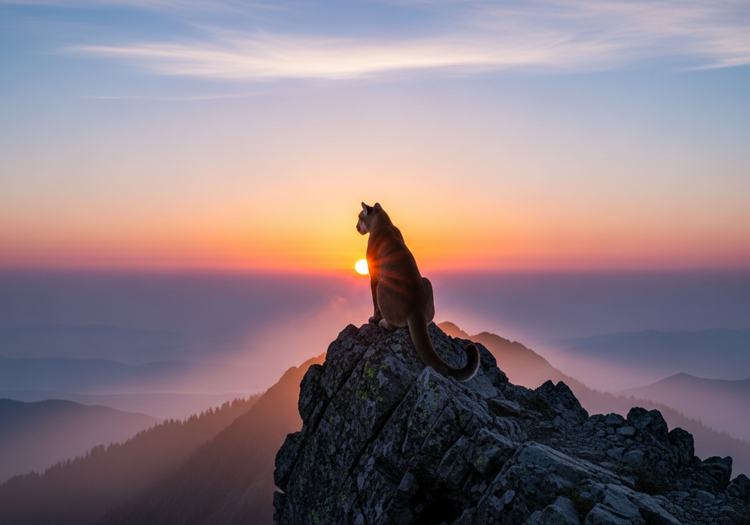
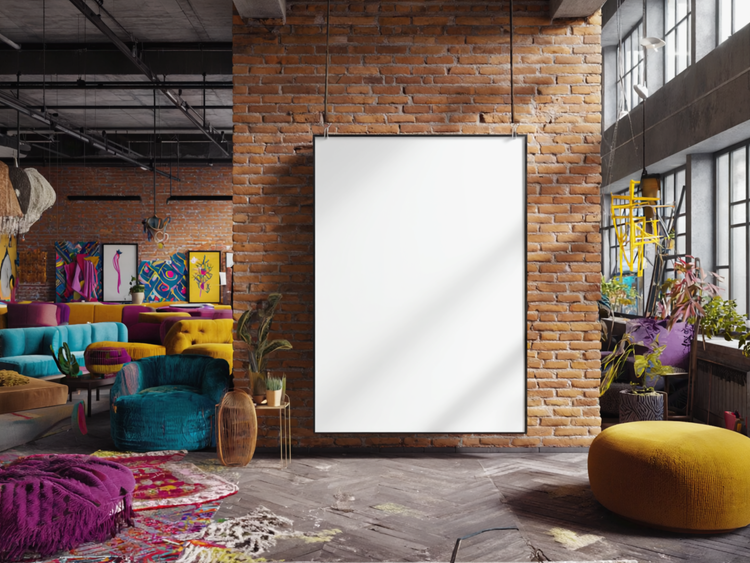
有疑問嗎?我們為您解答
什麼是以影像建立影像 AI?
AI 能否從現有影像建立新影像?
什麼是以影像建立影像 AI 生成器?
以影像建立影像生成器如何運作?
如何將影像轉成 AI 藝術作品?
影像轉影像與以文字建立影像有什麼差別?
最佳的影像轉影像 AI 工具是什麼?
如何在改變風格的同時保持影像結構?
我可以為商業專案生成影像嗎?
Adobe Firefly 以圖生圖 AI 工具是免費的嗎?
分享此頁面
探索更多 Firefly 生成式 AI 工具
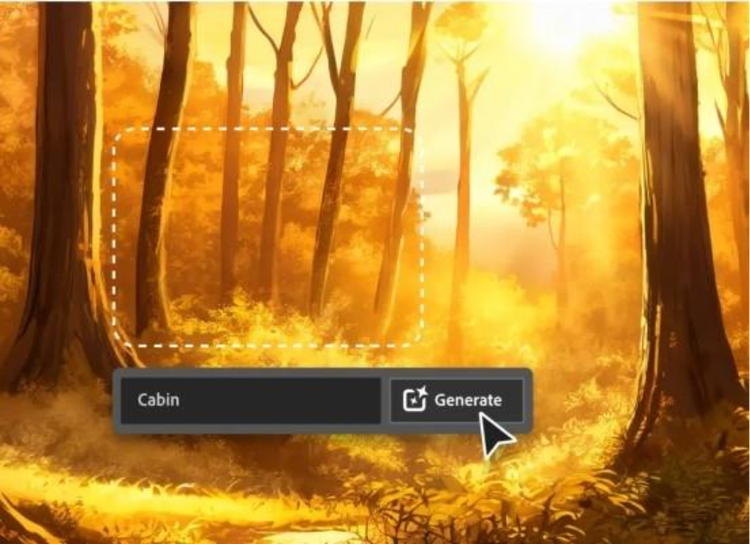
適合平面設計師使用的 AI
了解可供平面設計師使用的 AI 工具,以及這些工具如何協助您提高工作效率,並帶領您的作品朝令人驚嘆的方向發展。
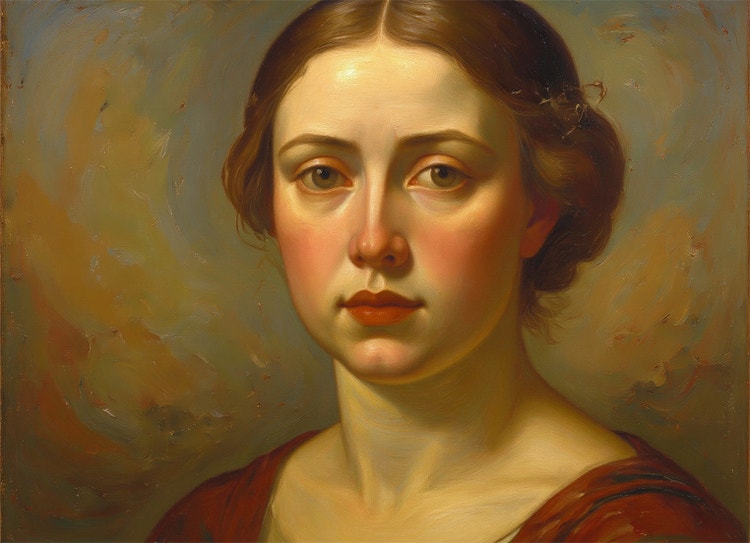
使用 Adobe Firefly 做為 AI 繪畫生成器,將文字轉換為藝術作品
您只需要一個點子和生成式 AI 的力量,而不需要顏料或數小時的空閒時間,就能製作出一件值得裝框的藝術作品。