https://main--cc--adobecom.aem.live/cc-shared/assets/img/firefly.svg | Adobe Firefly logohttps://main--cc--adobecom.aem.live/cc-shared/assets/img/ff-lockup-f4.svg| Adobe Firefly
Remove a person from a photo with Firefly.
Erase unwanted people using Generative Remove while keeping backgrounds natural, clean, and realistic.
Or tap here
File must be JPEG(JPG), PNG, or WEBP and up to 100MB.
By uploading your image or video, you agree to the Adobe Terms of Use and Privacy Policy and confirm you are 18 years of age or older.
https://main--cc--adobecom.aem.live/cc-shared/assets/svg/s2-icon-upload-20-n.svg Upload your image
Or tap here
File must be JPEG(JPG), PNG, or WEBP and up to 100MB.
By uploading your image or video, you agree to the Adobe Terms of Use and Privacy Policy and confirm you are 18 years of age or older.
https://main--cc--adobecom.aem.live/cc-shared/assets/svg/s2-icon-upload-20-n.svg Upload your image
Or drag and drop here
File must be JPEG(JPG), PNG, or WEBP and up to 100MB.
By uploading your image or video, you agree to the Adobe Terms of Use and Privacy Policy and confirm you are 18 years of age or older.
- File size larger than 100MB
- Unable to process the request
- We are unable to process this file type. Please try again.
- Only one file can be uploaded at a time.
- Image is smaller than the minimum dimensions (512 x 512 pixels). Please resize and try again.
https://main--cc--adobecom.aem.live/cc-shared/assets/img/product-icons/svg/firefly-80.svg
Adobe Firefly
https://main--cc--adobecom.aem.live/cc-shared/assets/img/product-icons/svg/firefly-80.svg
Adobe Firefly
The next evolution of creative AI is here for all your ideas, with image, video, audio, and vector tools.
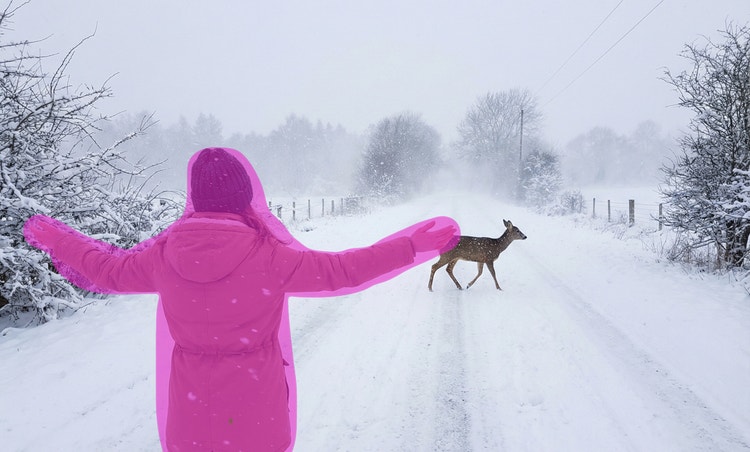
Remove people from photos by brushing them away.
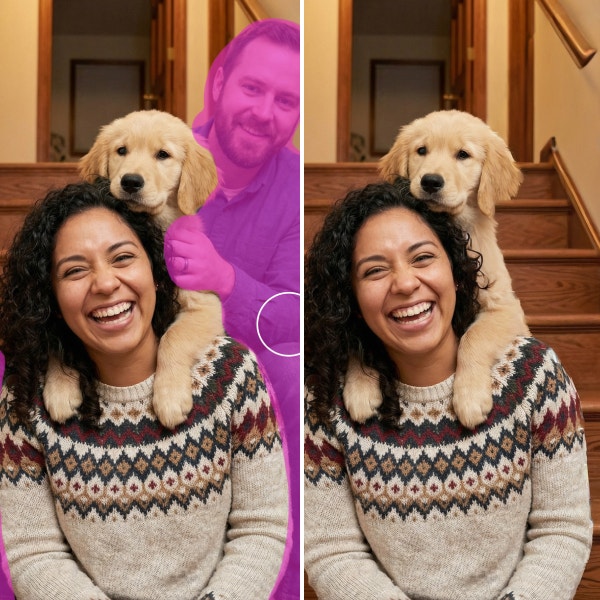
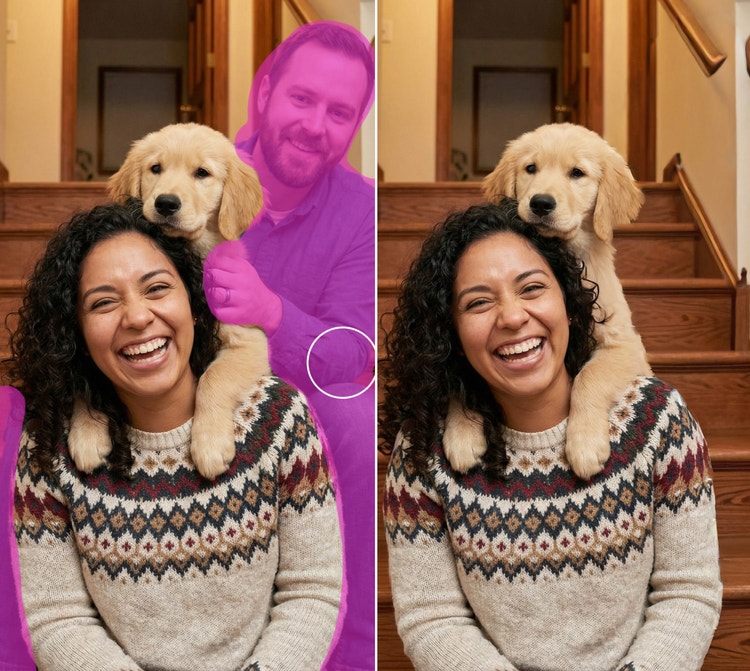
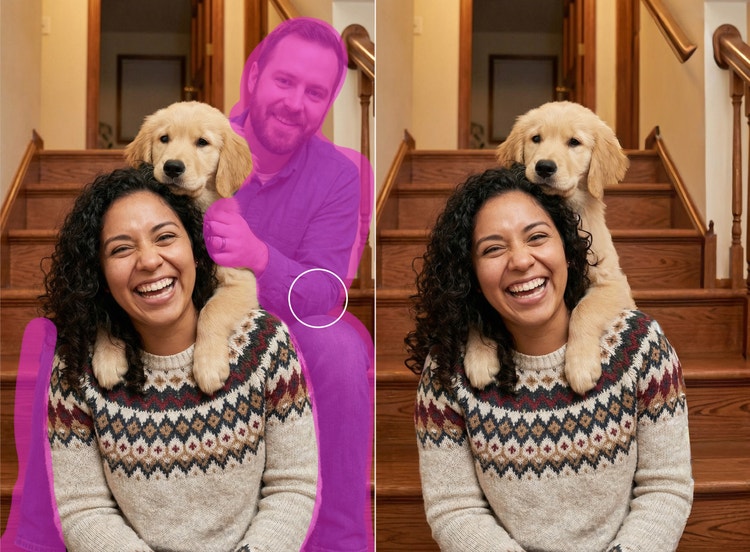
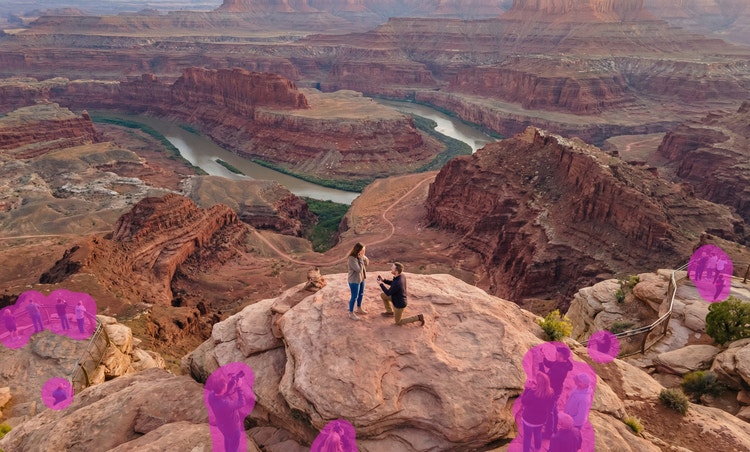
From a crowd at a landmark to a random stranger at the edge of your shot, you can remove a person from a photo online for free. Using Generative Remove, all you have to do is paint the person with the brush and click Generate. The person will disappear and Firefly creative AI will fill in the background so it looks natural.
Delete distractions by using AI to remove a person from a photo.
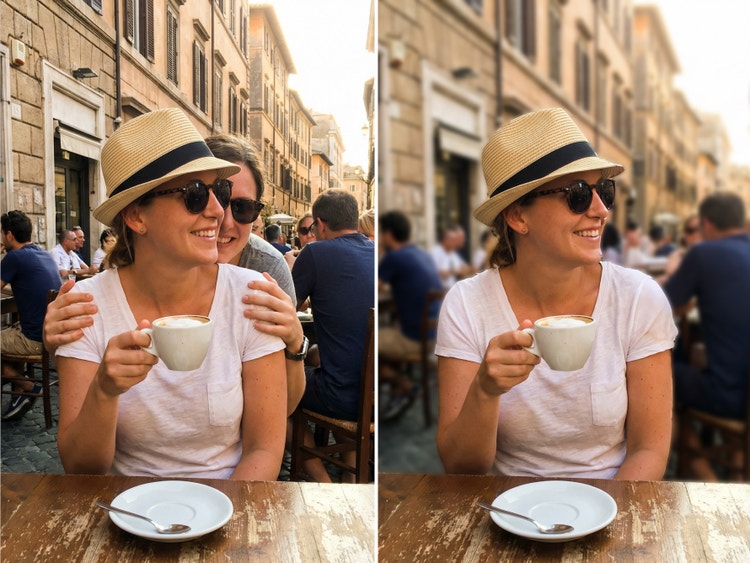
With the Firefly image editor, it’s easy to remove a photobomber from your favorite vacation photo or delete strangers from cafe, beach, or city shots. Keep the focus on you, your friends, your outfit, or the moment.
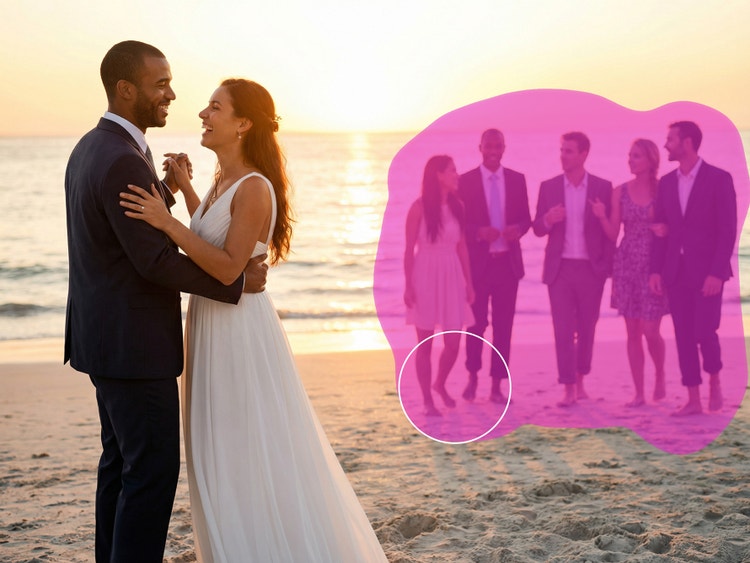
Make wedding and event photos perfect.
Use the same feature you’d use to remove objects from photos to edit your event shots to perfection. Eliminate background guests making awkward faces, walking through the aisle, or blocking key moments.
Remove people with AI to reduce costs and speed up workflows.
In just a few steps, Firefly can save professional photographers from costly edits or reshoots. Brush away distractions like crew members, reflections, or accidental background figures from lifestyle shoots. Clean up retail or street scenes to ensure photos are perfect for client delivery, prints, or portfolio showcases.
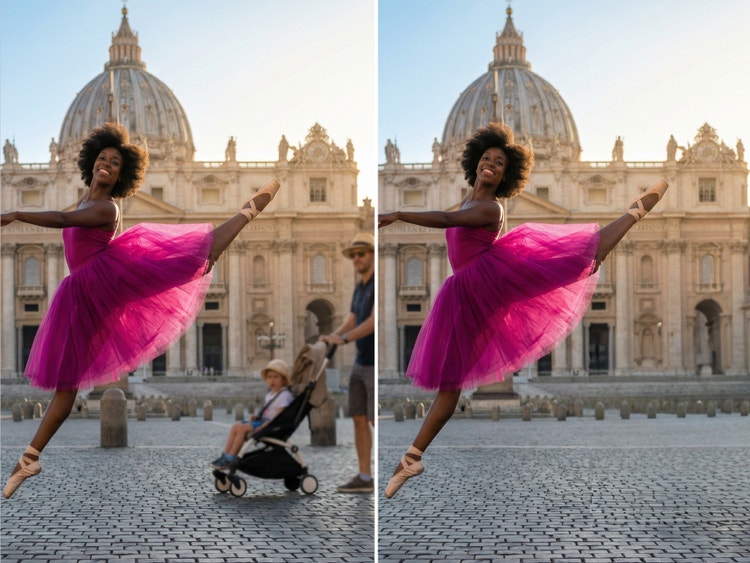
How to remove a person from a photo in Firefly photo editor.
Step 1
Open the Firefly image editor.
Step 2
Select your image.
Step 3
Choose Firefly Generative Remove from the Quick Actions menu.
Step 4
Brush over people to remove them.
Step 5
Remove the person or people.
Step 6
Download and share your edited photo.
- How to remove a person from a photo in Firefly photo editor.
- Steps on how to remove a person from a photo in Firefly photo editor
- PT5M
- firefly


All the tools you need in one place.
Creators can add, remove, expand, and enhance without switching apps.
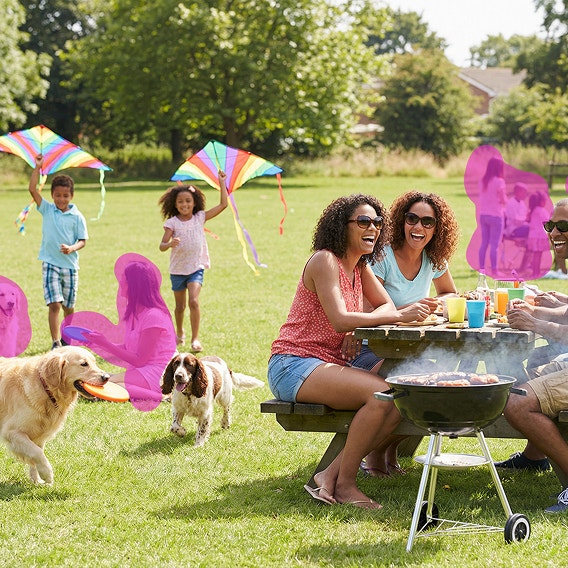
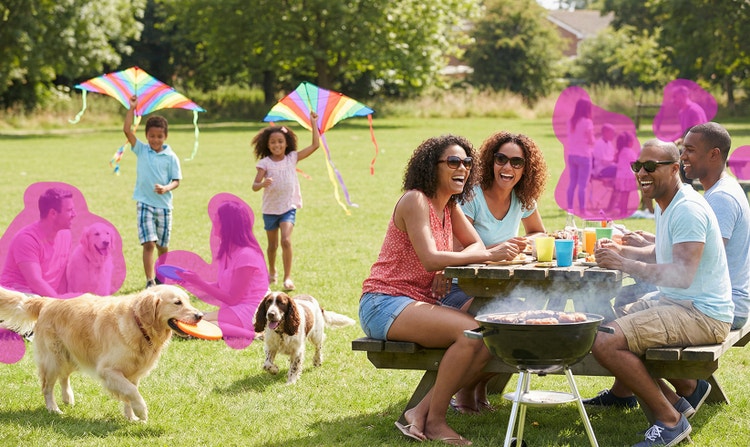
Precise control.
Creators can control which parts of an image they want to change and which they want to preserve.
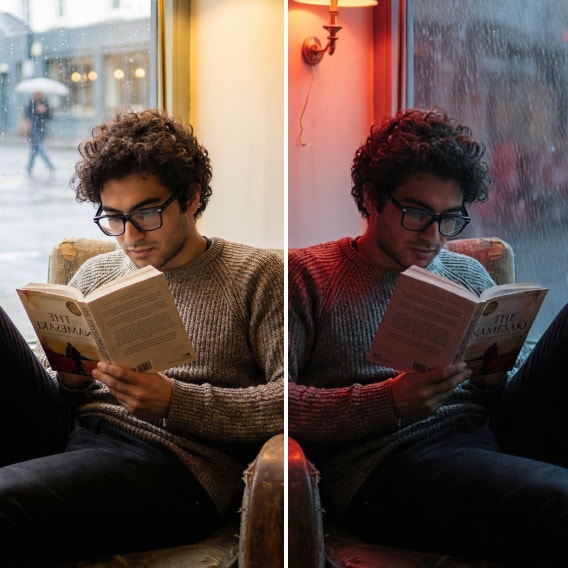
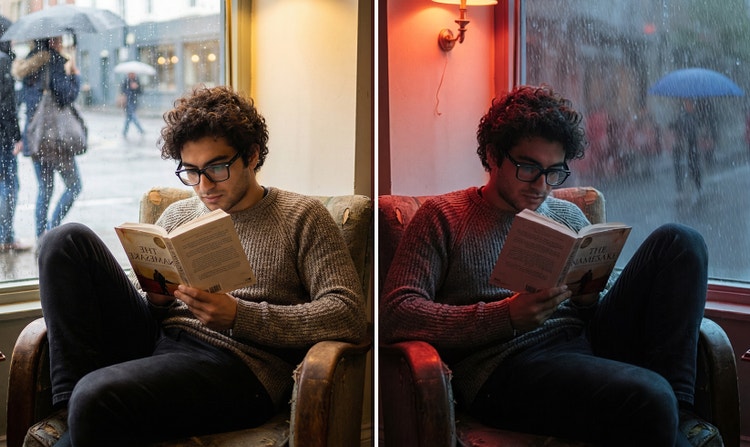
Context-aware edits.
Firefly creative AI preserves style, lighting, and perspective, ensuring results feel natural and true to the original image.


Speed.
Generative Remove eliminates tedious manual work while maintaining image integrity, so users can quickly remove objects from photos online.
See what you can do in Firefly.
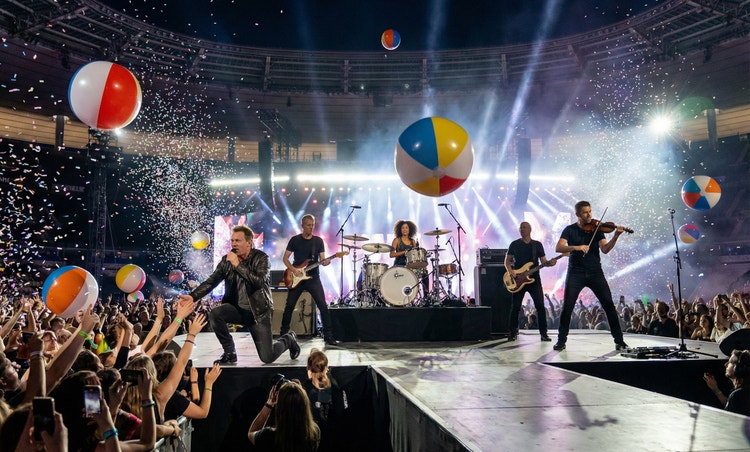




Discover even more features.
Questions? We have answers.
What is the best remove person AI tool?
Is the Firefly remove person feature free?
What formats are available for download?
How does the Firefly person remover create realistic images and videos?
Can I remove multiple people from a photo?
Does removing a person lower image quality?
Share this page
Explore more Firefly tools.
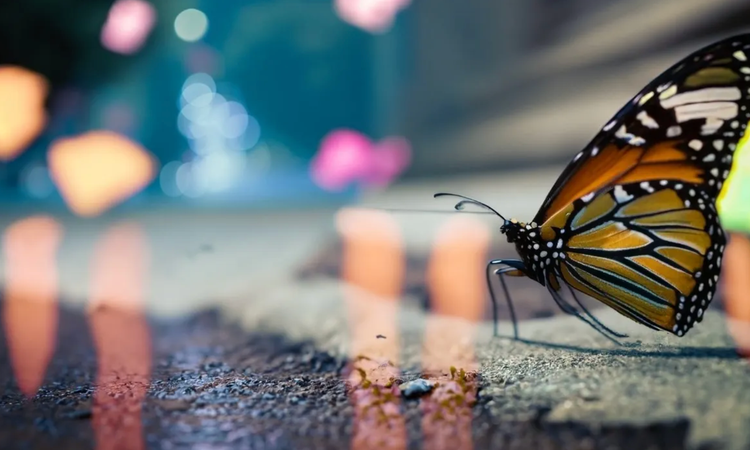
The benefits of generative AI for creatives
Learn how to use generative AI to boost productivity and discover new possibilities while maintaining creative control.
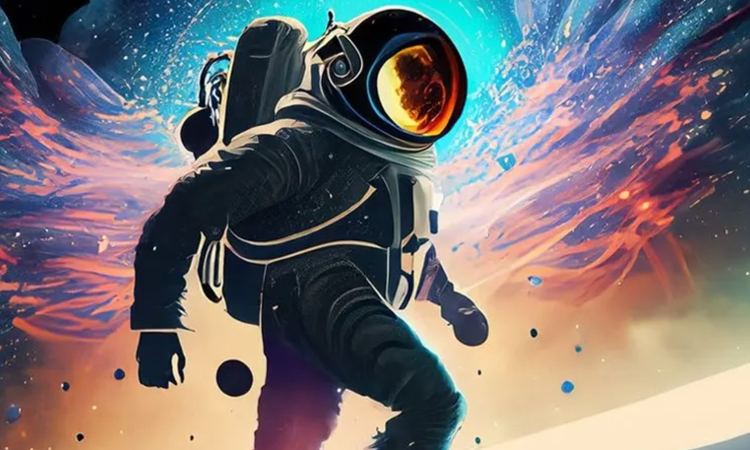
Generative AI is changing creative work
Generative AI can mimic — but not replace — human intelligence. Learn how it can help you take your creativity to new places.
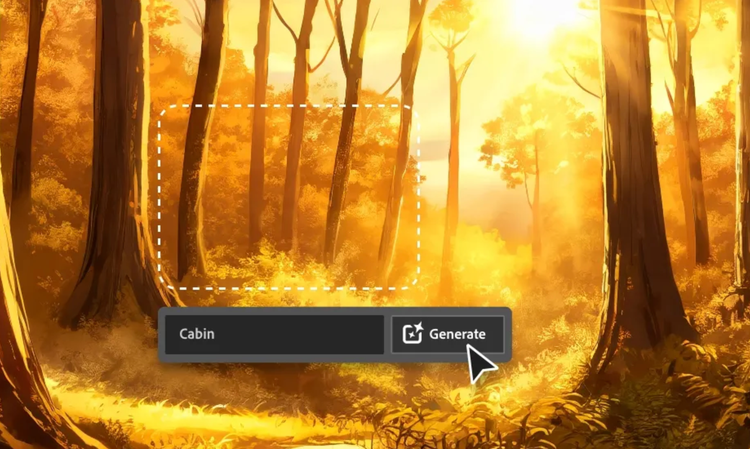
AI for graphic designers
Learn about the AI tools available to graphic designers and how they can help you be more productive and take your work in surprising directions.

AI art prompts for graphic designers
Learn how to write effective prompts for generative AI to get amazing results for graphic design.