Adobe Acrobat

Flashcard maker

Study better and faster with flashcards in Student Spaces. Turn class notes, readings, or files into study tools for free. No download required.

Or drag and drop your class materials here to create flashcards.

You can upload PDF, docx, xls, ppt, txt and more, up to 100MB each file

#F0F0F0

AI Flashcard maker

https://main--da-dc--adobecom.aem.page/dc-shared/assets/videos/acrobat/student-spaces/media_12ed9c6abde7e35dd8958f5d615bf0863d8cd7c6f.mp4#_autoplay1|Resources for a psychology course are dropped into a flashcard maker. Without pause, the tool creates flashcards related to the course materials. Cover page fans out to reveal a card.

How to create online flashcards.

Our free AI flashcard maker turns long, confusing chapters and messy notes into clean, organised flashcards you can actually use. Follow these simple steps to make great flashcards fast using an AI flashcard generator.

A powerful, free flashcard maker.

Studying feels a lot more manageable when your notes are organised, clear and easy to review. This free flashcard maker helps break down complex material so you can learn faster, feel prepared and stay on top of things.

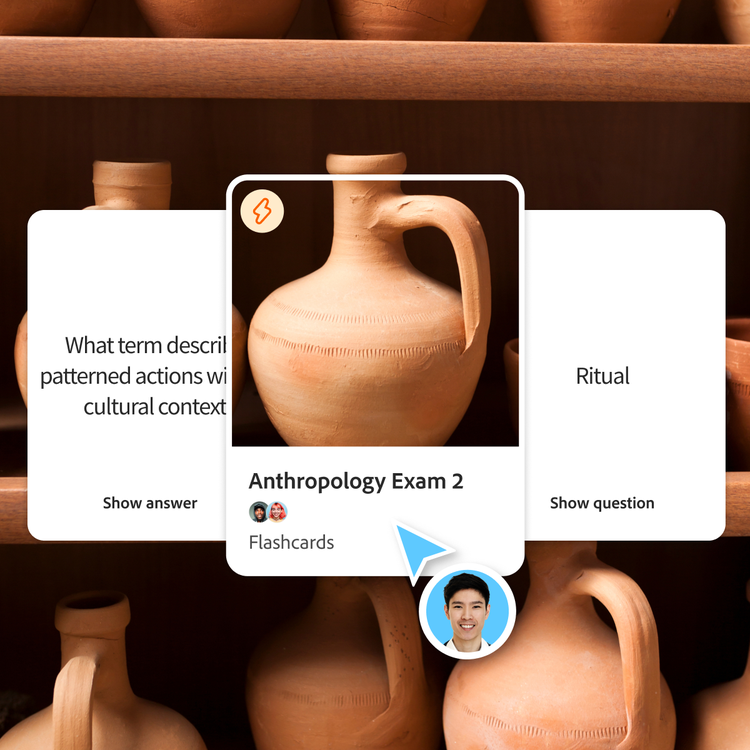
Ancient clay pot is framed on the cover of a set of flashcards for an Anthropology exam. A flashcard prompt appears to it's left and the answer to it's right.

Start learning faster.

Creating flashcards quickly jump-starts your study journey. That’s why an online flashcard maker is effective for competitive and entrance exams, quizzes or any class with heavy memorisation.

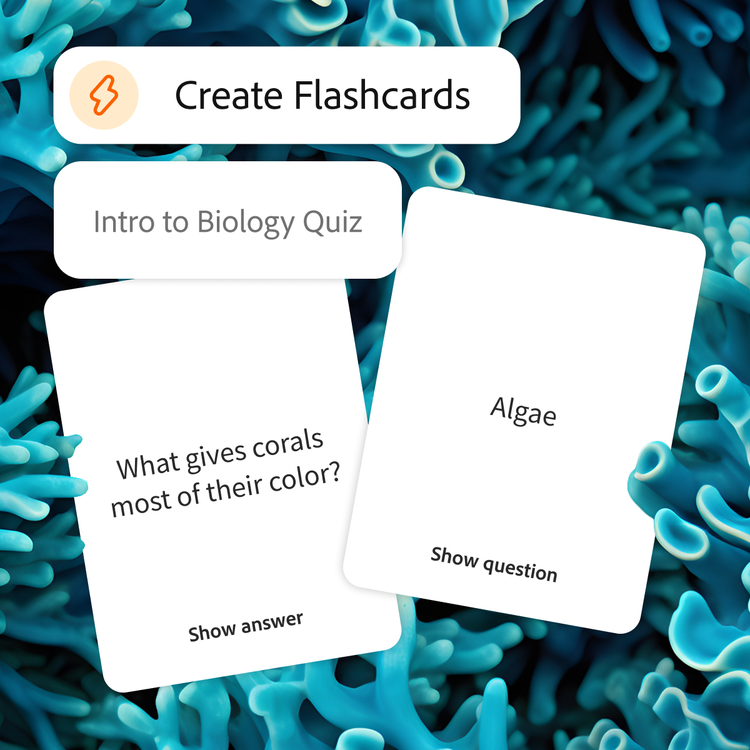
Tool is prompted to create flashcards for an intro to biology quiz. Bright blue coral backdrop represents the topic on the card.

Remember key concepts easily.

Flashcards break big concepts into smaller pieces, making it easier to recognise patterns and connect definitions, formulas and core ideas for revision and exam preparation.

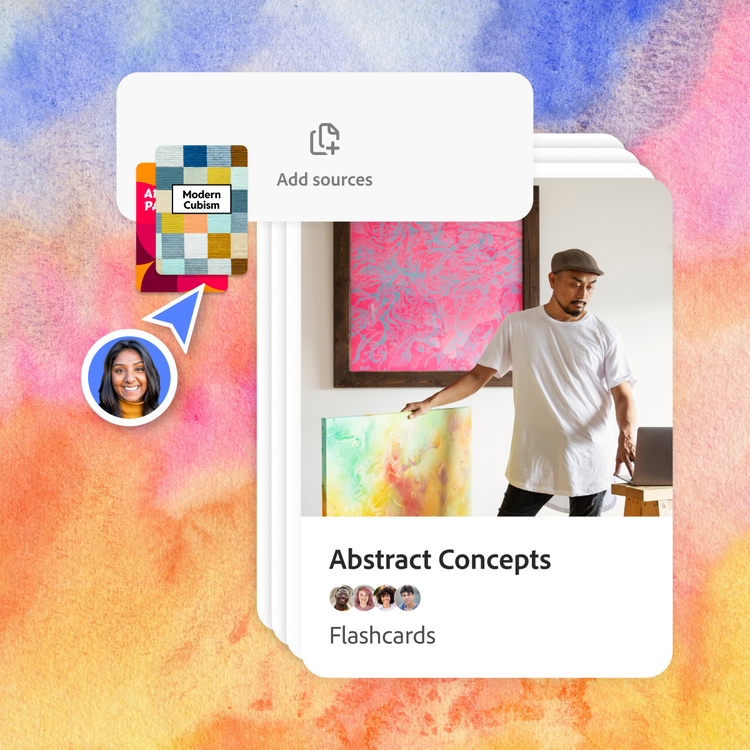
User drops two resources from a college art course into the "Add sources" field. A set of flashcards beneath shows a man in front of an abstract painting, holding another in his hand. The backdrop is a colourful, abstract texture.

Edit, personalise and make your own decks.

Everyone studies differently. Add your own questions, generate new cards or create multiple decks for different units or chapters. Make it harder or easier to match where you are.

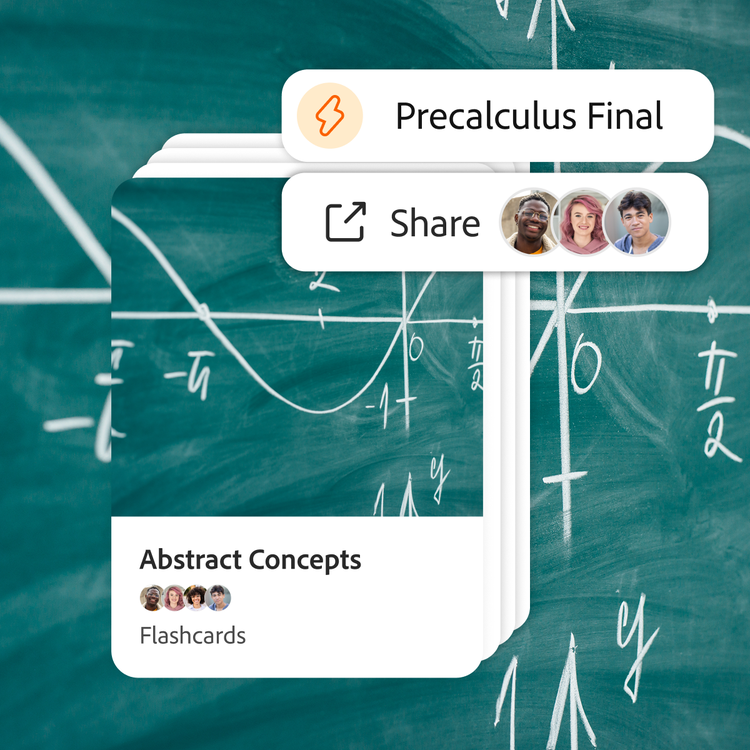
Flashcards for a precalculus final are shared with three collaborators. There is a close up of a graph on a chalkboard as both the backdrop and cover of the deck of flashcards.

Simply share and review anywhere.

Send flashcards to your friends, use them in a study group or review them on the go. Whether cramming before class or studying on your phone, your materials stay synced and accessible.

Where flashcards help in studying and exams.

Use a free online flashcard maker to simplify studying across different subjects and exams. Flashcards help break down complex topics into easy-to-review concepts.

  • Board exam preparation (CBSE, ICSE, State Boards):
    Create flashcards for studying definitions, formulas and key concepts for effective revision.
  • Competitive and entrance exams (JEE, NEET, UPSC):
    Use an AI flashcard maker to revise large syllabi and improve recall of important topics.
  • Professional exams and certifications (CA, CAT, SSC):
    Turn notes into flashcards for study to revise key concepts, frameworks and formulas efficiently.
  • Language learning and vocabulary building:
    Build vocabulary using flashcards for meanings, usage and examples for English and other languages.
  • Previous year question paper revision:
    Turn important questions from previous year papers into flashcards for studying key concepts, formulas and frequently repeated topics.

Share online flashcards with your study group.

Studying together can help you to learn faster, stay on track and understand concepts from different angles. When you share flashcards with classmates, your class materials become stronger — and studying becomes way less stressful.

Stay organised as a group.

Keep all your decks, guides and summaries in one shared space. Focus on studying, not on digging through screenshots or group chat threads.

Learn from everyone’s strengths.

Your friends might catch things you missed in lecture. Make online flashcards together for a deeper, more complete understanding.


How to study effectively using flashcards?

Flashcards are most effective when used with the right study techniques. Use these methods to improve retention and revision, especially when preparing for competitive and entrance exams.

  • Use spaced repetition for revision:
    Review flashcards at increasing intervals and combine them with quizzes for active recall before exams like JEE, NEET and UPSC.
  • Focus on active recall:
    Test yourself instead of just reading. Switch between flashcards and mind maps to strengthen recall, memory and understanding from different angles.
  • Study in short, consistent sessions:
    Listen to your notes as a podcast during travel, then revise key terms with flashcards between classes or during revision breaks.
  • Mix subjects and topics:
    Create separate decks for each subject in one Student Space and rotate topics regularly to improve retention and avoid study fatigue.
#f8f8f8

What can I create with Student Spaces?

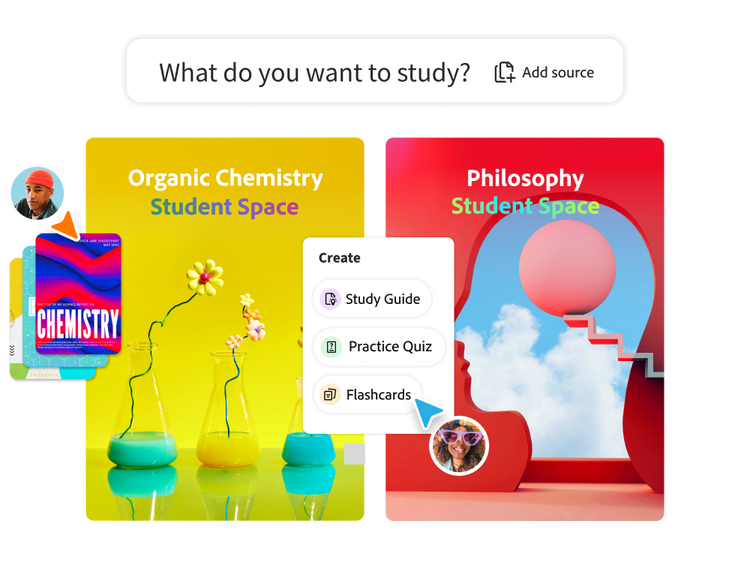
Student Spaces isn’t just a flashcard generator — it’s a set of tools designed to help you to learn and create in one space.

Frequently asked questions about flashcard maker.

What is a flashcard maker?
A flashcard maker is a tool that turns your notes or readings into digital flashcards for faster studying. Our AI flashcard maker automatically pulls key terms and definitions from your content so you can focus on learning.
Is the flashcard maker free?
Yes, you can create flashcards for free using Student Spaces. Just upload a file and you’ll be able to generate flashcards you can save or share with an Adobe account.
Can I upload multiple files to create flashcards?
Yes, you can upload multiple files and create separate flashcard sets for each class, chapter or unit.
Can I share my flashcards with friends?
Definitely. Once you log in with a personal Adobe ID, share your deck with classmates and review them together before big exams. You can send a link via email or share on LinkedIn, Group Me, WhatsApp, Discord and Reddit.
What types of content can I turn into flashcards?
You can turn PDFs, lecture notes, textbooks, reading assignments and class materials into flashcards for studying using the AI flashcard maker.
Can I create flashcards from specific pages or topics?
Of course! You can tell the AI flashcard maker to focus on specific pages, chapters or topics. Just add your material and tell the AI what you want it to focus on.
Are AI flashcard generators effective for exam preparation?
Yes, an AI flashcard generator helps speed up revision by identifying key concepts from your material, making it easier to prepare for competitive and entrance exams.
Can I create flashcards from NCERT textbooks?
Yes, you can turn NCERT textbook content into flashcards for studying by uploading PDFs or notes into the AI flashcard maker. Create flashcards for definitions, formulas and important concepts for revision.
Can I create flashcards from my handwritten class notes?
Yes, you can upload handwritten class notes, scanned pages or PDFs to create digital flashcards. You can also use OCR to recognise handwritten text and turn notes into organised revision material.
Can I make flashcards from previous year question papers (PYQs)?
Yes, you can turn important questions from previous year question papers into flashcards for revision and exam preparation. Focus on frequently repeated concepts and important topics.
What happens to the files I upload?
Your file will be securely handled by Adobe servers and deleted unless you sign in to save it.
Can I use an online flashcard maker without downloading software?
Yes, this online flashcard maker works directly in your browser, so you can create and study flashcards without downloading any software.

Ace that with Acrobat.

Student Spaces is a smarter way to study. Turn notes into podcasts, use AI assistant as a tutor and learn with your study group. Free for students.
Explore now | Explore now Student Spaces