Adobe Acrobat

Quiz maker

Create quizzes and practice tests quickly with Student Spaces for free. No sign-up or credit card required.

Or drag and drop your class materials here to create a quiz.

You can upload PDF, DOC, XLS, PPT, TXT, and more, up to 100MB each file

#F0F0F0

AI Quiz maker

https://main--da-dc--adobecom.aem.page/dc-shared/assets/videos/acrobat/student-spaces/media_1c653a5fa53297b7f769420f85644132f645ab5fd.mp4#_autoplay1|Resources for a calculus course are dropped into a practice quiz maker. Without pause, the tool creates a quiz on topics related to the course materials. Cover page fans out to reveal a question.

How to use our AI quiz maker.

Turn your class notes, readings and study guides into customised quizzes, practice tests, mock tests and question sets in just a few clicks. No set-up, no stress — just upload and go.

The free quiz generator for every student.

Whether prepping for finals or keeping up with classwork, make studying easier, faster and even more effective with a free online quiz generator designed for school, college and competitive exam preparation.

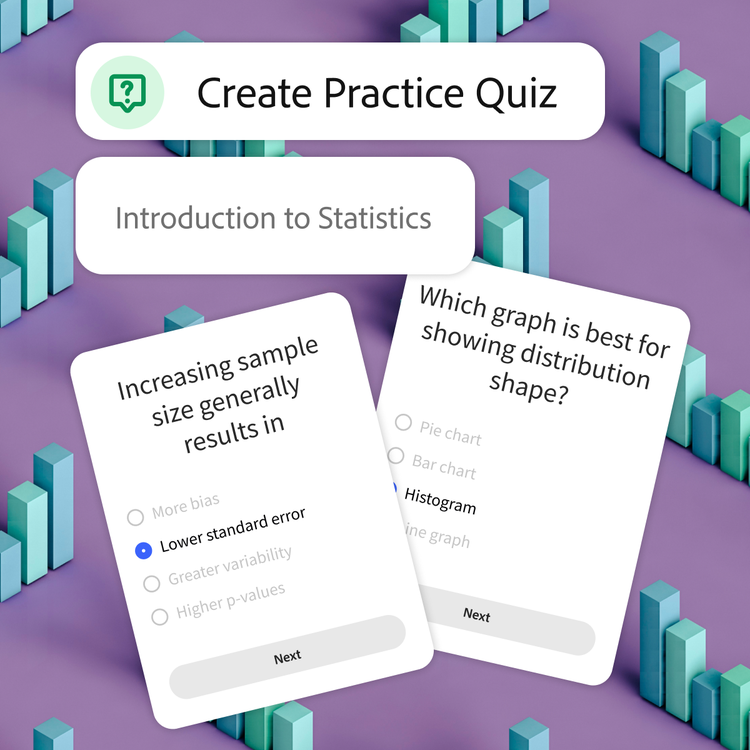
Tool is prompted to create a practice quiz for an introduction to statistics course. Blue bar graphs scattered on a purple background represent the topic of the sample questions on top.

Master your material.

Creating your own quiz helps to actually process your classwork, which means you remember it better. Perfect for exam prep, finals and high-volume subjects like science, maths, commerce or humanities.

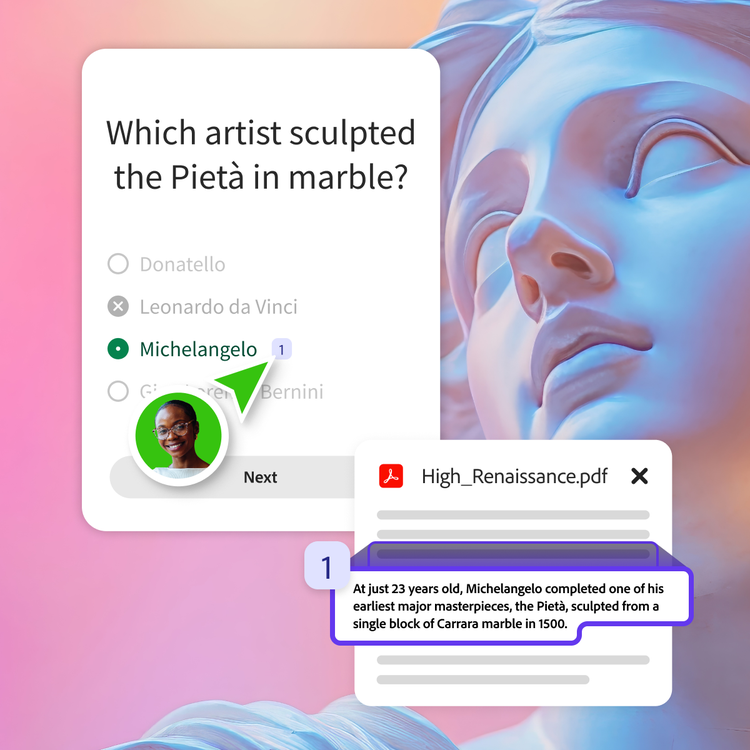
User in a green bubble selects the citation next to the correct answer of their quiz question. The answer is substantiated by a fact on a relevant resource pdf.

Study smarter, not harder.

Our free quiz maker highlights the key ideas from your docs, so you can trust every question is based on the material you are actually learning. Less guesswork, more confidence.

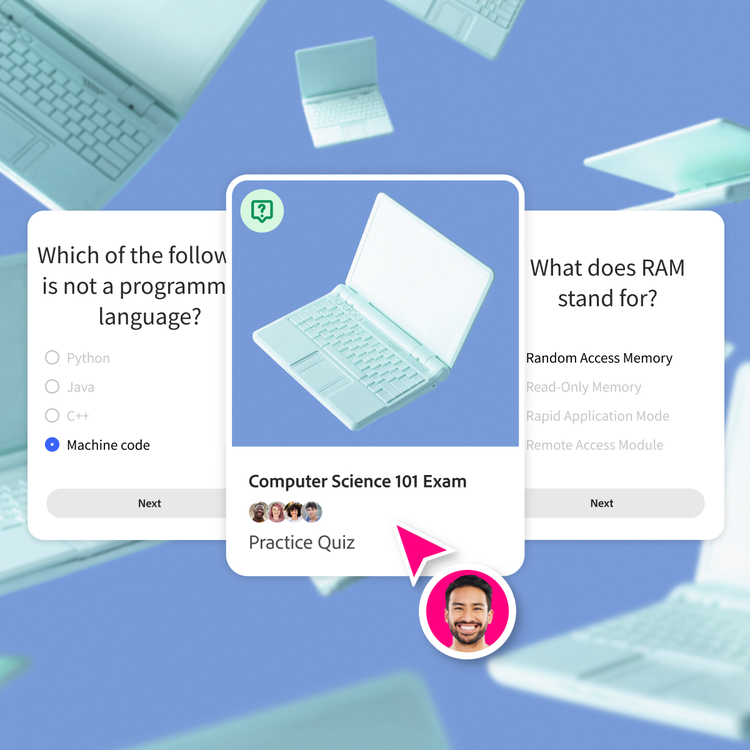
Laptop illustration on a blue background is framed on the cover of a practice quiz. Question cards on the subject appear to its left and right.

Get results and feedback in no time.

Take your quiz and see what you missed. Spot your weak areas and keep practising until it sticks, with instant feedback that helps improve accuracy, retention and overall exam performance.

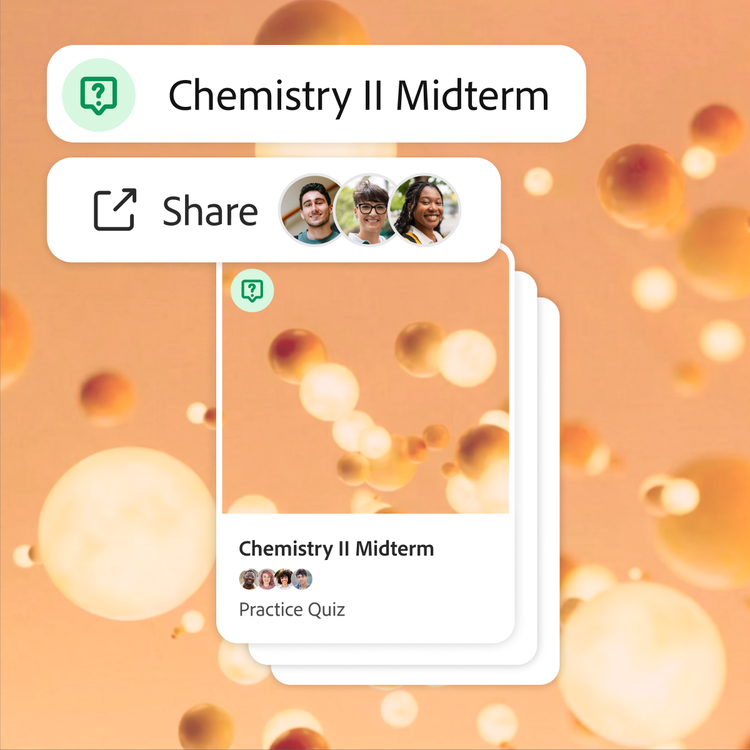
Quiz for a chemistry midterm is shared with three collaborators. Orange 3D molecules float around the frame, both as the backdrop and cover of the deck of flashcards.

Easily share with your study group.

Send your quiz to your classmates and prep together. Build a shared bank of quizzes for your midterms or finals, ideal for group study sessions, coaching classes or online learning communities.

How quizzes support students across exams and subjects.

Quizzes help learners of all levels practise concepts, test understanding and prepare effectively for a wide range of exams and subjects.

  • School and board exams:
    Practise chapter-wise tests, MCQs, revision quizzes and pre-board mock tests for CBSE, ICSE and state board exams.
  • Competitive exams:
    Prepare for high-stakes exams like JEE, NEET, UPSC, CAT and banking exams using targeted practice quizzes, mock tests and question banks.
  • College and university studies:
    Reinforce learning across subjects like engineering, commerce, humanities and medical courses with regular self-testing and revision practice.
  • Skill-based, placement and entrance tests:
    Improve performance in exams like IELTS, GRE and professional certifications, or prepare for placement assessments and government exam interviews through continuous practice and feedback.

Build mock tests with AI

Create personalised mock tests from your study material and practise in a more exam-like environment. Whether you are preparing for JEE, NEET, UPSC, CAT or board exams, AI-generated mock tests can help improve speed, accuracy and confidence over time.

  • Generate exam-style mock tests:
    Create mock tests from notes, PDFs, textbooks and revision material in just a few clicks.
  • Practise with timed quizzes:
    Simulate real exam conditions to improve time management, focus and problem-solving speed.
  • Prepare for different exam formats:
    Build MCQs, short-answer questions and subject-wise practice tests tailored to your syllabus.
  • Track progress over time:
    Identify weak areas, revisit difficult topics and monitor improvement through repeated practice.

Share online quizzes with study partners.

Studying solo is great — putting heads together is the ultimate hack. When you team up, you can combine notes, compare what you each understood from class and build stronger quizzes.

Create shared quizzes together.

Merge everyone's notes and material in one place and the AI quiz maker pulls from every classmate's upload to generate questions. Share a quiz generator with your classmates so that everyone preps from the same high-quality study sets.

Everything in one space.

Make group projects, midterms and finals easier by storing study materials in one organised hub. Your quizzes, flashcards, study guides and class summaries are saved and synced for the entire team.

What are smart study tips using quizzes for better results?

Using quizzes strategically can make your study routine more active, focused and effective, helping you retain information and perform better in exams.

  • Turn notes into quizzes:
    Convert your class notes, PDFs or study material into quizzes to actively recall information instead of passively reading.
  • Focus on weak areas:
    Use quiz results to identify gaps in understanding and revise topics that need more attention before exams.
  • Practise regularly:
    Take short quizzes daily to build consistency and improve retention, especially for subjects like maths, science or theory-heavy topics.
  • Simulate real exam conditions:
    Create timed quizzes and mock tests to prepare for exams like JEE, NEET or board exams under realistic conditions.
#f8f8f8

What can I make with Student Spaces?

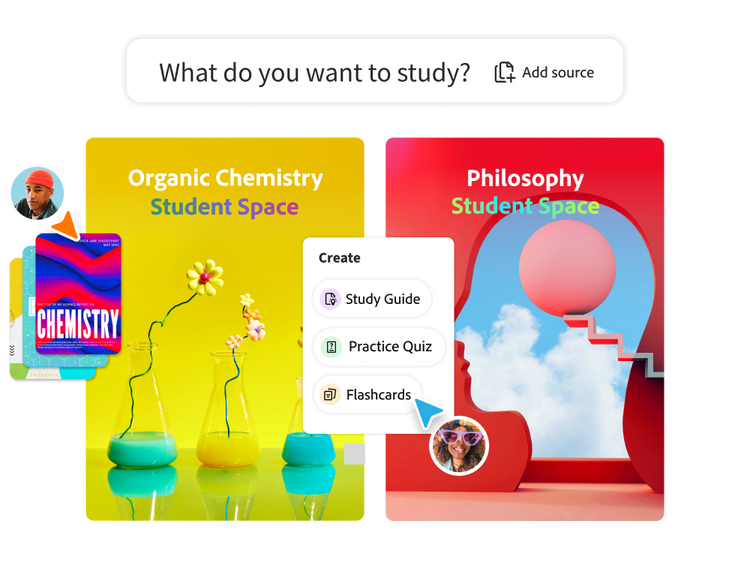
Student Spaces is more than just an AI quiz maker. Build out everything you need for your classes in one spot.

Frequently asked questions about quiz maker.

What is a quiz maker and how does it work?
A quiz maker is a tool that lets you create practice quizzes from your own class materials. Upload your content and our AI turns it into questions you can use to study smarter. A quiz maker analyses text, identifies key concepts and turns then into quiz questions.
Is this quiz maker free to use?
Yes, you can create quizzes for free using Student Spaces. Just upload a file and you’ll get a quiz in seconds, which you can sign in to save or share.
Can I share my quizzes with friends or study groups?
Absolutely. Share a link or send the quiz directly to classmates to study together or build a joint review plan before finals, midterms or competitive exams.
What file formats can I upload to create quizzes?
You can upload PDFs, notes, slides and other study documents to create quizzes. The AI quiz maker scans your content and converts it into questions for quick revision and practice.
Can I upload multiple files to create quizzes?
Yes, you can upload multiple files and create separate quizzes for each class, chapter or unit.
Can the AI quiz maker generate MCQs from previous year question papers (PYQs)?
Yes, you can upload previous year question papers (PYQs), notes or study material and use the AI quiz maker to generate MCQs, revision quizzes and practice questions based on important exam topics and patterns.
Can I focus on specific pages or topics?
Yes, you can tell the AI quiz maker to focus on specific textbook pages, chapters or topics. Just upload your material and prompt it with exactly what you want.
Can I use the quiz maker for chapter-wise board exam preparation?
Yes, you can create chapter-wise quizzes, MCQs and revision tests for CBSE, ICSE and state board exams. Focus on specific chapters or subjects to prepare for unit tests, pre-boards and final board exams more effectively.
Can I create JEE, NEET or UPSC mock tests with the AI quiz maker?
Yes, you can create AI-generated mock tests for competitive exams like JEE, NEET, UPSC, CAT and banking exams using your notes, PDFs, coaching material or study guides. Generate exam-style quizzes, MCQs and practice tests tailored to your preparation needs.
Can I use this quiz maker for daily revision and self-study?
Yes, you can use the quiz maker for daily revision and self-study. It helps you regularly practise concepts, track your progress and improve retention over time.
What happens to my files and are they secure?
Adobe servers securely handle your file and delete it unless you sign in to save it, ensuring data privacy and secure file processing for your study materials.
Do I need any additional software to use the AI quiz maker?
No, you do not need any additional software to use the AI quiz maker. You can create quizzes directly in your browser using Student Spaces, without installing any apps or tools.

Ace that with Acrobat.

Student Spaces is a smarter way to study. Turn notes into podcasts, use AI assistant as a tutor and learn with your study group. Free for students.

Explore now | Explore now Student Spaces