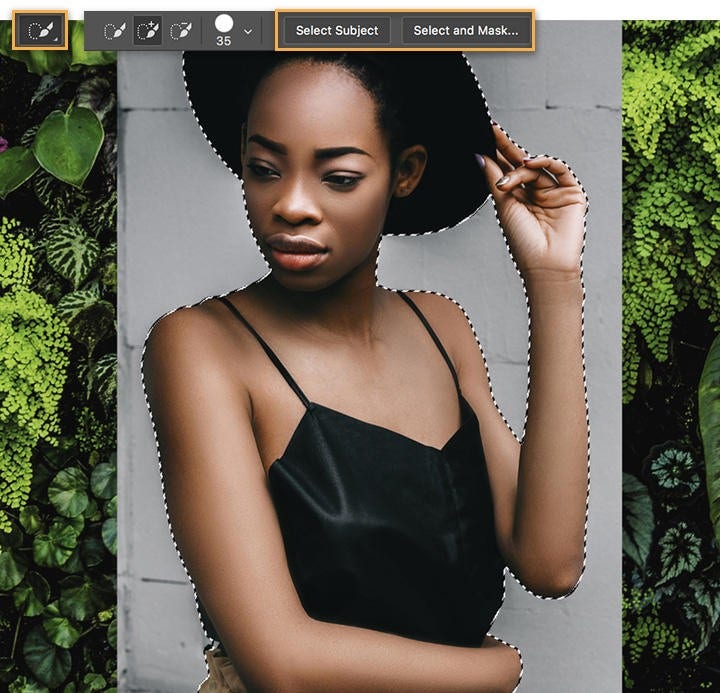
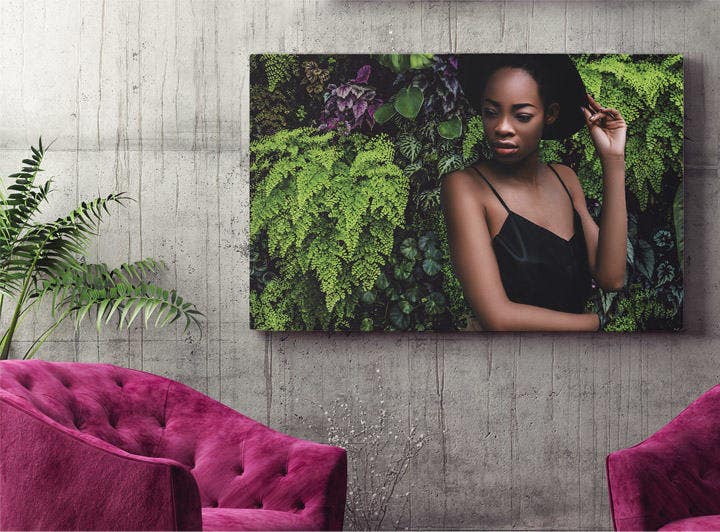
The best tool to change the background of a photo in Photoshop is the Select and Mask workspace, which allows for precise selection using tools like Quick Selection and Refine Edge. You can also use the Remove Background button in newer Photoshop versions for quick results.
Yes, you can easily use Photoshop background editing to change the background of a passport-size photo. Replace the background with a plain white or light grey colour, keeping in mind Indian passport photo requirements.
Photoshop includes an automatic ‘
Remove Background’ option under the Properties panel when a layer is selected. This feature uses Adobe Sensei AI to detect and remove the background instantly, making the editing process faster.
To retain hair or fine edges while changing the photo background, use the Refine Edge Brush Tool in the Select and Mask workspace. This helps maintain natural textures and is ideal for portrait photography.
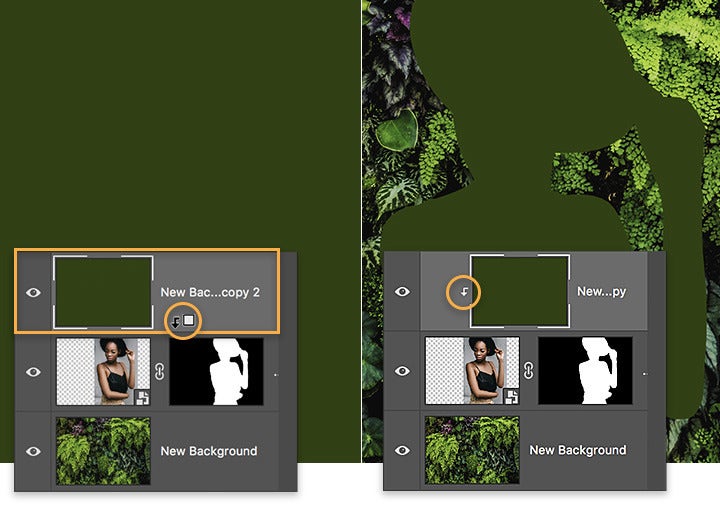
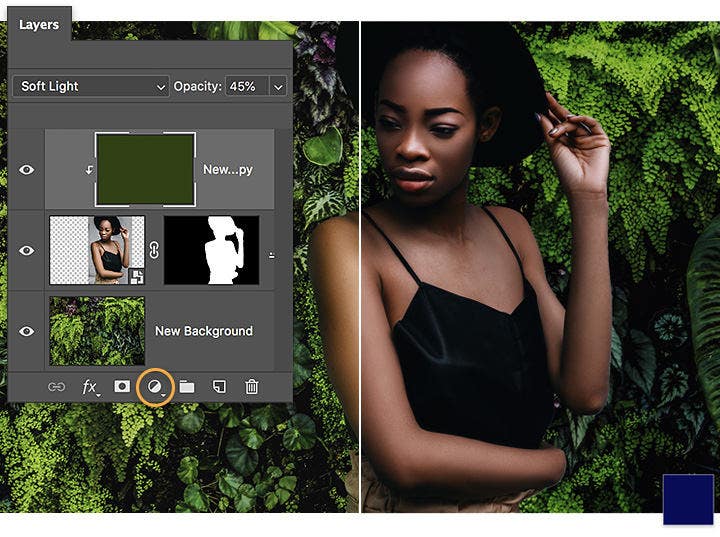
To make background changes look more natural in Photoshop, focus on lighting, shadows, and colour consistency. After you change the background of a photo, use tools like Curves, Brightness/Contrast, or Hue/Saturation to adjust the subject so it blends seamlessly with the new environment. You can also add shadows manually using a soft brush on a new layer with reduced opacity. For more accuracy, duplicate the background layer, apply a Blur > Average filter, and use it as a reference to colour-match your subject. These techniques help achieve a more realistic and professional result in your Photoshop background editing workflow.
For background changes, export in PNG if you need transparency or in JPEG for solid backgrounds. PNG is useful for e-commerce or layering, while JPEG works well for social sharing or printing.
Yes, you can use
Adobe Photoshop Express on mobile to change photo backgrounds, although it offers more simplified features compared to the desktop version. It’s a quick option for creators on the go in India.
While Photoshop doesn’t offer a one-click batch background change, you can create actions and use scripts to automate the process for similar images. This is especially useful for product photography.
If done correctly using masking tools and high-resolution images, changing a photo background does not reduce image quality. Always export at optimal settings to retain sharpness and colour accuracy.
Yes, Adobe offers downloadable
Photoshop templates for background changes, especially for social media, product showcases, and digital art. These templates help save time and maintain consistent design aesthetics.