https://main--cc--adobecom.aem.live/cc-shared/assets/img/firefly.svg https://main--cc--adobecom.aem.live/cc-shared/assets/img/ff-lockup-f4.svg | Adobe Firefly


Mag-generate ng libreng home design visuals gamit ang AI home design tool.
Ilarawan mo ang room, style, o layout, maglagay ng reference image, at gumawa ng detalyadong interior visualization. Gamitin ang Adobe Firefly para i-explore ang mga design direction, ibahagi ang mga concept sa mga client, at bigyang-buhay ang mga ideya mo kahit walang camera o finished space.

Or tap here
File must be JPEG (JPG), PNG, or WEBP and up to 100MB.
By uploading your image or video, you agree to the Adobe Terms of Use and Privacy Policy and confirm you are 18 years of age or older.
https://main--cc--adobecom.aem.live/cc-shared/assets/svg/s2-icon-upload-20-n.svg Upload your image
Or tap here
File must be JPEG (JPG), PNG, or WEBP and up to 100MB.
By uploading your image or video, you agree to the Adobe Terms of Use and Privacy Policy and confirm you are 18 years of age or older.
https://main--cc--adobecom.aem.live/cc-shared/assets/svg/s2-icon-upload-20-n.svg Upload your image
Or drag and drop here
File must be JPEG (JPG), PNG, or WEBP and up to 100MB.
By uploading your image or video, you agree to the Adobe Terms of Use and Privacy Policy and confirm you are 18 years of age or older.
- File size larger than 100MB
- Unable to process the request
- We are unable to process this file type. Please try again.
- Only one file can be uploaded at a time.
- Image is smaller than the minimum dimensions (512 x 512 pixels). Please resize and try again.
https://main--cc--adobecom.aem.live/cc-shared/assets/img/product-icons/svg/firefly-80.svg

{{nbsp}}
Mag-generate ng home design | Mag-generate ng home design gamit ang AI
https://main--cc--adobecom.aem.live/cc-shared/assets/img/product-icons/svg/firefly-80.svg
Adobe Firefly
Mag-generate ng home design | Mag-generate ng home design gamit ang AI
https://main--cc--adobecom.aem.live/cc-shared/assets/img/product-icons/svg/firefly-80.svg
Adobe Firefly
Narito na ang susunod na ebolusyon ng creative AI para sa lahat ng ideya mo, na may mga tool para sa image, video, audio, at vector.
Mag-generate ng home design | Mag-generate ng home design gamit ang AI
I-visualize mo ang susunod mong space bago mo pa ito itayo.
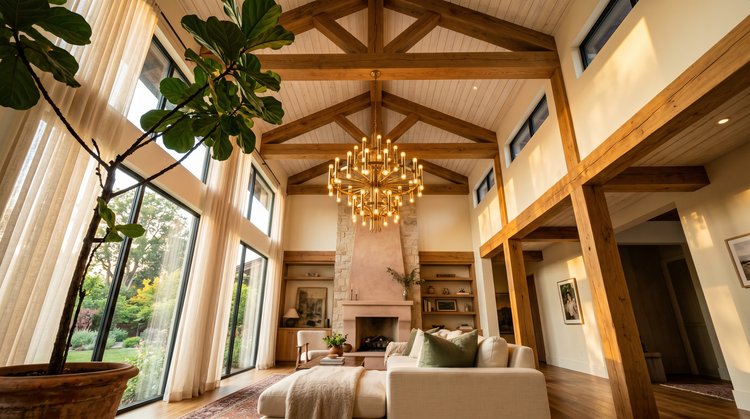
I-type ang paglalarawan ng room na nasa isip mo at magge-generate ang AdobeFirefly ng detalyadong image na puwede mong gamitin bilang design starting point nang libre. I-explore ang mga color palette, furniture arrangement, lighting mood, at mga architectural style. Pagkatapos ay i-refine ang mga resulta hanggang tumugma sa vision mo ang visual.
Mula sa text prompt hanggang sa room concept.
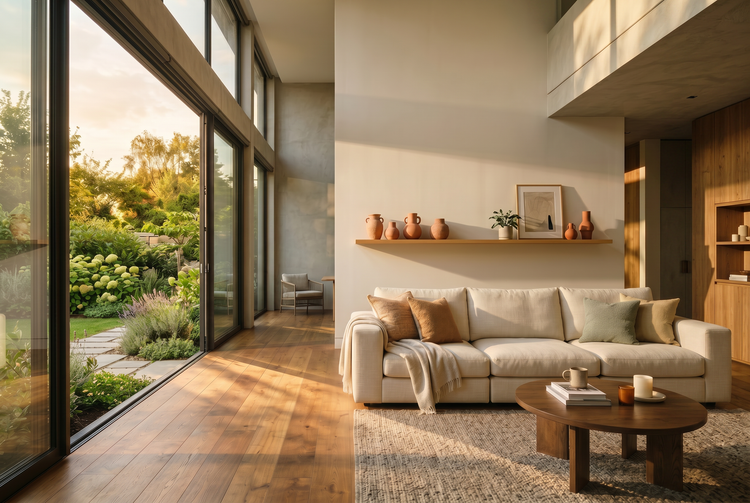
Ilarawan ang mid‑century modern na living room na may warm Oak floors at floor‑to‑ceiling na mga bintana, o isang cozy farmhouse kitchen na may mga butcher‑block counter at open shelving. Gagawin ng Adobe Firefly ang nakasulat mong paglalarawan para maging visual concept na puwede mong i‑share, i‑iterate on, at gamitin para magkasundo kayo ng team o client sa direction.
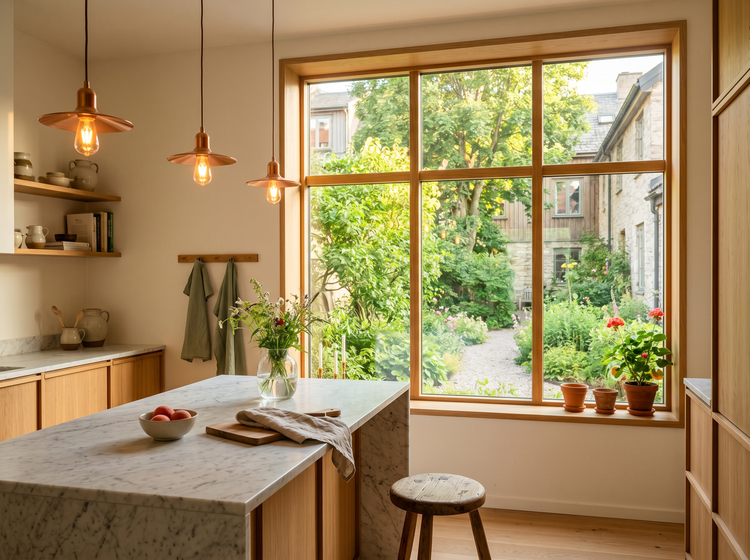
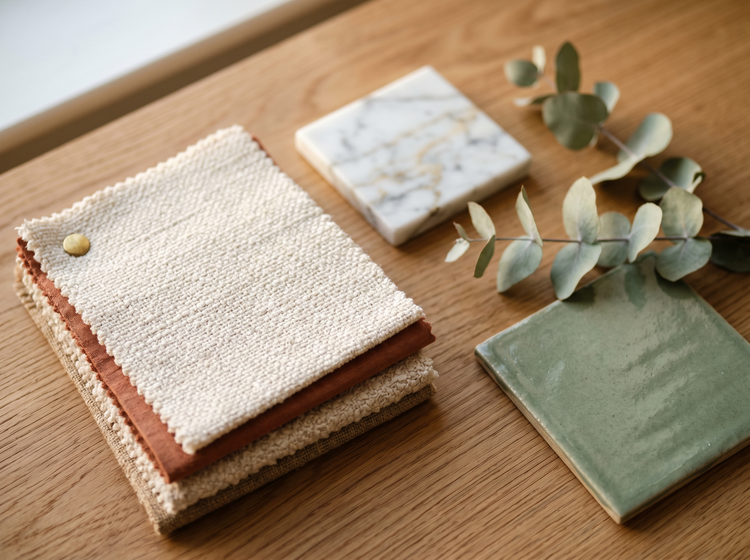
Malayang i-explore ang mga style.
I-test kung anong magiging itsura ng Scandinavian minimalism sa isang maliit na apartment. Tingnan kung ano ang magiging epekto ng bold maximalist wallpaper sa dining room. Ihambing ang mga warm earth tone sa mga cool coastal palette. Gamit ang Generate Image, puwede kang sumubok ng maraming direction bago bumili ng kahit isang item o mag-book ng contractor.
Gumawa ng mga commercially safe na home design.
Commercially safe lahat ng image na mage-generate mo gamit ang Adobe Firefly. Gamitin ang mga home design visual mo sa mga client presentation, real estate listing, social media post, mood board, at mga marketing material nang walang alalahanin tungkol sa licensing o mga rights issue.
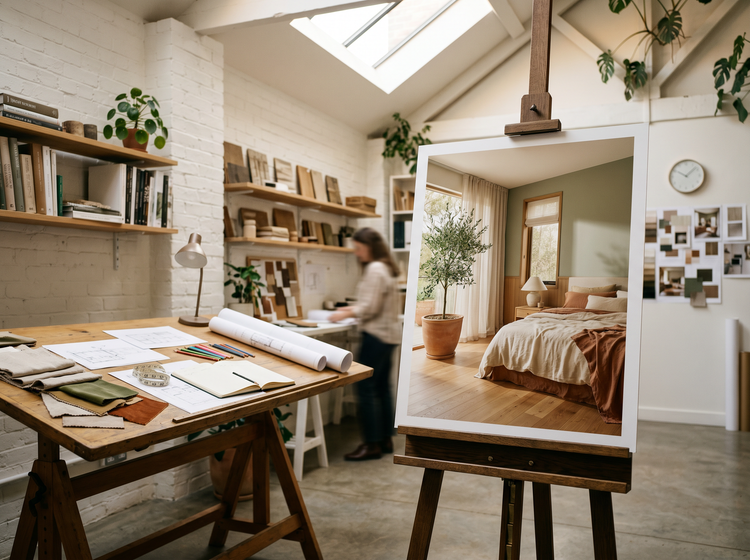
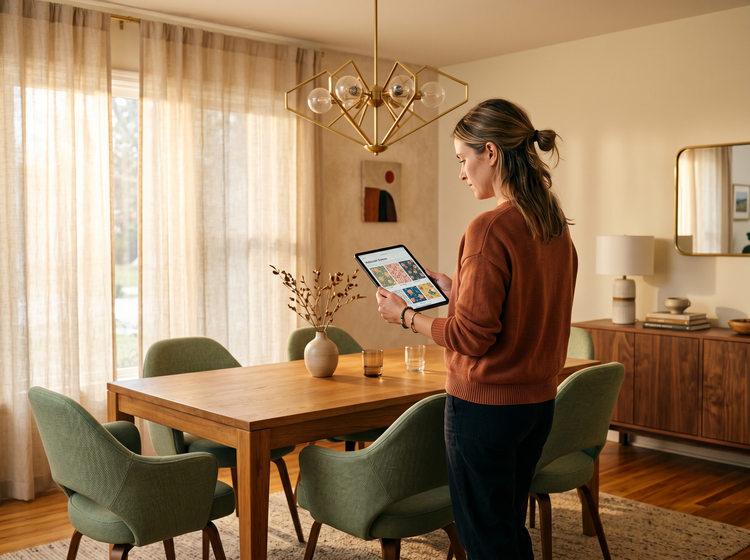
I-refine ang mahahalagang detalye.
I-adjust ang prompt mo para ma-dial in ang mga partikular tulad ng flooring material, wall color, natural versus artificial lighting, at furniture placement. Mas detalyado ang binibigay mo, mas malapit ang output sa gusto mo. I-save ang mga paborito mong resulta at gamitin ang mga built-in editing tool para sa mga precision adjustment.
Paano mag-generate ng mga home design visual gamit ang Adobe Firefly.
Hakbang 1
Buksan ang Adobe Firefly.
Hakbang 2
Ilarawan ang room mo.
Hakbang 3
Mag-generate at maghambing.
Hakbang 4
I-refine ang paborito mo.
Hakbang 5
I-save at i-share.
Mga hakbang kung paano mag-generate ng mga AI home design visual gamit ang Adobe Firefly Generate Image
PT5M
Firefly
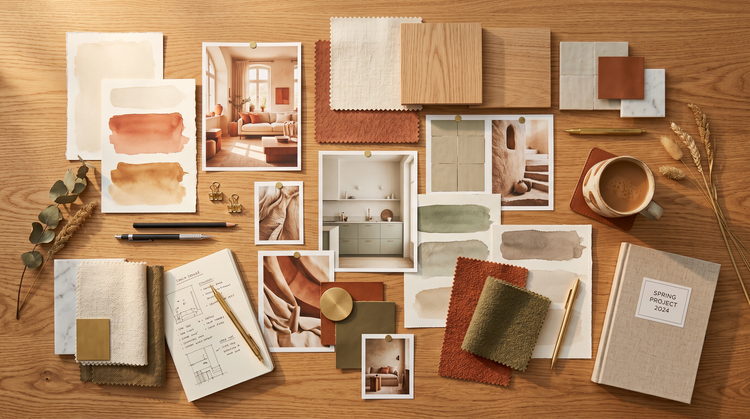
Mas mabilis na pagbuo ng konsepto
Ilarawan mo ang space na gusto mo at makakuha ng visual sa loob ng ilang sandali. Mag-generate ng maraming option para ihambing ang mga layout, palette, at style bago mag-commit sa isang direction.
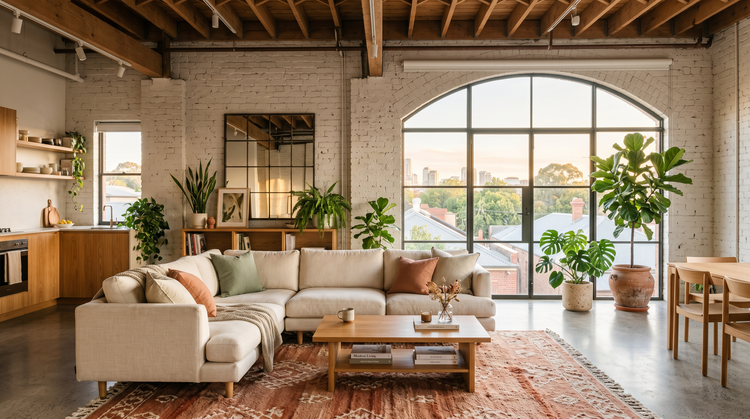
Professional output na puwede mong gamitin kahit saan
Mag-download ng mga high-quality na image na puwede mong i-drop sa mga client deck, listing page, social post, at print material. Commercially safe gamitin para sa professional at business use ang lahat ng image na na-generate gamit ang mga Adobe Firefly model.
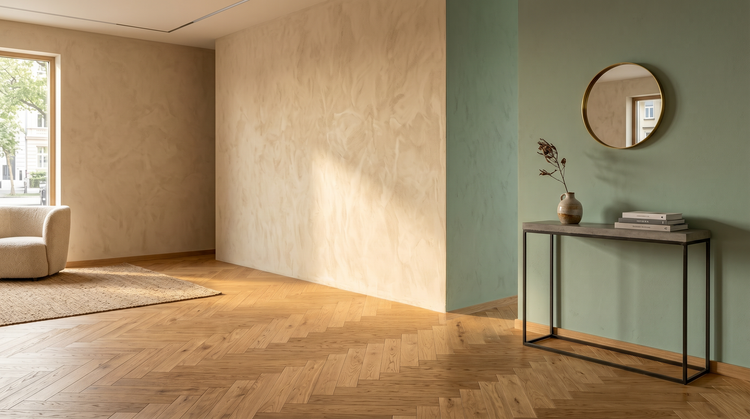
Walang specialized software na kailangan
Hindi mo kailangan ng karanasan sa CAD, 3D modeling, o photo editing. I-type lang ang gusto mong makita at ige-generate ito ng Adobe Firefly. I-refine ang mga resulta gamit ang mga follow-up prompt at simpleng editing tool na nasa loob na ng experience.
Seamless integration sa mga Adobe tools
Buksan ang mga na-generate mong home design image nang direkta sa Photoshop on the web para sa detailed retouching, o dalhin sa Adobe Express para gumawa ng mga polished presentation at social content.