https://main--cc--adobecom.aem.live/cc-shared/assets/img/firefly.svg Adobe Firefly
AI animation generator: Create 2D and 3D animated videos.
Generate commercially-safe, professional-quality animations from images, sketches, or text, and integrate them seamlessly into your workflows.



https://main--cc--adobecom.aem.live/cc-shared/assets/img/product-icons/svg/firefly-80.svg
{{nbsp}}
Generate AI Animation | Generate AI Animation - Adobe Firefly
https://main--cc--adobecom.aem.live/cc-shared/assets/img/product-icons/svg/firefly-80.svg
{{Adobe Firefly}}
Generate AI Animation | Generate AI Animation - Adobe Firefly
https://main--cc--adobecom.aem.live/cc-shared/assets/img/product-icons/svg/firefly-80.svg
{{Adobe Firefly}}
The next evolution of creative AI is here for all your ideas, with image, video, audio, and vector tools.
Generate AI Animation | Generate AI Animation - Adobe Firefly
Bring ideas to life with an online AI animation generator.
The Adobe Firefly AI animation generator lets you turn images and prompts into animated video clips with realistic motion and style control. Create animations for social content, marketing, and storytelling — all within a commercially safe creative workflow.
Create characters from images or text with AI animation generator.
Start with a sketch, a finished character design, or just a few words. The AI video generator makes it easy to bring characters to life. From subtle expressions to lifelike gestures, you can animate directly from images or text prompts — no complex tools or advanced skills required.
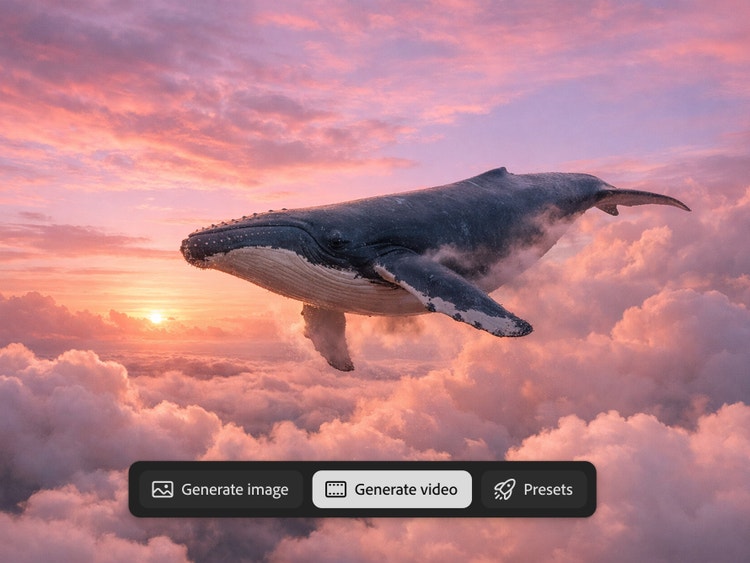
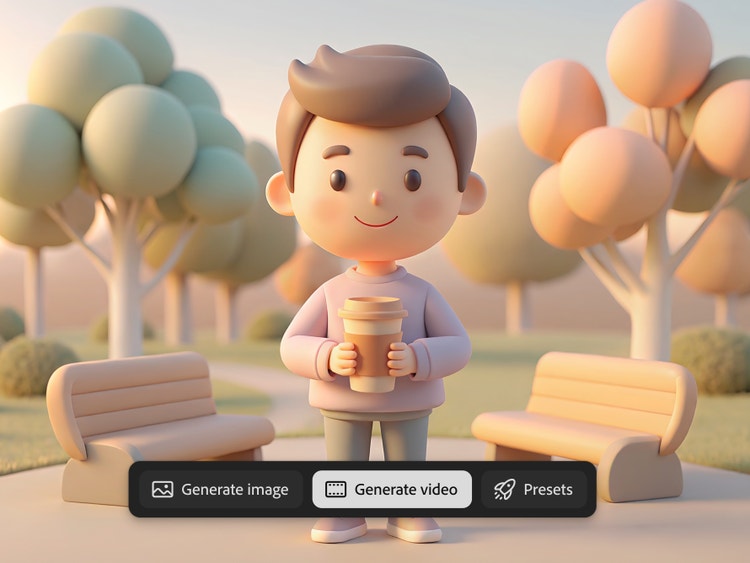
Experiment with 2D and 3D AI-generated animation.
Create AI animation in any style that fits your vision, whether it's 2D, 3D, or a mix of both. With simple text-to-image prompts, you can generate characters, scenes, and motion quickly. It’s a fast, easy way for beginners and pros alike to explore different looks and styles.
Format AI-generated animation for any screen.
Wherever you make content, your animations will fit right in. The AI animation generator makes it easy to create videos in a variety of formats without extra editing or resizing. Create vertical videos for social media, horizontal animations for presentations and marketing campaigns, animate static images with image-to-video, and rearrange clips, add audio, and more with Firefly AI video editing tools.
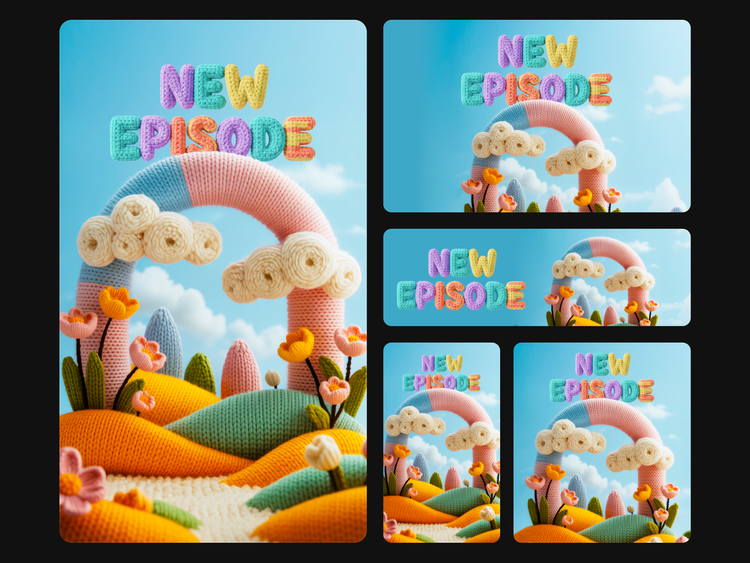
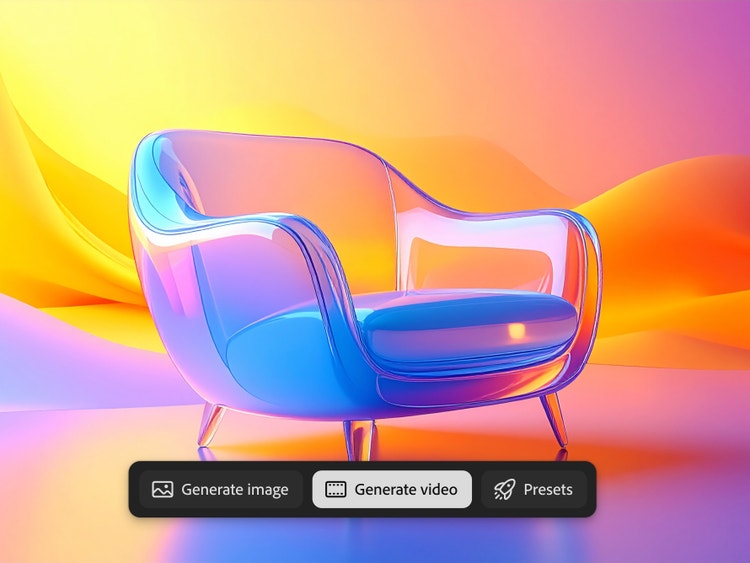
Leverage animation AI for creative teams.
Create AI animations instantly to save time and budget. Transform sketches, photos, images, or text into animated content. Create characters in 2D and 3D AI animation with style options that support everything from AI anime cartoons to cinematic scenes. Work in horizontal and vertical formats, and easily bring your animated content into other Creative Cloud apps like Premiere or After Effects.
How to create animated videos using AI.
Step 1
Start with your input.
Step 2
Choose your video settings.
Step 3
Export and share your animated video.
- How to create animated videos using AI.
- Steps on how to create animated videos using AI.
- PT5M
- firefly
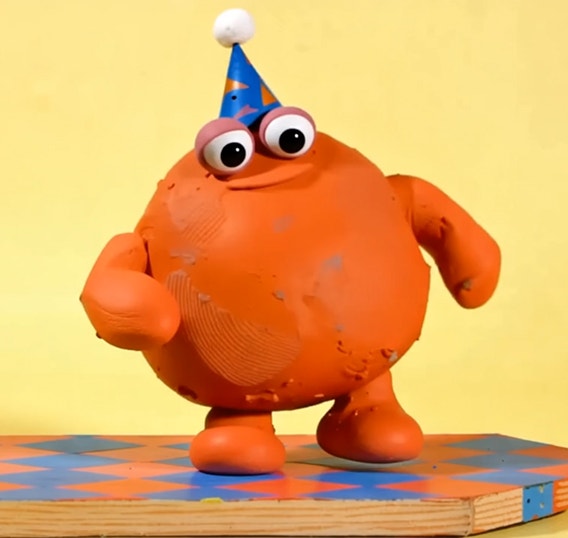
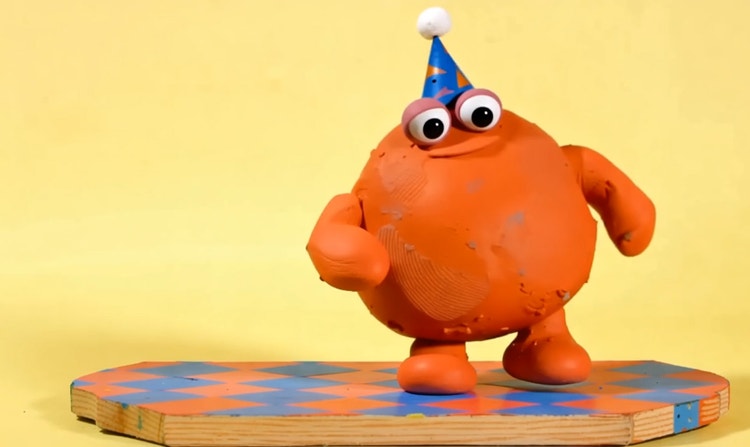
Multiple leading AI models
Switch between Adobe AI video models and partner models to experiment with different styles, types of motion, and generation speeds.
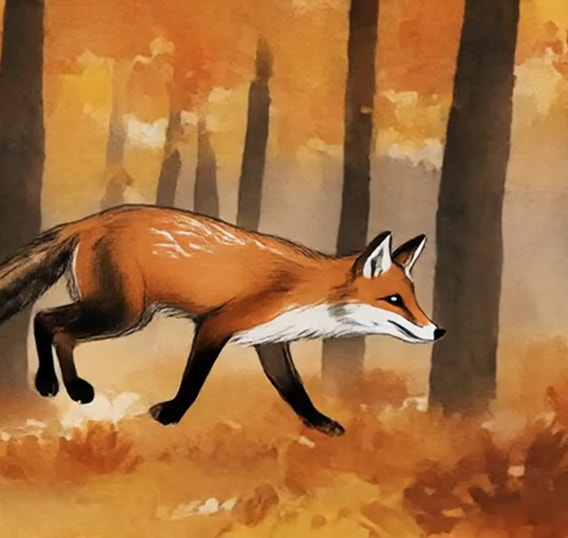
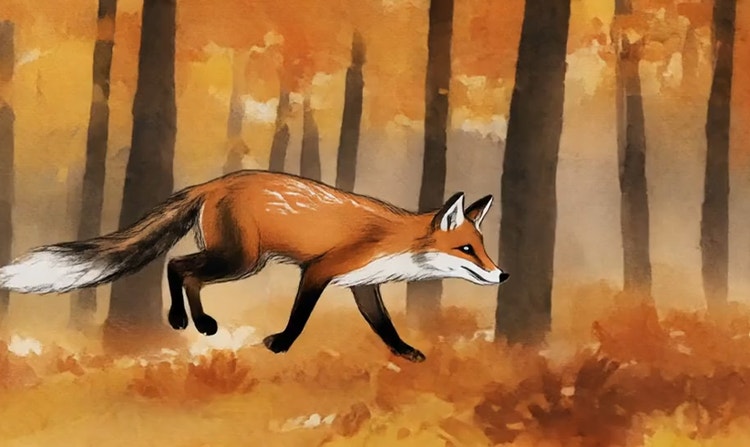
Fast iteration
Switch between models, generate variations with subtle prompt revisions, and use Firefly Boards to compare outputs side by side and collaborate more easily.
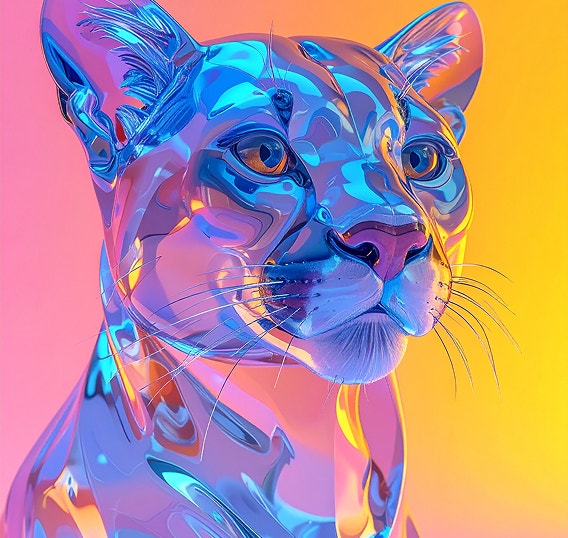
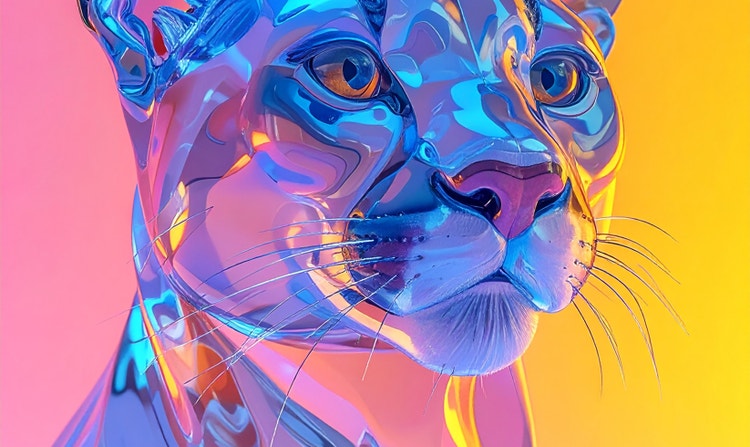
Seamless integration
Easily bring your animated content into other Adobe Creative Cloud apps like Premiere, After Effects, or Photoshop to refine, edit, or build on your project.


Commercially safe Firefly models
Adobe Firefly video models are trained on licensed and public domain content so you can confidently use your outputs for professional projects.
See what you can do in Firefly.
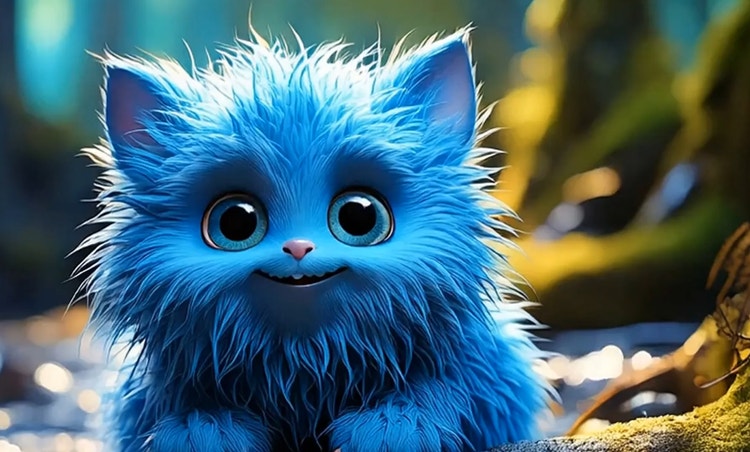
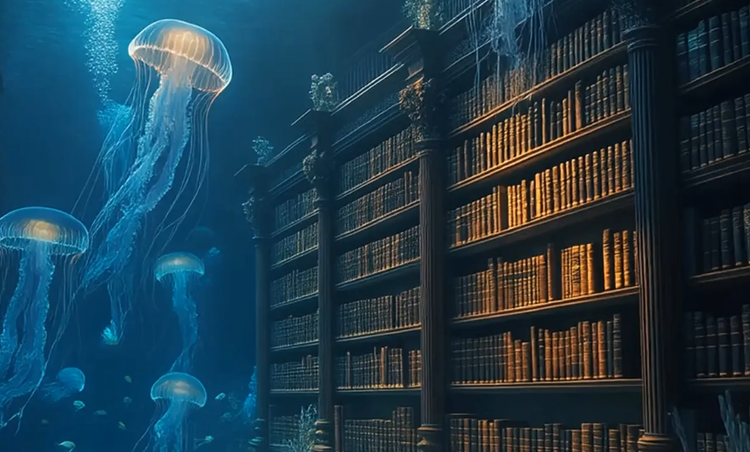



Discover even more features.
Questions? We have answers.
Can AI generate 3D animation?
What types of animations can Adobe Firefly AI create?
What can I create with AI animation?
What are generative credits?
Can I customize the animation style or speed?
What is the Adobe Firefly AI animation generator model trained on?
Are AI-generated animations commercially safe to use?
Is the AI video generator free to use?
Can AI generated animations match my existing animation style?
Can I create animation using AI for my commercial projects?
What is the best AI animation generator?
Share this page.
Explore more Firefly tools.
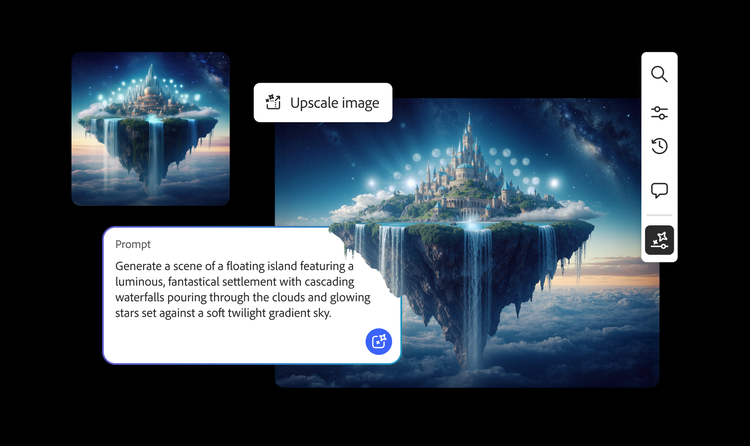
AI generated examples
From the way we explore ideas to the way we bring concepts to life, generative AI is transforming creative work. Explore generative AI examples of visuals, video, and sound created with Adobe Firefly to see what’s possible and spark ideas for whatever you create next.
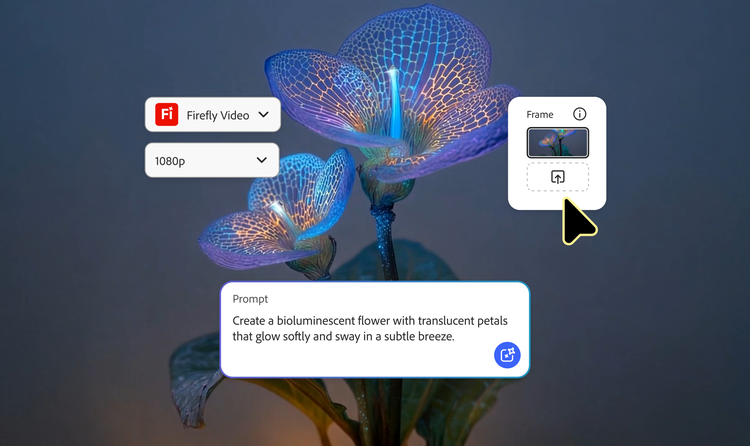
Animated video examples
From GIFS and cartoons to explainers and ads, generative AI is transforming how creators produce animated videos. Explore AI animated video examples across styles and use cases, and see how Firefly can help you bring your vision to life.
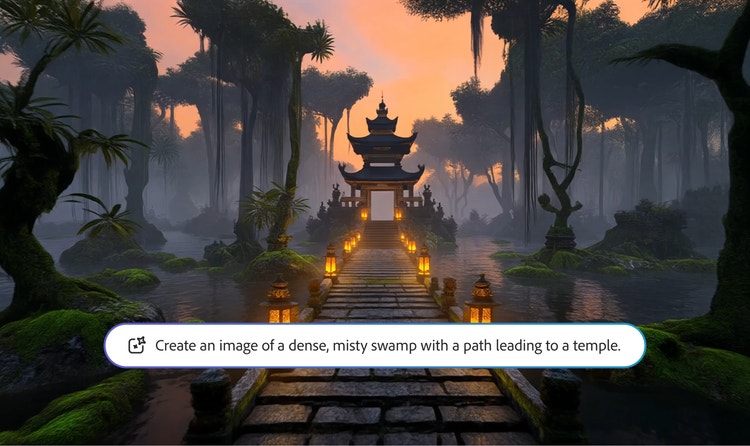
AI video examples
Adobe Firefly makes it easy to create AI generated videos for ads, film, animation, and so much more. Keep reading to explore examples, prompts, and tools that can help you bring any idea to life.
How Generative AI works
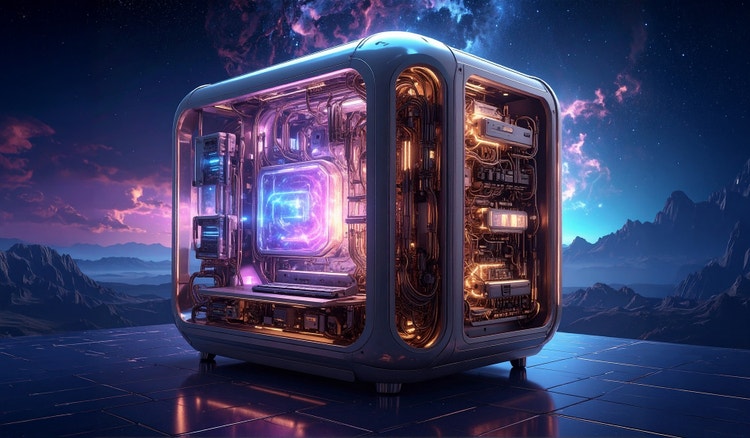
Generative AI is all over the headlines, and that’s not empty hype. This new technology is likely to be part of your life soon — if it’s not already. Learn how generative AI works and start streamlining your workflow