

https://main--cc--adobecom.aem.live/cc-shared/assets/img/firefly.svg Adobe Firefly

Free cricket sound effect generator.
Whatever your project, you can create custom cricket sounds quickly with a text description or audio reference — no editing required.
- audio
- Keep it short and specific, like birds chirping
- Adobe Generative AI Terms
- https://main--cc--adobecom.aem.live/creativecloud/animation/testdoc/unity/generate.svgGenerate
- Describe what you want to generate
- Prompt
- Suggestions
- Tip
- Variation 1
- Variation 2
- Variation 3
- Variation 4
- ff_campaign=embed_generate_acom&promoid=8JD95343&mv=other
- Unable to process the request
- Please describe what you want to generate.
- Prompt exceeds the max length of 750 characters
- Unable to play audio. Please try other variations.


https://main--cc--adobecom.aem.live/cc-shared/assets/img/product-icons/svg/firefly-80.svg

Adobe Firefly
{{nbsp}}
https://main--cc--adobecom.aem.live/cc-shared/assets/img/product-icons/svg/firefly-80.svg
Adobe Firefly
https://main--cc--adobecom.aem.live/cc-shared/assets/img/product-icons/svg/firefly-80.svg
Adobe Firefly
The next evolution of creative AI is here for all your ideas, with image, video, audio, and vector tools.
Create a custom cricket sound effect with AI.
From the comforting sound of crickets chirping at night to the unsettling sound of a single cricket stuck in your house, you can describe a sound effect to create the perfect atmosphere for your video or audio project.
Fine-tune your custom cricket sounds.
Determine the pitch, intensity, rhythm, tone, and other sound characteristics. By combining your text prompt with your recorded voice prompt, you can get the exact sound you want with Firefly.
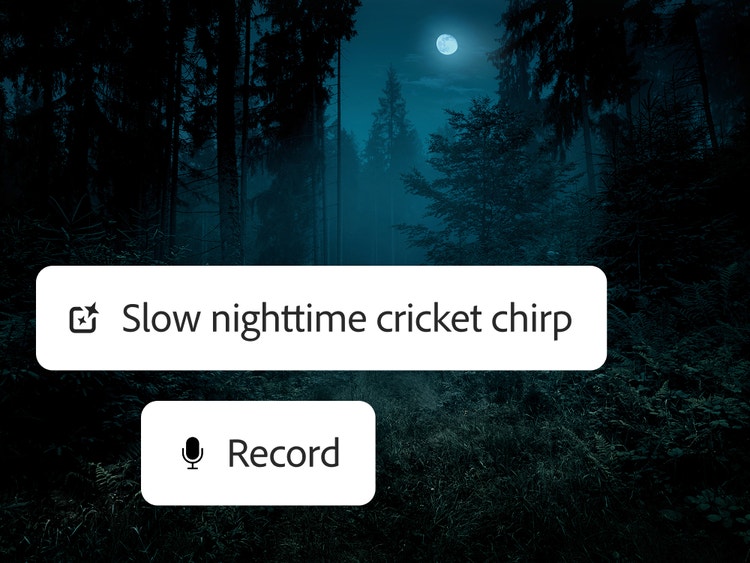
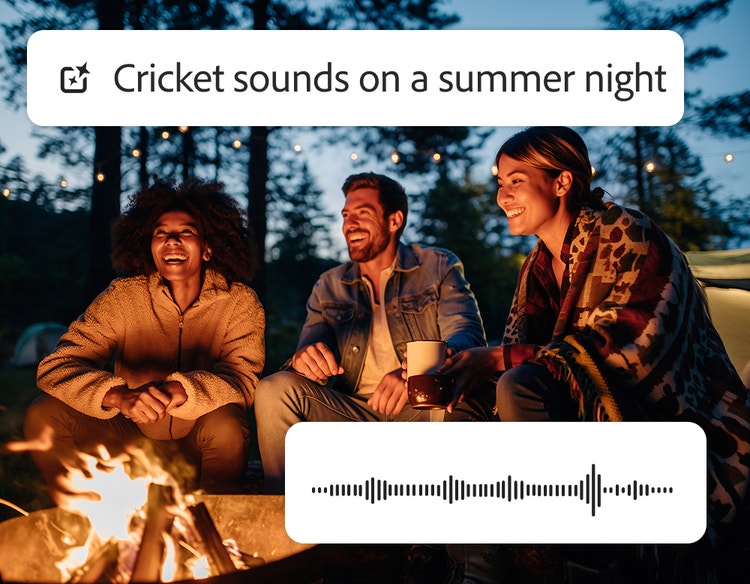
Add a cricket sound effect to any project.
Transport viewers or listeners to a nice summer night or add some comic relief to an awkward situation. You can use cricket sound effects in videos, films, commercials, games, animations, podcasts, nature scenes, and background ambience.
Use cricket sound effects with confidence.
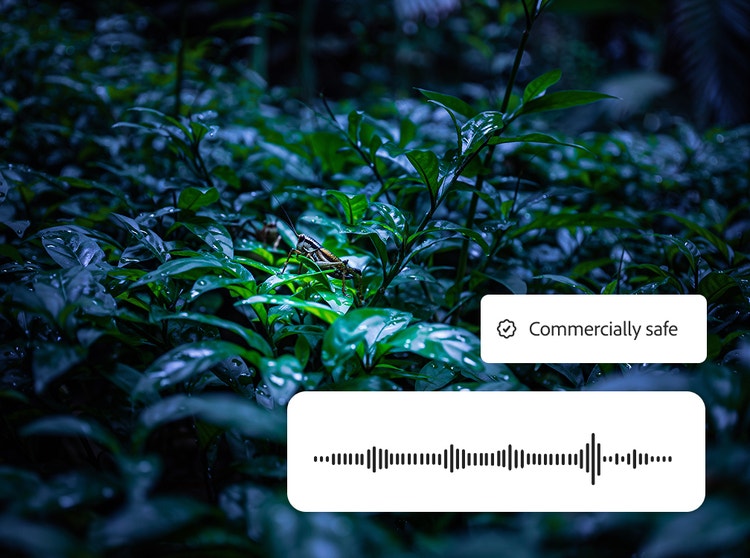
Adobe Firefly is trained on licensed and public domain content and designed to be commercially safe, so you can confidently generate a cricket sound effect for use in professional, branded, and monetized projects.
How to generate a cricket sound effect in Firefly.
Follow these quick steps to easily create cricket sounds with the Firefly AI sound effect generator.
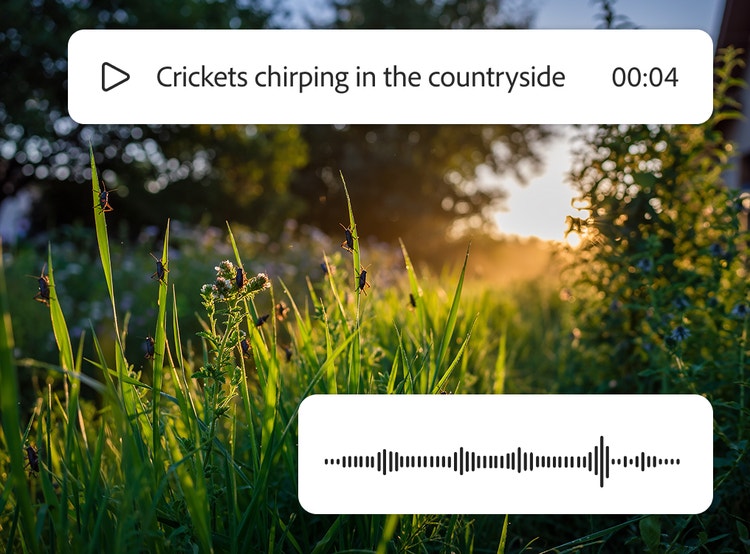
- Open Firefly.
On the Adobe Firefly homepage, click the New button and select Create New Audio to go to Voice to Sound Effects. - Upload your media (optional).
On the Generate Sound Effects page, upload a video or audio file that you want to improve with sound effects. - Describe cricket sounds with a prompt.
Type a simple prompt, like “crickets chirping in the countryside” or “a lone cricket chirps from a hidden corner of the room.” - Preview the cricket sound effect and refine your results.
Listen to the generated cricket sound effect and then fine-tune the length, tone, and intensity until you’re satisfied. - Pick your clip and drop it in your timeline.
Preview output variations, select your favorite, and add it to the timeline at your playhead. - Download.
Download your custom cricket sound effect by itself in WAV or embedded in your MP3 or MP4.
Why Firefly for cricket sound effect generation?
An AI cricket sound effect generator uses artificial intelligence to create realistic cricket chirps and ambient insect sounds from text prompts and voice guides. Building on this capability, Adobe Firefly is a great choice for generating a cricket sound effect because it offers the following advantages:
- Custom sound: No need to scroll through sound libraries for the perfect sound effect with the right timing when you can generate it yourself.
- Controls for fine-tuning: With a simple text prompt or voice sample, you can get the timing and intensity just right.
- Ease of use: Upload your own video or audio files and then add your cricket sound effect exactly where you want it. You can even layer multiple cricket sound effects.
- Commercially safe models: Firefly is trained on licensed and public domain content so you can use your outputs for professional projects.
Discover even more generative AI features.
Dog bark sound effect generator AI sound effect generator AI video editor AI video generator AI animation generator Translate audio Translate video AI cartoon generator
Questions? We have answers.
What is the best AI cricket sound effect generator?
Can I generate cricket sound effects for free with Firefly?
What types of cricket sounds can I create?
How do I add cricket sound effects to video or audio projects?
What file formats are supported?
You may also like

An overview of generative AI
Generative AI includes technologies like large language models (LLMs) and multimodal models that blend text, images, and more that let users creatively transform everything from design to video. Learn more about generative AI — how it works, what it’s trained on, and how it’s reshaping creative workflows.
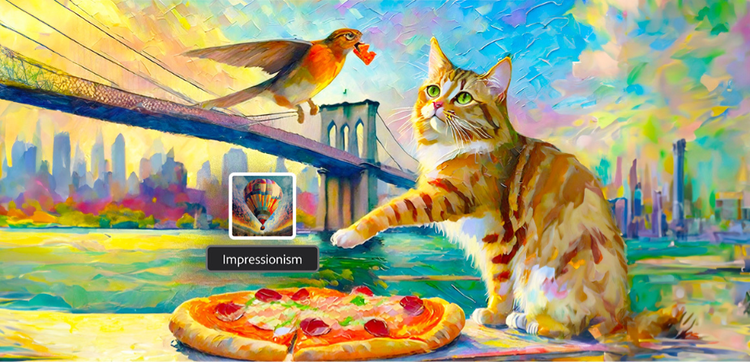
Explore art styles for AI prompts.
Surrealism, Cubism, Impressionism — find out how to create images in these and other art styles with generative AI.

How to integrate generative AI into architectural design.
From monuments to museums, houses to hospitals, architecture plays a fundamental role in everyday life. Generative AI can help architects create more functional and innovative environments, faster and more efficiently than ever.
Learn more | Learn more - How to integrate generative AI into architectural design

AI art prompts for graphic designers.
Learn how to write effective prompts for generative AI to get amazing results for graphic design.
Learn more | Learn more - AI art prompts for graphic designers