https://main--cc--adobecom.aem.live/cc-shared/assets/img/firefly.svg Adobe Firefly

免費使用 Adobe Firefly,輕鬆變更任何相片的透視角度。
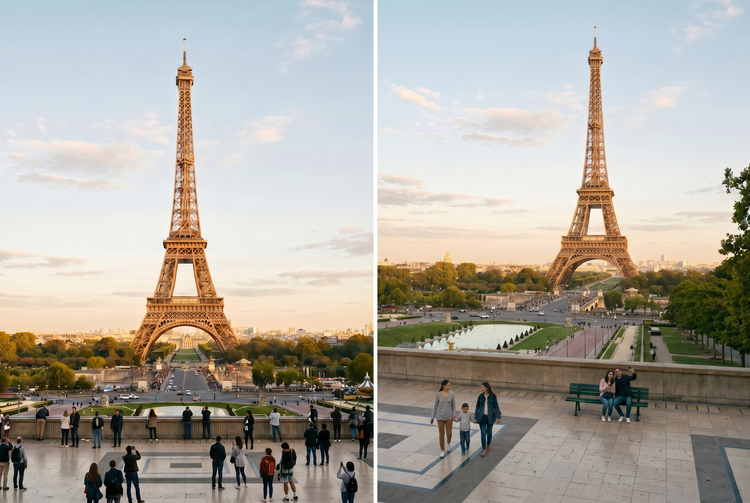
無需重新拍攝,即可從全新角度重新構圖。Adobe Firefly 自動填補邊緣,讓畫面完整呈現,不留任何裁切或延展的痕跡。

Or tap here
File must be JPEG (JPG), PNG, or WEBP and up to 100MB.
By uploading your image or video, you agree to the Adobe Terms of Use and Privacy Policy and confirm you are 18 years of age or older.
Or tap here
File must be JPEG (JPG), PNG, or WEBP and up to 100MB.
By uploading your image or video, you agree to the Adobe Terms of Use and Privacy Policy and confirm you are 18 years of age or older.
Or tap here
File must be JPEG (JPG), PNG, or WEBP and up to 100MB.
By uploading your image or video, you agree to the Adobe Terms of Use and Privacy Policy and confirm you are 18 years of age or older.
- 無法處理要求
- 請上傳照片以開始使用。
https://main--cc--adobecom.aem.live/cc-shared/assets/img/product-icons/svg/firefly-80.svg

Adobe Firefly
創意 AI 的下一波革新已來臨,將透過影像、影片、音訊和向量工具將您的所有想法化為現實。
變更相片透視,同時保留您最愛的構圖。
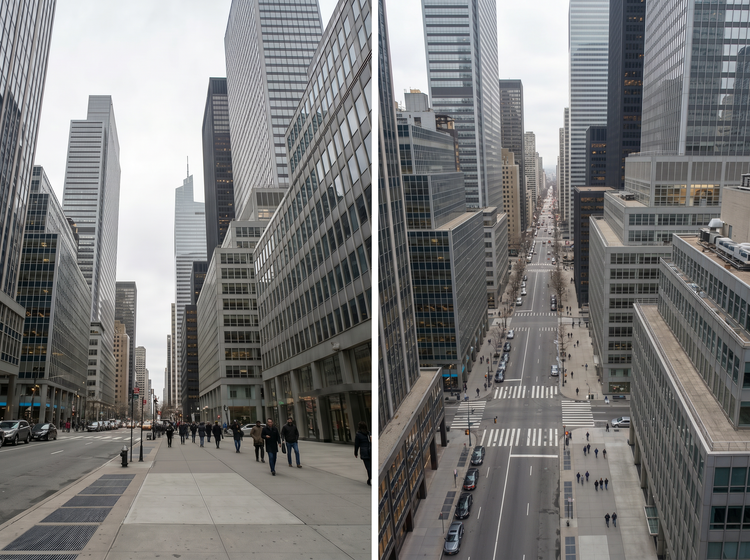
Adobe Firefly 自動解析影像幾何結構,免費調整視角、修正傾斜垂直線,或將緊湊角度拓展為更寬闊的視野。當邊緣需要補充內容時,Firefly 會自動產生無縫延伸,完美融合場景,讓結果看起來渾然天成,而非裁切或延展所致。
無需重拍,即可轉換全新視角。
旋轉角度、修正傾斜線條,或將緊湊畫面拓展為更寬廣的構圖。只需描述您想要的變更,Adobe Firefly 便會調整幾何結構,同時完整保留主體。
填補 Adobe Firefly 延伸出的邊緣。
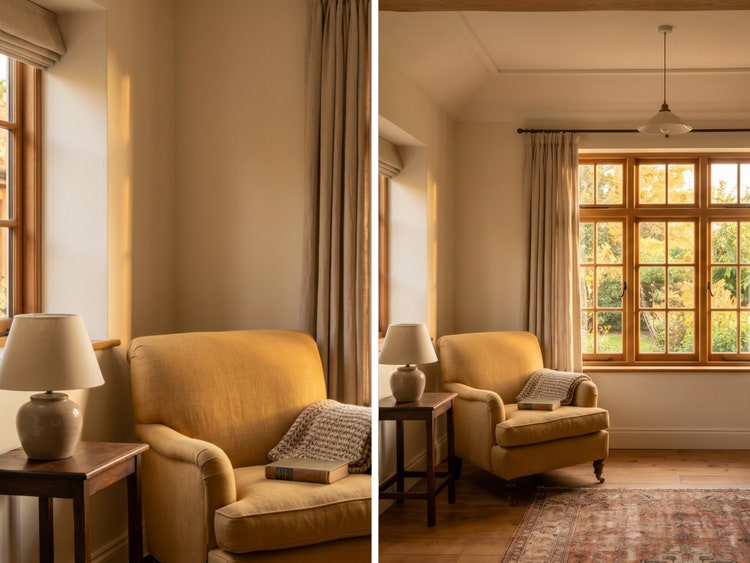
調整角度時,畫框邊緣有時會出現空白區域。Adobe Firefly 會自動產生無縫延伸,精準符合原始相片的光線、紋理與色彩,讓全新透視看起來就像當下直接拍攝的效果。
全程掌控每一項調整。
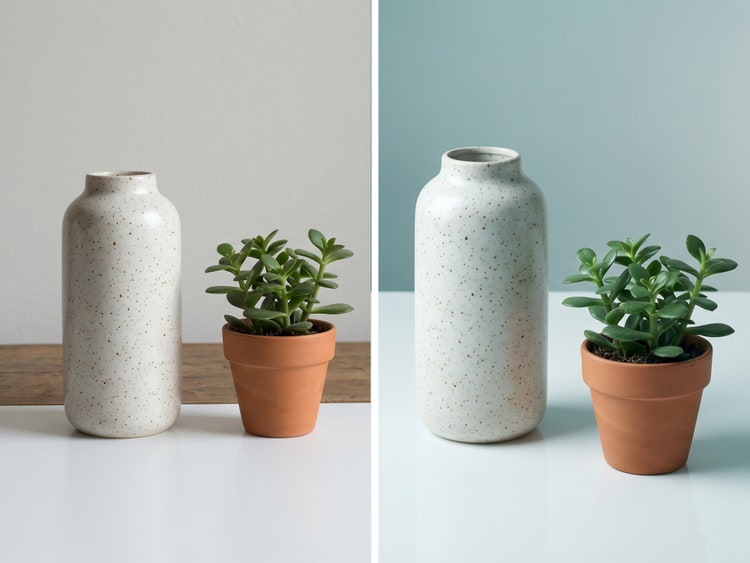
描述您想要調整的角度幅度,一鍵重新產生,直到結果符合您的想像。細微調整適合精緻修正,大幅度的角度變更則能為主視覺和 Campaign 素材帶來更具張力的全新構圖。
如何變更相片的透視角度。
步驟 1
開啟 Adobe Firefly。
步驟 2
上傳您的影像。
步驟 3
描述您想要的透視變更。
步驟 4
產生填補效果。
步驟 5
儲存並下載您的影像。
- 如何變更相片的透視角度。
- 使用 Adobe Firefly 變更相片透視的步驟
- PT5M
- firefly
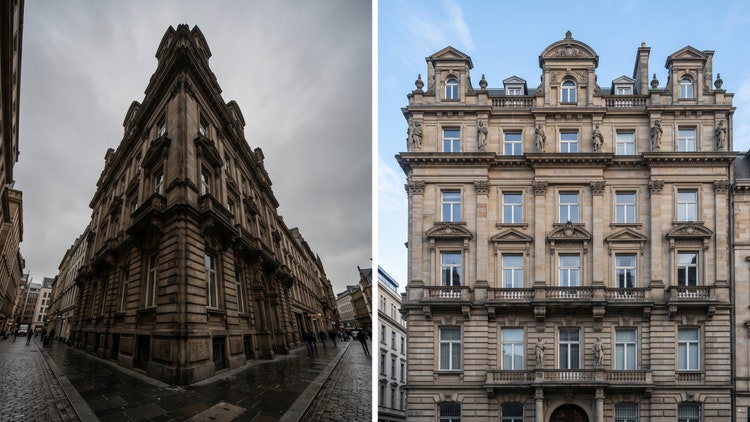
精準的創意掌控
精確描述您想要的調整效果,從微幅校正到全面改變視角,一鍵重新產生,直到畫面構圖完全符合您的創意想像。
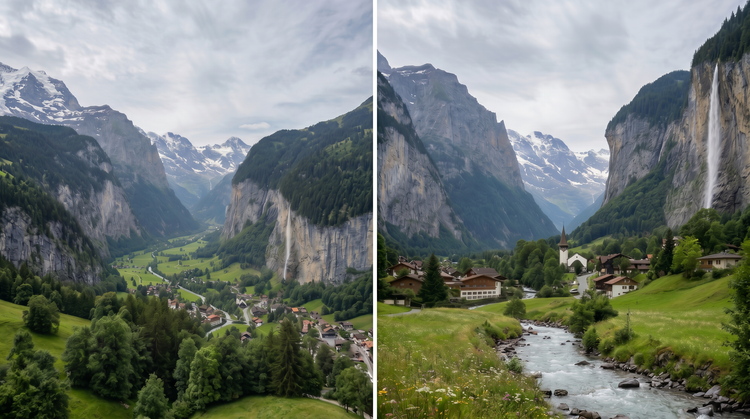
頂尖 AI 模型
Adobe Firefly 在單一創意工作室中整合自家模型與 Google、OpenAI、FLUX 等頂尖合作夥伴模型,讓您直接選用最適合風格的模型,無需在多項工具之間切換。
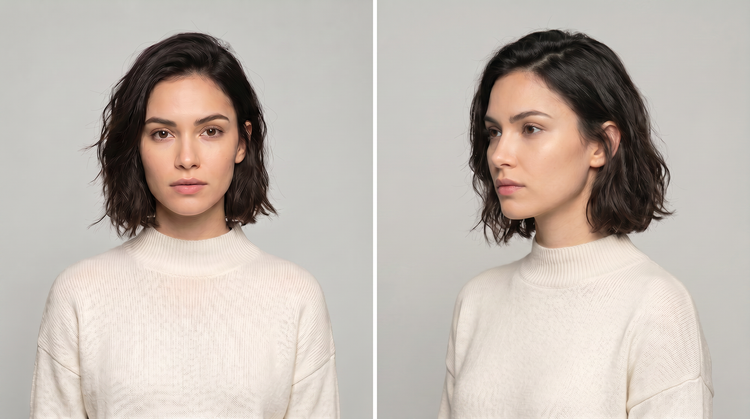
Your complete creative studio
Adobe Firefly 不僅是影像產生器。從提示開始,運用精準編輯工具細化結果,從初始構想到完成影像,創意流程不間斷。
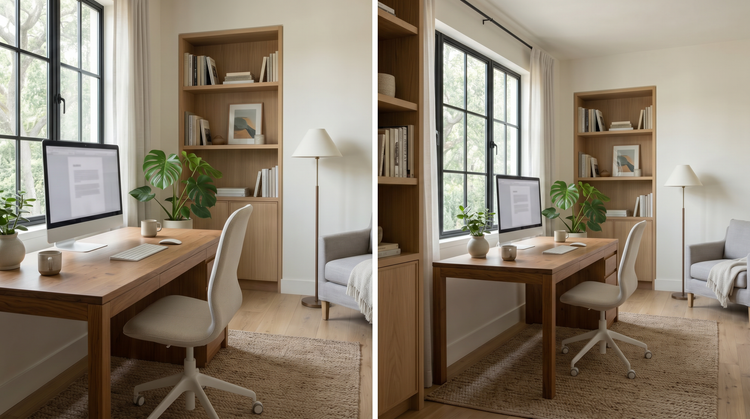
緊密整合
重新構圖後的影像可無縫融入您的工作流程。繼續在 網頁版 Adobe Photoshop 中細部調整、套用 Adobe Express 範本,或下載影像並在任何 Adobe 應用程式中繼續編輯。