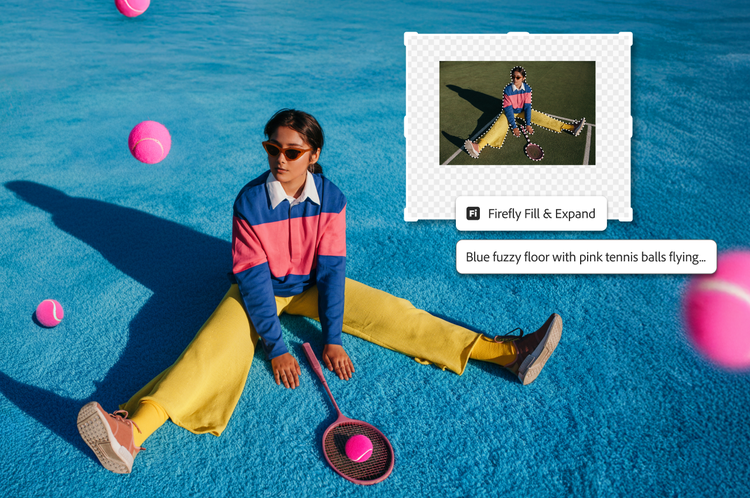
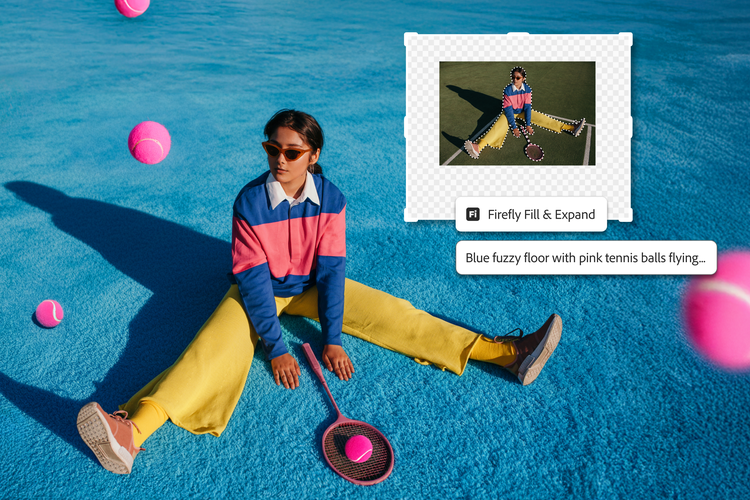
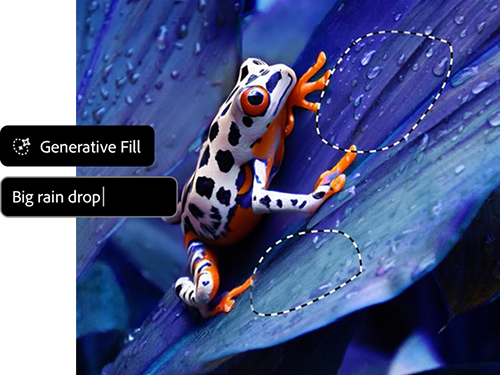
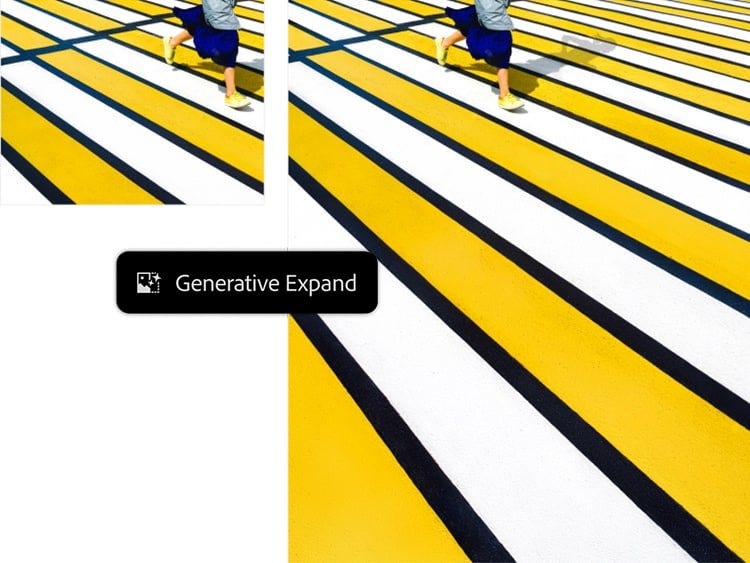
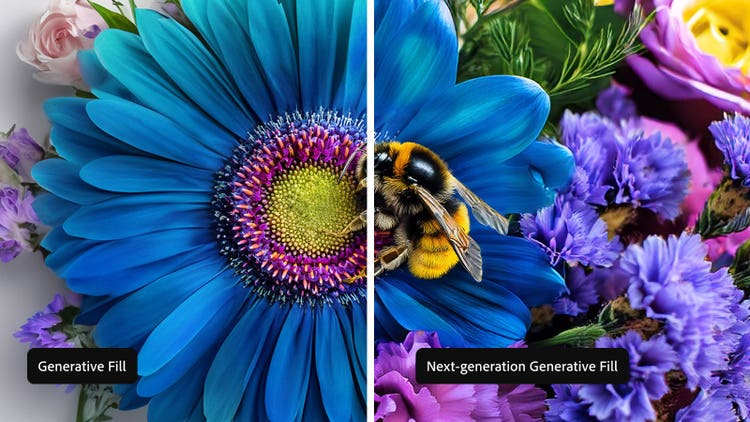
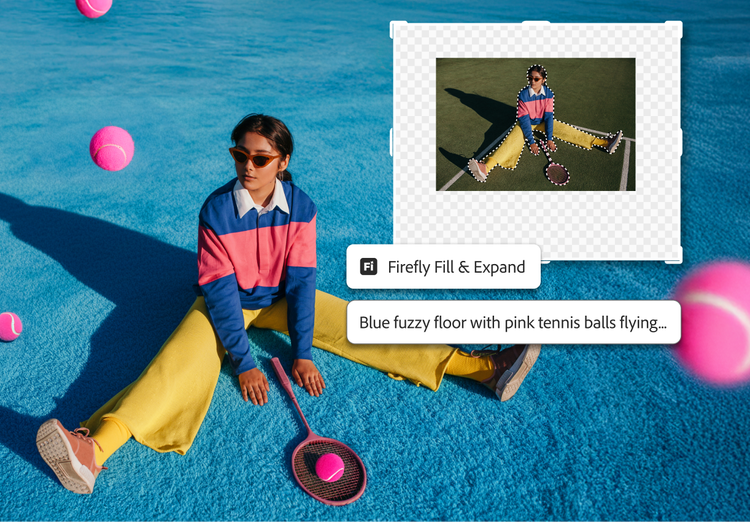
Generative Fill in the Photoshop app now has the improved Adobe Firefly Image model. Generative Fill is a generative AI tool powered by Firefly that enables you to add and remove content from images nondestructively using simple text prompts to achieve realistic results. (Not available for users in China.)
You can access generative AI tools like Generative Fill and a set number of Generative Credits within Photoshop with either a membership or a free trial.
You must have Photoshop version 25.0 installed to access Generative Fill. Ensure that you’re using build m.2181 by clicking Help in the Photoshop menu bar and then selecting System Info from the drop-down menu. To try the latest version of Generative Fill, install the Photoshop app.
Yes. You can create confidently, knowing that the current Firefly generative AI model was trained on licensed content, such as Adobe Stock and public domain content where copyright has expired. While generative AI features are available for use in the Photoshop app, the content generated in the Photoshop app may not be used for commercial purposes.
Yes. Access Google's Gemini 3 (with Nano Banana Pro) and FLUX.2 pro image generation models directly in
Photoshop on desktop when using Generative Fill.
Get Photoshop's creative control combined with cutting-edge models like Gemini 3 (with Nano Banana Pro) and FLUX.2 pro. Work seamlessly in one pro-grade environment to bring your creative vision to life.