

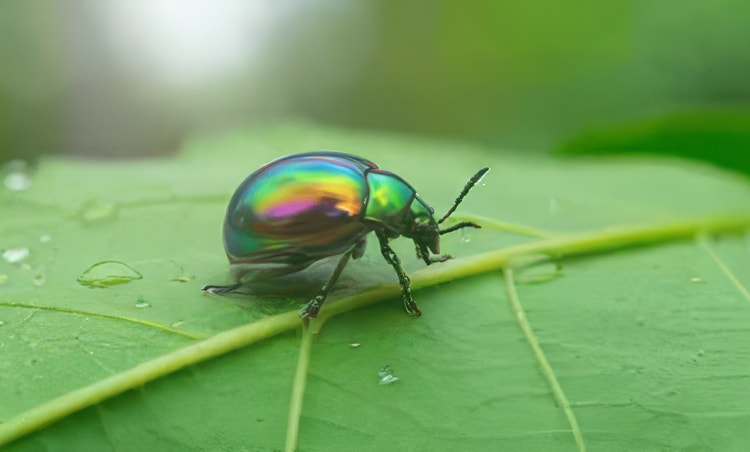
Upscale customer photos for marketing campaigns.
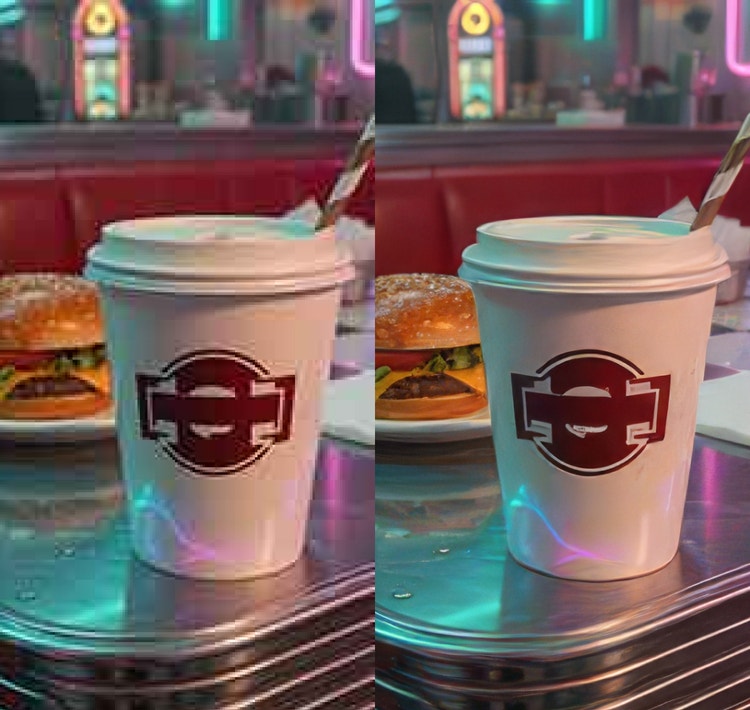
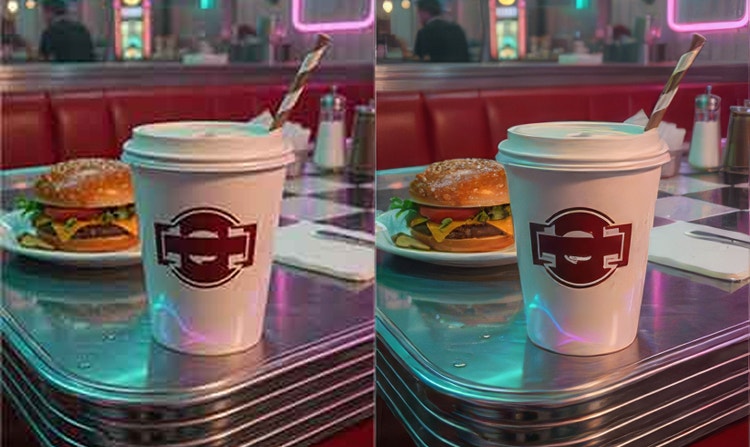
User-created content can be crucial for a successful marketing campaign. With Generative Upscale, you can make sure that those visuals maintain the polished, professional look of your own content.




Enlarge images instantly with AI — without quality loss.
By uploading your image or video, you agree to the Adobe Terms of Use and Privacy Policy and confirm you are 18 years of age or older.
By uploading your image or video, you agree to the Adobe Terms of Use and Privacy Policy and confirm you are 18 years of age or older.
By uploading your image or video, you agree to the Adobe Terms of Use and Privacy Policy and confirm you are 18 years of age or older.
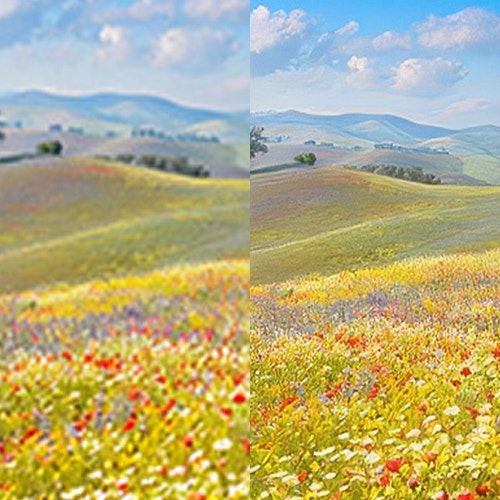
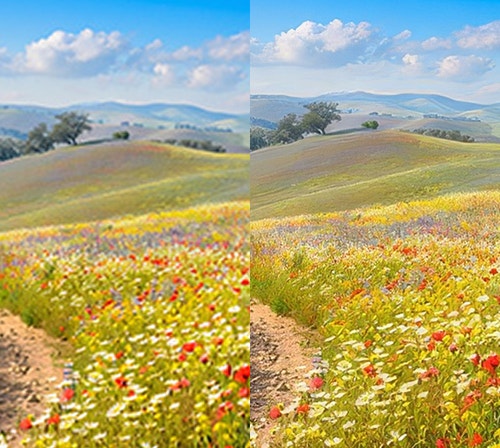
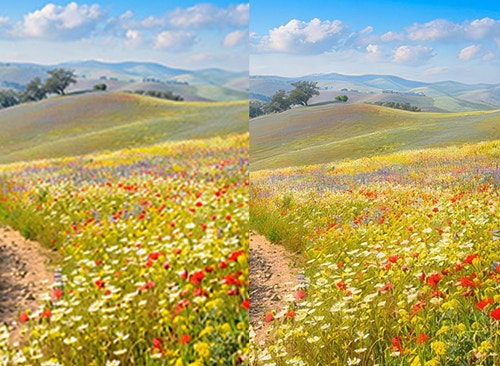
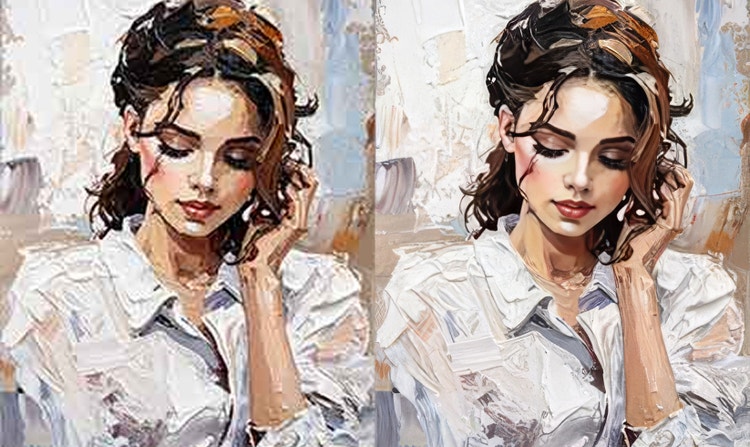
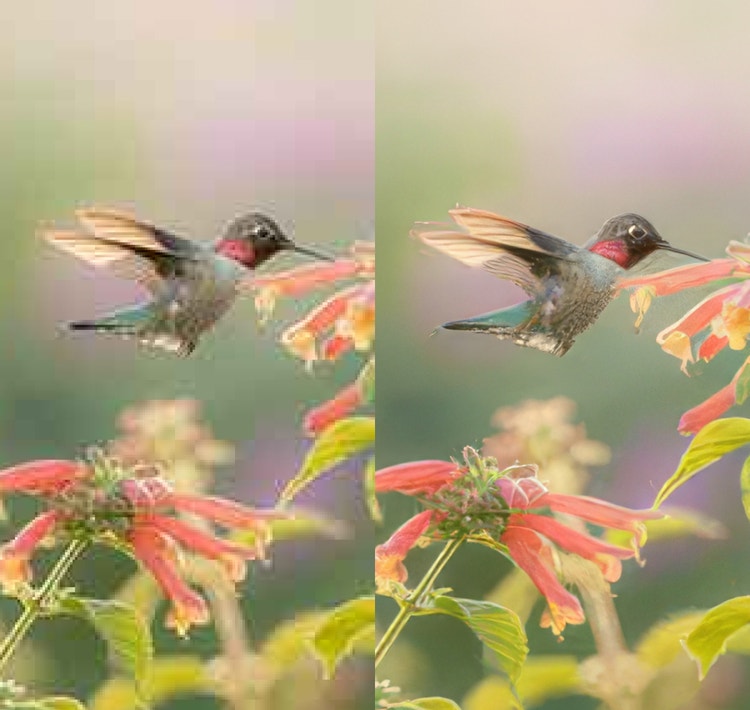
Creators, marketers and everyday users can sharpen details and refine textures for free online with the AI-powered editing tools in Firefly. Upscale an image by 2x or 4x with a single click.
User-created content can be crucial for a successful marketing campaign. With Generative Upscale, you can make sure that those visuals maintain the polished, professional look of your own content.
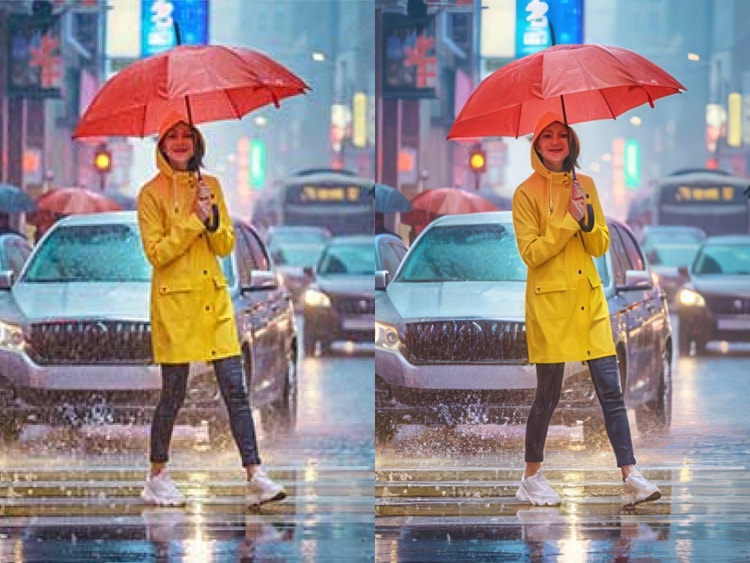

Now you can use low-res email attachments or legacy assets instead of doing a costly redesign or reshoot. Whether you’re working with a partner organisation that hasn’t provided an adequately sized logo or you just can’t track down the high-res image you need, you can still get the clean edges and fine details that meet your design standards.
Breathe new life into old or scanned photos by increasing resolution and sharpening details that were lost over time or in transit. The result is clearer, more usable imagery that’s ready for contemporary creative projects and larger formats.

Log in to Adobe Firefly with your Adobe ID or create a free account if you don’t have one. Open the Firefly image editor by clicking the Edit an Image button.
Drag and drop your image or browse your device or Adobe cloud storage to find the image you want to edit.
Choose between AI image models to upscale, then choose to upscale your image by 2x or 4x.
A separate upscaled image will be generated in a new document with an updated name.
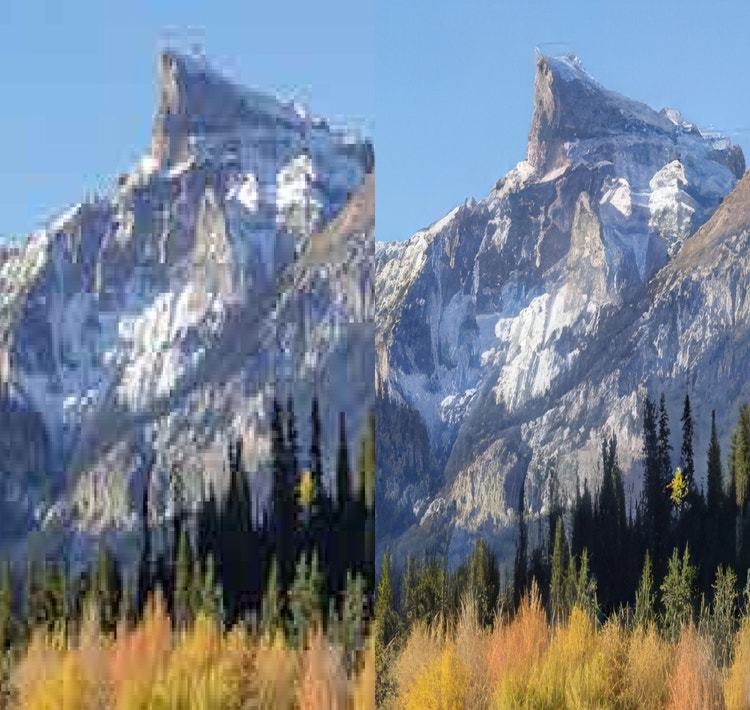
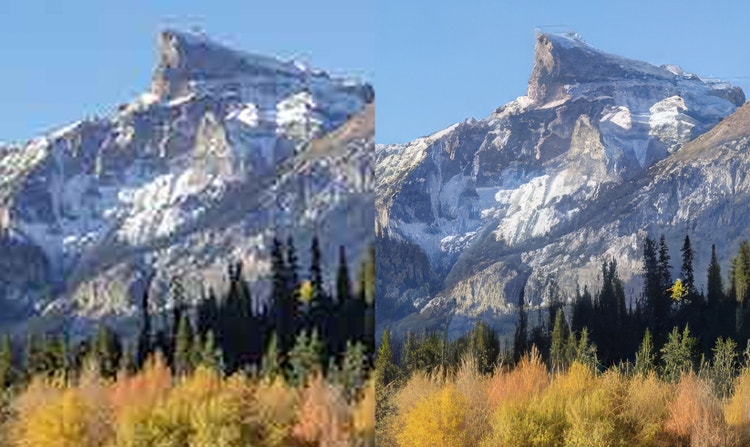
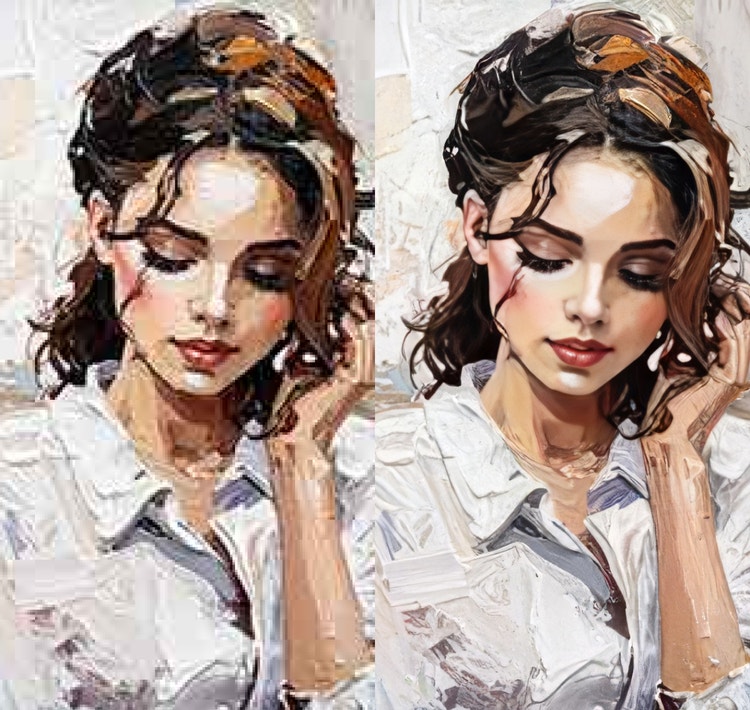


Learn how to use generative AI to boost productivity and discover new possibilities while maintaining creative control.
Generative AI can mimic — but not replace — human intelligence. Learn how it can help you to take your creativity to new places.
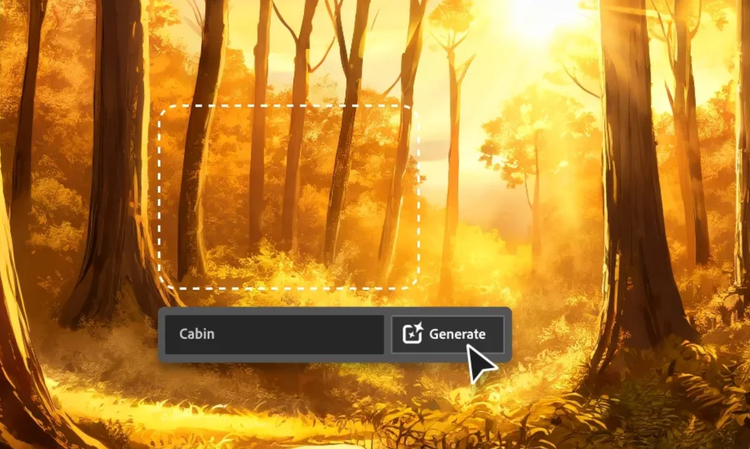
Learn about the AI tools available to graphic designers and how they can help you be more productive and take your work in surprising directions.

Learn how to write effective prompts for generative AI to get amazing results for graphic design.
Based on your location, we think you may prefer the United States website, where you'll get regional content, offerings, and pricing.


