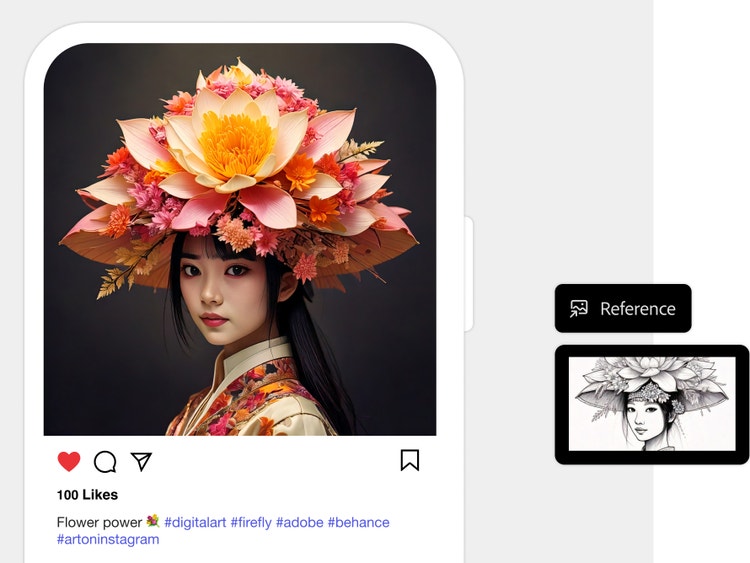
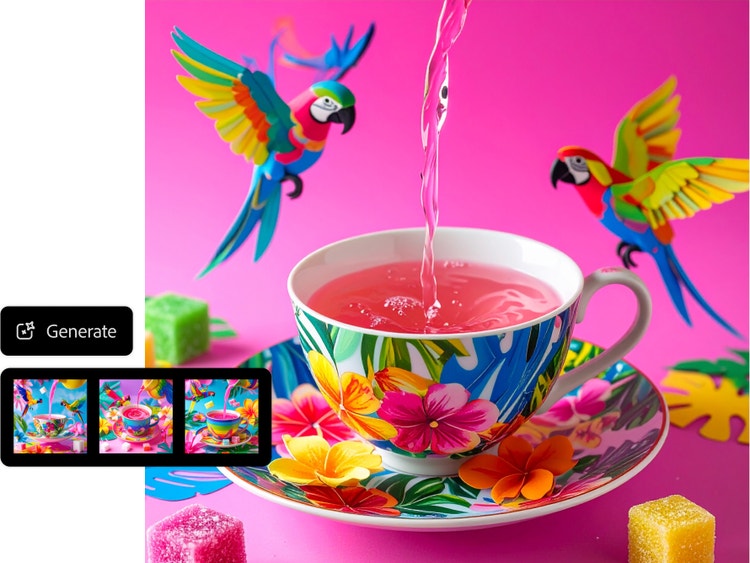
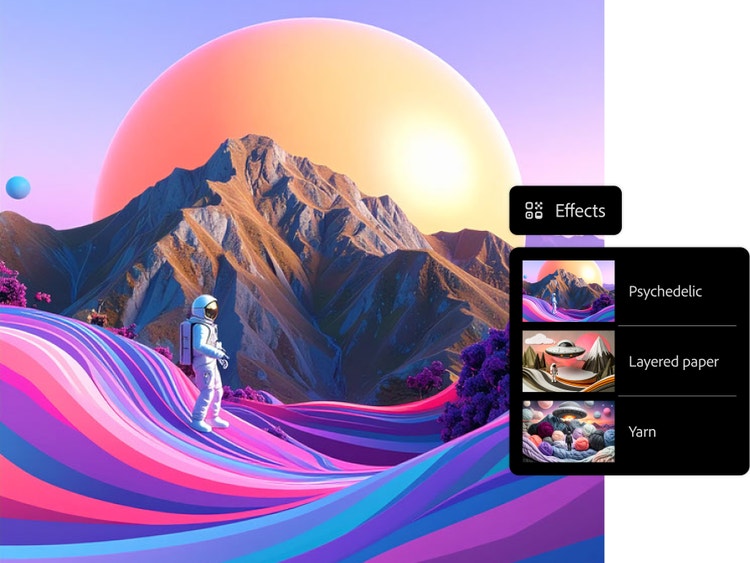
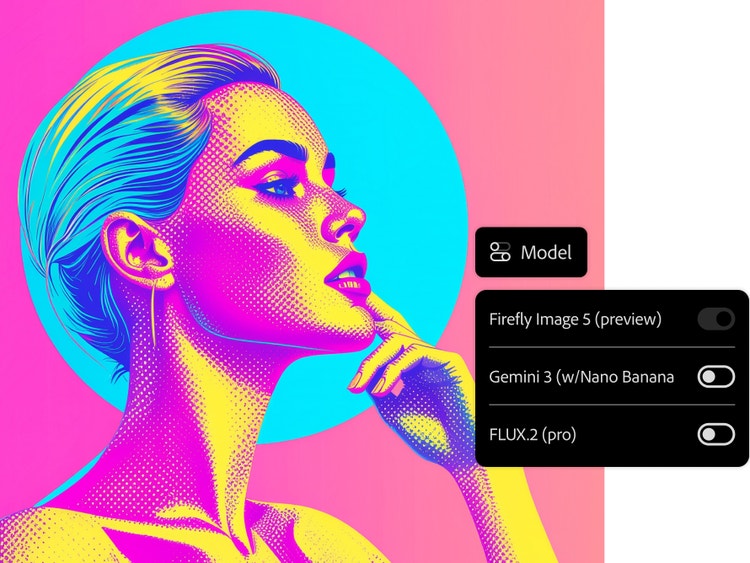
AI can significantly assist graphic designers by helping them to save time, boost creativity and streamline their workflows. Here are some key ways AI supports graphic designers:
- Automation of repetitive tasks
- Idea generation and inspiration
- Personalisation at scale
- Design suggestions and assistance
- Enhanced user experience design
- Image enhancement and restoration
- Real-time collaboration and feedback
Yes, you retain full ownership of the graphics you create using Adobe Firefly, including all copyrights and commercial rights. Adobe does not claim ownership over content you generate with Firefly. This policy is clearly outlined in the
Adobe General Terms of Use and is reinforced through our commitment to creators.
Yes, you can use Adobe Firefly Text to Image features to create designs for commercial projects, provided you adhere to
Adobe user guidelines and the content is produced using the commercially released version of Firefly. All Firefly tools are designed to be safe for commercial use, as they are trained on Adobe Stock, licensed content and public domain materials.
To effectively describe a design when using Adobe Firefly, you need to write a clear, specific and detailed prompt. Visit the Adobe Help Center for t
ext prompt writing tips and examples to help you to create the best prompts. You can also click the Prompt Features button in the toolbar and turn on Prompt Enhancement, which automatically expands your text into a more detailed prompt.
The number of AI-generated designs you can create with Firefly depends on your subscription plan. See Adobe Firefly plans
here.
A great AI design generator turns complex ideas into professional, production-ready assets with high fidelity and legal peace of mind. Adobe Firefly delivers this through commercially safe tools and deep Adobe integration, providing results that are fully controllable, editable and scalable for real-world design outputs.
Adobe Firefly enables you to create a variety of on-brand designs, including presentations, posters, flyers and business cards. It also generates social media assets, such as Instagram Reels, TikToks and YouTube thumbnails, in vertical, horizontal or square formats. Through precise prompt control, Firefly provides fully editable, production-ready layouts tailored to your specific needs.
Yes, you can create AI designs for free with Adobe Firefly using a free Adobe account. If you have a free account, you’ll get free daily generations to explore features like Generate Image, Generative Fill and Text Effects. Learn more about
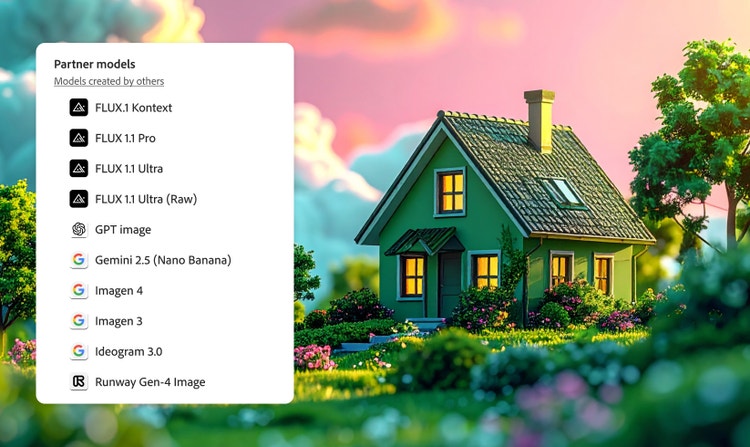
using Adobe Firefly for free. For higher-volume use and access to more partner models, paid Adobe Firefly plans are available.