Dream Bigger with Adobe Firefly.
Imagine, experiment and create with generative AI in the Firefly web app. New to Creative Cloud, now available for commercial use.


CREATIVE GENERATIVE AI
Creating compelling artwork from scratch can be challenging. AI art prompts can help you create compositions for product visualisations, architectural renders, concept art and much more.
Learn how to write AI art prompts with Adobe Firefly.

What made people’s jaws drop in 1903? The Wright Brothers’ first-ever flight of a powered plane – which lasted a mere 12 seconds. The 2025 equivalent? Creating outstanding pieces of art with just a line of text.
Like the Wright brothers and their approach to early aviation, you’ll probably be inspired to keep refining your prompts until your AI art really takes off. And these tips can sure help you get off the ground.
AI prompts are the commands creators give to generative artificial intelligence tools, known as gen AI, to generate content. Let’s consider this in the context of art. Creating AI art requires two things: the aforementioned generative AI technology and the person who tells the technology what image to make. The most common way for people to instruct AI art generators is with written descriptions, known as text prompts or simply as AI prompts.
While prompts for art can be short – leaving most of the choices to the AI – it can be more fun to describe what you want in detail, with specific guidance on composition and tweaks and refinements. This can also help ensure the output is as close to your creative vision as possible. It can be easy, too – Adobe Firefly has an AI image generator you can use to write prompts in simple, everyday language.
Generative AI tools can produce incredibly detailed artworks from a slither of information. Not convinced? Take a look at these AI art examples with prompts:
Let’s say you tell Firefly to make an image of a “full moon”, and you get something like this.
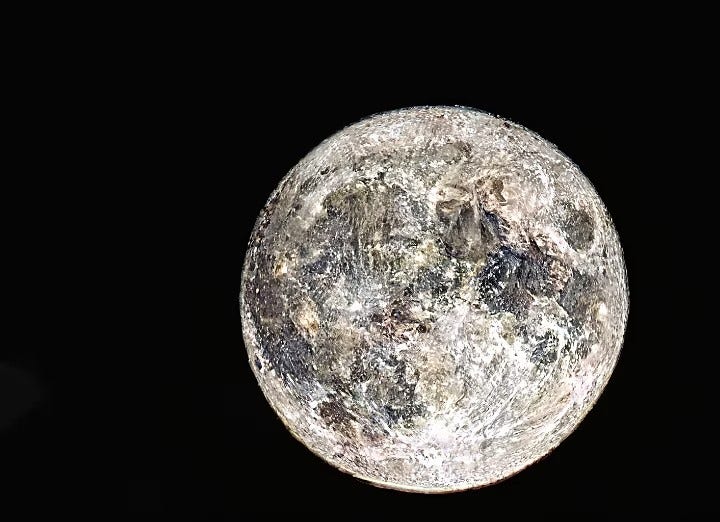
Prompt: full moon
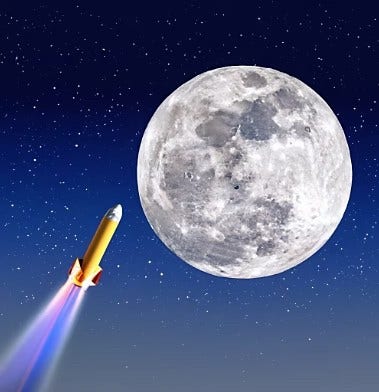
Prompt: full moon in the sky with a rocket headed toward the moon
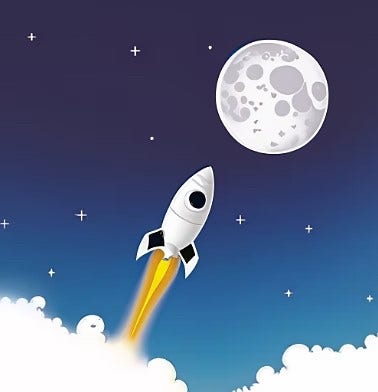
Prompt: full moon in the sky with a rocket headed toward the moon, cartoon art
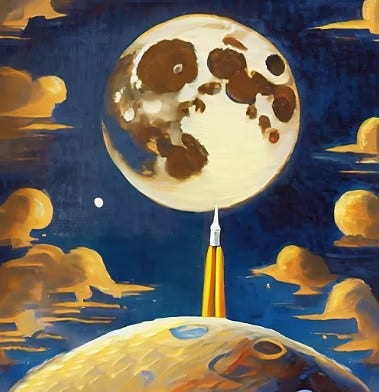
Prompt: full moon in the sky with a rocket headed toward the moon, in the style of a Golden Age Dutch Master oil painting
Whether you’re aiming to create a conventional scene, abstract art, character creation or graphic design, take your AI art prompts to another planet with descriptors such as:
If you use Adobe Firefly to generate AI art, you’ll find many descriptors are built-in to the tool already for you to explore at your leisure. Learning how to write prompts for AI art just got even easier.
You can also specify the image’s aspect ratio in Firefly. Options include:
Here are some more examples of cool prompts for AI art:
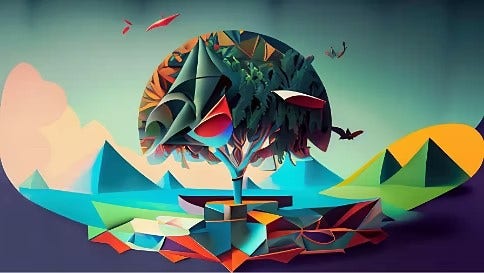
Prompt: origami, vibrant nature and technology fusion, in the style of Magritte
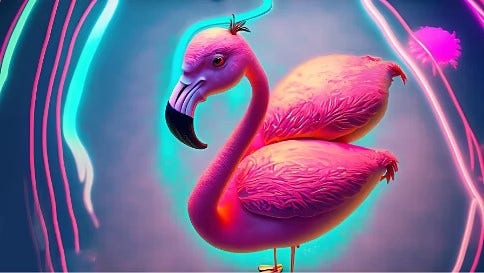
Prompt: flamingo cartoon character in a surreal dreamscape, neon colours, photographed from above.
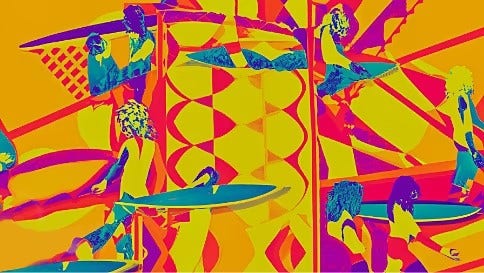
Prompt: abstract geometric patterns, vintage surfers, hot colours.
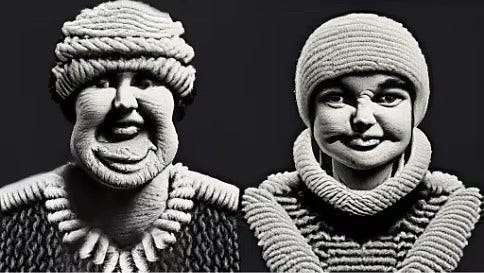
Prompt: happy portraits in monochrome, made out of yarn, graphic, bioluminescent.
It’s still very early days for generative AI art generation. So, how we interact with the technology will likely evolve far beyond text prompts. But in the meantime, here are a few tricks that may help you create outstanding works of art:
If you have a particular vibe in mind, make sure you include this in a prompt. The output will be wildly different depending on if you specified ‘photography’, ‘cyber punk’ or ‘illustration’.
When you’re in an experimental mood, load your AI prompts with multiple, even competing, descriptors. Unleash your most creative ideas and let your imagination run wild with the unexpected combinations.
The more detail you add to the AI art prompt, the closer the output will be to your creative vision. If you want to produce a painting of a cat on a sofa, specify the breed or colour of the cat and what you want the cat to be doing, for example, purring or sleeping.
You can also go one step further and specify the lighting you would like in your creation. Is it ‘sunset’ or ‘sunrise’? Or ‘morning’ or ‘evening’? You can also specify a colour scheme for your artwork. With gen AI tools you’re like your own personal art director.
Give the AI generator instructions on the level of detail you expect in the creation. You could add ‘realistic’ or ultrarealistic’ to your prompt and refine until you achieve your desired output.
No matter how skilled you are at writing text prompts, it’s tricky to generate an image that’s perfect on your first attempt. This is where Generative Fill comes in. It allows you to add or remove content from your images using simple text prompts.
In Firefly, you can select part of the image and describe with a new text prompt what the AI generator should do within that selection. You can also use Generative Fill on images that aren’t AI art, either in Firefly or in the Adobe Photoshop desktop and web apps.
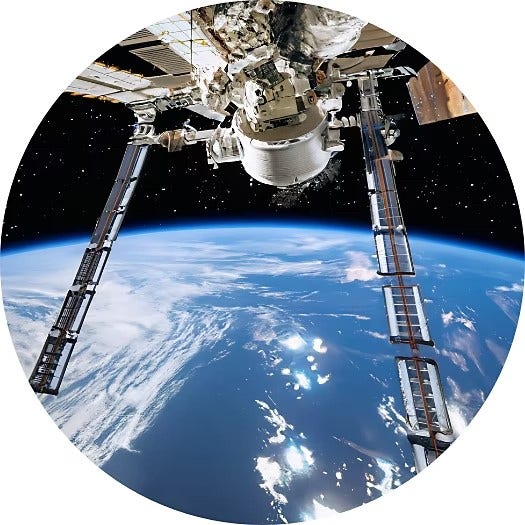
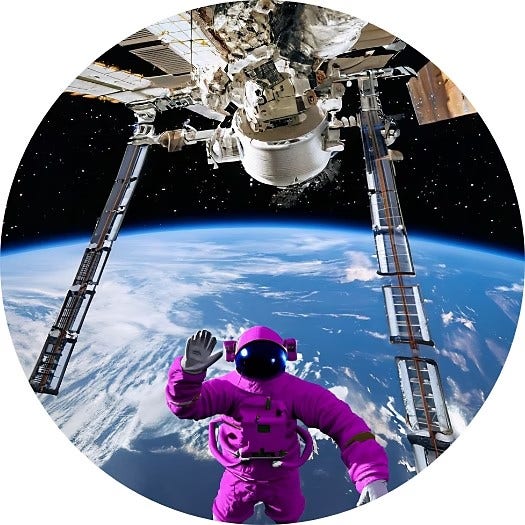
Combine AI prompts with your own creative vision and imagination to create truly unique artworks. Begin with something basic and then build on that. Use descriptors for styles, moods, or Generative Fill to refine specific areas. Either way, flex your creativity with your prompts – you may be amazed by the results. Get started by following our step-by-step guide on how to make AI-generated art.
Basic AI art prompts might look like this:
"A futuristic greenhouse filled with glowing plants at night."
Made more complex, and adding more detail, you could say:
"A hyper-realistic, wide-angle cinematic shot of a brutalist concrete greenhouse interior, overgrown with bioluminescent neon blue ferns and translucent orchids, inspired by a cyber-punk aesthetic."
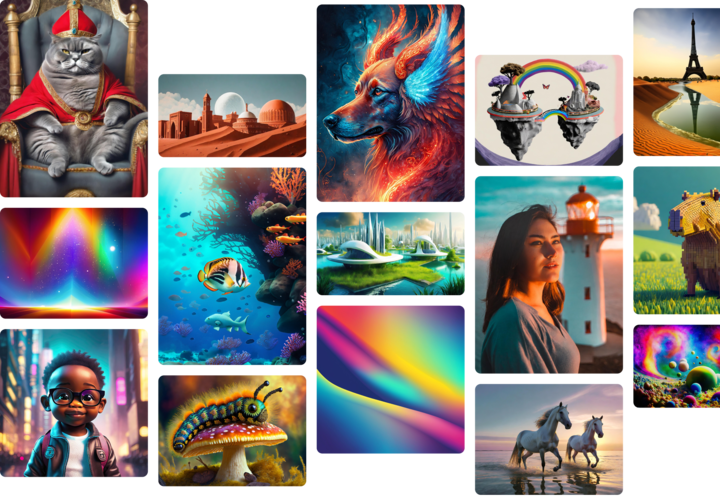
Tap into the Firefly community to remix other creators’ images, share your own and find inspiration.

Based on your location, we think you may prefer the United States website, where you'll get regional content, offerings, and pricing.


