Sketch-to-image is available with limited free credits. Paid Firefly plans provide additional credits and features. Adobe offers
paid Firefly subscriptions if you want to unlock more comprehensive tools.
To use Adobe Firefly's sketch-to-image feature, your device must have Windows 10+, macOS 12+, ChromeOS, iOS 17.4+, or Android 9+. You'll also need a modern browser such as Chrome, Edge, Firefox (Version 113) and Safari (Version 17.4 and above) – along with a stable internet connection. Supported upload formats include JPG, PNG, WebP, or HEIC, and there’s an output limit of 2000 × 2000 pixels.
To start using Adobe Firefly’s sketch-to-image feature, simply:
- Create an Adobe account or sign in via the website or mobile app.
- Open Firefly and go to the Text to Image tool.
- In the settings, select Sketch to Image or upload your sketch in the Structure or reference section.
- Adjust sliders like strength and style and enter a prompt to customise if needed.
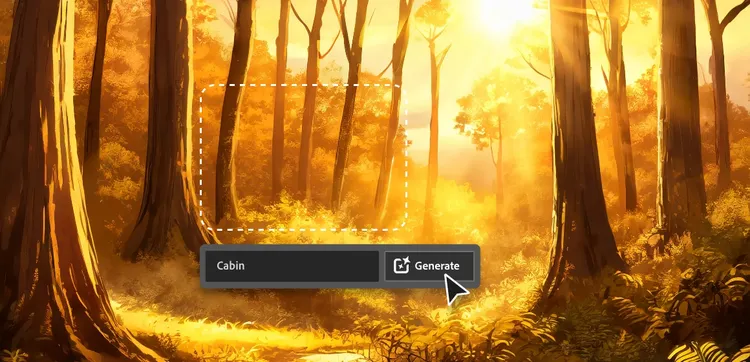
- Finally, click Generate to turn your sketch into an image.
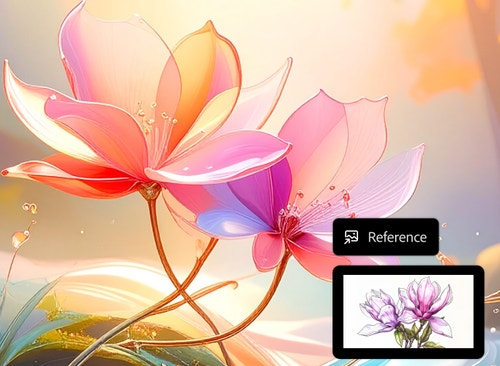
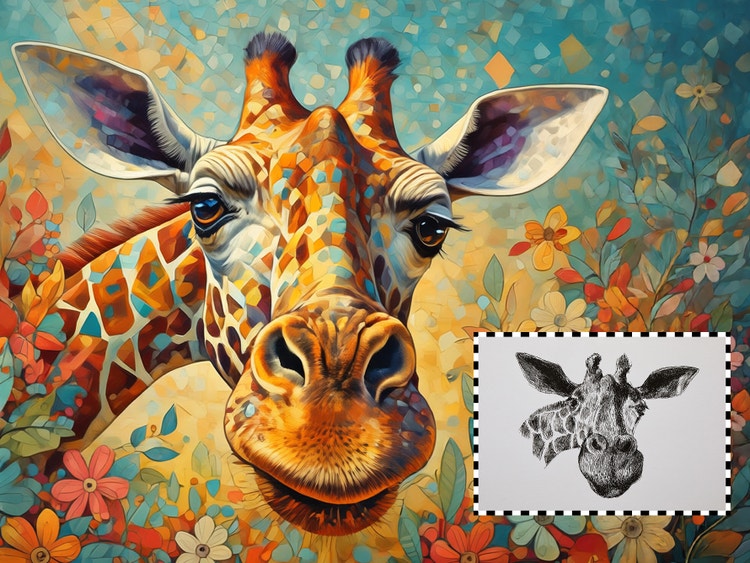
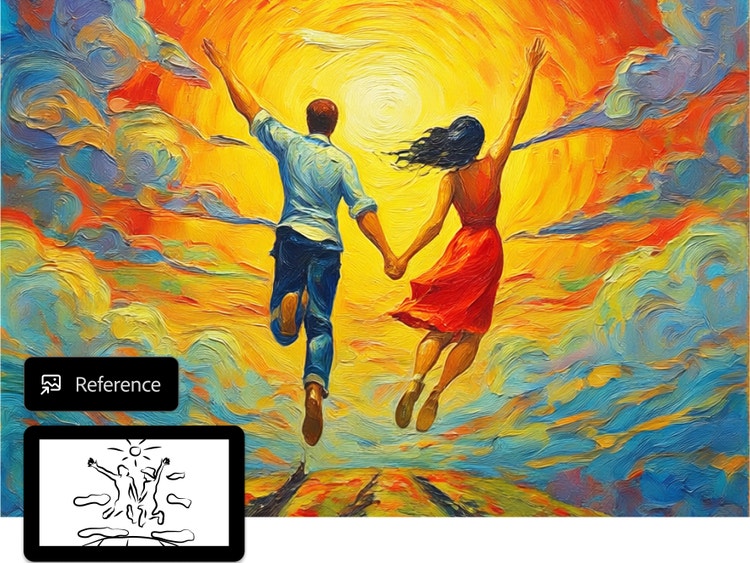
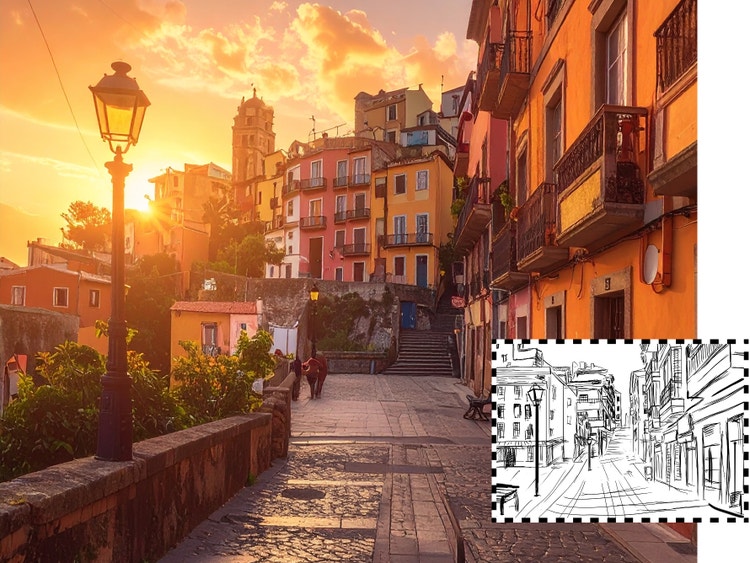
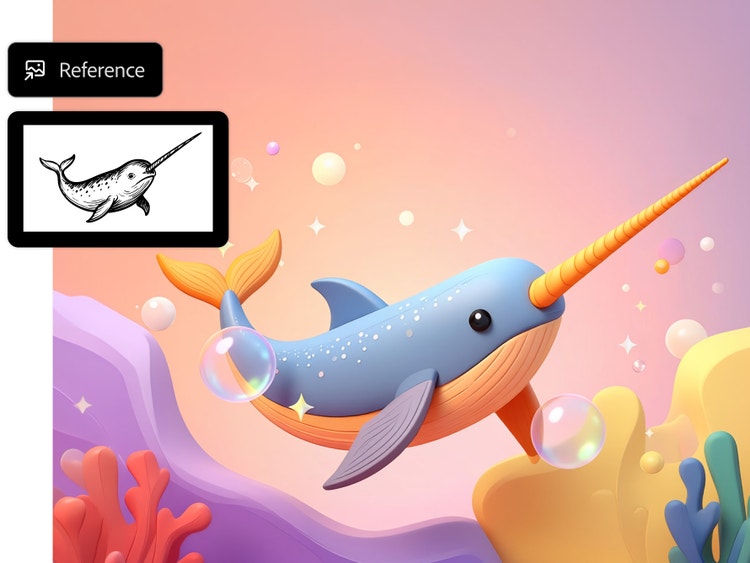
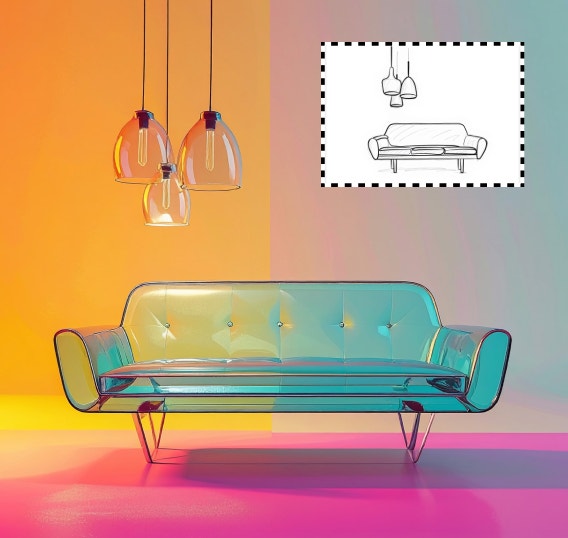
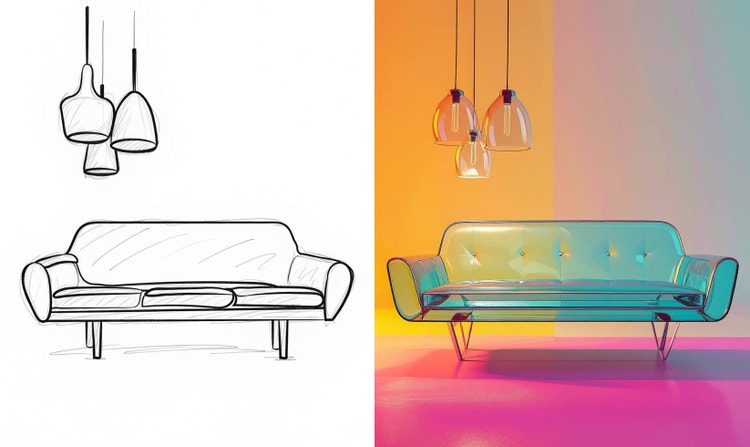
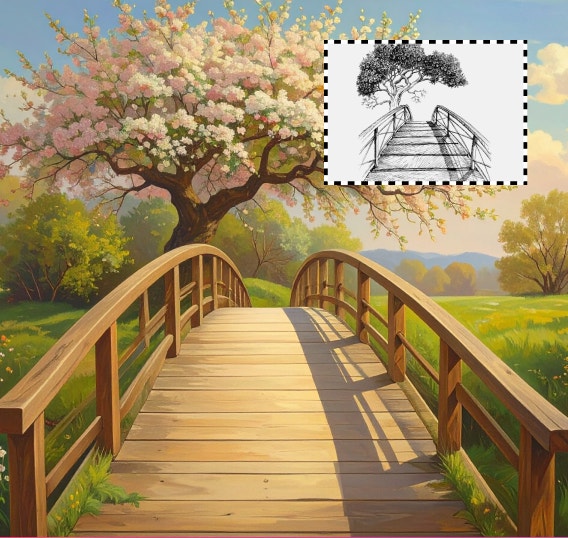
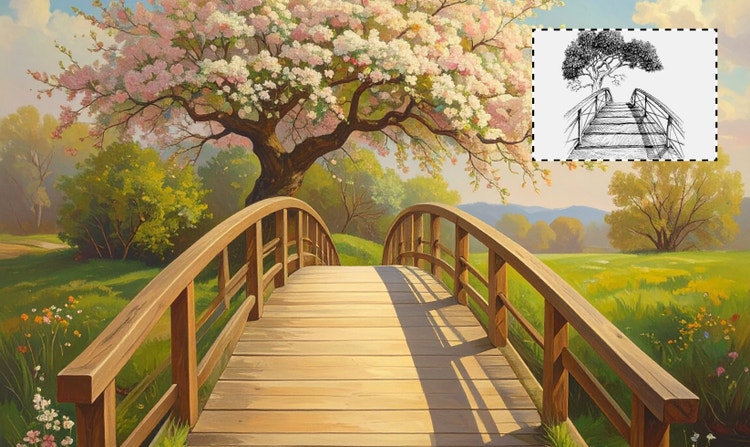
Adobe Firefly's sketch-to-image feature works by first analysing the composition, lines, and shapes of sketches or drawings. It then leverages the power of generative AI to transform them into polished, high-resolution images. The technology can “fill in the blanks”, allowing you to experiment with ideas, refine designs, explore concepts, and easily convert rough sketches into detailed images in minutes.
There are plenty of benefits to using an AI sketch-to-image generator like Adobe Firefly. One key benefit is the speed at which you can transform simple sketches into quality images. This helps to boost the efficiency of your workflow and allows you to check what the end results of your sketches could look like. Sketch-to-image generators allow you to explore creative ideas and concepts at a much greater scale.
Adobe Firefly stands out compared to other AI sketch-to-image tools thanks to its many useful features and advantages, like commercial safety. The platform uses licensed images from Adobe Stock and public-domain content to ensure the assets it generates are safe for commercial use. Plus,
Adobe Content Credentials mean that outputs are transparent and trustworthy. Seamless integration with the rest of the Adobe ecosystem also allows users to conduct further tasks, all within the same workflow.
AI sketch-to-image generators can be used for a variety of creative and professional projects. For example, they’re commonly used for concept design in fields like fashion and architecture, helping creatives turn rough sketches into detailed visuals they can quickly explore and refine. They can also be used in product and industrial design to create realistic previews, as well as in marketing and advertising to generate visuals for campaigns, storyboards, or social media.
An AI sketch-to-image generator lets you transform simple or rough sketches into detailed images. With Firefly, you can create digital art from any sketch. Generative AI fills in and builds upon your work, understanding your intention to create outcomes that match your vision An AI sketch-to-image generator lets you transform simple or rough sketches into detailed images. With Firefly, you can create digital art from any sketch. Generative AI fills in and builds upon your work, understanding your intention to create outcomes that match your vision.
An AI sketch-to-image generator transforms sketches into high-quality images by utilising generative AI. This technology can “fill in the blanks”, which allows you to experiment with ideas, refine designs, explore concepts, and easily convert rough sketches into detailed images in minutes.
Whether it’s a
cartoon doodle, a fashion concept, or architectural and technical drawings, Firefly AI can transform a range of sketches into captivating and complete digital images. For more insights for your creative projects, discover our helpful guides on
fashion illustration and
how to perfect your line art.
Yes, with Firefly, you’re in control of your artwork’s outcome. Adjust your prompt until your sketch-to-image output is picture-perfect, make additional edits with the Firefly AI editor, and refine your images to unleash your creativity. Don’t make do, make art with Adobe Firefly.
The Adobe Firefly sketch-to-image generator retains your sketch's intent and builds on it. With the right prompt, you can determine how much of the original image is adhered to, just in case. You can also turn a sketch into
Yes, Adobe’s sketch-to-image generator can help artists by helping them to explore ideas and play with concepts before committing to a direction on a project. Whether you want to create digital artwork and need resources, or you want to trial different ideas, sketch-to-image tools allow you to spend more time creating and less time experimenting.
Yes, with Adobe Firefly, you can turn a sketch into an image for free online; all you need is an account. Once you’re ready, add your sketch, write your prompt, generate your new image, and download it.