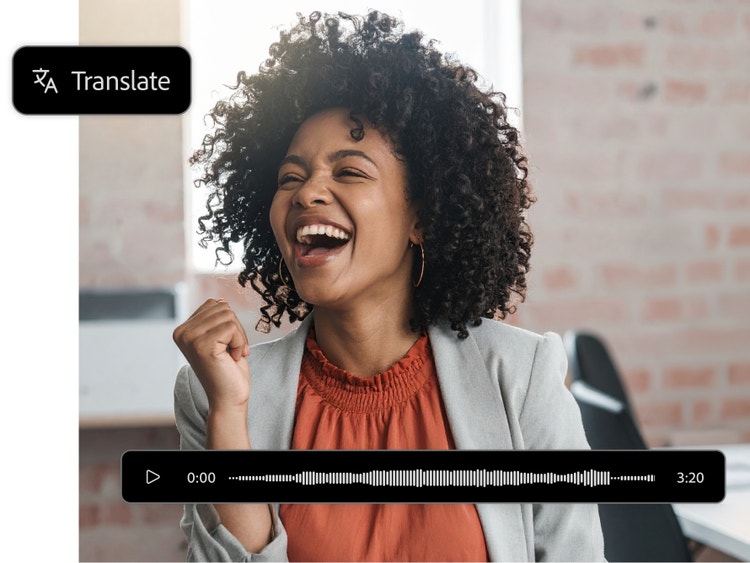
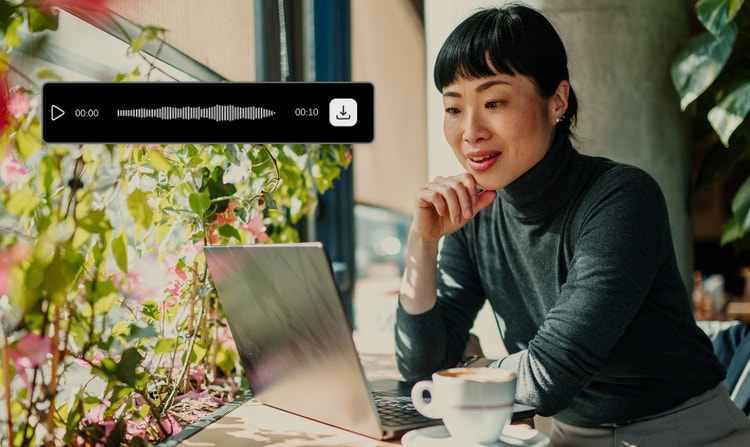
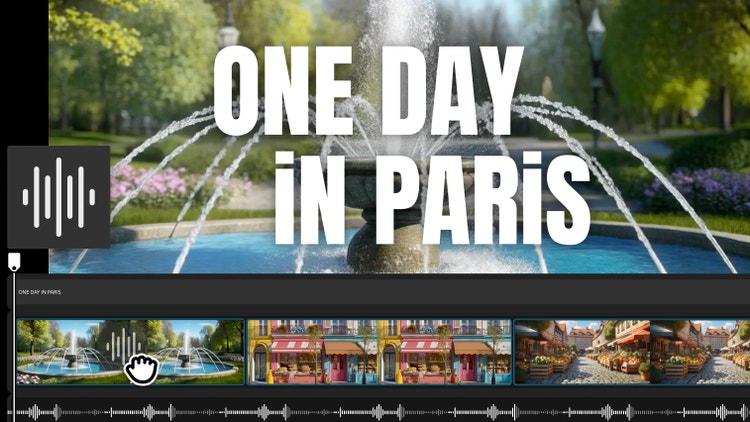
An audio translator uses AI to convert spoken language from one language to another, while preserving the original speaker’s tone and cadence. It starts with uploading your audio file. The tool then applies advanced speech-to-speech models to perform accurate audio language translation. It’s a seamless way to make your voice content multilingual.
The best tools for translating audio into different languages should capture speech clearly, keep the meaning intact and handle accents without losing context. Adobe Firefly supports this through its Firefly Audio model and partner models built for speech clarity and language accuracy, helping you to translate audio into new languages with reliable, natural results.
AI audio dubbing lets you quickly translate and dub your audio files into multiple languages to share your message with a wider audience.
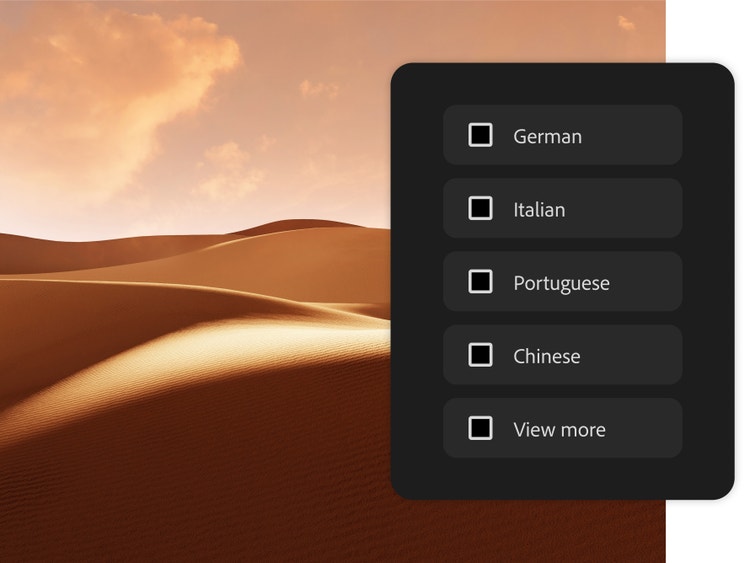
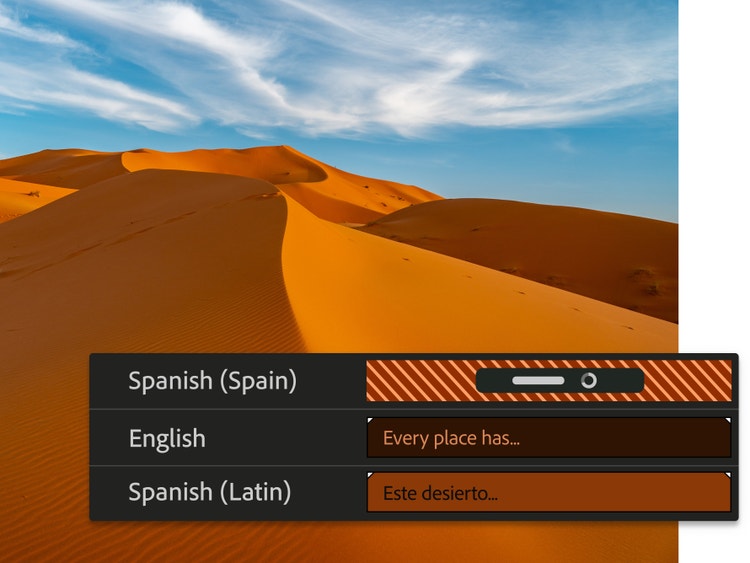
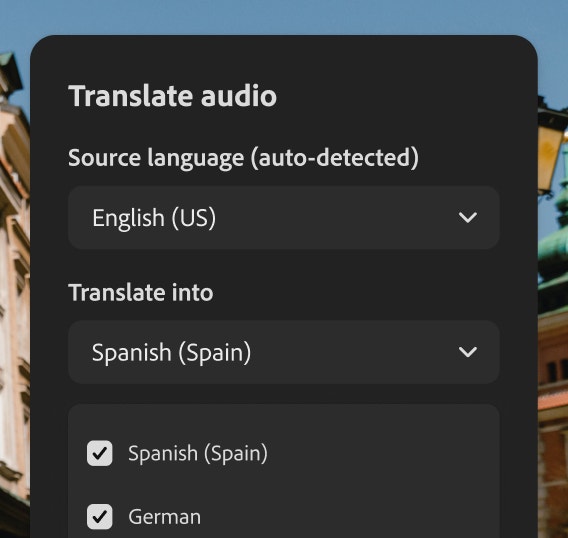
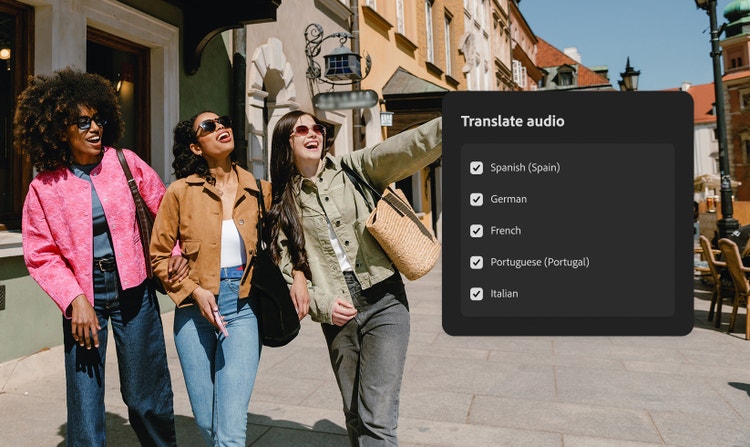
To translate audio into another language, upload your file to the Firefly AI audio translator, choose your target language(s) and select Generate. It only takes a few minutes. This makes translating audio for global use fast, cost-effective and scalable. Translate up to five languages at once.
Yes, you can use a transcription tool to turn your translated audio into text. This is helpful for creating subtitles and captions or meeting accessibility needs. Just upload your translated file to any transcription app or service to get started.
Yes. The Firefly audio translator can translate dialogue from speakers who are not on camera or in the frame. This includes voiceovers and narration.
Not yet. The current Firefly audio translator works with pre-recorded files. However, the workflow is fast, typically just a few minutes from upload to output.
iPhones offer basic audio translation features through apps like Apple Translate or third-party tools, but they’re often limited in voice quality and language support. Firefly AI audio translation offers more voice control for professional-quality results. You can record on your iPhone, then upload your audio file to Firefly for AI audio translation.
Yes, you can use the Adobe Firefly AI audio translator for free with an Adobe account. If you have a free account, you’ll get free daily generations to try the audio translator and explore AI-powered language translation for audio content. It's a great way to experiment with multilingual audio without investing in expensive tools. Learn more about
using Adobe Firefly for free.
You can translate your AI-generated audio file back into its original language by selecting it again in the target language menu. This can be useful for checking accuracy or refining content in both directions. Just keep in mind that translation isn’t always 1:1, so phrasing may vary slightly.
As a multi-model hub, Adobe Firefly integrates several trusted partner models to enhance image, video and audio generation. These include Gemini by Google, GPT Image by OpenAI, Luma AI, Pika, Black Forest Labs, FLUX models, Runway and ElevenLabs for AI voice generation. Together, they bring advanced creative power and professional-quality results to Firefly.
Yes. Firefly currently supports pre-recorded audio translation but does not offer real-time speech translation. There may also be file length limitations; very long recordings might need to be split into smaller segments. While Firefly preserves tone, cadence and emotional nuance, highly complex audio with overlapping speakers or strong background noise may require additional editing for best results.
The best tool for AI audio translation must excel at preserving the original speaker's voice, tone and emotion, offering natural-sounding dubs that make content accessible globally. It should support translation into over 15 languages and be integrated into a creative ecosystem for seamless workflows and control. Adobe Firefly provides all these features, ensuring the final output is high-quality and commercially safe.