

https://main--cc--adobecom.aem.live/cc-shared/assets/img/firefly.svg Adobe Firefly

{{nbsp}}
Generate animal sound effects with AI tools.
Animal noises and sound effects can bring a video, cartoon or creative project to life. Learn how to use generative AI to create a wide range of animal sounds, from elephant trumpets to mousey squeaks.
- audio
- Keep it short and specific, like birds chirping
- Adobe Generative AI Terms
- https://main--cc--adobecom.aem.live/creativecloud/animation/testdoc/unity/generate.svgGenerate
- Describe what you want to generate
- Prompt
- Suggestions
- Tip
- Variation 1
- Variation 2
- Variation 3
- Variation 4
- ff_campaign=embed_generate_acom&promoid=Y2KRGKFV&mv=other
- Unable to process the request
- Please describe what you want to generate.
- Prompt exceeds the max length of 750 characters
- Unable to play audio. Please try other variations.
- Enter prompt


https://main--cc--adobecom.aem.live/cc-shared/assets/img/product-icons/svg/firefly-80.svg

Adobe Firefly
https://main--cc--adobecom.aem.live/cc-shared/assets/img/product-icons/svg/firefly-80.svg
Adobe Firefly
Use everyday language to create extraordinary results with generative AI.
Build a sound effects library full of animal noises.
Animal sound effects can bring your production to life. With generative AI you can quickly create animal sound effects without complex or big-budget production tools. Whether you need one-off sounds or a custom library filled with sounds, Adobe Firefly provides accessible tools that can be used by newbies and professionals alike.
In this guide, we’ll explore the ways you can use generative AI to create animal noises and sound effects for use in your products. We’ll also look at how generative AI fits into a creative workflow.
Learn how these AI sounds can be used in everything from podcasts to video games and discover the wide range of animal noises that are available to you.
How can generative AI create animal sound effects?
Adobe Firefly relies on a form of advanced generative AI technology to allow you to create animal sounds that are realistic and creative in a few simple steps. Using real animal noises as a starting point, the AI detects patterns to generate new ones based on the prompts you enter.
You have multiple options for creating animal sound effects for free:
- Type a description of what you’d like to hear; think of things like ‘distant sheep bleat’ or ‘excited puppy bark’.
- Record your own voice to sound like an animal sound effect (a cat meow or a cow mooing, for example).
- Upload a field recording of an animal noise, like bird song.
Adobe Firefly can recognise a wide selection of animal sound terms, so feel free to experiment with your descriptions and the details you include.
Learn more about how generative AI works.
Popular types of animal sound effects.
Whether it’s a wild beast, or a family pet, Adobe Firefly’s sound effect generator makes it easy to produce realistic-sounding animal noises. How you use them is up to you, but popular options include films, games, animations, podcasts and more.
Whether you need to create a wild soundscape or a characteristic noise for a cartoon animal, you can combine realism with imagination to suit your needs. Adobe Firefly can fit whatever your project calls for.
Wild animal sound effects.
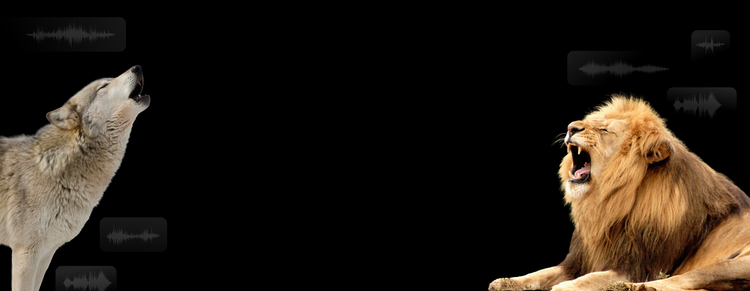
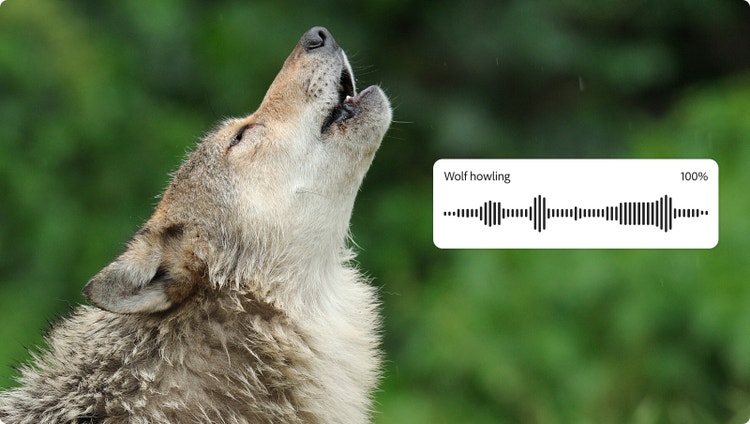
For cinematic films, documentaries, games and more, wild animal sound effects are great at building up a sense of environment and location. Generative AI can produce a broad range of animal noises, taking you from the Arctic tundra to the African savanna.
Examples:
- Bear roar
- Chimpanzee chatter
- Wolf howl
- Elephant trumpet
- Fox bark
- Snake hiss
- Lion roar
- Owl hoot
Domestic animal sound effects.
Just like wild animal sound effects can transport you across the globe, domestic animal sounds can bring you home. They can also place you on a farm, or in a field, ideal for creative soundscapes close to civilisation. You can also record and upload your own pet’s voice to influence Adobe Firefly’s outputs.
Examples:
Background animal sound effects.
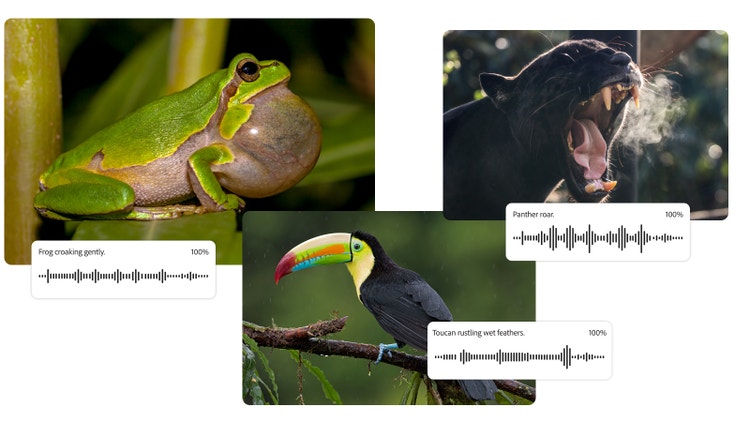
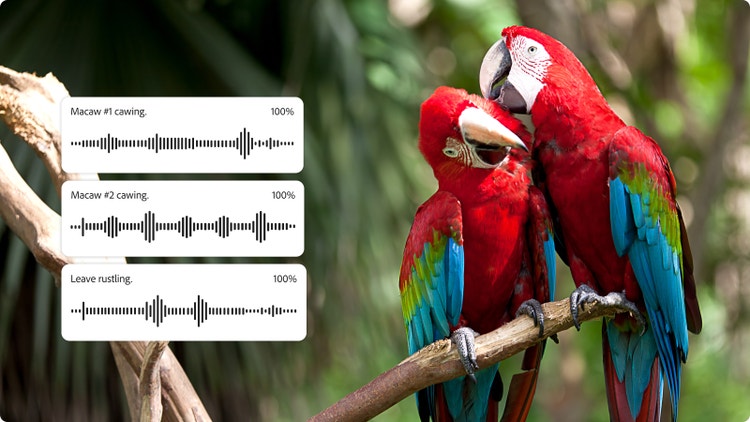
Perfect for when you want subtle immersion, or to develop a soundscape, background animal sound effects create an ambient atmosphere for games, films, audiobooks and more. Using Firefly, you can layer animal noises to build an audible sense of location with nature sounds.
Examples:
- Mediterranean climate with cicadas and hawks
- Farmyard location with sheep, cows and chickens
- A savanna with hyena laughs, zebra whinnies and lion roars
- Popular beach locations, with seagulls cawing and dogs barking
- Jungle destination with frogs, insects and birds
Cartoon animal sounds.
Sometimes a realistic animal sound doesn’t quite fit what you’re looking for. In cases like these, cartoon animal sounds can be better suited to your creative project. The best part of cartoon animal sounds is that you can play around with expectations and have fun with the generative AI.
Examples:
- Dragon roar
- Comical dog bark
- Squeaky lion roar
- Minotaur bray
- A series of animal noises all at different pitches
- Bird tweet with musical timing
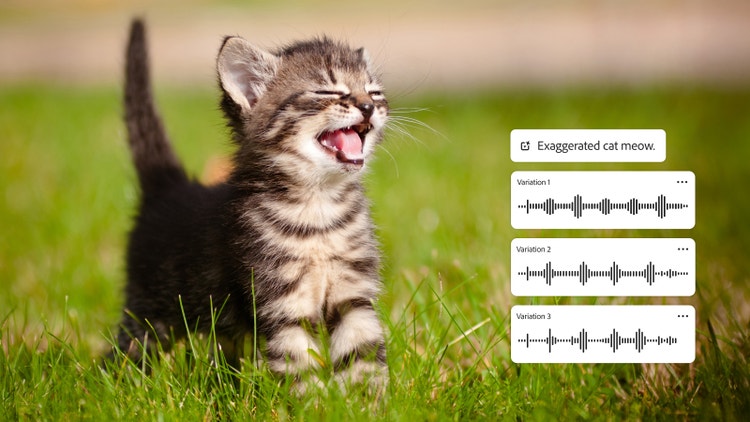
How to use animal sound effects in your content.
Animal sounds play a crucial role in storytelling, whether as the main focus or as background texture. With AI-generated animal sound effects, you can easily enhance videos, games, podcasts and more, either by adding missing sounds or building a richer audio experience.
Whether you’re telling a story about animals, want to give your listeners or viewers a sense of location, or need to give a voice to a character in your latest cartoon, animal sound effects can help. Like music, sound effects and voiceovers, animal noises can contribute to a richer audio experience.
Here are some creative ways to use animal sounds:
- Theatrical productions can use animal sounds to highlight changes in location and setting.
- Audiobooks can use animal sounds as part of the ambient background noise and reflect the action in the book.
- Animal noises can be used for learning, teaching children and adults about the noises different species make.
Tips for creating realistic animal sound effects.
Getting natural and expressive results from the generative animal sound effects can be done by experimenting with the prompts and settings on Firefly:
- Try including emotions or actions, like ‘excited dog bark’ or ‘nervous horse whinny’.
- Adjust the pitch, speed and duration of your animal sound effects to add variation.
- Add environmental context to your prompts, such as ‘lion roaring in a circus’ or ‘goose honking on a farm’.
- Layer multiple sounds, like crickets and the breeze, to build a real sense of location.
- Reference real animal actions and noises to generate authentic-sounding results.
You might be surprised how including a few small prompt details can transform your output, helping you create high-quality animal sound effects for free.
How to create animal sound effects with generative AI.
Creating animal sound effects with generative AI is fast, intuitive and doesn’t require specialist skills. With the Firefly sound effect generator, you can instantly produce sounds for any project – no more endless searching through traditional sound libraries. Whether you need free animal sound effects for a video, animation or personal project, the process is simple and works across platforms and devices.
It’s easy to create animal sound effects with generative AI. Using Adobe Firefly’s intuitive and speedy generator, you don’t need specialist skills or weeks of training and practice. Instantly produce specific animal noises for use in your projects.
You can create and export animal sound effects with the Firefly sound generator by doing the following:
- Open Firefly AI sound effect generator.
Begin by visiting the Adobe Firefly homepage. From there, select the AI sound effect generator. Alternatively, you can also follow a link directly to the sound effect generator. - Choose between a prompt or a recording.
This is how you’ll tell Firefly what to generate. Simply type in a prompt of what you’d like to hear or upload a recording you want to be referenced. - Preview the animal sound effect and refine your results.
Firefly will generate your animal sound effect. You’ll then need to fine-tune to get the sound you need. You can do this by playing with settings and prompts. Options for modifications include tone, pitch and speed. - Export in your chosen format and share your file.
Once you’re happy with your results, you can download your sound in a variety of formats such as MP3 or WAV. Choose your format so your sound effect is ready for use in your video, animation, game or podcast.
Discover even more generative AI features.
AI image generator AI cartoon generator AI art generator AI drawing generator AI character generator AI tattoo generator Sketch to image AI portrait generator AI anime generator AI comic generator
FAQs
Can I download animal sound effects for free?
What can I use animal sound effects for?
Are animal sound effects safe to use in commercial projects?
What formats can I export animal sound effects in?
Can I customise an animal sound effect that I create?
Can I use my own pets to make animal sound effects?
What are the most popular animal sounds?
Firefly features you may also like.

Generative AI vs. other types of AI.
Discover the different types of artificial intelligence (AI), how they compare to generative AI and how Adobe uses generative AI in Adobe Creative Cloud apps
Learn more | Learn more - Generative AI vs. other types of AI
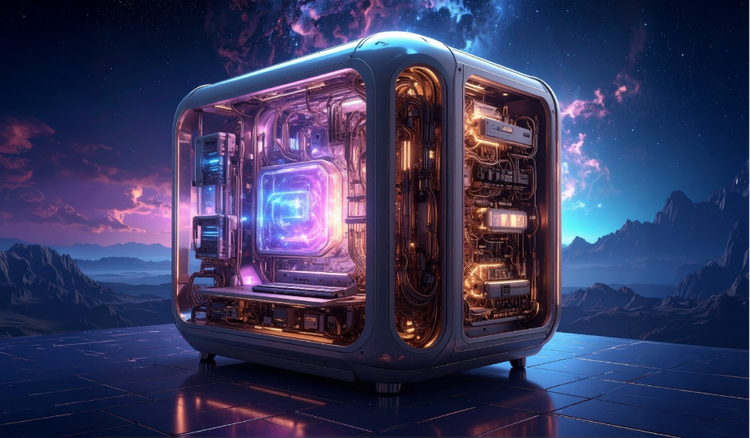
How generative AI works: From training to output.
Generative AI is all over the headlines and that’s not empty hype. This new technology is likely to be part of your life soon — if it’s not already. Learn how generative AI works and start streamlining your workflow.
Learn more | Learn more - How generative AI works: From training to output
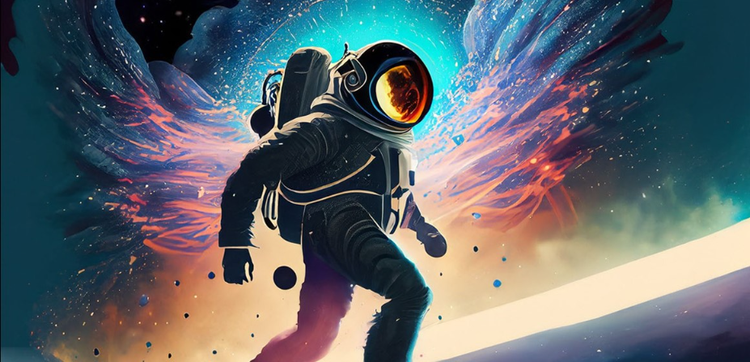
Generative AI is changing creative work.
Generative AI can mimic — but not replace — human intelligence. Learn how it can help you to take your creativity to new places.
Learn more | Learn more - Generative AI is changing creative work
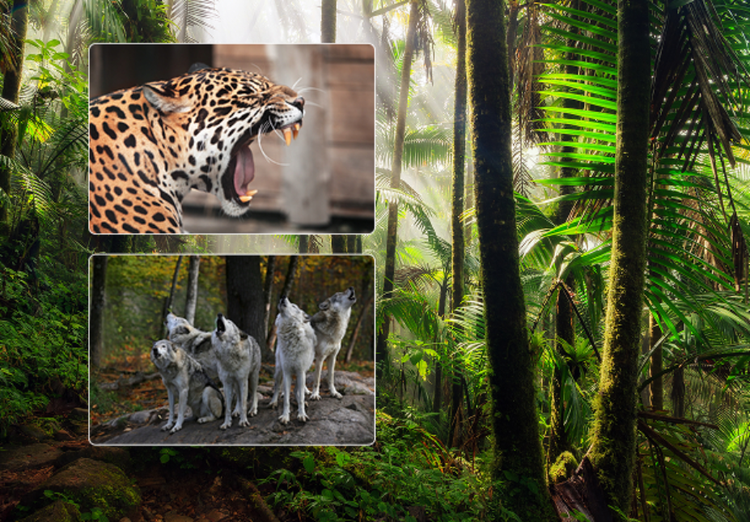
Create realistic nature sound effects with generative AI.
Nature sound effects are the foundation of immersive sound design. Generative AI makes it quick and easy to create a high-quality library of free nature sound effects for any project.
Learn more | Learn more - Create realistic nature sound effects with generative AI