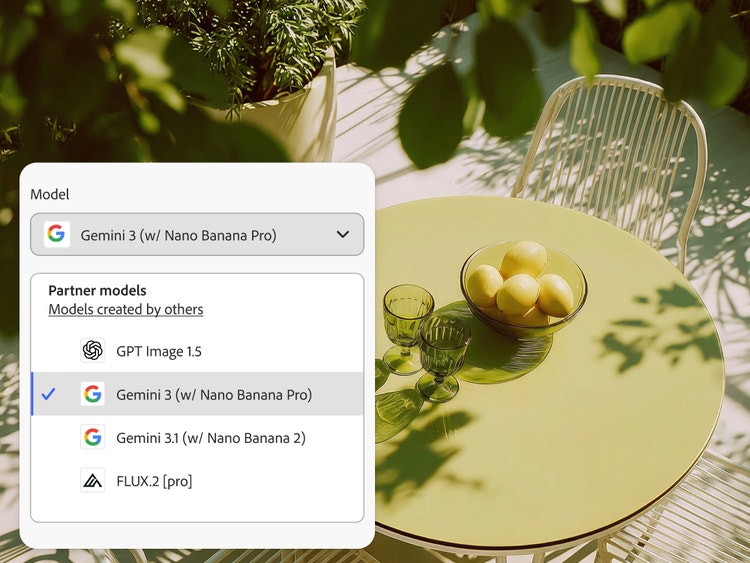
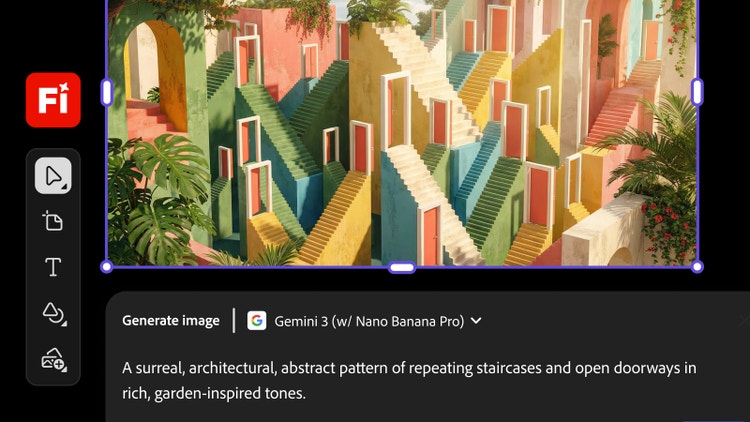
Yes. Gemini 3 (with Nano Banana Pro) and Gemini 3.1 (with Nano Banana 2) are available in the Firefly Generate Image module and Firefly Boards.
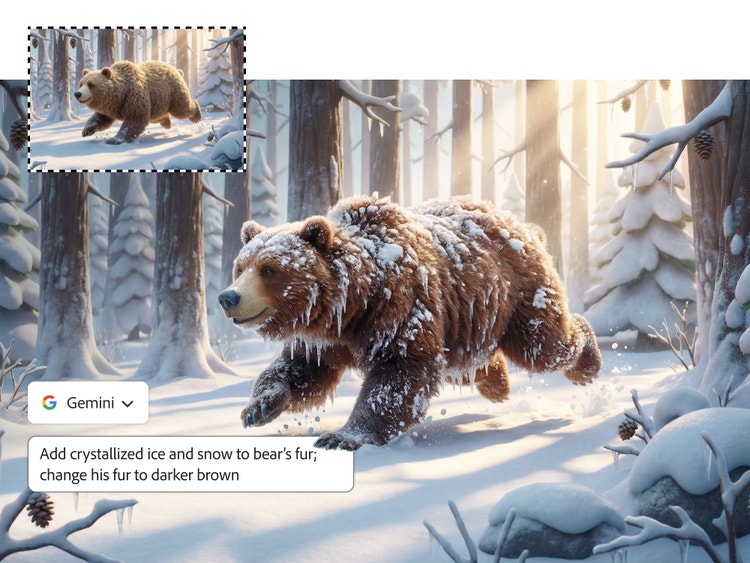
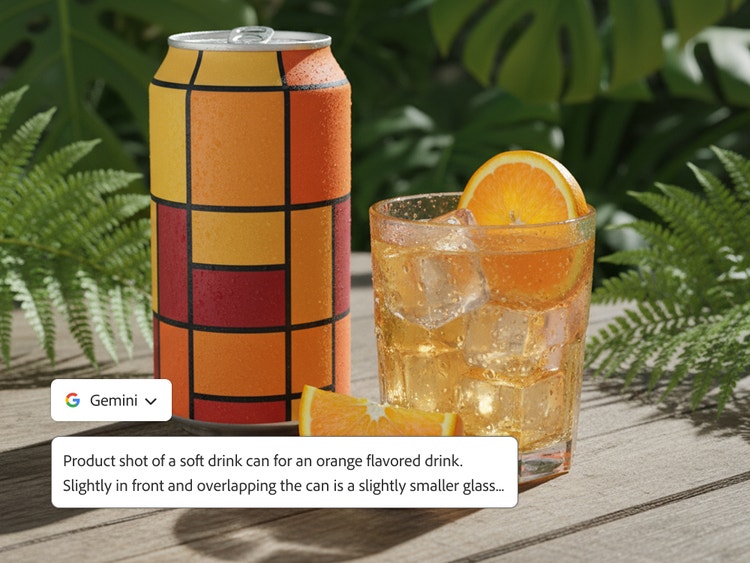
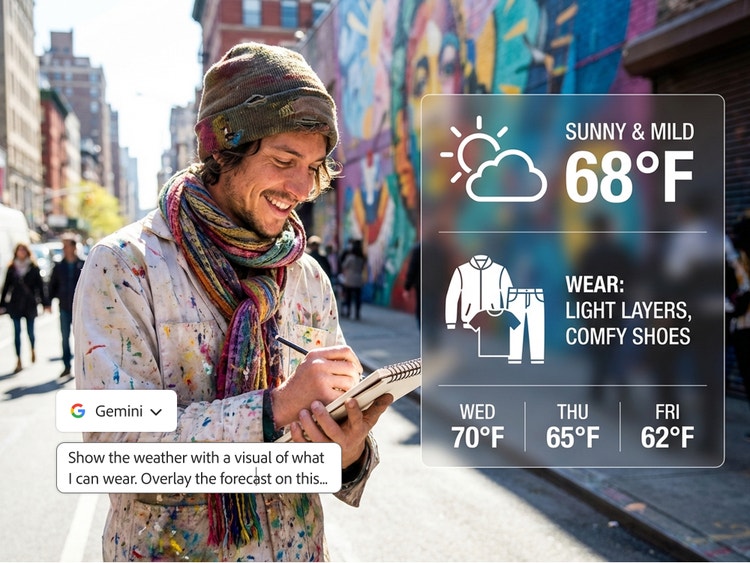
Gemini 3.1 (with Nano Banana 2) enables AI-powered image editing and generation for casual creation. Gemini 3 (with Nano Banana Pro) moves beyond casual creation and into a new era of professional-grade, functional design. With Gemini 3 (with Nano Banana Pro), you can create infographics, diagrams and watermarks, use multiple reference images, maintain subject consistency across different camera angles and ground your images in real-world data using Google Search.
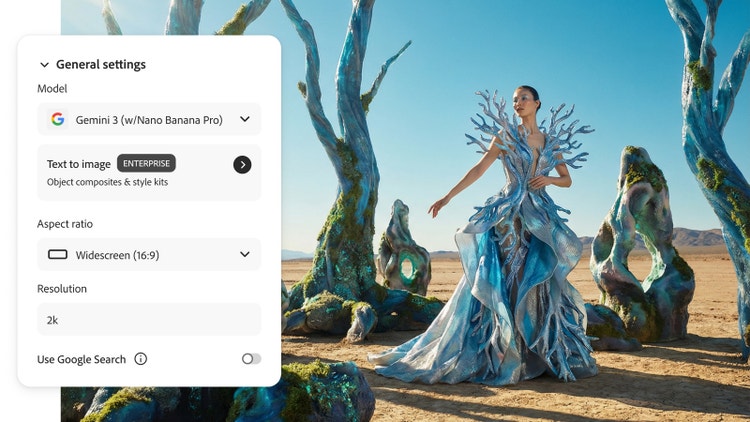
Gemini 3 (with Nano Banana Pro) is available in Firefly
Generate Image, Firefly
Prompt to Edit,
Firefly Boards and
Generative Fill in Photoshop. To access it in Firefly, click the Model drop-down and select Gemini 3 (with Nano Banana Pro). In Photoshop, make a selection with the Selection Brush and open the Generative Fill workflow in the Contextual Task Bar. Then click the Model Picker button to see Gemini 3 (with Nano Banana Pro) and other model options.
Yes. While Gemini-powered image models are available in the Gemini app, Firefly integrates Nano Banana directly into the Adobe workspace for seamless creative workflows. You can access it through the
Generate Image module and
Firefly Boards. Select Gemini 3.1 (with Nano Banana 2) from the Model drop-down menu or select Gemini 3 (with Nano Banana Pro) for professional-grade, functional design.
Yes, Nano Banana family of models are available to free Adobe Firefly users through a daily allotment of free generations. Learn more about
using Adobe Firefly for free. Access to Nano Banana Pro and additional generations is available with a paid Adobe Firefly plan.
Adobe provides access to information on the partner models you can use in Adobe apps, but it is the responsibility of the creator to decide whether partner models are appropriate for their projects, taking into consideration factors such as the focus of the model, how it was trained and whether or not it is safe for commercial use.
Adobe Firefly integrates several trusted partner models to enhance image, video and audio generation. These include Gemini 3.1 (with Nano Banana 2), FLUX 1.1 and FLUX.1 Kontext by Black Forest Labs, Luma AI Ray 3, GPT Image by OpenAI and ElevenLabs. Together, they bring advanced creative power and professional-quality results to Firefly.
Beyond daily generation or generative credit limits, Nano Banana may have functional or compatibility restrictions depending on the specific Adobe Firefly feature or Adobe app you’re using.
Nano Banana, available as a third-party model in Firefly, stands out among AI image editors for its ability to preserve detail and consistency across multi-step edits, integrate smoothly with other tools and generate high-quality images quickly. For general image creation that prioritises realism, artistic style and commercial viability, the native Firefly model is a strong choice. Nano Banana is best suited for precise edits, refining images with natural-language prompts and scenarios where accurate text within an image is important.