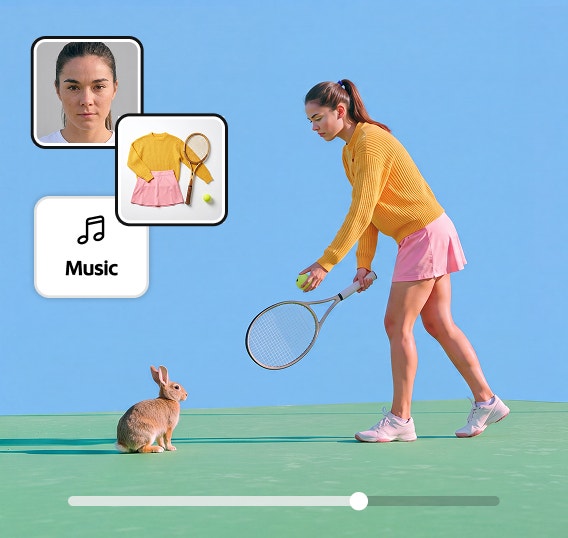
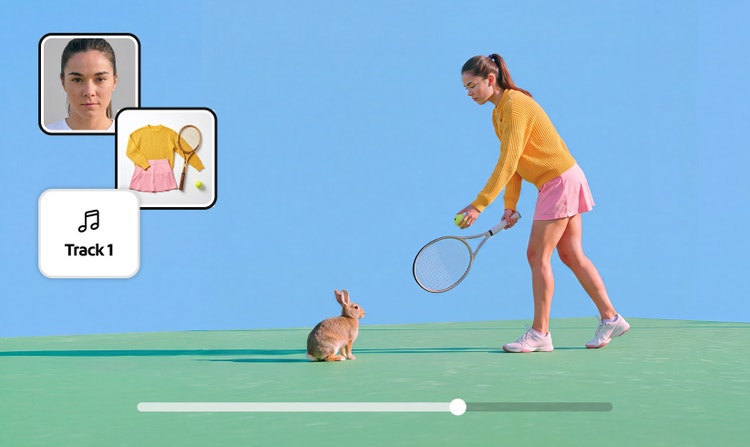

AI music generator: Create music for your story with Generate Soundtrack in Adobe Firefly.
Generate Soundtrack scans your video to suit your story and create tailor-made, vibrant music. Take your ideas and transform them into tracks with Adobe Firefly’s AI music generator – commercially safe for any platform.
What is AI music generator?
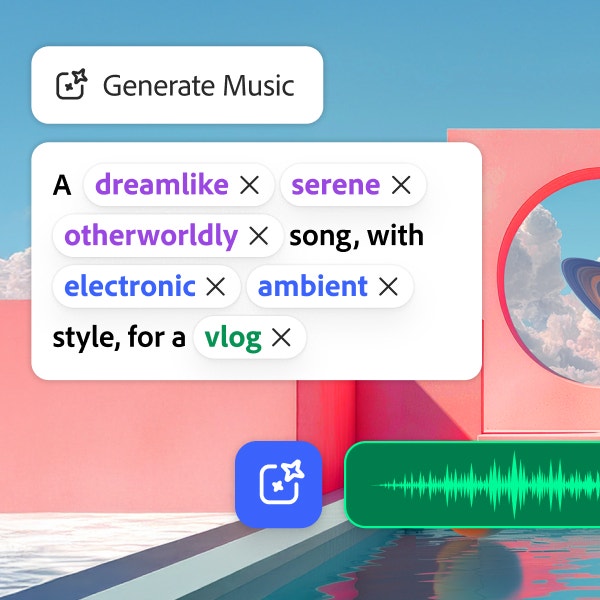
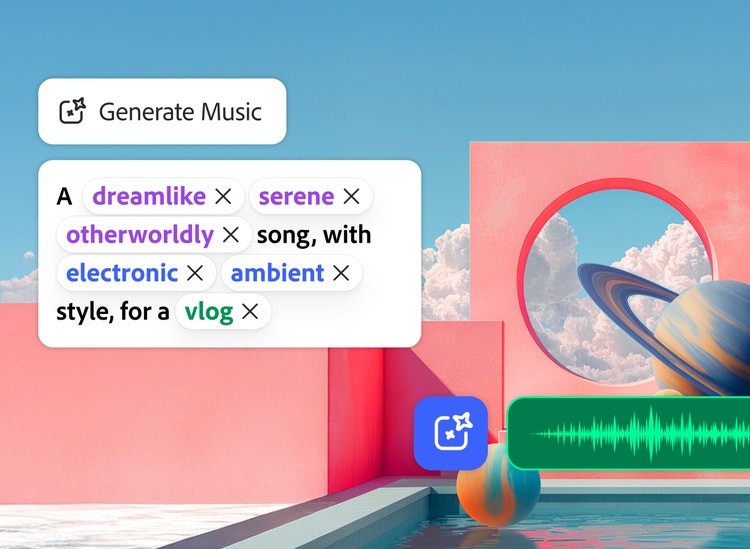
Adobe Firefly’s AI music generator is a tool that lets you create songs by entering a few simple natural language prompts. You can put a video into the tool, and it’ll automatically find a tune to match the tone, or you can create a new one entirely from scratch. Best of all, you’ve got the full rights to use it anywhere you desire.
https://main--cc--adobecom.aem.page/cc-shared/assets/img/product-icons/svg/firefly-80.svg
Adobe Firefly
https://main--cc--adobecom.aem.page/cc-shared/assets/img/product-icons/svg/firefly-80.svg
Adobe Firefly
The next evolution of creative AI is here for all your ideas, with image, video, audio and vector tools.
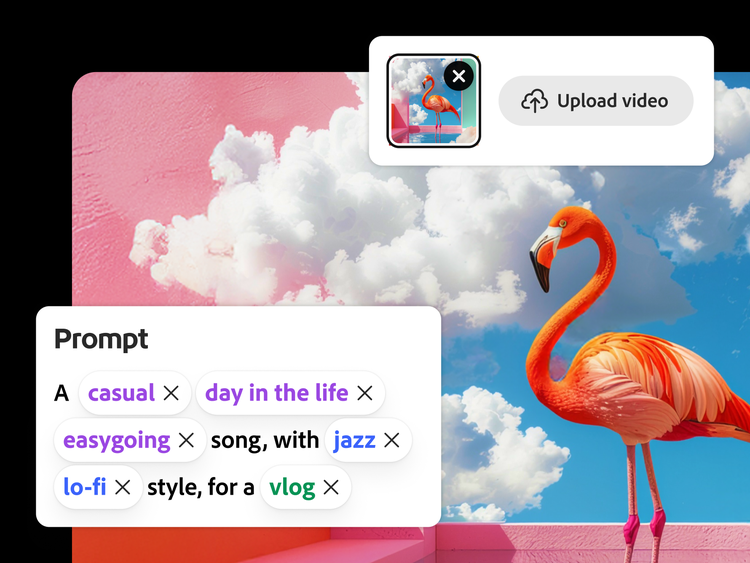
AI music generator from video or text.
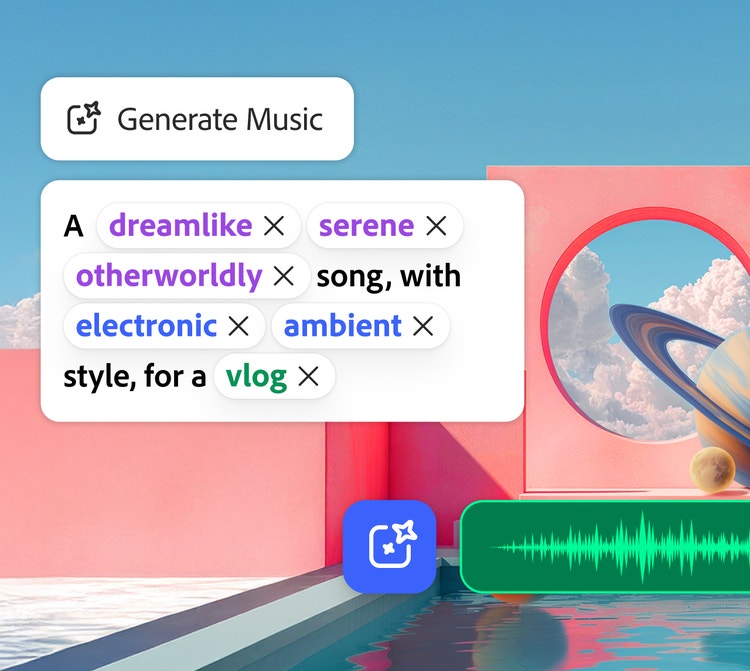
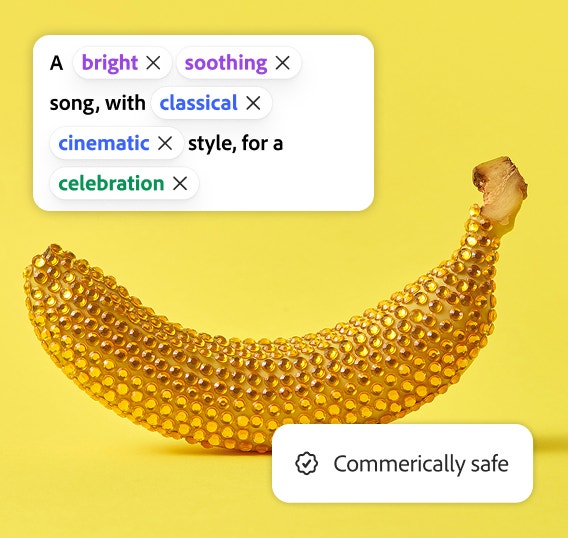
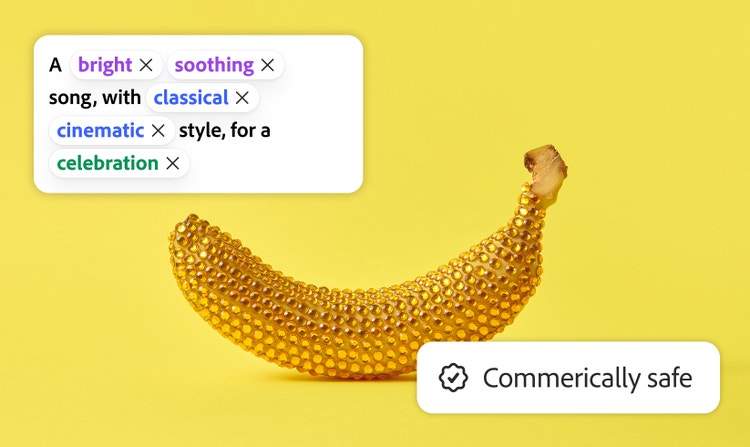
Upload videos to let the AI suggest tracks that match them. Or use simple descriptive language to make brand-new creations. All you need to do is upload existing videos, and Firefly will make some prompt suggestions, or you can type your own.
Score your story. Easy.
You can make the AI generated music your own with the text or video suggestions. It acts like a creative ‘second brain’ – combine that with your own thinking and you’ll be producing exciting tracks, genres, and vibes in a matter of moments.
Adobe Firefly’s AI music generator gives you:
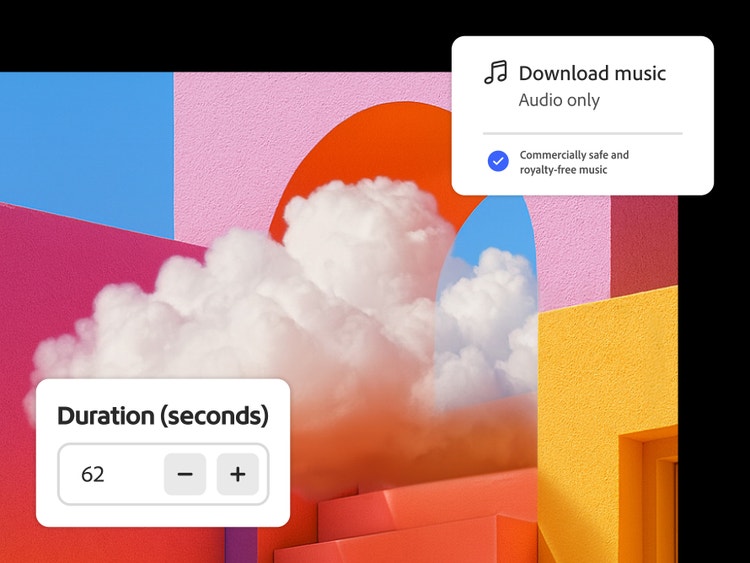
- Full licensing – generate songs knowing your creations are commercially safe and free from royalties.
- Easy editing – strike emotional chords with vibrant instrumental music for your videos.
- Captivating storytelling – you don’t need instruments, just creative ideas. Bring to life instrumental songs personalised to your narrative.
AI music for any project.
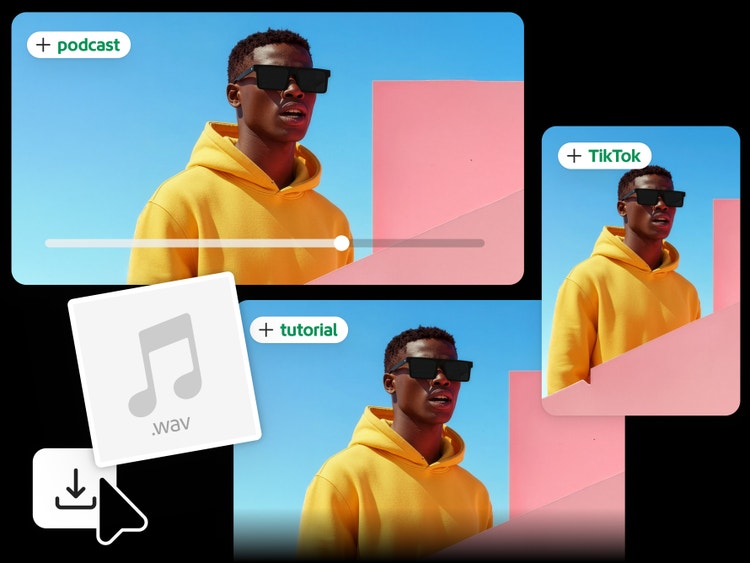
Good background music provides ambience. Create tracks for social media, vlogs, podcasts, marketing, gaming, instructional videos – the list goes on.
- Social media – coordinate tone, tempo, and feeling for TikTok, Instagram, and YouTube.
- Podcasts – craft introductions, outros, and background beds for Spotify, Apple Podcasts, and Substack.
- Marketing – construct appealing, branded music for new products and promotional materials.
Easy to create. Safe to use.
The music in Adobe Firefly’s Generate Soundtrack is commercially safe to use anywhere you like. It could be the best AI music generator for you, as it makes editing super-easy, even for those without previous experience or technical expertise.
You can use the content however you like, with full peace of mind you’re not stepping on anyone’s toes.
How to generate AI music in Adobe Firefly.
To make your own soundtrack with Adobe Firefly, just do the following:
- Open Firefly.
Open the Adobe Firefly homepage > Audio module > Generate soundtrack. Upload a video to add the tracks to an existing one or generate with prompts. - Customise.
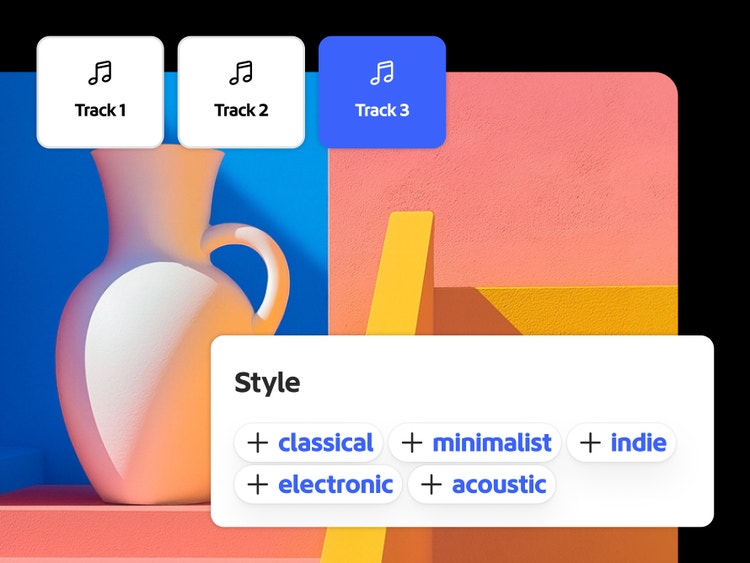
Choose an ambiance, design, and bring it to life with prompts. - Dial in the timing.
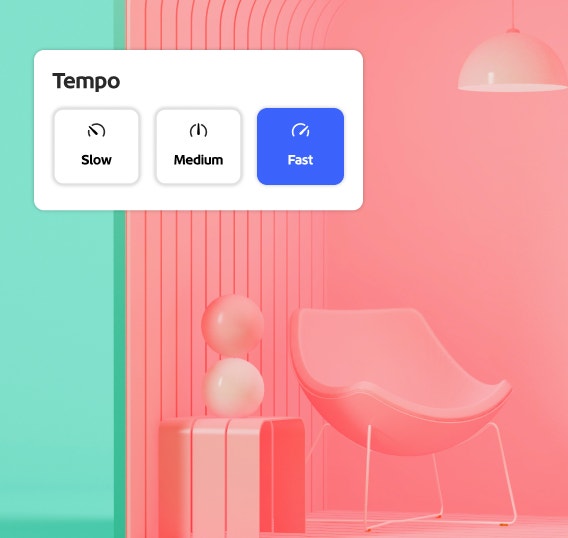
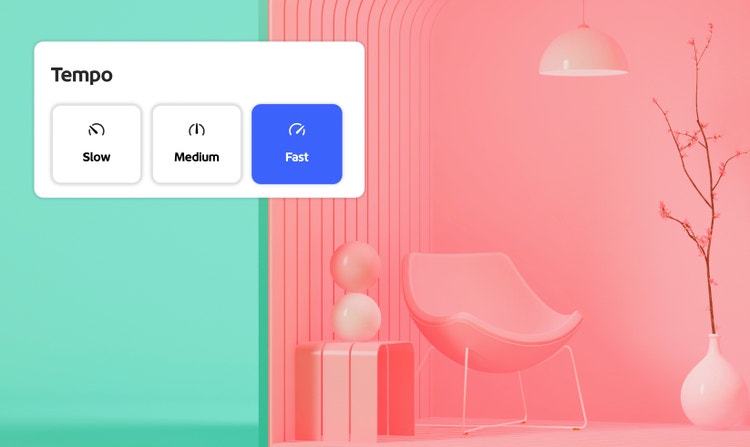
Set the energy, tempo, and length. - Generate and preview.
Listen to alternatives with simple playback controls. - Export.
Download your track as music or video (WAV), then easily access it in Firefly for simple use wherever you like.
Discover more Firefly features.
Generate speech AI avatar generator Generate sound effects Text to image Text to video AI character generator
Questions? We have answers.
What is an AI music generator?
Can AI music generators create vocals and lyrics?
How does Firefly’s AI music generator model create a soundtrack from my video upload?
What types of control do I have over the music?
Is the music generated commercially safe?
What file formats can I export?
Can I control track length and tempo?
Can I monetise YouTube or TikTok videos with this music?
Is Firefly's AI music generator free?
Learn more about generating images.
Generate Video
Generate video clips just from an idea. Choose from a range of resolutions and aspect ratios to meet your creative needs.
Generate Speech
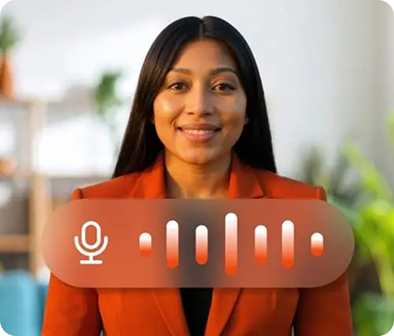
Quickly turn text into natural-sounding speech for videos, podcasts and eLearning. Add realistic, high-quality voices in 20+ languages with customisable emotion, pacing and emphasis with AI text to speech.
Generate Sound Effects
Imagine any sound effect and create it with Generate Sound Effects. Describe the effect, upload reference audio or act it out into your mic — then easily add your high-quality effect to any video.
Avatar Generator
Create a studio-grade video featuring an engaging, life-like avatar with Text to Avatar. It’s fast, easy and always safe for commercial use. Perfect for business, education or social media content.