https://main--cc--adobecom.aem.live/cc-shared/assets/img/firefly.svg Adobe Firefly
Graffiti generator: Create graffiti art free online.
Transform your ideas into vibrant street-style art with Firefly. Customise quickly and easily and use anywhere.
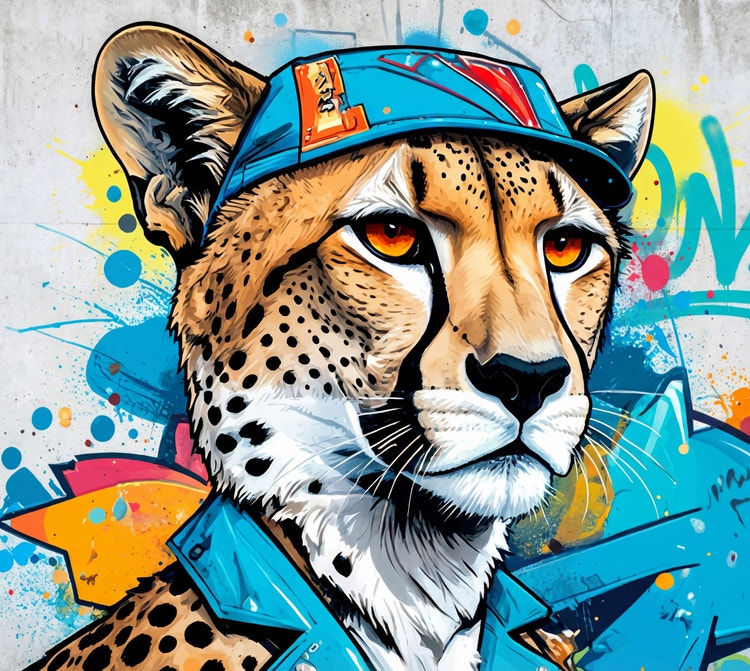
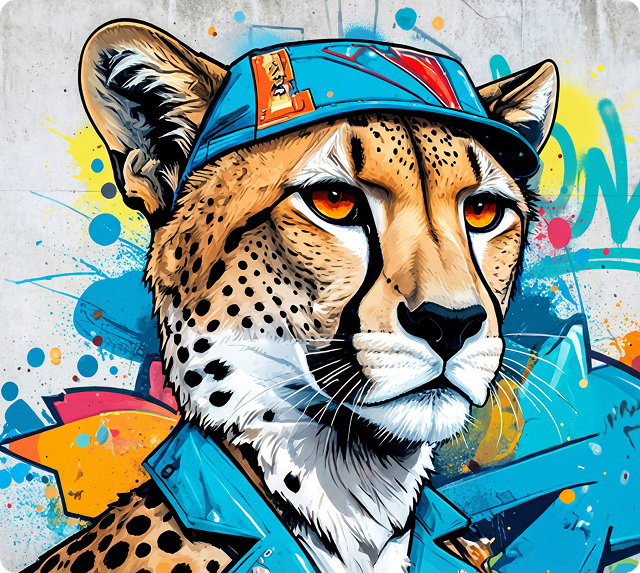
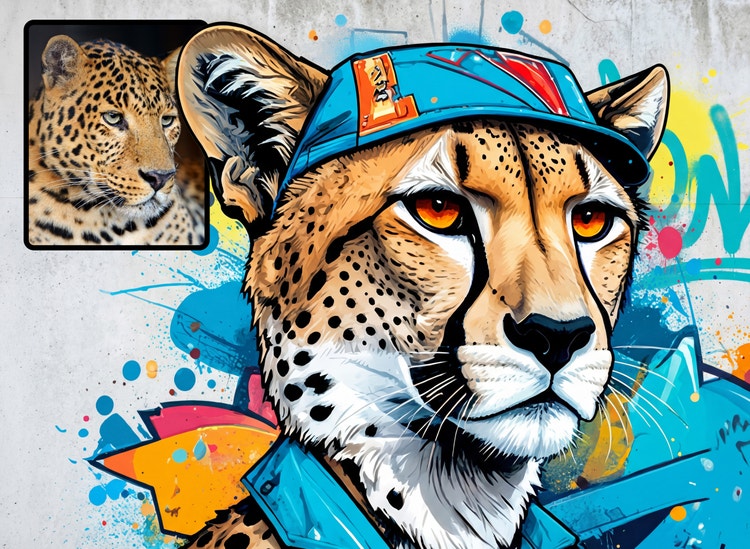
- image
- video
- Describe a subject, an action, a place, a mood or a style.
- Adobe Generative AI Terms
- https://main--cc--adobecom.aem.live/creativecloud/animation/testdoc/unity/generate.svgGenerate
- Describe what you want to generate
- Prompt
- Tip
- Unable to process the request
- Please describe what you want to generate.
- Prompt exceeds the max length of 750 characters
- Enter prompt
https://main--cc--adobecom.aem.live/cc-shared/assets/img/product-icons/svg/firefly-80.svg
Adobe Firefly
https://main--cc--adobecom.aem.live/cc-shared/assets/img/product-icons/svg/firefly-80.svg
Adobe Firefly
The next evolution of creative AI is here for all your ideas, with image, video, audio and vector tools.
Discover AI graffiti generator creations.
With Text to Image generative AI and your text prompt, you can turn a word or phrase into graffiti art in whatever style you choose. Or start with a reference image and use Image to Image to match its style for free.
Choose your graffiti generation tools.
With Generate Image AI and your text prompt, you can turn a word or phrase into graffiti art in whatever style you choose. Or start with a reference image and use Image to Image to match its style.

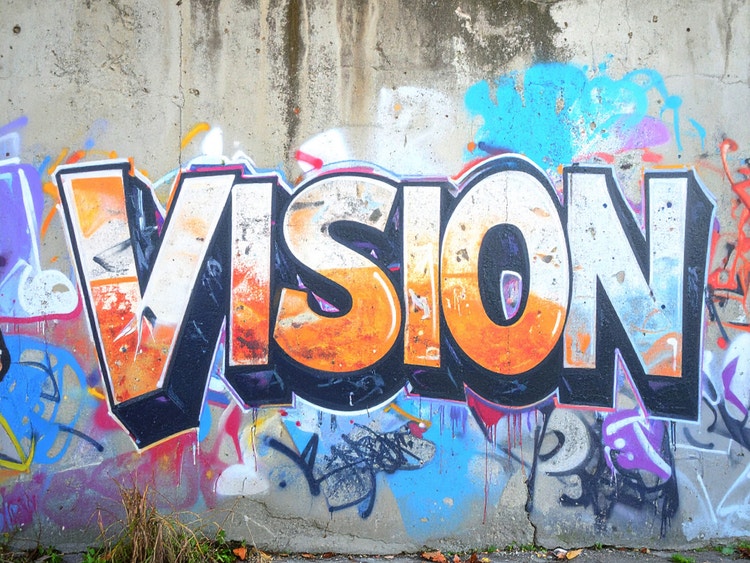
Bring your ideas to life with a graffiti generator anyone can use.
You don’t need to be a pro with spray paint to create stunning street art. With the Adobe Firefly graffiti generator, simply enter a text prompt to generate graffiti designs from scratch or upload a reference image to transform existing visuals into graffiti-style street art.
Customise your graffiti art.
Choose from a wide range of graffiti styles to shape the look of your design. Create bold graffiti text using 3D lettering, experiment with expressive wildstyle tags or explore more abstract street art treatments by adjusting the style, colours and shadow. With simple prompt changes or reference images, you can generate a variety of graffiti fonts, text and styles in just a few clicks.
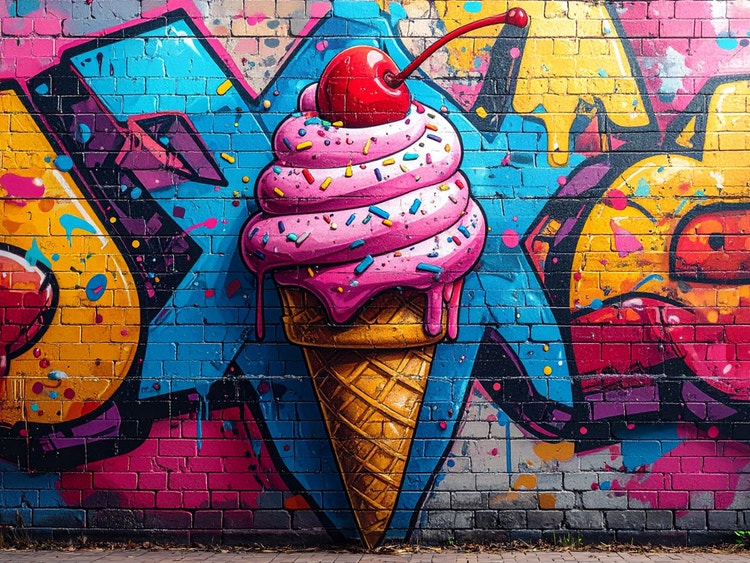
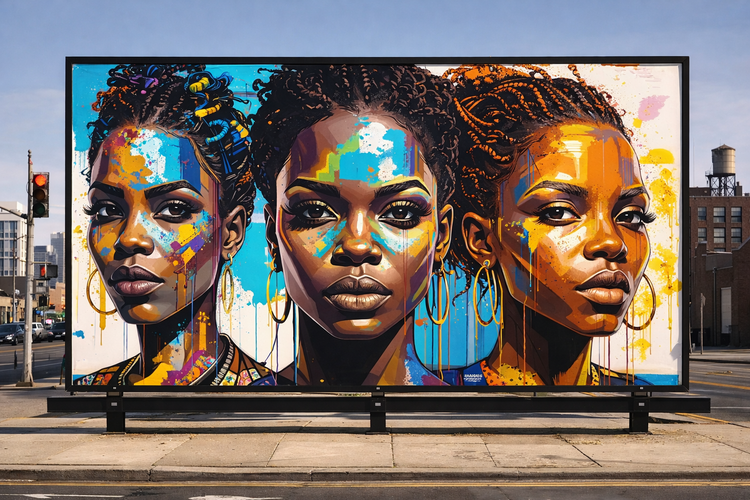
Take your graffiti art anywhere.
Download your favourite images and share them on social media or use them to add bold imagery to posters, presentations and reports.
Optimise your campaigns.
Create graffiti designs quickly while maintaining a consistent look across your work. The Adobe Firefly graffiti generator helps designers and marketers generate bold street art for digital designs, social posts and campaigns — then adapt them for print, apparel, product concepts and more.
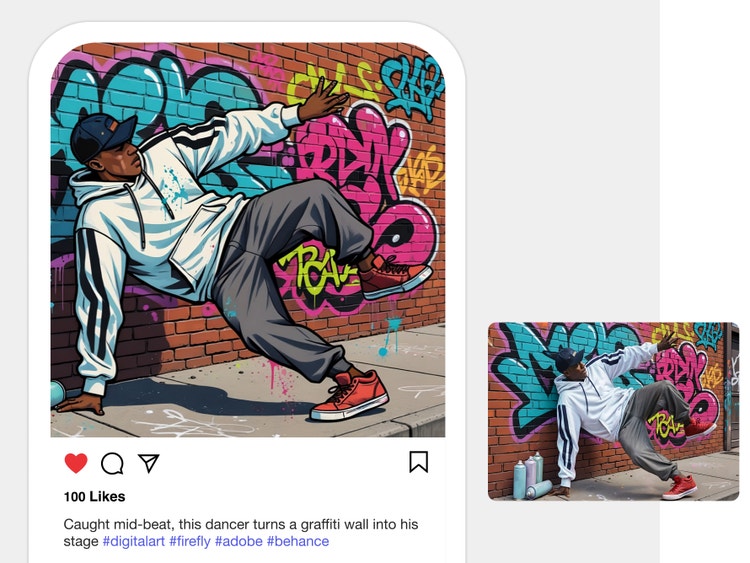
How to create graffiti art with the AI graffiti generator.
Step 1
Log in to Adobe Firefly.
Step 2
Write a text prompt.
Step 3
Optional: Upload a reference image.
Step 4
Generate your image.
Step 5
Refine, edit and regenerate.
- How to create an AI generated character.
- Steps on How to create an AI generated character
- PT5M
- firefly
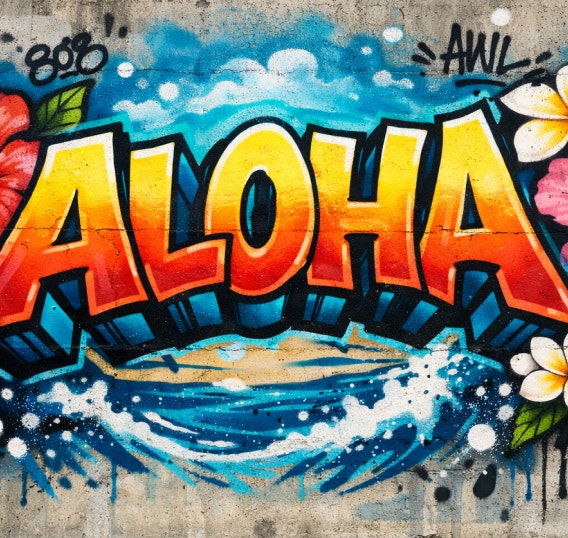
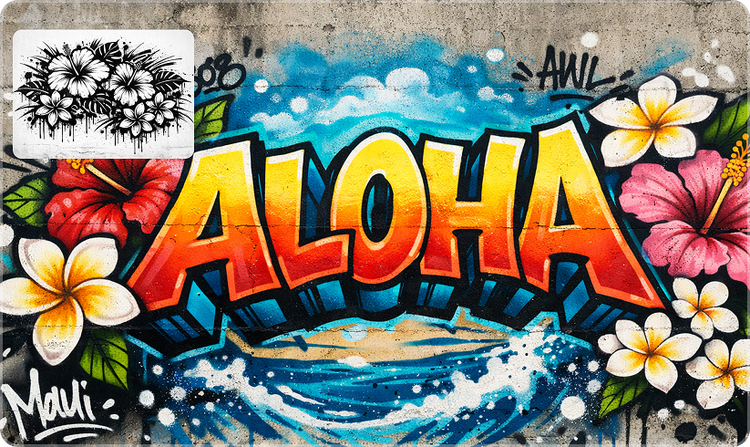
Full creative control
Firefly makes it possible to generate customised AI graffiti art with a wide range of styles using simple prompts, reference images and intuitive editing controls.
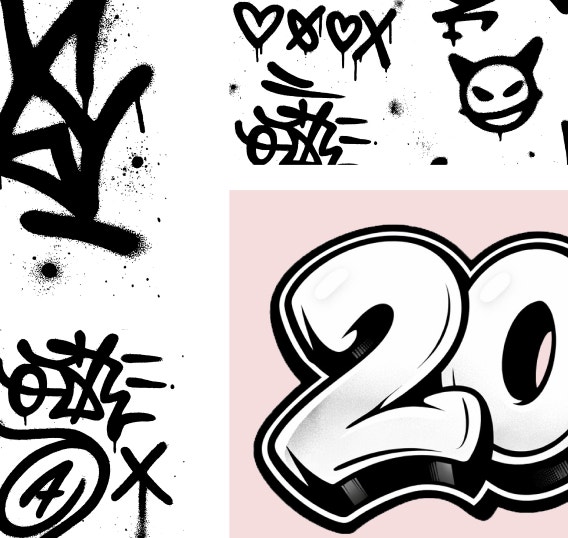
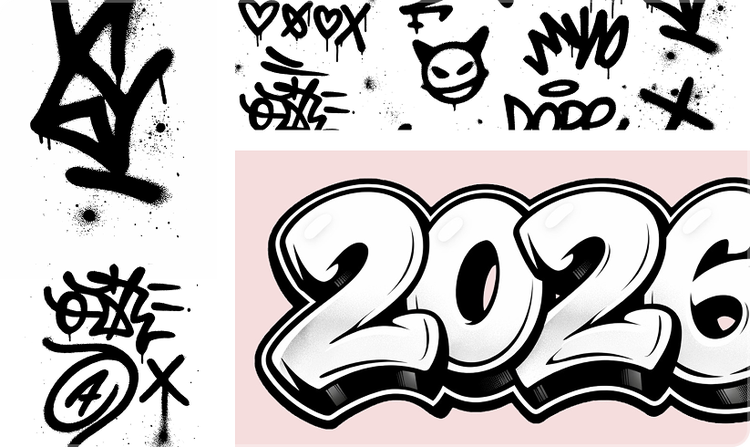
Rapid concept exploration
With Firefly image generation, you can easily create multiple designs and edit graffiti designs in stages. Quickly explore different styles like tags, wildstyle and stencils and refine details as you go.
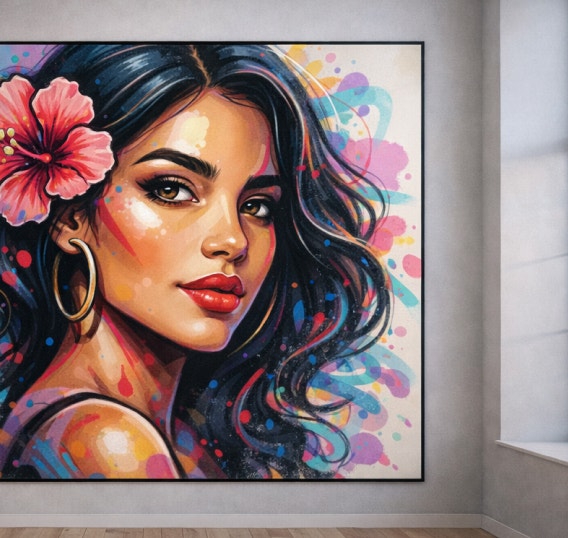
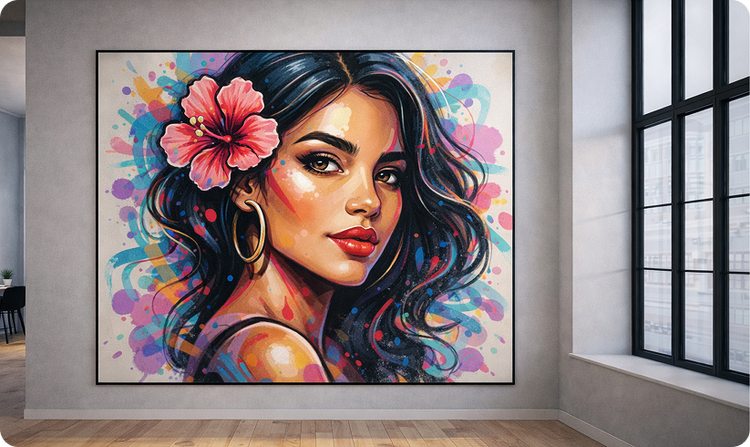
High-quality designs
The Firefly graffiti generator produces clean, high-resolution results that you can use in a variety of places, like murals, streetwear or in interior design.
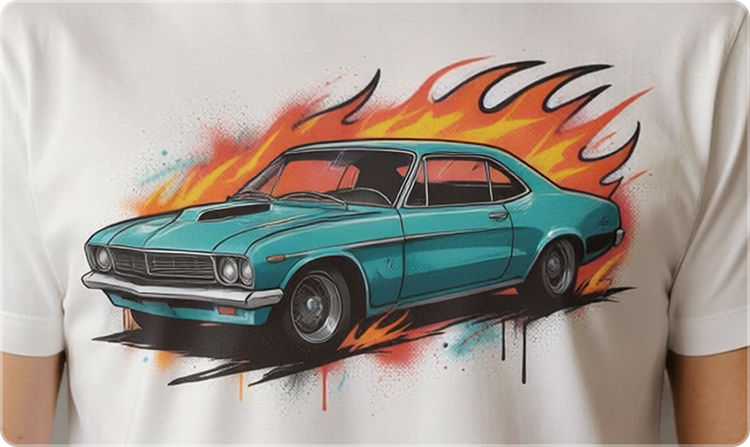
Commercially safe outputs
Content generated with Firefly models is commercially safe, so designs can be used confidently for professional, client-facing or creative projects.
See what you can do in Firefly.
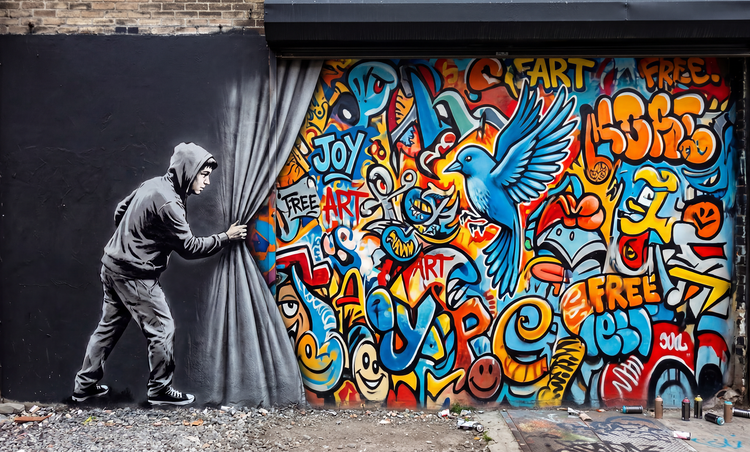
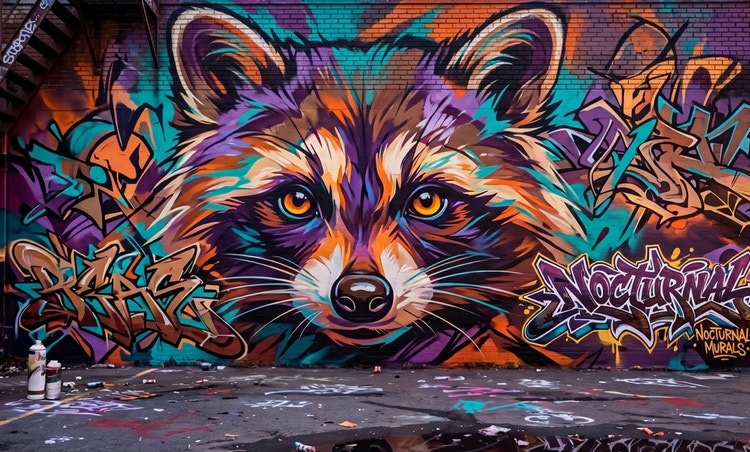
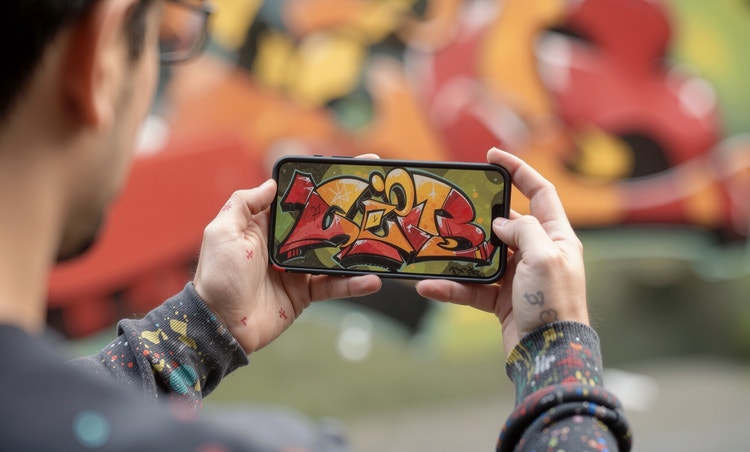



Discover even more features.
Questions? We have answers.
How does the graffiti generator work?
Can I customise the graffiti art?
What type of content can I create with the Adobe Firefly?
Is the AI graffiti generator free to use?
Can I use the graffiti art I generate commercially?
Do I need any design skills to use Adobe Firefly?
Can I download my graffiti art?
Yes, you can download your graffiti art created with Adobe Firefly. There are several methods to save and manage your generated images:
- Downloading images locally
- Saving to Creative Cloud Libraries
- Additional options:
- Copy image
- Save to favourites
- Copy link to image
Can I save and edit my designs later?
Which partner models are available in Adobe Firefly?
Adobe Firefly gives you access to a range of external AI models that help you to create sharper, more stylistic graffiti art. Models like Gemini, GPT Image, FLUX, Ideogram and Imagen support text-to-image and vector workflows, giving you strong prompt control, clear lines and high-resolution output that helps refine lettering and character style.
For motion-based graffiti ideas, models like Veo, Ray3, Sora 2, Runway and Pika can generate smooth video sequences that show evolving tags, character poses or mural concepts coming to life. Because these models sit inside Adobe Firefly, you can choose the one that best fits the style, texture and movement you want in your graffiti.
What is the best AI graffiti generator?
Share this page
Explore more Firefly tools.
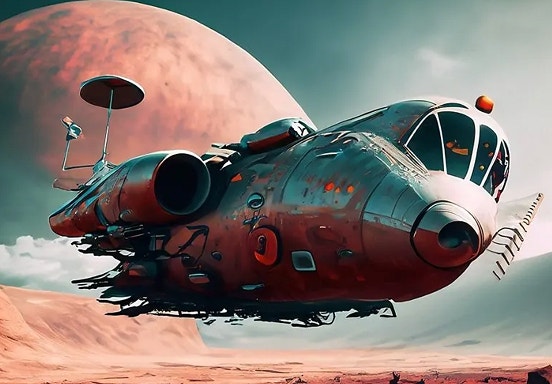
How to write AI art prompts that get results.
The best prompts for AI aren't always obvious. These tips get you to your destination in record time.
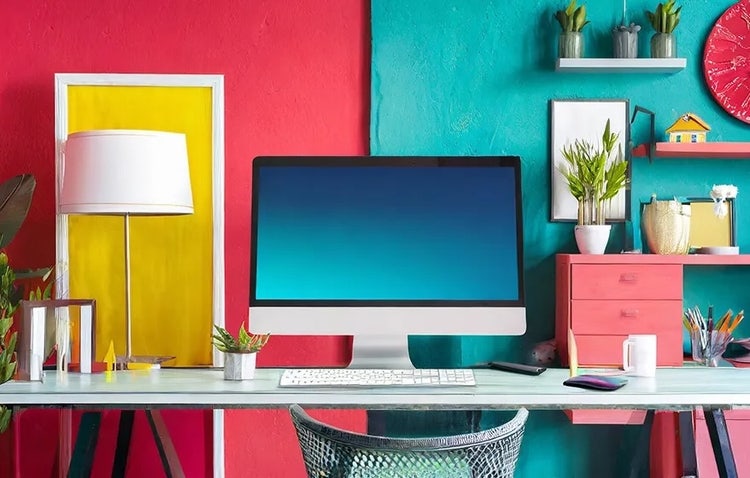
AI art prompts for graphic designers
Learn how to write effective prompts for generative AI to get amazing results for graphic design.
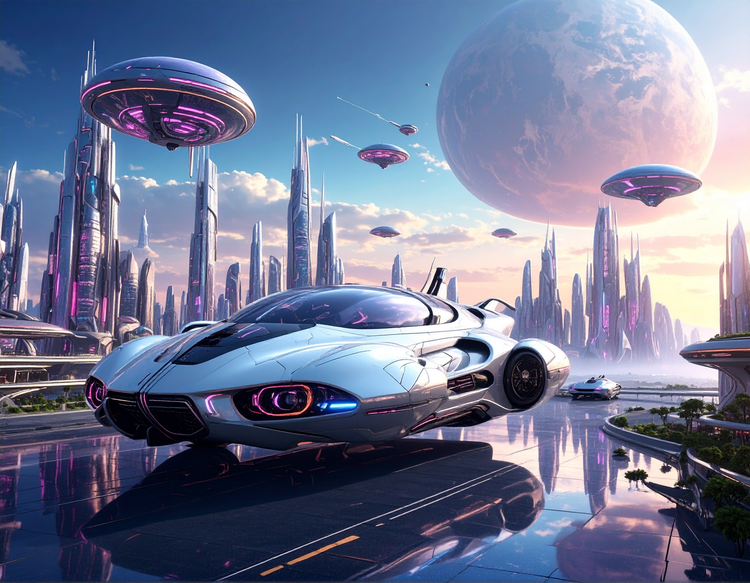
What is Generative AI
Generative AI includes technologies like large language models (LLMs) and multimodal models that blend text, images and more that let users creatively transform everything from design to video. Learn more about generative AI — how it works, what it’s trained on and how it’s reshaping creative workflows.
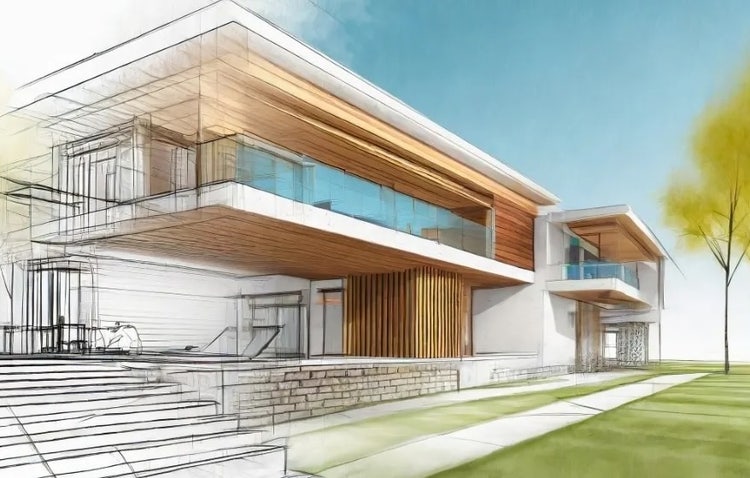
How to integrate generative AI into architectural design.
From monuments to museums, houses to hospitals, architecture plays a fundamental role in everyday life. Generative AI can help architects create more functional and innovative environments, faster and more efficiently than ever.
Learn more | Learn more - How to integrate generative AI into architectural design.