
#3400A8

Create your vision with Photoshop.

Dream it. Make it. Craft digital collages and more with artist Augustynka. Customise images, generate elements and make something amazing with our powerful tools.

Free trial

https://main--cc--adobecom.hlx.page/cc-shared/assets/img/assets-interactive-marquee/enticement-arrow.svg | See it in action arrow See it in action

Surreal digital collage by Augustynka using Adobe Photoshop GenAI Tool. Grayscale woman's face lined with pearls and diamonds, surrounded by vibrant shapes. Buttons read ‘Big dimond earring' and Generate’.

https://main--cc--adobecom.hlx.page/uk/cc-shared/fragments/products/photoshop/explore/sticky-banner/intro-pricing

#1ECCFC
https://main--cc--adobecom.aem.page/uk/cc-shared/assets/video/product/photoshop/explore/media_1b197548539e8c07a0396f62424689707c757d048.mp4#_autoplay | Surreal digital collage by Augustynka using Adobe Photoshop Layer Mask Tool. Grayscale woman's face with a resize box on top, and hand-drawn eyes, flowers, and colourful textures around it.

Composition

Layer up your art.

Use endless layers to make the perfect collage.

  1. Import your image
  2. Click the ‘Remove Background’ button
  3. Scale and resize with Edit › Free Transform
  4. Use Adjustment layers to perfect your look

Watch video

#F5BDFB

Generative fill

Add elements to your design with text prompts.

Add AI elements to your work to save time

  1. Select the area you want with the Lasso Tool
  2. Type your prompt into the Contextual Task Bar
  3. Click ‘Generate’ and choose a selection
  4. Use Adjustment layers to perfect your look.

Watch video

https://main--cc--adobecom.aem.page/uk/cc-shared/assets/video/product/photoshop/explore/media_1ac9185ee8bee3e1c7d159a9d800f9b8252cc8b1a.mp4#_autoplay | Surreal digital collage by Augustynka using Adobe Photoshop GenAI Tool. A colourful collage of eyes, flowers, a female face and a statue on shapes and textures. Buttons read ‘Big dimond earring' and Generate’.
#FFDB79
https://main--cc--adobecom.aem.page/uk/cc-shared/assets/video/product/photoshop/explore/media_154735ac0dfe2c5d2388a509e897575fb373487d6.mp4#_autoplay | A mixed-media film narrated by Augustynka who explains how she became an artist, inspiration and how she uses Adobe Photoshop to create her colourful collages.

Enter the creative world of Augustynka.

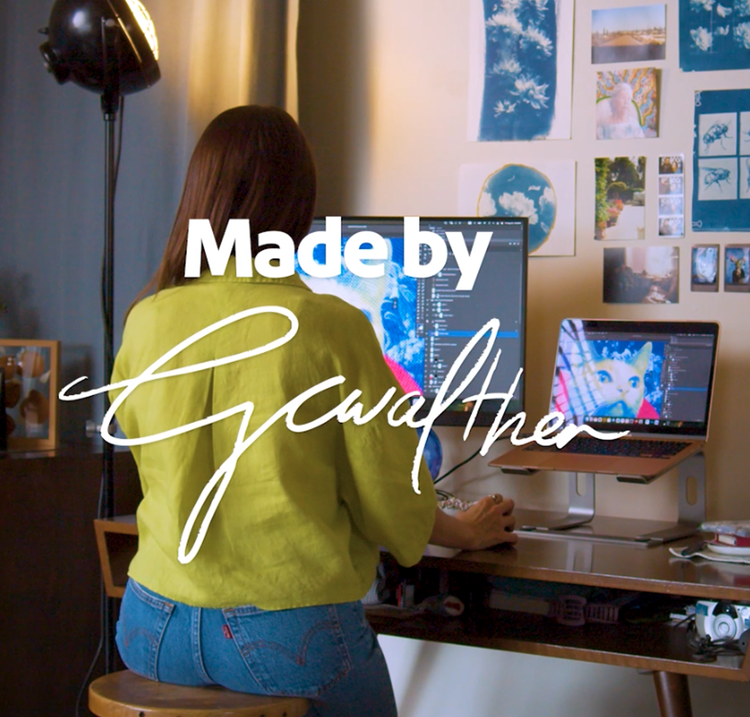
Mixed media artist Augustynka creates unique collages inspired by her background in fashion. Step into her studio and watch how she combines analogue and digital imagery using Photoshop.

Watch video

https://main--cc--adobecom.aem.page/cc-shared/fragments/products/photoshop/photoshop-goes-everywhere-v2-pink-bg

https://main--cc--adobecom.hlx.page/cc-shared/fragments/merch/products/photoshop/mini-compare/segment-blade

From here old content
#3400A8

Create your vision with Photoshop.

Dream it, type it and see it with generative AI features in Photoshop. Add or extend content in any image to turn portraits into standout headshots and more.

Free Trial Try Generative Fill

https://main--cc--adobecom.hlx.page/cc-shared/assets/img/assets-interactive-marquee/enticement-arrow.svg | See it in action arrow See it in action

Everyone can. Photoshop.

https://main--cc--adobecom.hlx.page/uk/cc-shared/fragments/products/photoshop/explore/sticky-banner/intro-pricing

#B7DEFF

Go from imagination to creation with generative AI.

Use text prompts with Generative Fill and easily turn simple product shots into stunning scenes to step up your social posts.

https://main--cc--adobecom.hlx.page/cc-shared/assets/img/assets-interactive-marquee/enticement-arrow-light.svg | See it in action arrow See it in action

Go from imagination to creation with generative AI.

#FFBAFF

Find the best hue for you.

Experiment with the colour of your designs. Draw your audience in by adding variety to marketing campaigns with Hue and Saturation adjustment sliders.

Images stored locally.

https://main--cc--adobecom.hlx.page/cc-shared/assets/img/assets-interactive-marquee/enticement-arrow-light.svg | Try it arrow Try it

Find the best hue for you.

See what you can do.

Explore quick ways to retouch and remix pics, swap skies, fix flaws and much more.

Bring branding to life.

Easily enhance your design with Generative Fill.

Learn more

Create striking designs.

Remove objects with Generative Fill.

Learn more

Create with AI

Dream it, type it and create it with Generative Fill.

Learn more

Everyone can combine images.

Combine images.

Mix and match images to create a collage.

Learn more

https://main--cc--adobecom.hlx.page/cc-shared/assets/img/product-icons/svg/offers.svg | offer logo

Follow your imagination.

Use best-in-class editing and design tools to create unique and original content.

https://main--cc--adobecom.hlx.page/cc-shared/assets/img/product-icons/svg/quick-select.svg | quick select logo

Make instant edits.

Fix flaws, swap backgrounds and skies, add colour and much more — all in just a few clicks.

https://main--cc--adobecom.hlx.page/cc-shared/assets/img/product-icons/svg/bulk-edit-users.svg | bulk edit logo

Level up your skills.

With libraries, in-app learning and real-time collaboration, you have everything you need to make amazing content right in the app.

Frequently asked questions.

Is Photoshop good for beginners?

Photoshop is one of the best photo editing software tools for beginners to learn. With tutorials, tips and built-in support, anyone can create amazing content right out of the gate.

What is Photoshop used for?

Photoshop is your go-to application for working with pixel-based images designed for print, web and mobile apps. Powerful editing tools let you correct exposure and colour, crop and straighten images, fix flaws, add type or combine multiple images.

What can I do with Photoshop?

Use Photoshop to retouch photos; create social posts, banners and branded merchandise; or design gorgeous graphics. Whatever you dream up, you can do it with Photoshop.

How do I install Photoshop?

Go to the Creative Cloud website and click Download. If prompted, sign in to your Creative Cloud account. Double-click the downloaded file to begin installation and then follow the onscreen instructions.

Can I buy Photoshop permanently?

No, Photoshop is available only as part of a Creative Cloud plan. You can choose to buy an annual subscription upfront or pay for a plan on a monthly basis. All subscriptions include ongoing access to new features and updates as well as Adobe Fonts, Adobe Portfolio and more, so you always have the latest tools to push the limits of your creativity.

Is there a student discount for Photoshop?

Yes. Eligible students save over {{percentage-discount-ste}} on the {{creative-cloud-pro}} plan, which includes Photoshop, Adobe Acrobat Pro, {{lightroom}}, Illustrator, InDesign and more. Students pay PRICE - ABM - Creative Cloud All Apps 100 GB{{small-tax-incl-label}} for their first year and PRICE - ABM - Creative Cloud All Apps 100 GB{{small-tax-incl-label}} after that. Learn more about Photoshop for students.