https://main--cc--adobecom.aem.live/cc-shared/assets/img/firefly.svg | Adobe Firefly logohttps://main--cc--adobecom.aem.live/cc-shared/assets/img/ff-lockup-f4.svg | Adobe Firefly
AI image expander: Extend images instantly with Firefly.
Take your images beyond their borders while preserving quality and detail with Generative Expand.

Or tap here
File must be JPEG(JPG), PNG, or WEBP and up to 100MB.
By uploading your image or video, you agree to the Adobe Terms of Use and Privacy Policy and confirm you are 18 years of age or older.

https://main--cc--adobecom.aem.live/cc-shared/assets/svg/s2-icon-upload-20-n.svg Upload your image
Or tap here
File must be JPEG(JPG), PNG, or WEBP and up to 100MB.
By uploading your image or video, you agree to the Adobe Terms of Use and Privacy Policy and confirm you are 18 years of age or older.

https://main--cc--adobecom.aem.live/cc-shared/assets/svg/s2-icon-upload-20-n.svg Upload your image
Or drag and drop here
File must be JPEG(JPG), PNG, or WEBP and up to 100MB.
By uploading your image or video, you agree to the Adobe Terms of Use and Privacy Policy and confirm you are 18 years of age or older.
- File size larger than 100MB
- Unable to process the request
- We are unable to process this file type. Please try again.
- Only one file can be uploaded at a time.
- Image is smaller than the minimum dimensions (512 x 512 pixels). Please resize and try again.
https://main--cc--adobecom.aem.live/cc-shared/assets/img/product-icons/svg/firefly-80.svg
Adobe Firefly
https://main--cc--adobecom.aem.live/cc-shared/assets/img/product-icons/svg/firefly-80.svg
Adobe Firefly
The next evolution of creative AI is here for all your ideas, with image, video, audio, and vector tools.
Make more space with an AI image expander.
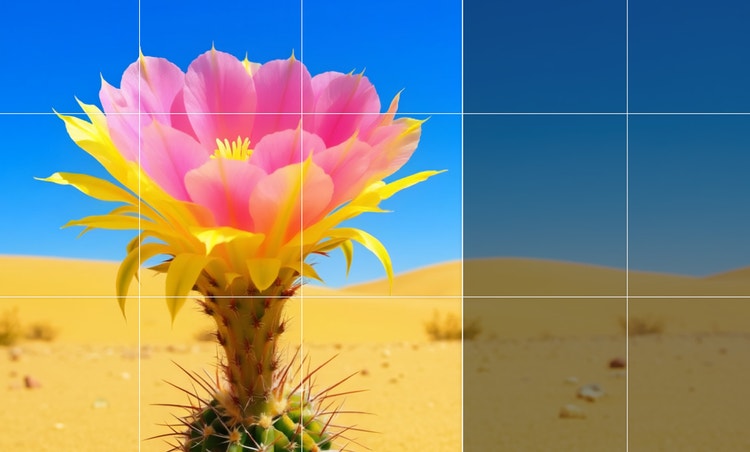
With just a few clicks and simple text prompts in Firefly, creators can extend an image beyond its original boundaries, opening up new possibilities for framing and composition. Use Generative Expand to create new, high-quality content that blends seamlessly with the existing image, automatically matching lighting, perspective, and style.
Use AI to expand images for use anywhere.
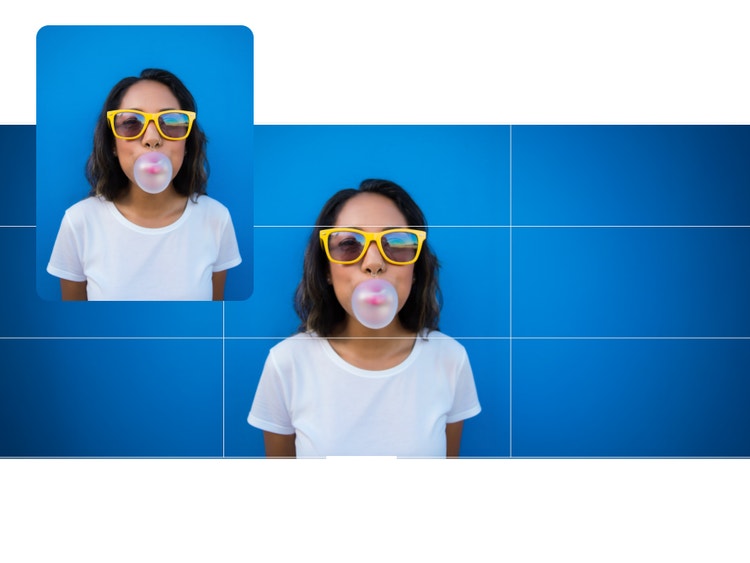
Free your photos from their original frames with Generative Expand. Marketers can turn a square or 4:3 image into 16:9 for YouTube thumbnails or 9:16 for an Instagram story. You can even turn a vertical portrait into a wide shot for use as a hero banner on your website.
Expand images with AI to make space for other elements.
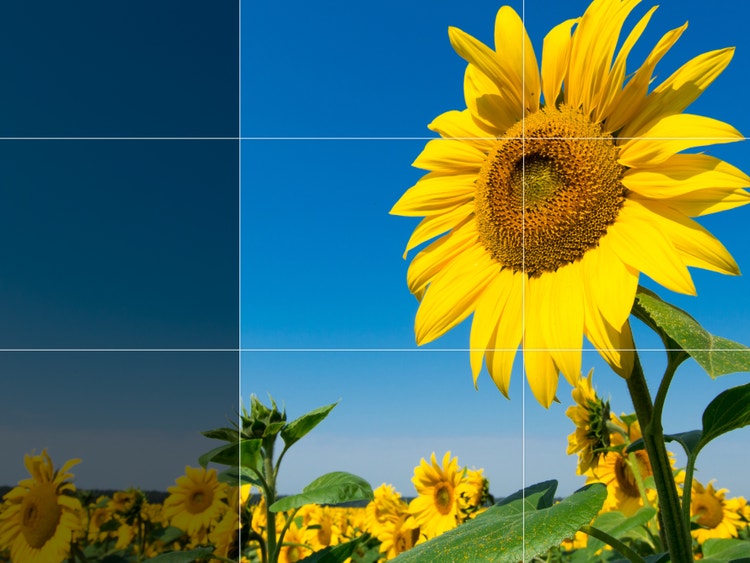
Designers and marketers know what it’s like to have an almost perfect shot that’s just a little tight. With Generative Expand, it’s easy to add space around your subject for a text overlay or just a more natural-feeling composition.
Create a whole new scene with text prompts and the image expander.
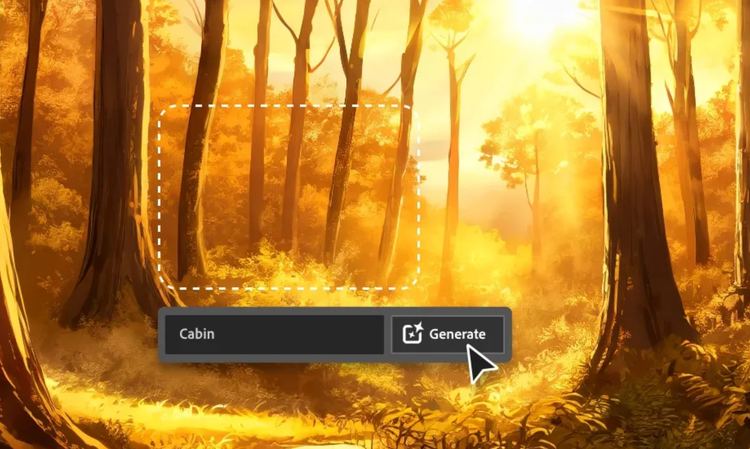
Now photographers can easily expand landscape shots or reframe shots to change focus. Type a simple description of how you want to fill your expanded canvas and click Generate. Place your subject deep in the woods, on a crowded city street, or within a dreamy sci-fi setting.
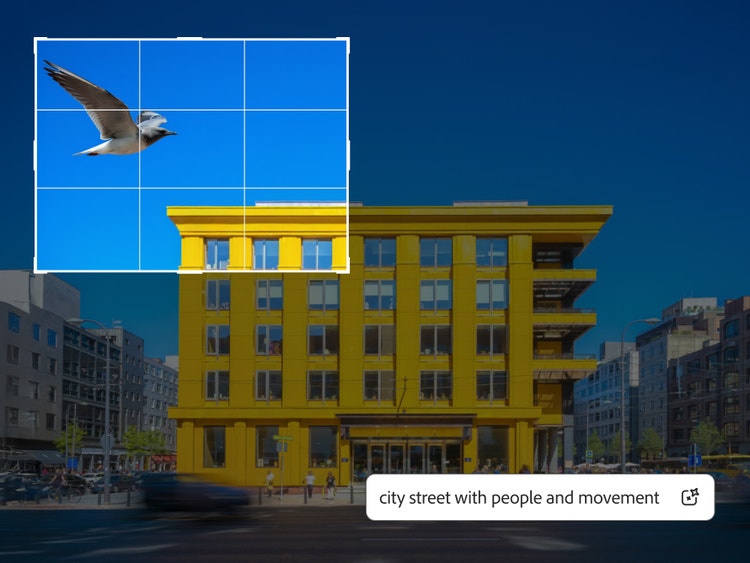
How to use AI to expand an image in Firefly.
Step 1
Open the Firefly image editor.
Step 2
Select your image.
Step 3
Choose Generative Expand from the Quick Actions menu.
Step 4
Set your new image size.
Step 5
Generate a new background.
Step 6
Use prompts for a custom result.
- How to use AI to expand an image in Firefly.
- Steps on how to expand an image in Firefly photo editor
- PT5M
- firefly


All the tools you need in one place.
Creators can add, remove, expand, and enhance without switching apps.

Precise control.
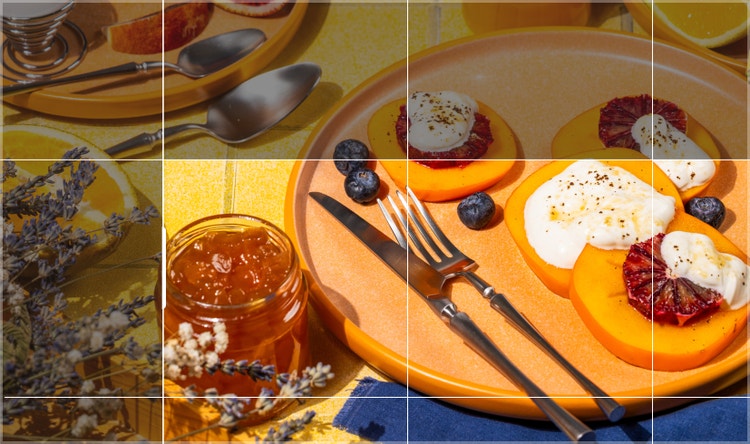
Creators can control which parts of an image they want to change and which they want to preserve.
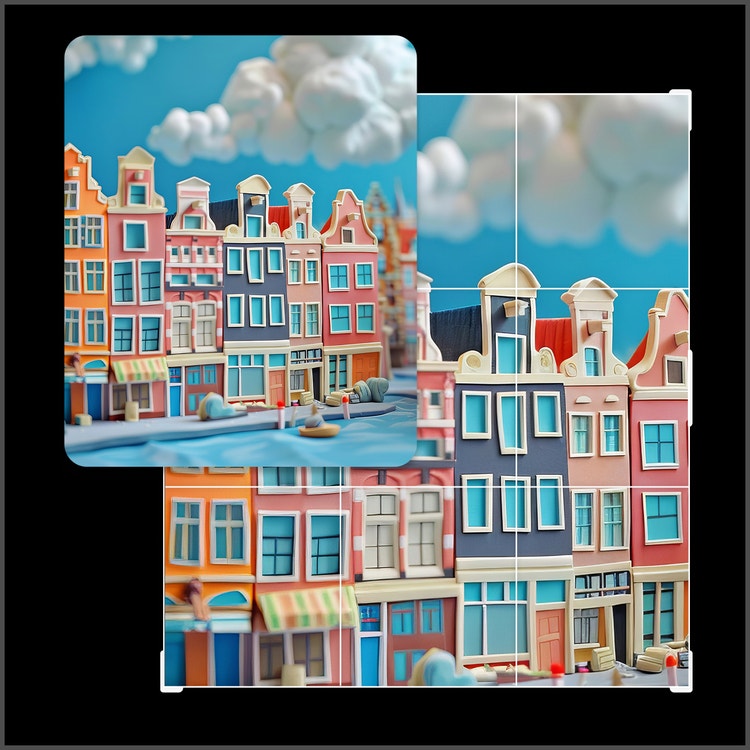
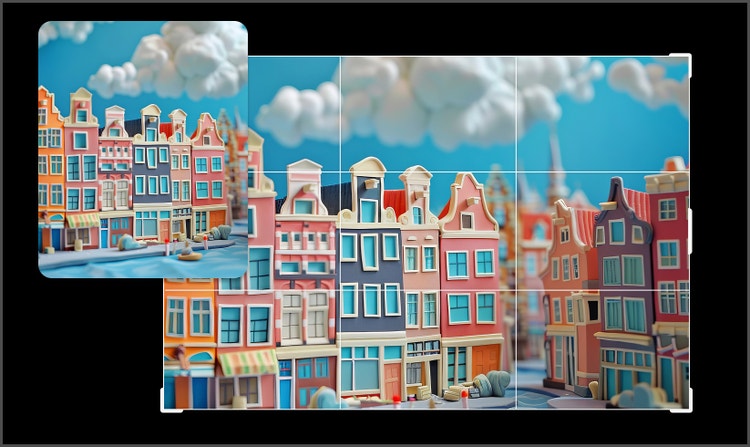
Context-aware edits.
Firefly creative AI preserves style, lighting, and perspective, ensuring results feel natural and true to the original image.
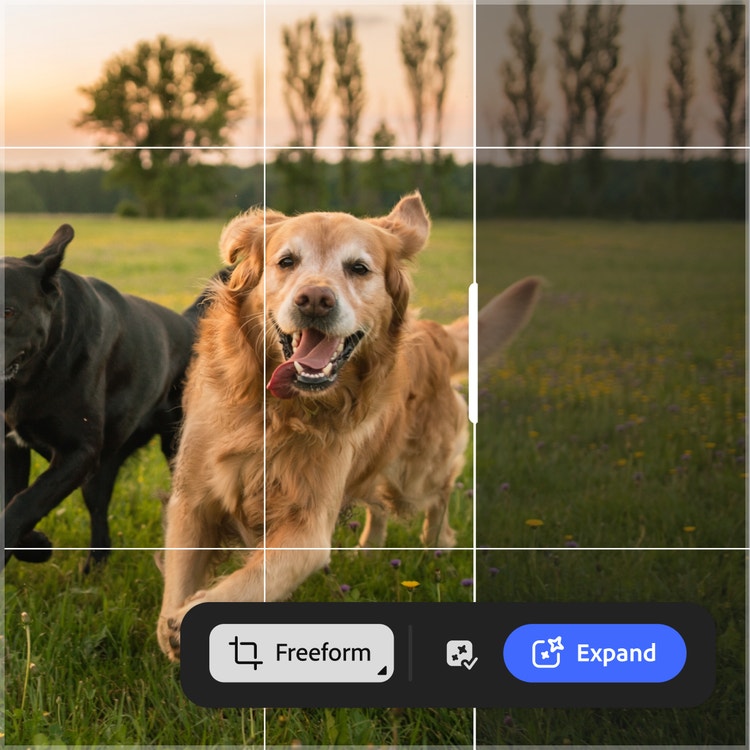
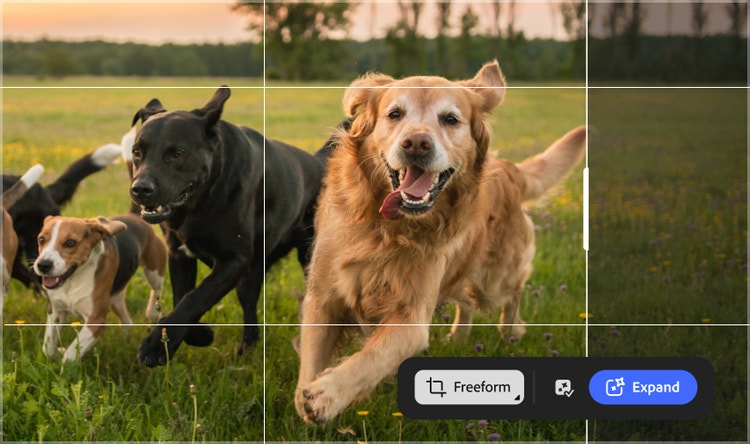
Speed.
Generative Expand in Firefly eliminates tedious manual work while maintaining image integrity, saving creators time.
See what you can do in Firefly.




Discover even more features.
Questions? We have answers.
What is Generative Expand used for?
Is the Firefly Fill & Expand model safe for commercial use?
What is a good app for expand image AI?
Is the Adobe Firefly image expander free to use?
Can I use Generative Expand to change aspect ratios?
When should I use Generative Expand instead of Generative Fill?
What is the best generative expand tool?
Share this page
Explore more Firefly tools.

The benefits of generative AI for creatives
Learn how to use generative AI to boost productivity and discover new possibilities while maintaining creative control.

Generative AI is changing creative work
Generative AI can mimic — but not replace — human intelligence. Learn how it can help you take your creativity to new places.
AI for graphic designers
Learn about the AI tools available to graphic designers and how they can help you be more productive and take your work in surprising directions.

AI art prompts for graphic designers
Learn how to write effective prompts for generative AI to get amazing results for graphic design.