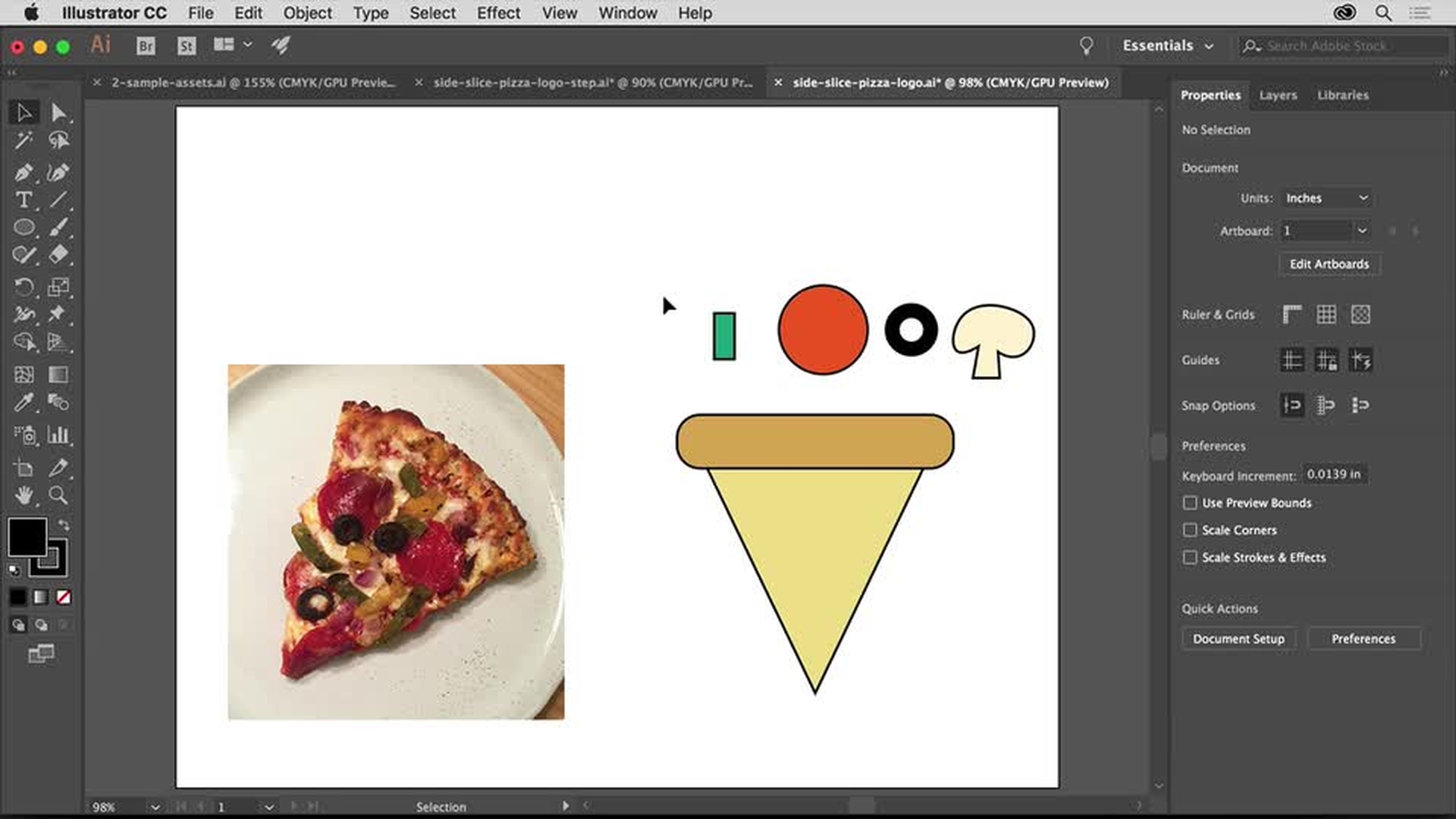
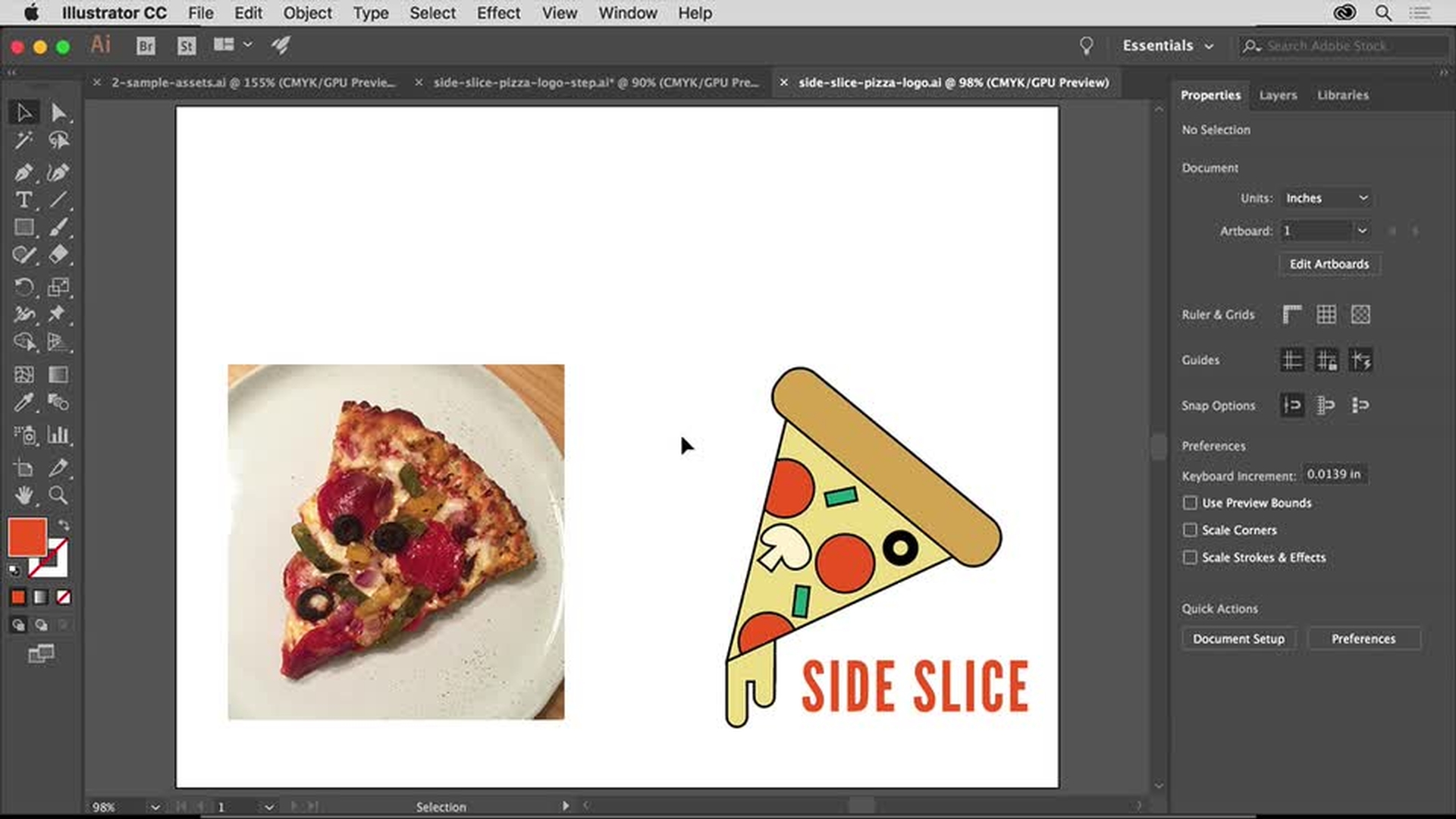
Gebruik vectorvormen in Adobe Illustrator om een logo te maken dat er zowel op het scherm als gedrukt goed uitziet. Het mooiste van vectorillustraties is dat ze zonder kwaliteitsverlies naar elk formaat kunnen worden geschaald, van visitekaartjes tot billboards.
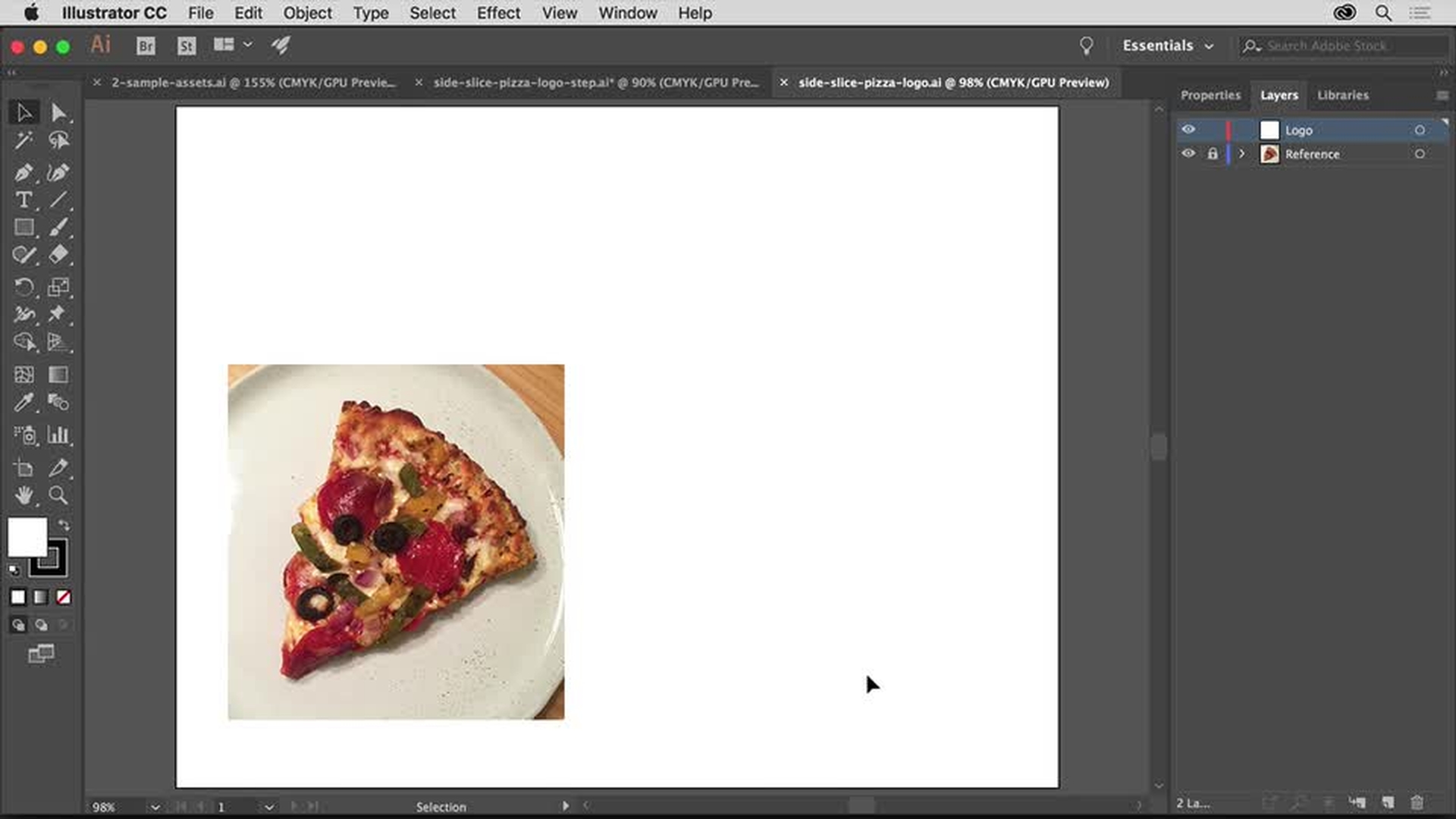
Maak een nieuw document en stel de werkruimte in. Open de referentieafbeelding die je als inspiratiebron wilt gebruiken en gebruik het deelvenster Lagen om je illustratie eenvoudig te beheren.
Leer hoe je een nieuw document maakt, je werkruimte opnieuw instelt, een referentieafbeelding plaatst en het deelvenster Lagen opent.
2
Basisvormen gebruiken om complexe illustraties te maken
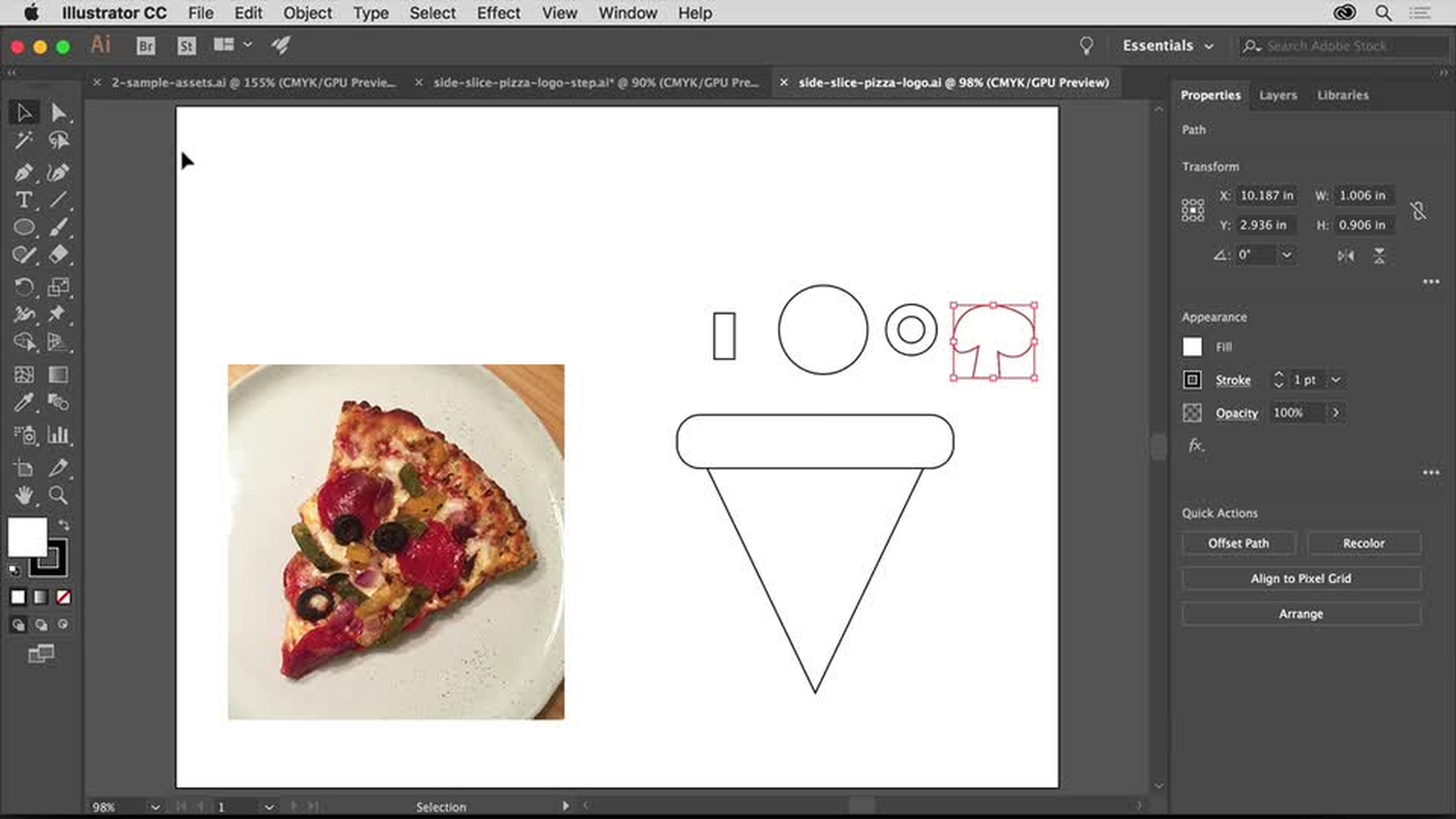
Combineer rechthoeken, driehoeken, cirkels en vrije vormen om je illustratie te maken. Gebruik slimme hulplijnen om de elementen uit te lijnen.
Leer hoe je Slimme hulplijnen inschakelt om je illustratie eenvoudig uit te lijnen, een actieve vorm bewerkt en uit de vrije hand een vorm tekent.
3
Kleur toevoegen
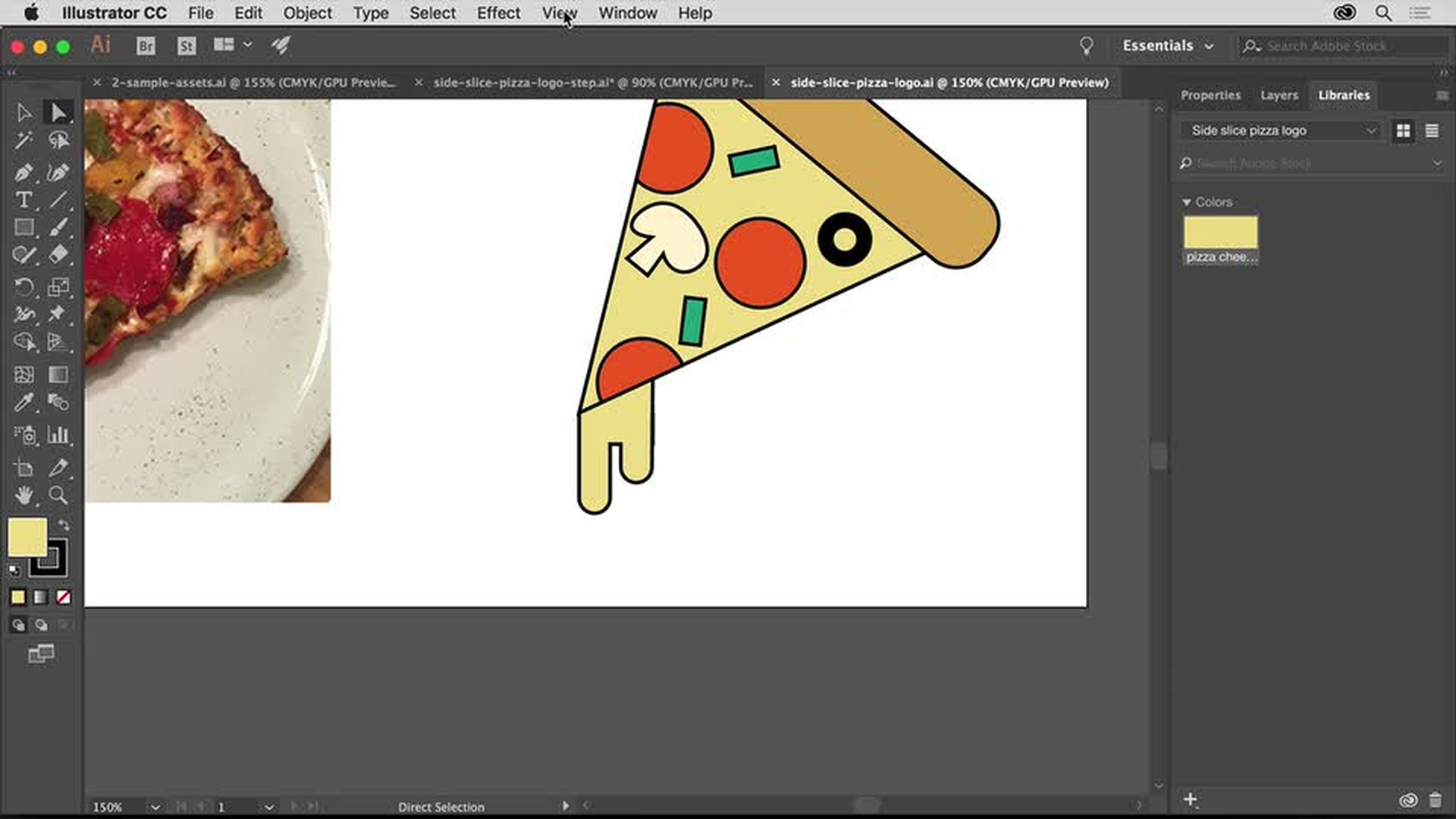
Pas op al je logo-elementen kleuren toe met intuïtieve besturingselementen waarmee je eenvoudig wijzigingen aanbrengt. Voeg de kleuren en vormen van je logo toe aan je Adobe Creative Cloud Libraries, zodat je ze altijd bij de hand hebt.
Leer hoe je een kleur bewerkt, een kleur opslaat in een bibliotheek en toegang krijgt tot bibliotheken met kant-en-klare kleurstalen.
4
Je logo perfectioneren
Wijzig de schaal van je vormen en roteer ze om de toppings op de pizzapunt aan te brengen.
Leer hoe je een vorm roteert en een kleur uit een bibliotheek hergebruikt.
5
Tekst toevoegen
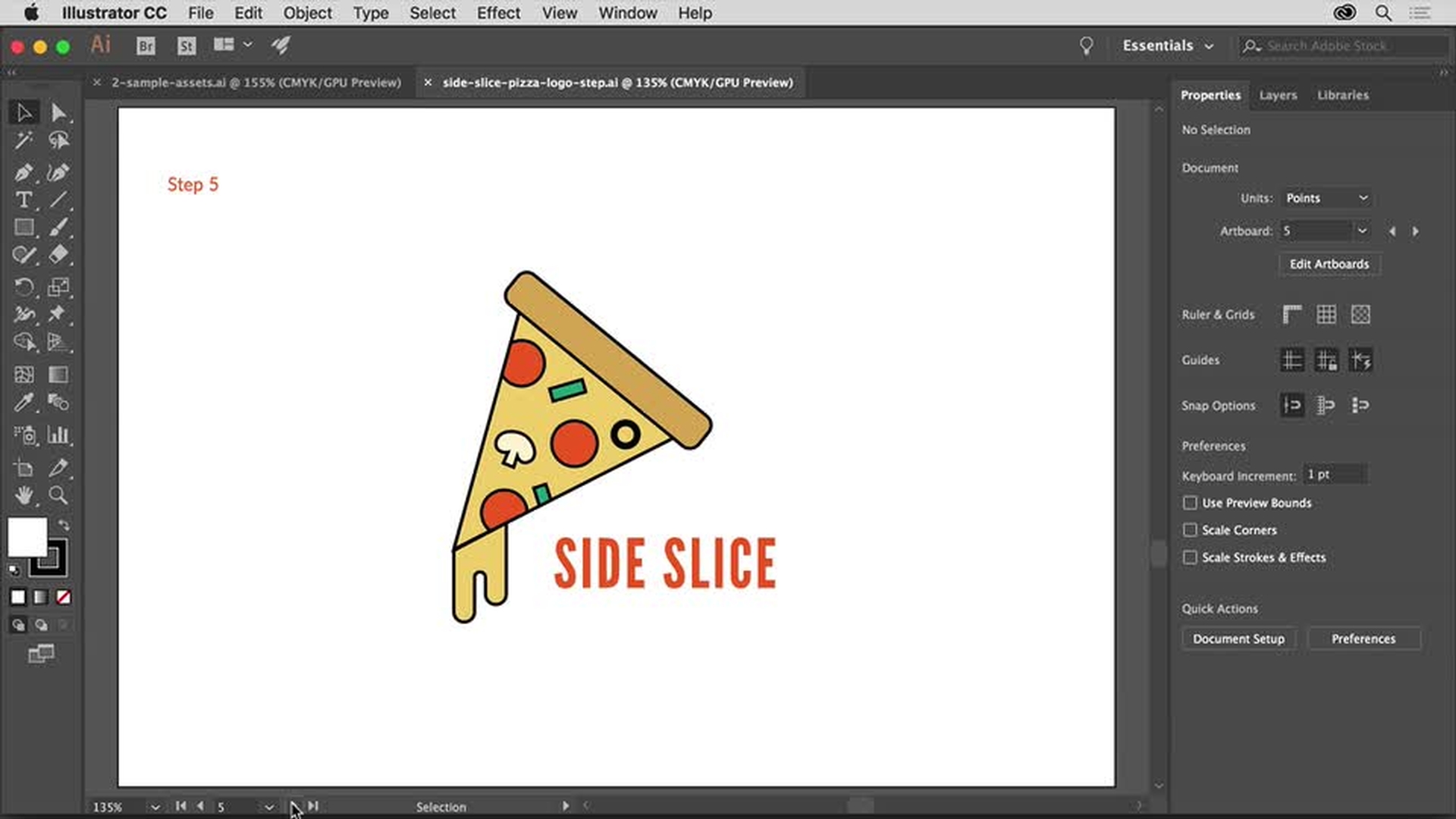
Voltooi het logo door de bedrijfsnaam toe te voegen met de krachtige typografiefuncties in Illustrator. Creative Cloud-leden kunnen een keuze maken uit de uitgebreide bibliotheek met hoogwaardige lettertypen van Adobe Typekit.
Leer hoe je tekst toevoegt, het lettertype wijzigt, lettertypen uit Typekit toevoegt en spatiëring tussen letters toevoegt.
6
Voorbeelden van het logo bekijken en het logo opslaan
Kijk hoe het logo eruitziet op voorbeelden van alledaagse voorwerpen, zoals T-shirts en visitekaartjes. En leer hoe je een logo-illustratie eenvoudig opslaat om die bijvoorbeeld af te drukken, als PDF te delen of op het internet te publiceren.
Leer hoe je je voltooide logo aan een bibliotheek toevoegt, als PDF opslaat en andere opties voor algemeen webgebruik kiest.
You can control how Adobe websites use cookies and similar technologies by making choices below. But note that if you disable cookies and similar technologies entirely, Adobe websites may not function properly.
Cookies are small text files stored by your web browser when you use websites. There are also other technologies that can be used for similar purposes like HTML5 Local Storage and local shared objects, web beacons, and embedded scripts. These technologies help us do things like remembering you and your preferences when you return to our sites, measure how you use the website, conduct market research, and gather information about the ads you see and interact with.
You can make choices in the menu below about what cookies and other technologies you want us to use on Adobe sites when you visit them from this browser. You can always change those choices later by clicking on the Cookie Preferences link at the bottom of the page.
If enabled:
We can improve your experience by tailoring the site and the content to things we think might be of interest
We can better keep track of your preferences — like what language you prefer to use
We will better understand your likely interests so we can provide you more relevant Adobe ads and content on non-Adobe websites and in non-Adobe apps
It will help us improve the performance of our website and those of our partners who use the Adobe Experience Cloud
If disabled:
We won’t be able to remember you from session to session so the experience may not be tailored to your interests
You’ll still have access to the content of the site but certain features that depend on cookies may not function
You’ll still see ads, they just may not be as relevant to you
General information
You can control how Adobe websites use cookies and similar technologies by making choices below. But note that if you disable cookies and similar technologies entirely, Adobe websites may not function properly.
Cookies are small text files stored by your web browser when you use websites. There are also other technologies that can be used for similar purposes like HTML5 Local Storage, web beacons, and embedded scripts. These technologies help us do things like remembering you and your preferences when you return to our sites, measure how you use the website, conduct market research, and gather information about the ads you see and interact with.
You can make choices in the menu below about what cookies and other technologies you want us to use on Adobe sites when you visit them from this browser. You can always change those choices later by clicking on the Cookie Preferences link at the bottom of the page.
If enabled:
We can improve your experience by tailoring the site and the content to things we think might be of interest
We can better keep track of your preferences — like what language you prefer to use
We will better understand your likely interests so we can provide you more relevant Adobe ads and content on non-Adobe websites and in non-Adobe apps
It will help us improve the performance of our website and those of our partners who use the Adobe Experience Cloud
If disabled:
We won’t be able to remember you from session to session so the experience may not be tailored to your interests
We’ll still count your use of our site and services
You’ll still have access to the content of the site but certain features that depend on cookies may not function
You’ll still see ads, they just may not be as relevant to you
Operate the site and core servicesOperate site and measure engagement
Always active
These cookies are required, and they are used to enable the site and related services core functionality. Without them the site could not operate, so they cannot be disabled.
These cookies enable the site and related services’ core functionality and collect statistics about user engagement, such as counting active use to help us understand trends. These cookies cannot be disabled.
Measure performance
These cookies are used to analyze site usage to measure and improve performance. Without them Adobe cannot know what content is most valued and how often unique visitors return to the site, making it hard to improve information we offer to you.
These cookies are used to analyze site usage to measure and improve performance. Without them Adobe cannot know what content is most valued, making it hard to improve information we offer to you.
Extend functionality
These cookies are used to enhance the functionality of Adobe sites such as remembering your settings and preferences to deliver a personalized experience; for example, your username, your repeated visits, preferred language, your country, or any other saved preference.
Personalize advertising
These cookies are used to enable Adobe and our partners to serve ads more relevant to your interests. Without them you will still see ads, but they might not be as relevant to you.
Personalize advertising
These cookies are used to enable Adobe and our partners to serve ads more relevant to your interests. Without them you will still see ads, but they might not be as relevant to you.