Introduction
[Kenneth Hines Jr.]: Are you looking for ways to elevate your post-processing for more creative and dynamic images?
You may find what you're looking for with Curves.
I'm ZEISS Ambassador Kenneth Hines Jr., and today, we're going to be exploring Curves and how this tool, which I consider one of the most powerful tools in Lightroom, can make your images more dynamic.
Curves allow you to adjust the tonal values in your images.
Understanding curves and tonal control
There are two ways in which you can achieve this: Using the Point Curve or the Parametric Curve.
Let's begin with the Parametric Curve, as this provides a great visual
Using the parametric curve for tonal adjustments
for how different areas of the Curve will affect different tonal values in a photo.
With the Parametric Curve, you can drag up and down anywhere on the line to either lighten or darken the image.
You can move the sliders below the Curve to target specific parts of the tonal range.
Now you can do similar adjustments with the sliders in the Light panel, but Curves give you much more control.
Now let's explore the Point Curve.
Working with the point curve and control points
Within the Point Curve, you can click on the diagonal line to add control points for the section of the tonal range you want to adjust.
You can add a total of 16 control points to make fine adjustments to the Curve.
And here's how that works.
I prefer to add three points, one for Shadows, Midtones, and Highlights, but you can determine where and how many of these points you have.
If you happen to apply a point that you decide to remove, you can right-click on a control point to delete as well as view other options.
You can also choose to hold down the Option or Alt key to display the Reset Curve selection at the top of the Curve panel to reset all your Curve adjustments to start fresh again.
Curves also include a target adjustment,
Applying curves to boost contrast in an image
where you can make on-screen adjustments to the Parametric or Point Curve.
If I click and drag in this highlighted area, this part of the tonal range is adjusted.
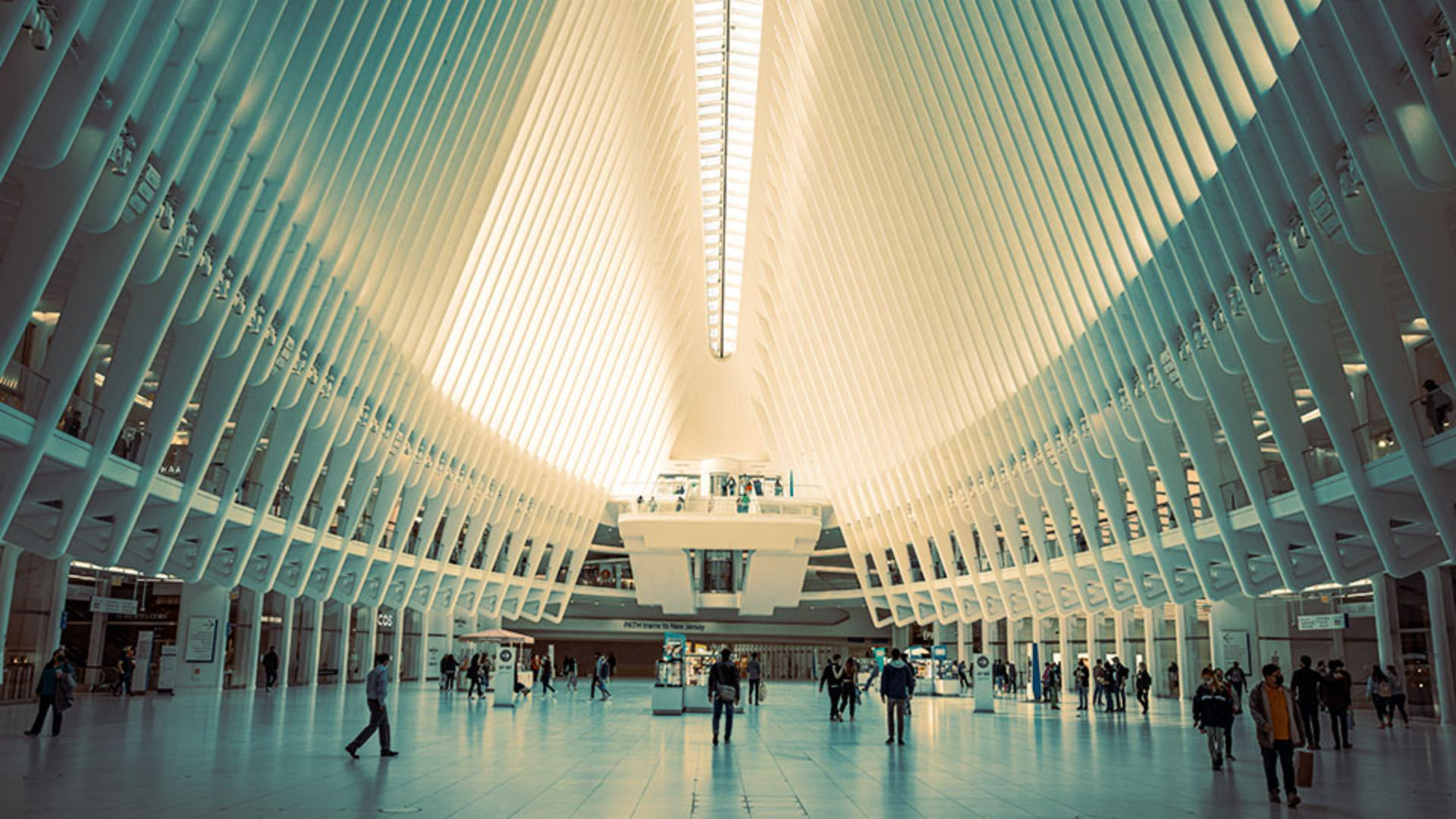
Let's now look at an image that I've already applied my other adjustments to, apart from Curve.
For this image of the Oculus, I want to apply more contrast into my image, and I'll do so by adjusting my Darks.
I also want to brighten the highlights of it as well, and we can do so by adjusting our Highlights.
Color curve adjustments for creative effects
An additional feature of Point Curve is the ability to access color channels and apply Color Curve adjustments to an image.
Let's select the Green color channel in our Point Curve and infuse green into the shadows of the image.
I'm going to place my points in Shadows, Midtones, and my Highlights, and bring the point for my Shadows up.
And this applies green only into that region like so.
Let's now do similar with the Red color channel, but make our Curve adjustment in Highlights to give a red color tone.
Let's apply our three points.
And now let's make our Highlight adjustment.
Upon making our adjustments, we can view a before and after of our Curve adjustments by toggling the Eye icon in the top right of the Curve panel.
I think this looks wonderful and this has given the image a more creative look.
Explore Curves on your own and see how this can transform your image into an even more dynamic-looking image.
I'm Kenneth Hines Jr., and I look forward to exploring more of Lightroom with you soon.