Free social media post maker.
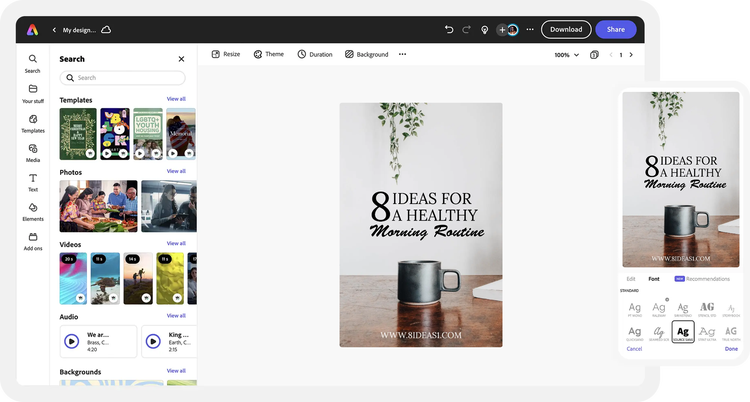
Plan, publish, and create captivating social media posts with the Adobe Express online editor. No experience needed.
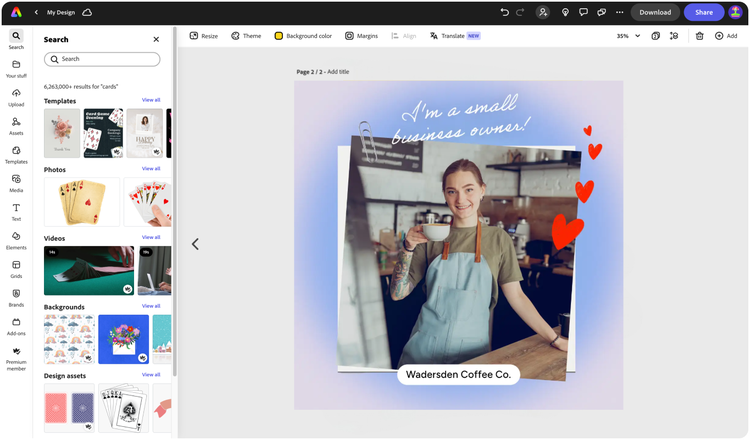

Easy all-in-one editor

One-click edits from any device

Fast creation with generative AI

Thousands of professionally-designed templates
Easily get started in Adobe Express.
- Templates
- Upload Content
- Stock Content
- AI
Upload or import your content.
Add your own photos or videos and start your creation from there. You can also import your PSD or Ai files and Adobe Express will recognize all of your layers.

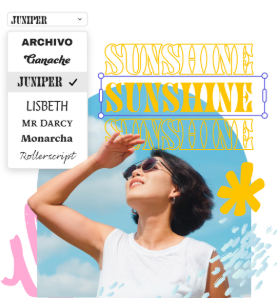
Upload your photos or videos
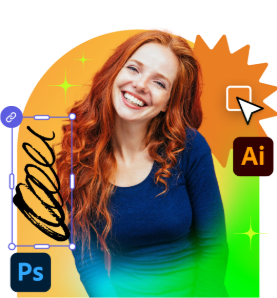
Upload your PSD or Ai files
Upload or import your content.
Add your own photos or videos and start your creation from there.
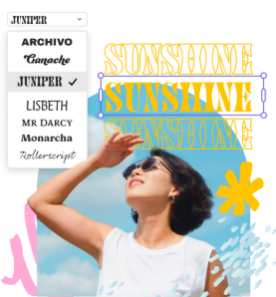
Upload your photos or videos
Start from our amazing collection of stock content.
You can start your project from the Adobe Stock royalty-free photo, video, or audio collection.

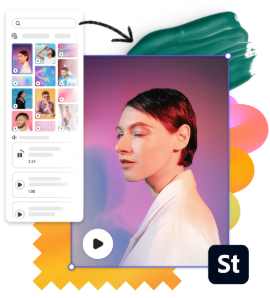
Start with video
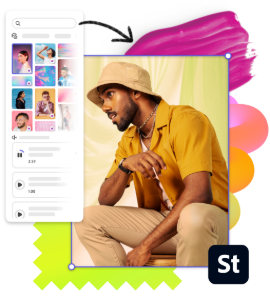
Start with photo
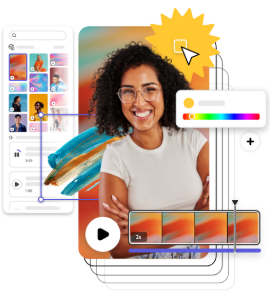
Start with audio
Imagine and create from a text prompt.
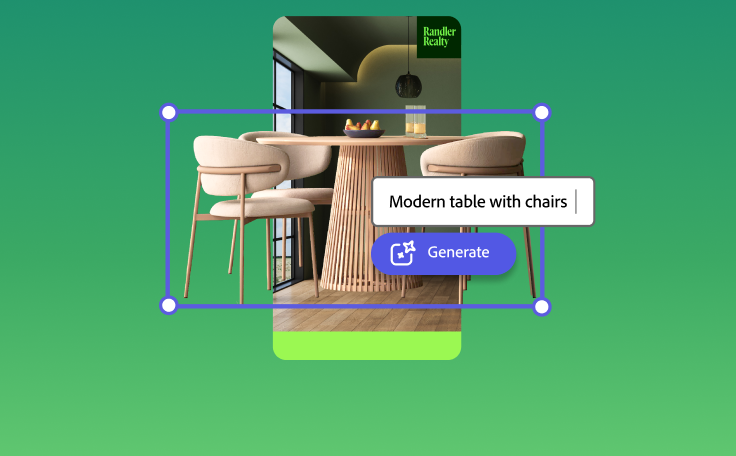
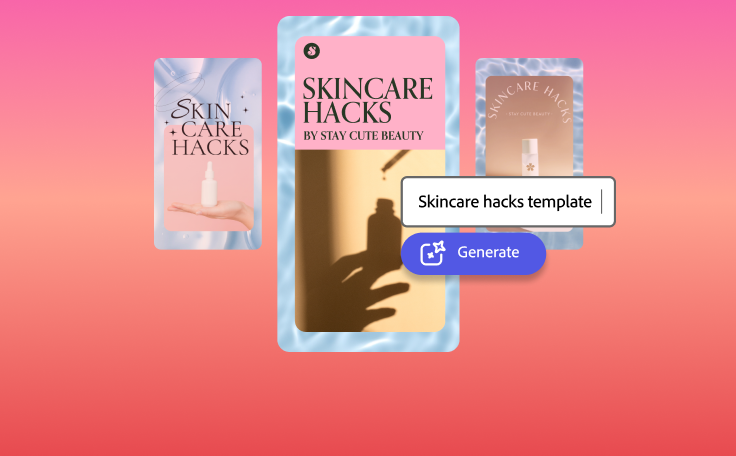
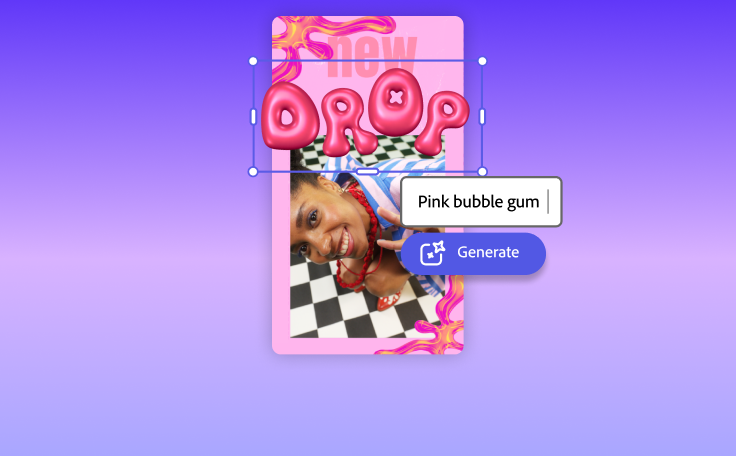
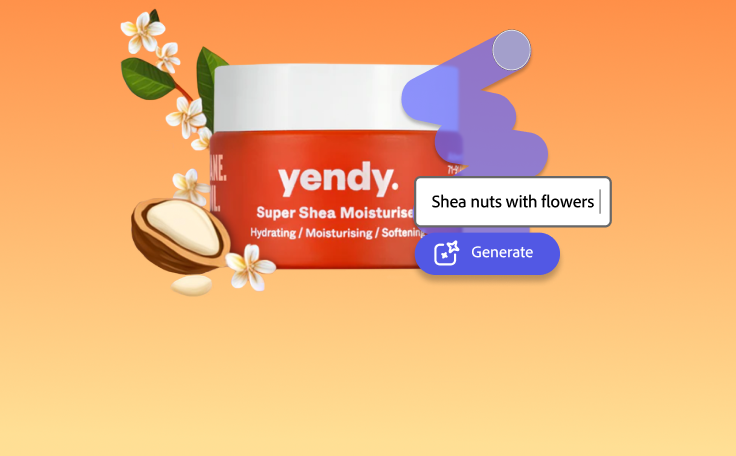
Your imagination is your only limitation. You type it. Adobe Express generates it.
How to use the social media post creator.

See what people are saying about Adobe Express.

Abs Ahlijah
Marketing & Content Coordinator @ Soul Session

Liz Mosley
Owner, Liz Mosley Design

Penuel Stanley-Zebulon
Student @ Pennsylvania State University

Attabeira German de Turowski
Owner, Attabeira Oneline

Mike Nappi
Owner, NappiMusic
Discover even more features for easy content creation.
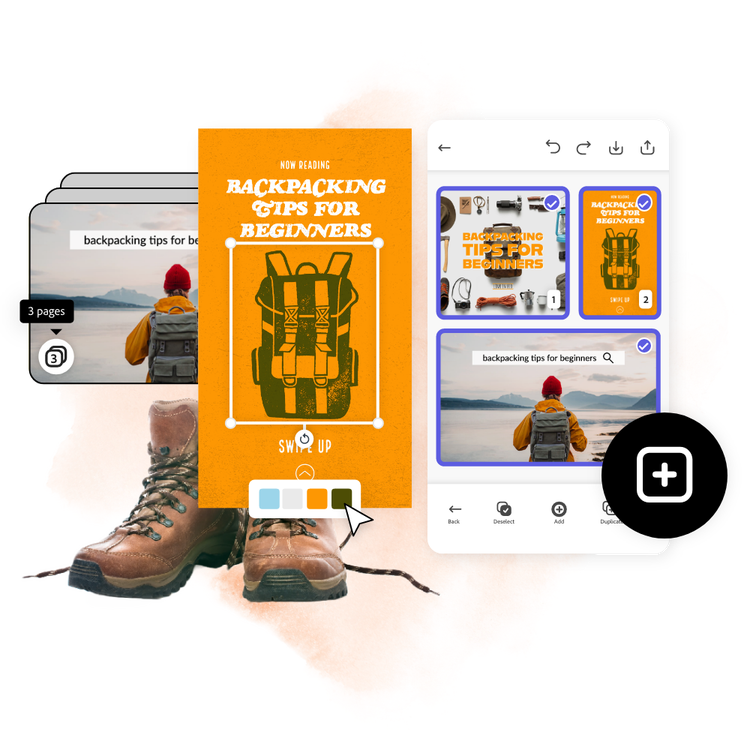
Make engaging carousel posts with Adobe Express.
Use Adobe Express to create swipe-worthy animated carousel posts across all your social media channels. Duplicate pages in the same project and edit as you go to keep the same aesthetic and branding. If your carousel includes multiple product shots or video footage needing touch ups, use powerful Adobe Express editing tools to bring blurred images back into focus or adjust contrast. No editing know-how needed.
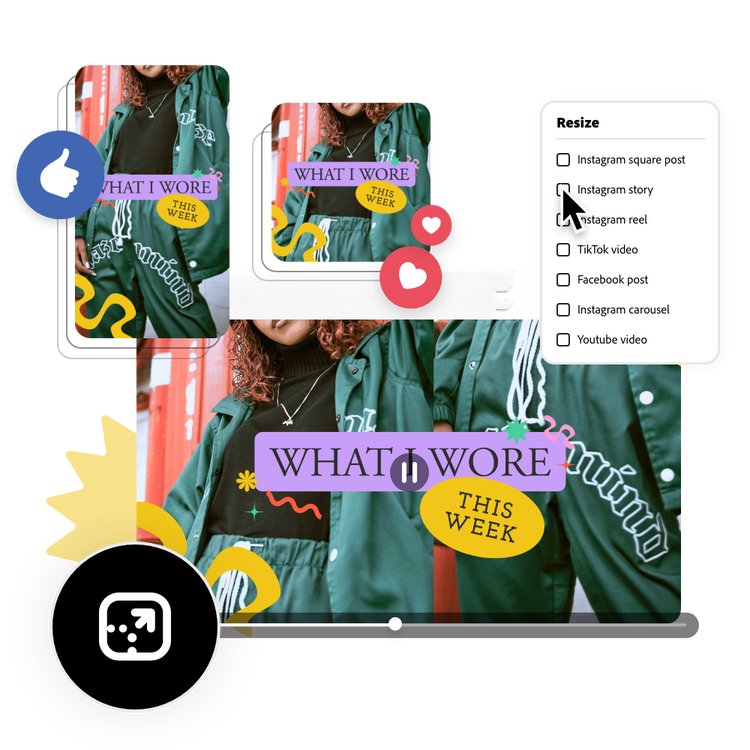
Resize social posts to share on all your favorite channels.
Fast-track your content creation when you use the one-click Resize tool to turn your Instagram post into a story, reel, TikTok, or Facebook ad in one tap. Want to schedule out your content? You can also plan and publish social posts in the same online editor with the Adobe Express Content Scheduler.