Découvrir comment Carly Berry joue avec les couleurs à l’aide de prompts
Basée en Floride, l’illustratrice et graveuse explique comment l’outil Recoloration générative d’Illustrator lui permet de tester une multitude de couleurs, de palettes et d’univers en un temps record.
Je suis illustratrice et designer, et mon alias en ligne est It's Not That Weird. [musique] Jetez un coup d'œil furtif.
Je décrirais mon travail comme quelque chose de ludique, une sorte de dessin animé pour grands enfants.
J'ai toujours aimé les dessins animés de Nickelodeon des années 1990.
Ren et Stimpy, c'est ma référence ultime. [musique] L'outil Recoloration générative d'Adobe Illustrator permet de tester des variations chromatiques à l'aide de prompts.
J'adore saisir des prompts stupides pour voir ce que ça donne.
Ça m'aide à trouver et peaufiner des idées. [musique] J'aime le design de personnages, car je peux reprendre certains traits de mes proches.
Je couds mes propres Frankenstein, en quelque sorte.
J'ai eu envie de créer un club de marche à pied.
Le running, c'est surfait. [rires] Je cherche toujours à introduire une couleur différente dans une palette.
Avec l'outil Recoloration générative, je peux désormais tester différentes idées en les visualisant immédiatement sur mon illustration.
Cela m'évite de perdre le fil et me fait gagner du temps.
Je mets des mots sur mes couleurs grâce aux prompts.
Mon travail en devient plus créatif qu'il ne l'a jamais été. [rires] Quand on s'amuse en travaillant, ça se ressent dans le rendu final. [musique] La couleur est un outil de choix pour expérimenter et trouver son style. [musique]
« L’outil Recoloration générative me permet d’aborder mon travail sous un nouvel angle. La couleur peut véritablement transformer l’ambiance qui se dégage d’une œuvre. »
[musique] L'étrangeté, voilà vers quoi je tends.
Je m'appelle Carly Barry alias It's Not That Weird en ligne.
Je suis illustratrice freelance.
J'aime créer des illustrations qui évoquent le mouvement, même sans être animées.
Elles sont étranges et dérangeantes, mais aussi fédératrices et agréables à regarder. [musique] L'outil Recoloration générative d'Illustrator permet de générer des palettes de couleurs à partir d'un prompt.
L'exemple de prompt Sushi de saumon est l'un de mes préférés.
Je l'ai utilisé comme point de départ, puis j'ai saisi « Esthétique cartoon des années 90, avec des couleurs contrastées et une atmosphère joyeuse ».
La couleur peut insuffler un certain état d'esprit.
Là, j'avais trouvé le bon dosage d'étrangeté.
Dans les paramètres avancés, j'ai ensuite légèrement ajusté les curseurs de chaque couleur pour m'approprier la palette.
L'outil Recoloration générative est idéal pour découvrir un angle inédit et voir une création qu'on dissèque depuis des heures sous un nouveau jour.
La couleur peut totalement changer l'atmosphère d'un visuel.
L'étrangeté, ce n'est pas qu'une palette ou un personnage stylé.
C'est un état d'esprit. [musique]
Étape 1 : créer une illustration
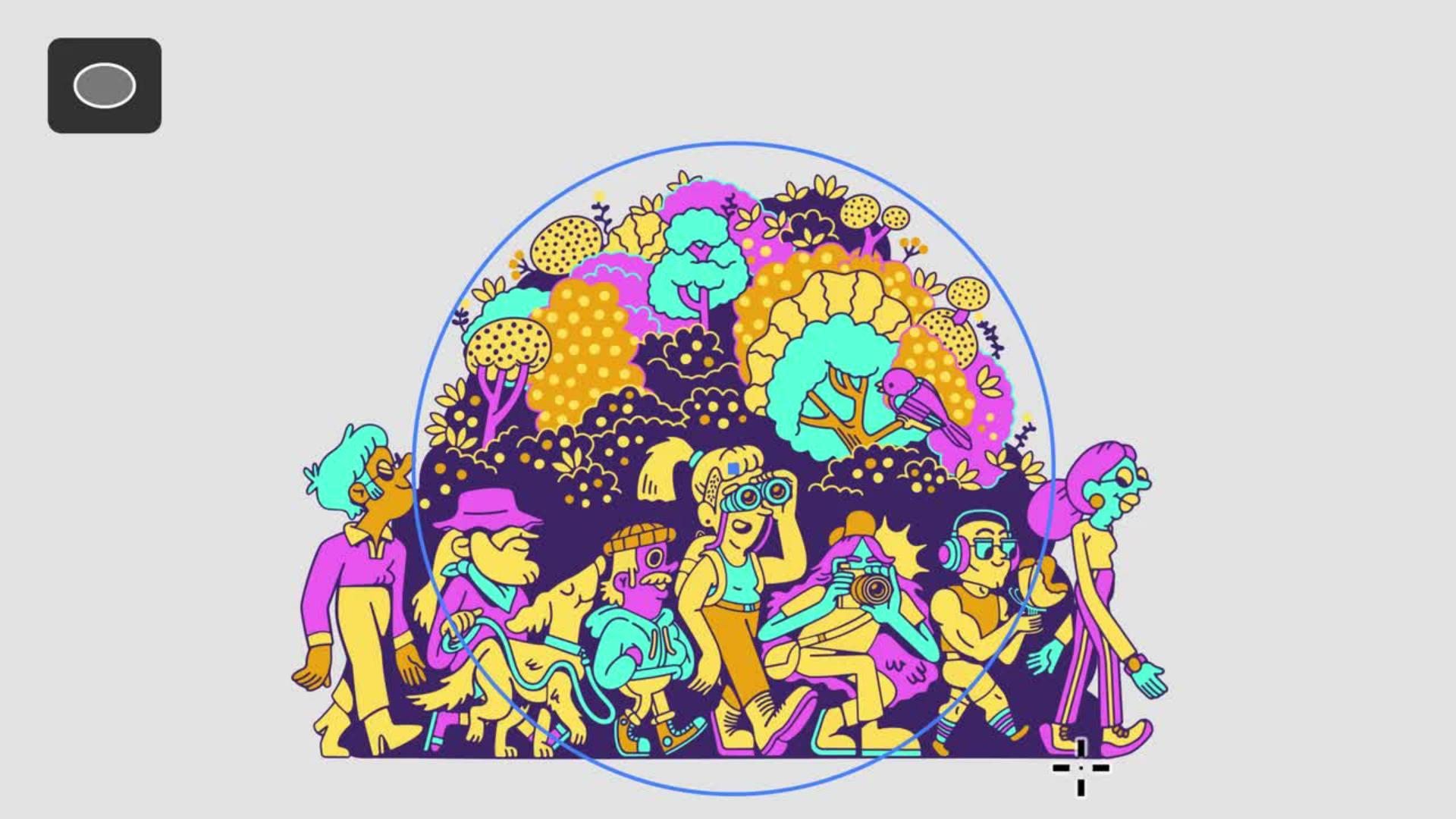
Carly Berry commence par esquisser quelques formes avec les outils de dessin d’Illustrator, puis elle ajoute des détails sur de nouveaux calques. Pour de meilleurs résultats, utilisez au moins trois couleurs, comme dans cet exemple.
Transcription non disponible
Étape 2 : tester un exemple de prompt
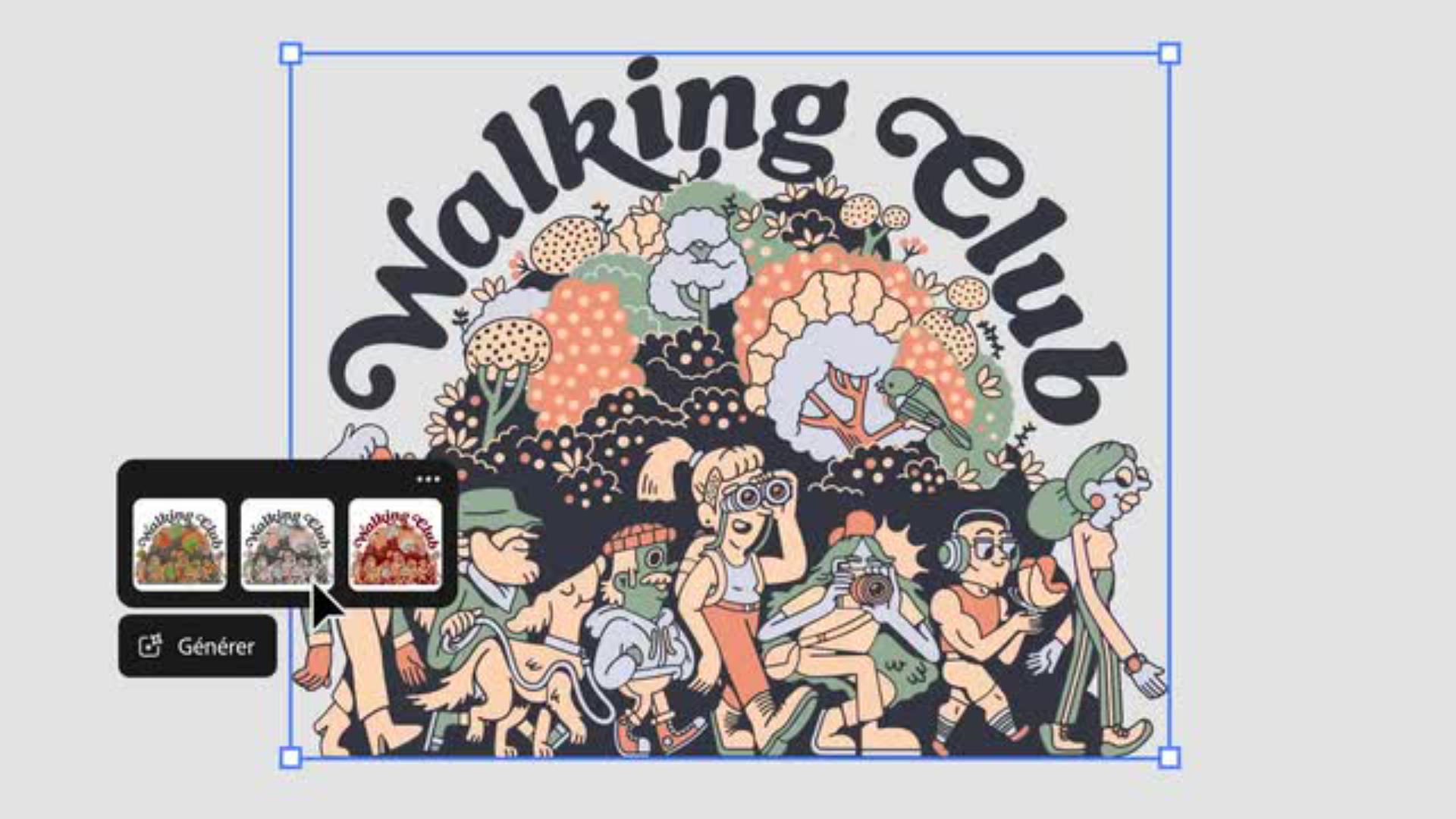
L’outil Recoloration générative propose une série de prompts prêts à l’emploi. Carly Berry sélectionne l’ensemble de sa composition, puis clique sur Génération > Recoloration générative dans la barre contextuelle. « Le sushi de saumon est l’un de mes exemples de prompt préférés », explique-t-elle. Elle clique ensuite sur Générer pour découvrir sa création dans une nouvelle palette de couleurs percutante.
Transcription non disponible
Étape 3 : rédiger un prompt personnalisé
Carly Berry utilise un prompt personnalisé qui lui permet de préciser les couleurs, l’ambiance et d’autres détails. Elle saisit « Esthétique cartoon des années 90, avec des couleurs contrastées et une atmosphère joyeuse » pour générer une palette audacieuse, avec « juste ce qu’il faut de fantaisie ».
Transcription non disponible
Étape 4 : miser sur des couleurs éclatantes
Pour affiner davantage les couleurs, Carly Berry choisit Recoloration générative > Options avancées, l’ensemble de sa création étant sélectionné. Elle peut ensuite choisir une nouvelle couleur en double-cliquant dessus dans le menu contextuel.
Impossible de charger la vidéo
Formation
Carly Berry
Essayez ces tutoriels avec Illustrator
Créez des illustrations et d’autres graphiques avec des vecteurs.
You can control how Adobe websites use cookies and similar technologies by making choices below. But note that if you disable cookies and similar technologies entirely, Adobe websites may not function properly.
Cookies are small text files stored by your web browser when you use websites. There are also other technologies that can be used for similar purposes like HTML5 Local Storage and local shared objects, web beacons, and embedded scripts. These technologies help us do things like remembering you and your preferences when you return to our sites, measure how you use the website, conduct market research, and gather information about the ads you see and interact with.
You can make choices in the menu below about what cookies and other technologies you want us to use on Adobe sites when you visit them from this browser. You can always change those choices later by clicking on the Cookie Preferences link at the bottom of the page.
If enabled:
We can improve your experience by tailoring the site and the content to things we think might be of interest
We can better keep track of your preferences — like what language you prefer to use
We will better understand your likely interests so we can provide you more relevant Adobe ads and content on non-Adobe websites and in non-Adobe apps
It will help us improve the performance of our website and those of our partners who use the Adobe Experience Cloud
If disabled:
We won’t be able to remember you from session to session so the experience may not be tailored to your interests
You’ll still have access to the content of the site but certain features that depend on cookies may not function
You’ll still see ads, they just may not be as relevant to you
General information
You can control how Adobe websites use cookies and similar technologies by making choices below. But note that if you disable cookies and similar technologies entirely, Adobe websites may not function properly.
Cookies are small text files stored by your web browser when you use websites. There are also other technologies that can be used for similar purposes like HTML5 Local Storage, web beacons, and embedded scripts. These technologies help us do things like remembering you and your preferences when you return to our sites, measure how you use the website, conduct market research, and gather information about the ads you see and interact with.
You can make choices in the menu below about what cookies and other technologies you want us to use on Adobe sites when you visit them from this browser. You can always change those choices later by clicking on the Cookie Preferences link at the bottom of the page.
If enabled:
We can improve your experience by tailoring the site and the content to things we think might be of interest
We can better keep track of your preferences — like what language you prefer to use
We will better understand your likely interests so we can provide you more relevant Adobe ads and content on non-Adobe websites and in non-Adobe apps
It will help us improve the performance of our website and those of our partners who use the Adobe Experience Cloud
If disabled:
We won’t be able to remember you from session to session so the experience may not be tailored to your interests
We’ll still count your use of our site and services
You’ll still have access to the content of the site but certain features that depend on cookies may not function
You’ll still see ads, they just may not be as relevant to you
Operate the site and core servicesOperate site and measure engagement
Always active
These cookies are required, and they are used to enable the site and related services core functionality. Without them the site could not operate, so they cannot be disabled.
These cookies enable the site and related services’ core functionality and collect statistics about user engagement, such as counting active use to help us understand trends. These cookies cannot be disabled.
Measure performance
These cookies are used to analyze site usage to measure and improve performance. Without them Adobe cannot know what content is most valued and how often unique visitors return to the site, making it hard to improve information we offer to you.
These cookies are used to analyze site usage to measure and improve performance. Without them Adobe cannot know what content is most valued, making it hard to improve information we offer to you.
Extend functionality
These cookies are used to enhance the functionality of Adobe sites such as remembering your settings and preferences to deliver a personalized experience; for example, your username, your repeated visits, preferred language, your country, or any other saved preference.
Personalize advertising
These cookies are used to enable Adobe and our partners to serve ads more relevant to your interests. Without them you will still see ads, but they might not be as relevant to you.
Personalize advertising
These cookies are used to enable Adobe and our partners to serve ads more relevant to your interests. Without them you will still see ads, but they might not be as relevant to you.