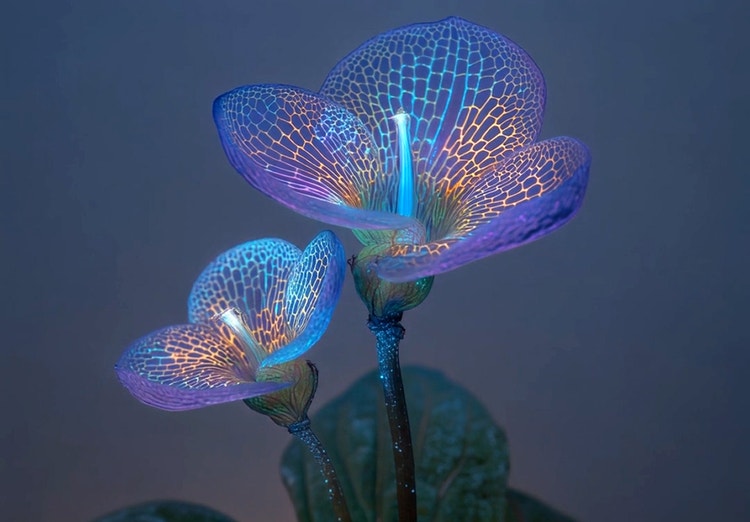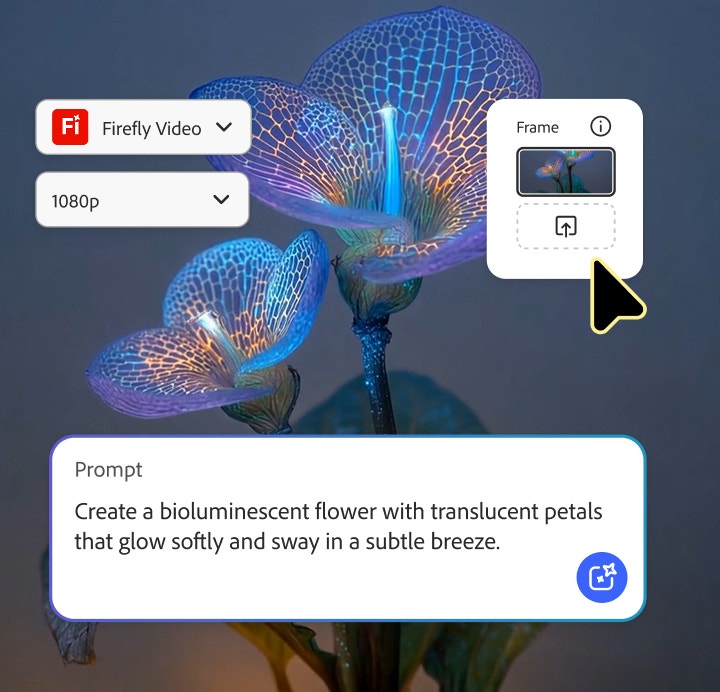
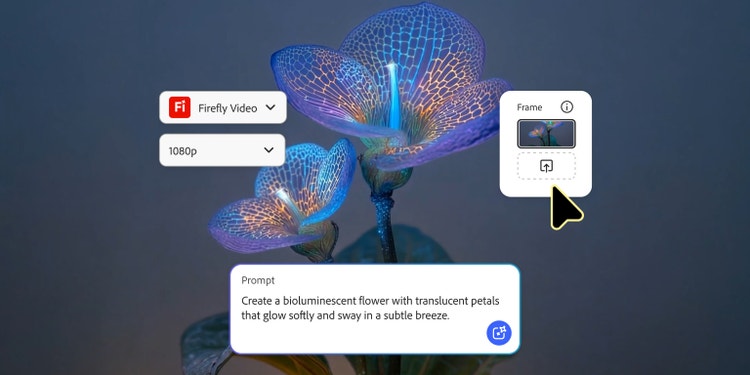

AI animated video examples to inspire your next project.
From GIFS and cartoons to explainers and ads, generative AI is transforming how creators produce animated videos. Explore AI animated video examples across styles and use cases and see how Firefly can help you to bring your vision to life.
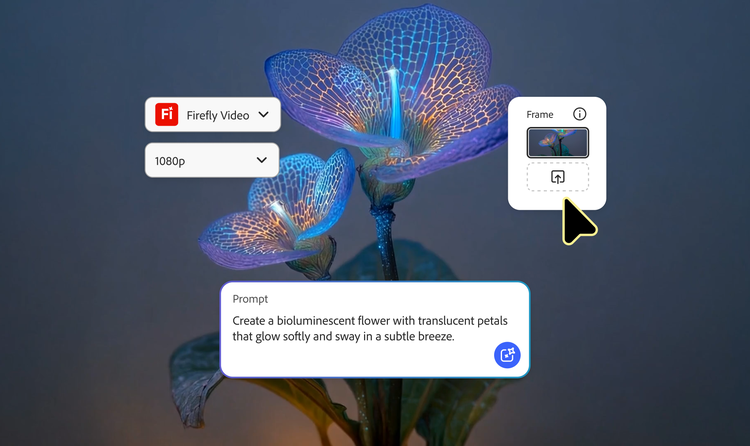

https://main--cc--adobecom.aem.live/cc-shared/assets/img/product-icons/svg/firefly-80.svg
Adobe Firefly
https://main--cc--adobecom.aem.live/cc-shared/assets/img/product-icons/svg/firefly-80.svg
Adobe Firefly
Use everyday language to create extraordinary results with generative AI.
Create versatile, engaging content with AI animated videos.
From looping GIFs to full videos, the Adobe Firefly makes it easy to create a wide range of animated content in just minutes. Use the AI video generator and AI animation generator to create 2D cartoons, 3D character animations, anime-style sequences, stop motion effects and motion graphics — all from text prompts or existing images. Firefly also lets you control technical specs like resolution, aspect ratio and video length.
Below, you’ll find 11 AI video animation examples illustrating how this content can be used across social, marketing, education and storytelling, with details about how each one was made. To learn more about the technology behind these tools, see what is generative AI. For inspiration beyond animated videos, explore additional generative AI examples.
AI animated video examples in action.
Creators are using the Adobe Firefly video generator and AI animation generator to produce all kinds of animated content. Below you’ll find 11 AI generated animated video examples showcasing what’s possible with Adobe Firefly, along with the prompts, tools and descriptions used to create each one. These examples cover:
- 2D AI animation video examples
- 3D character animation examples
- Cinemagraphs and animated GIF examples
- Product demo and explainer AI animation examples
- Intro and outro AI animated video examples
- Advertising-focused AI animated video examples
- Narrative storytelling AI animated video examples
- AI stop-motion animation examples
- AI generated animated videos with sound and music
- Animated motion graphics examples
- Text to video and Image to video animation examples
For more inspiration, browse additional AI generated video examples.
Example #1: 2D AI animation video examples.
2D AI animation videos mirror the look of traditional hand-drawn animation — the same flat, graphic style you see in shows like The Simpsons. This style is commonly used for cartoon clips, business explainers and educational content. Explore AI for teachers to see how educators are using animated videos in their classrooms or browse AI cartoon video examples for more stlylised inspiration.
Prompt: Add gentle animation to the flamingo so it slowly bobs up and down as it floats on calm water. Use subtle, natural motion to create a relaxed, playful feel.
Tools and features: Adobe Stock, Adobe Firefly Video model, Start Frame
Prompt: Add gentle motion to the astronaut so they drift slowly through a stlylised cosmic scene. Show planets softly orbiting in the background and tiny stars twinkling.
Tools and features: Adobe Stock, Adobe Firefly Video model, Start Frame
Example #2: 3D character animation example.
The Adobe Firefly AI character generator and AI animation generator make it possible to bring depth and realism to your animated videos with 3D character animation — no modelling or rigging experience required. Creators can generate 3D characters from scratch or turn a 2D sketch into a dimensional model, with control over camera angles, movement and lighting to guide how the character appears in motion. This style is perfect for creating brand mascots that move and interact, developing animated characters for stories or campaigns and building early character concepts for game development.
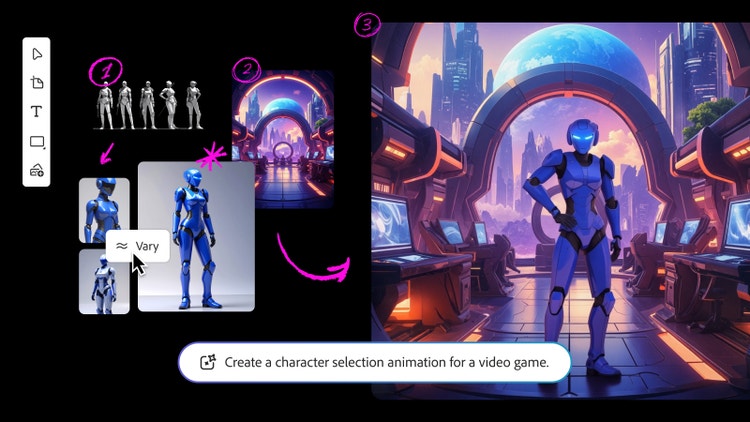
Prompt: Create a character selection animation for a video game. Animate the character turning slowly in place, then settling into a confident pose with one hand resting on their hip.
Tools and features: Adobe Stock, Adobe Firefly Boards, Adobe Firefly Image Model 5 (preview), Vary, Adobe Firefly Image Model 4, Adobe Photoshop, Remove Background, Harmonise, Adobe Firefly Video model, Start Frame
Example #3: Cinemagraphs and animated GIF examples.
Animated GIFs are short, loopable clips often created from viral or relatable moments in TV, films and pop culture. Cinemagraphs work similarly but keep most of the image still, highlighting just one subtle motion. Both formats can be created with the Adobe Firefly AI animation generator and AI video generator. They’re ideal for social posts, messaging, lightweight creative projects and personal use.
Prompt: Create a 4K cinemagraph of an upscale island spa surrounded by dense tropical greenery and vibrant flowers. Keep the scene perfectly still, with motion only in the shimmering pool surface. Use warm golden-hour lighting to create a soothing, immersive, lush, cinematic atmosphere.
Tool: Adobe Firefly Video model
Example #4: Animated product demo and explainer video examples.
Whether you need an explainer video to break down a complex idea or a demo video to highlight new product features, Adobe Firefly makes it easy for businesses and creators to turn information into clear, engaging animated clips that audiences can absorb in seconds. All you need is a simple text prompt or image reference and Firefly handles the rest.
Prompt: Create a minimal 3D animation on a soft green-blue gradient background. Stlylised 3D hands wearing yellow suit sleeves hold a modern smartphone in portrait orientation. One finger gently taps the screen with smooth, subtle motion. The display shows simple, flat rectangular UI shapes with rounded forms. Use soft lighting and a clean, corporate tech aesthetic. Make the animation loopable and polished, with no text or logos.
Tools: Adobe Stock, Adobe Firefly Video model
Example #5: Intro and outro AI animated video examples.
Animated intros and outros help give videos a consistent, professional look. Creators often use them for YouTube channels, web content and podcasts to establish branding and frame each episode. With Firefly, you can generate short animated sequences, add text or simple motion elements and create cohesive transitions without any motion-design experience.
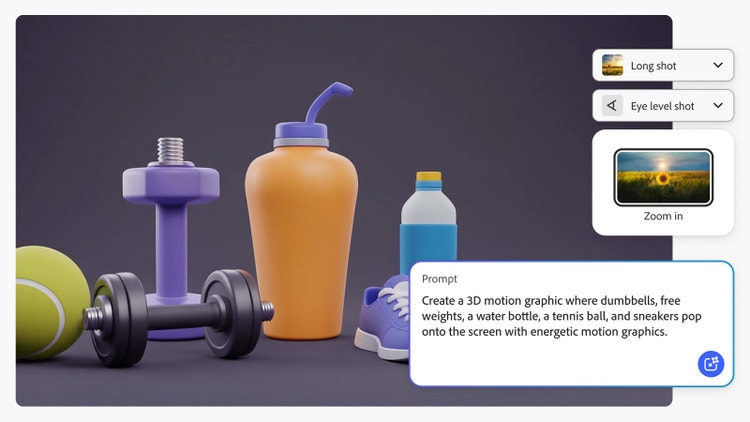
Prompt: Create a 3D motion graphic where dumbbells, free weights, a water bottle, a tennis ball and trainers pop onto the screen with energetic motion graphics. Use bright colours and a modern, friendly visual style.
Tools: Adobe Stock, Adobe Firefly Video model
Example #6: AI animated video examples for advertising.
Animated videos are becoming a powerful tool for brands looking to stand out across the modern advertising landscape. With the Adobe Firefly AI animation generator and AI video generator, it only takes a few clicks to generate animated, vertical videos for social campaigns and horizontal animated videos for product demos and promotional content. Check out AI for small business marketing to see how Firefly can support awareness, drive engagement and bring brand stories to life at any scale.
Prompt: Create a close-up 3D animation of a white pump cream bottle rotating against a blue water background with subtle bubble motion. Use selective focus to highlight the product. Design the scene for cream, gel or serum packaging, suitable for advertising and product promotion.
Tool: Adobe Firefly Video model
Example #7: AI animated video examples for narrative storytelling.
Creating long-form animated content no longer requires a full production. With the Adobe Firefly AI animation generator and AI video generator, all it takes is a simple text prompt or image reference to create a story-driven animated video — whether that’s an AI anime series, a children's story or a branded commercial. These AI generated animated video examples show how Firefly can create character arcs, transitions and simple scene-to-scene storytelling.
Prompt: Create an anime-style cinematic scene of a male protagonist standing and looking out over a richly detailed, sprawling city at dusk. Use glowing city lights and deep shadows to set a reflective, sombre mood. Add subtle motion to the character’s hair and clothing.
Tool: Adobe Firefly Video model
Example #8: AI stop-motion video examples.
Stop-motion animation has a distinct, handcrafted feel where objects move one frame at a time, creating the charming, tactile look you see in classics like Wallace and Gromit and The Nightmare Before Christmas. With the Adobe Firefly AI animation generator and AI video editor, you can recreate this style without manually repositioning objects or shooting frame by frame. It’s an easy way to add personality, playfulness or a crafted aesthetic to product clips, brand moments, educational content or any creative project.
Prompt: Create a claymation-style stop-motion animation of a plant growing upward in a terracotta pot.
Tools: Adobe Stock, Adobe Photoshop, Adobe Firefly Video model
Example #9: AI animated video examples with sound and music.
From cinematic soundtracks to playful sound effects, audio can shift the entire tone of an animated video. The Adobe Firefly sound effect generator and AI music generator make it simple to create more immersive content by syncing sound effects to visuals, generating customised tracks and shaping the overall mood.
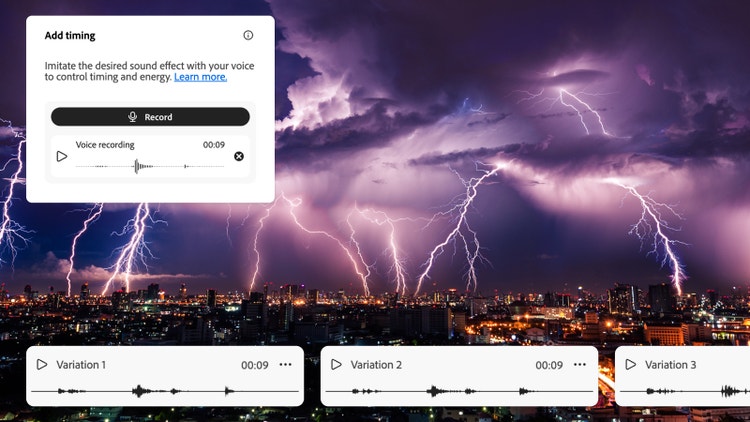
Prompt: Create a thunder and lightning sound effect.
Tools and features: Generate sound effects, Voice to sound effects
Example #10: AI animation video example with motion graphics.
Motion graphic animation focuses on animated type, shapes and visual elements rather than characters or narrative scenes. With Firefly, you can generate static designs using the AI design generator and then turn them into short, animated clips for logos, backgrounds, product moments and branded transitions. This style is ideal for quick promotional assets, social posts and polished visual elements that support a larger video.
Prompt: Create an animated neon logo reveal with intersecting light trails forming an abstract “X” shape. Animate vibrant pink, red and blue neon beams sweeping in from opposite directions across a dark background, crossing at the centre with a bright energy pulse. Add repeating vertical bars of neon light that ripple outward to create depth, motion and speed. Use a futuristic, high-contrast, cyber-aesthetic style with glowing edges, chromatic aberration and smooth, fluid transitions.
Tool: Adobe Firefly Video model
Example #11: Text to video and Image to video animation examples.
The Adobe Firefly AI animation generator and AI video generator can create animated videos from either text prompts or existing images. Text prompts are ideal when you want to explore characters, styles or scenes with full creative freedom. Image to video prompts are best for maintaining continuity when you're working with a brand character, logo or illustration.
Prompt: Create a close-up video of a hummingbird hovering near a flower with vibrant, vividly coloured petals. Animate the bird’s wings flapping quickly as it feeds, with its long, slender beak dipping into the flower’s centre. Use bright, natural lighting to make the hummingbird’s iridescent green and brown feathers shimmer. Keep the background softly blurred to emphasise the subject and hold the camera steady to capture the detail and agility of the bird in a natural outdoor setting.
Tools: Adobe Stock, Adobe Firefly Video model
Prompt: Create a cinematic scene of a humpback whale swimming gracefully through a sky filled with soft, fluffy white clouds. Pan the camera slowly to the right, following the whale as it moves across the frame to create a dynamic yet serene effect. Use a wide-angle perspective to capture the full scale of the whale against the expansive environment. Set the mood as calm and majestic, with gentle lighting and smooth motion that highlights the whale’s grace and power in documentary-style detail.
Tools: Adobe Firefly Image Model 4, Adobe Firefly Video model
AI animated video styles and use cases
Different AI animation styles lend themselves to different types of projects. The examples above show how Firefly can support everything from quick social clips to story-driven content. Below is how each of the AI video animation examples aligns to common workflows and use cases.
- 2D AI animation: Great for explainers and educational content.
- 3D character animation: Ideal for product demos, brand mascots and videogame characters.
- Anime-style animation: Best for stlylised narratives and visual storytelling.
- Stop-motion animation: Works well for playful brand content and handcrafted aesthetics.
- Motion graphics: Perfect for logos, intros, title cards and clean visual transitions.
- Animated GIFs and cinemagraphs: Best for social engagement, reactions and lightweight marketing assets.
- Text to video animation: Useful for early concepting and storyboard workflows. Explore these AI video animation examples, created with the Firefly AI storyboard generator.
- Image to video animation: Best when you need brand consistency, character continuity or animation based on existing artwork.
FAQs about AI animated video examples.
What is an example of an animation?
What are examples of the four types of animation?
Is there an AI that makes animated videos?
How is generative AI used in animation?
Are there other examples of AI animated videos besides cartoons?
What are examples of AI generated animation videos Firefly can create?
What style of AI animation should I choose for my project?
Can I remix examples of AI animated videos generated with Firefly?
Are AI generated animation videos safe for commercial use?
Explore more generative AI examples.
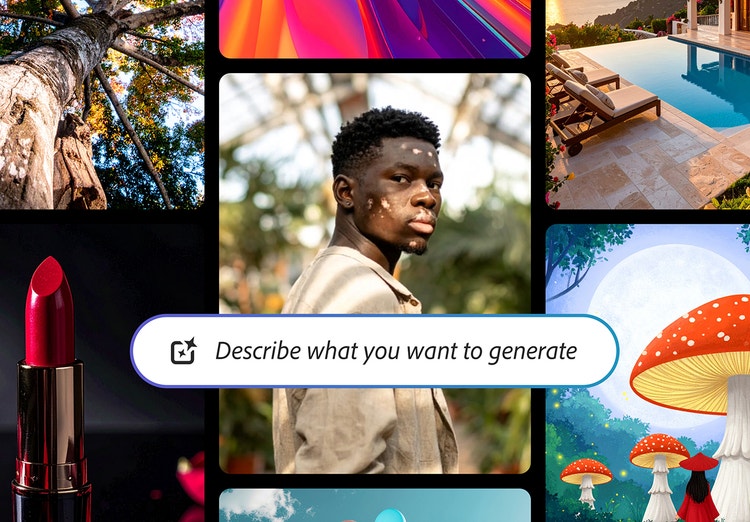
Generative AI examples to inspire your next project.
From the way we explore ideas to the way we bring concepts to life, generative AI is transforming creative work. Explore generative AI examples of visuals, video and sound created with Adobe Firefly to see what’s possible and spark ideas for whatever you create next.
Learn more | Learn more - Generative AI examples to inspire your next project
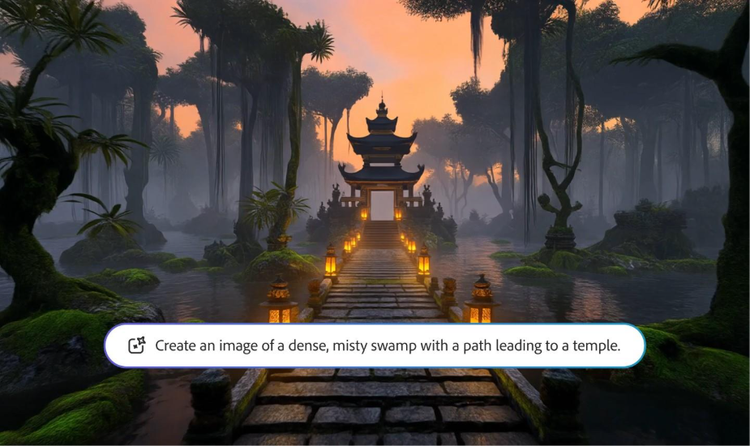
AI generated video examples to inspire your next project.
Adobe Firefly makes it easy to create AI generated videos for ads, film, animation and so much more. Keep reading to explore examples, prompts and tools that can help you to bring any idea to life.
Learn more | Learn more - AI generated video examples to inspire your next project
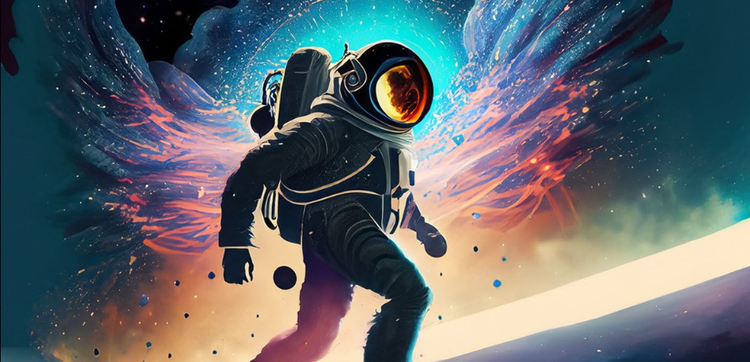
Generative AI is changing creative work.
Generative AI can mimic — but not replace — human intelligence. Learn how it can help you to take your creativity to new places.
Learn more | Learn more - Generative AI is changing creative work

Generative AI vs. other types of AI.
Discover the different types of artificial intelligence (AI), how they compare to generative AI and how Adobe uses generative AI in Adobe Creative Cloud apps.