DESIGN
Getting started with isometric art: Tips for beginners.
Master the basics of isometric drawing and learn how to create striking isometric art and illustrations with depth and precision.
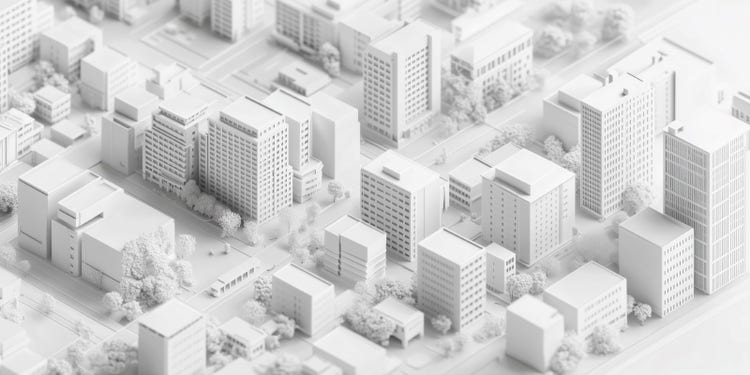
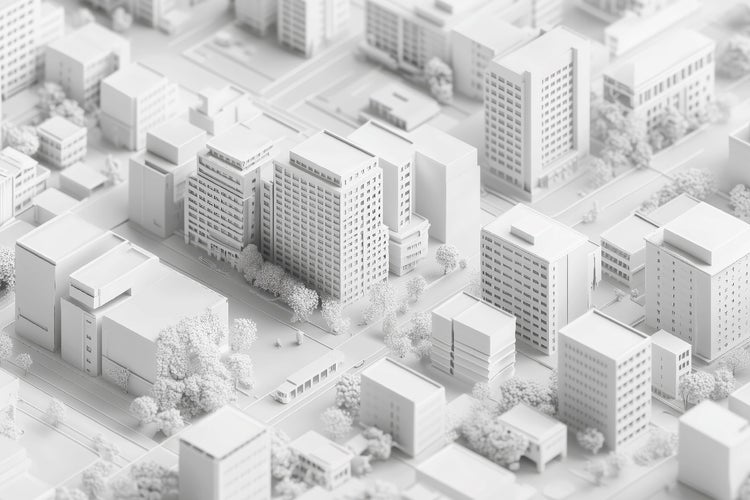
An introduction to isometric art.
Isometric art is a creative technique that allows artists and designers to represent three-dimensional objects on a two-dimensional surface without distortion. This isometric style is popular in fields like game design, architecture, and digital illustration because it creates clean, precise visuals with a unique perspective. This guide will introduce you to the fundamentals of isometric drawing and isometric design, helping you develop your skills and apply them to your own creative projects. Whether you’re sketching futuristic cityscapes or mapping out game worlds, Adobe Illustrator offers the precision tools and grid systems to help bring your isometric ideas to life.
What is isometric art?
Isometric art is a form of isometric illustration that represents 3D objects in 2D without using traditional perspective techniques. In isometric drawing, all parallel lines remain parallel, and there is no vanishing point. The objects appear as though viewed from an elevated angle, typically with the horizontal lines tilted at a consistent 30-degree angle. This approach is what gives isometric perspective art its distinct geometric look.
The isometric art style has several advantages:
- Clarity: Isometric drawings display complex objects clearly without distortion.
- Consistency: Isometric illustrations maintain accurate proportions, making them ideal for architectural blueprints, technical diagrams, and digital environments.
- Aesthetic appeal: The isometric style is visually appealing, often used in infographics, user interfaces, and stylised artwork.
If you’re interested in exploring other design styles, consider reading about flat logo design, a minimalist approach that often complements isometric designs.
Key principles of isometric drawing.
- Use an isometric grid: An isometric grid is a foundation for creating precise isometric perspective art. It helps you maintain the correct angles and align objects consistently.
- Consistent angles: Lines in isometric drawing typically follow three axes—vertical, and two diagonal lines at 30 degrees. Keeping these angles consistent is crucial for achieving the isometric effect.
- Maintain uniform proportions: Ensure that all elements in your isometric illustration are proportionate to maintain visual balance.
You can download Illustrator icon templates that often include grids and guides—these can serve as a helpful starting point for beginners experimenting with isometric shapes.

How to start creating isometric art.
- Sketch your concept: Begin with a rough sketch of your design idea. Focus on the structure and composition without worrying about precision.
- Set up an isometric grid: Many design tools, including Adobe Illustrator and Photoshop, offer isometric grid templates to simplify the process.
- Draw basic shapes: Start with simple geometric shapes like cubes and cylinders. Build your composition by combining these forms.
- Add details and depth: Once your base shapes are in place, refine your isometric drawing by adding windows, textures, and shadows.
For help refining your shapes and mastering pen tools, check out this Illustrator Pen tool guide - it’s a great resource when transitioning from basic forms to more detailed line work in isometric designs.
Tips for beginners starting out with isometric art.
- Practice basic shapes: Master drawing isometric cubes and other simple objects before progressing to complex isometric illustrations.
- Use layers: In digital design tools, organise your work using layers to separate different elements and make adjustments easier.
- Experiment with colour: The isometric style often incorporates vibrant colours. Try different palettes to enhance your isometric art.
- Study examples: Analyse existing isometric design works to understand how other artists apply the technique.
Need inspiration for working with colour? Explore secondary colours to build a vibrant palette that complements the clean geometry of isometric designs.
Common applications of isometric style.
- Architectural visualisation: Isometric drawings are widely used in architectural plans and interior layouts for clear spatial representation.
- Game design: Isometric perspective art is popular in video games, particularly in strategy and simulation genres.
- Infographics: Isometric illustrations can simplify complex data into visually engaging diagrams.
- Digital art: Artists use isometric art style to create stylised cityscapes, futuristic environments, and intricate scenes.
If you’re interested in creating clean, scalable graphics for infographics or game design, consider learning about vector files and how they differ from raster images - they are ideal for isometric work because they maintain crisp lines at any size.
Recommended tools.
- Adobe Illustrator: Offers precise vector tools and isometric grid options for creating clean isometric drawings.
- Adobe Photoshop: Ideal for adding textures, colours, and enhancing isometric illustrations.
- Adobe Fresco: Suitable for sketching and experimenting with isometric art style on tablets.
Mastering isometric drawing takes practice, but with patience and creativity, you can develop impressive isometric design skills. Whether you aim to create isometric illustrations for professional projects or personal artwork, understanding the fundamentals will give you a strong foundation. Start exploring the world of isometric perspective art today and bring your ideas to life in a unique and captivating way.
Frequently asked questions.
What tools can help me create isometric art if I’m not confident in drawing?
How can I add texture to my isometric illustrations?
What’s the difference between isometric drawing and perspective drawing?
How can I make my isometric illustrations stand out?
Can isometric art be animated?
https://main--cc--adobecom.aem.live/cc-shared/fragments/seo-articles/do-more-illustrator-color-blade