
Creativity for all
Photography, video, graphic design, illustration and so much more. Everything you need, wherever your imagination takes you.
DESIGN
Turn your art into income with print-on-demand and Adobe tools. Selling art prints online doesn’t require bulk orders, packaging, or a warehouse. With a print on demand business model, you create the artwork and upload it to platforms that handle the printing, shipping, and fulfilment for you. Adobe Photoshop and Illustrator help you create clean, high-quality digital art prints that are ready for products like posters, stickers, apparel, and more.
Whether you’re designing from scratch or adapting your illustrations for new formats, this guide shows you how to make digital art prints, prep them for production, and start selling with ease.
JUMP TO SECTION
Build art prints that are ready to sell
Professional tips to create digital art prints that sell
How to set up your print on demand business
Why creators use Adobe products for print on demand
From art to enterprise: How Amrit Pal Singh turned digital art into a merch store
Print-on-Demand (POD) is a business model where products are created only after a customer places an order. Instead of investing in bulk printing or managing inventory, artists can upload their designs to POD platforms, which then handle printing, packaging, and delivery on their behalf. This makes it a cost-effective way to start selling artwork without upfront expenses or storage needs.
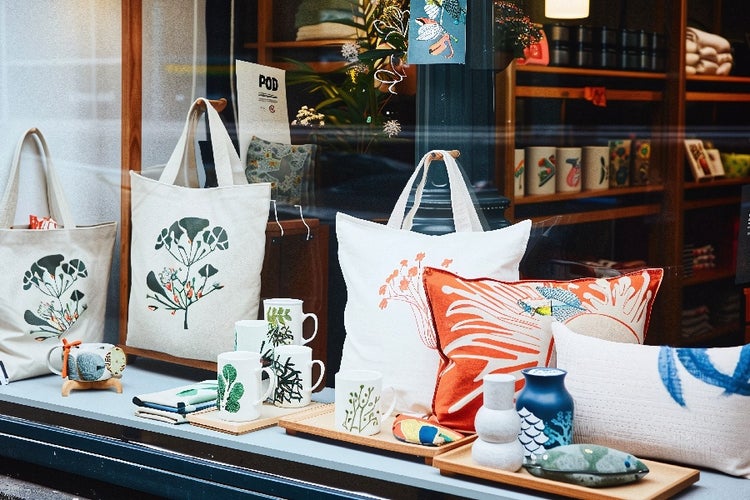
For digital artists, POD opens up the opportunity to transform their designs into a wide range of products such as art prints, posters, t-shirts, stationery, and home décor items. By offering designs on products that people use and love, artists can reach a wider audience while keeping their focus on creativity.
Beyond sales, POD also helps in building a personal brand. Each design carries an artist’s unique style, allowing them to grow recognition and establish an identity in the online marketplace. Over time, this brand presence can translate into loyal customers, collaborations, and even new creative opportunities.
A successful POD business starts with strong visuals. Whether you are creating minimalist linework, bold typography, or full-colour illustrations, Adobe tools give you the flexibility to create artwork that prints beautifully across formats.
From illustrators in Pune to digital artists in Bengaluru, more creators in India are starting their journey in digital artwork printing using these tools:
With this creative workflow, your art is flexible and print-ready for everything from small stickers to large gallery prints.
To stand out in a growing market, think like both an artist and a seller.
Think about how your artwork will appear on different surfaces. A centred layout might work for a poster but not for a phone case. Preview your artwork on mock-ups before uploading.
Create a visual identity for your art shop. Set clear rules for colours, fonts, and signature elements. Save them using Creative Cloud Libraries to stay consistent across products and collections.
Create collections that show variety. Try typographic prints, nature motifs, or pop culture themes. Offer vertical, horizontal, and square formats to suit different spaces.
Build a few layout templates for popular sizes so you can speed up the design process for each new piece. This helps if you want to apply your work across multiple products.
Start with a few designs and see which ones sell best. Use buyer feedback to improve titles, descriptions, or variations.
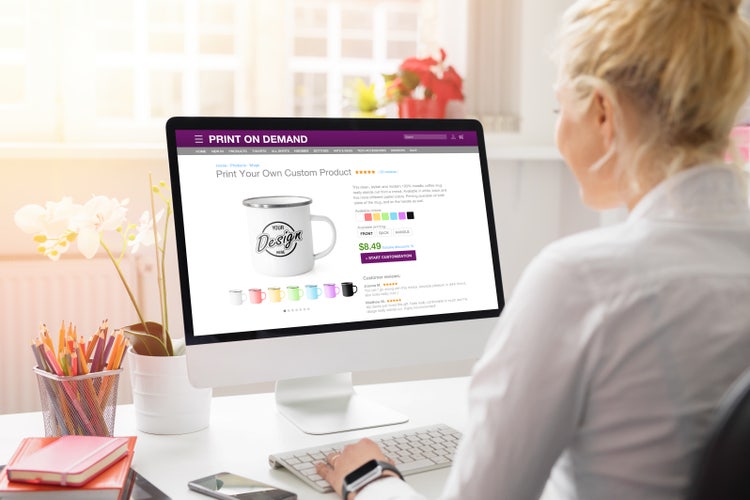
You can launch a POD business without holding inventory or managing delivery. Here's how to get started:
Pick a POD partner like Printful, Printrove, Redbubble, or Society6. Each has its own product options, pricing, and delivery reach.
Use Adobe Photoshop or Illustrator to create and refine your digital art. Photoshop is ideal for editing, adding textures, or preparing high-resolution images, while Illustrator is perfect for vector-based designs that need to scale to different sizes without losing quality. Export your work in high-resolution files, following your POD platform’s guidelines on format, size, bleed, and background transparency to ensure the best results.
Most platforms offer free tools to see your designs on products. Choose mock-ups that show your artwork clearly.
Explain your artwork in a few lines. Mention size options, inspiration, and the product's intended use (like home decor or gifting).
Use social media, email, or marketplaces like Etsy to get your first customers. Include tags like "digital art prints" or "POD India" to improve search visibility.
Starting small helps you learn what works, then grow your POD business with confidence.
From student designers to full-time creatives, Adobe Creative Cloud helps people across India:
From showcasing a single artwork to launching an entire collection, Photoshop and Illustrator make it easier to transform creative passion into a sustainable business.
Building on how creators across India use Adobe tools for print on demand, here’s a look at one inspiring story.
Amrit Pal Singh is a visual artist and illustrator best known for his globally loved Toy Face and Toy Maker collections. In this video, Amrit shares his merchandise development journey, showing how he transformed a digital artwork into a physical product, a custom jigsaw puzzle.
https://www.youtube.com/watch?v=CGynS19iNdg
Using Adobe Photoshop and Illustrator, Amrit prepares high-resolution artwork for print, designs packaging, and sets up his first merch store with Creative Cloud apps. His process highlights how Creative Cloud enables a smooth workflow, from print prep and colour correction to dieline packaging and cloud storage.
For a deeper dive into Amrit’s creative approach, you can also read his feature article, How to Make a Zine from Concept to Design.
Want to go further with your print on demand business? These apps work alongside Photoshop and Illustrator:
Together these apps support your creative business from first sketch to final sale with pricing plans that fit individuals, students, and small teams. With Adobe Creative Cloud Pro, you also get access to professional-grade features, extra storage, and collaboration options that make it easier to manage POD projects at scale.

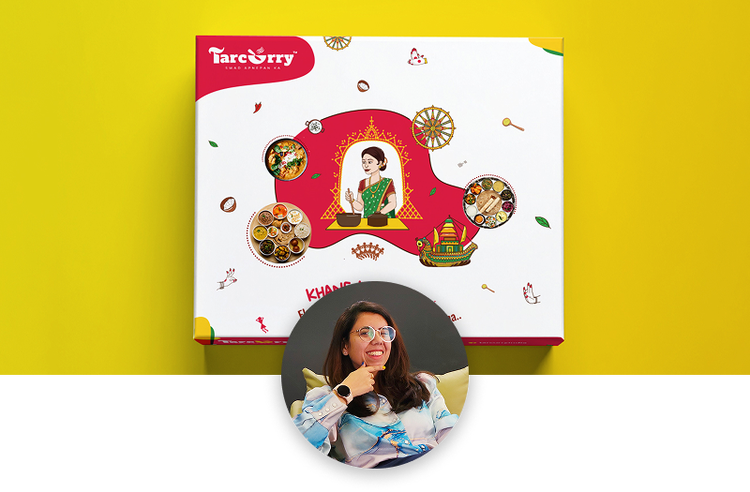
“I work across multiple apps for my branding projects. With Illustrator and Photoshop, I can move seamlessly between the two, without hampering my productivity.”
Nisha Droch, Designer & Co-founder, Creative Hatti
Photography, video, graphic design, illustration and so much more. Everything you need, wherever your imagination takes you.
Based on your location, we think you may prefer the United States website, where you'll get regional content, offerings, and pricing.

