https://main--cc--adobecom.aem.live/cc-shared/assets/img/firefly.svg Adobe Firefly

Explore a new hairstyle for free with the AI hairstyle generator.
Upload a photo and preview short, long, curly or colour styles. Describe the hairstyle you have in mind and Adobe Firefly will show you the results.
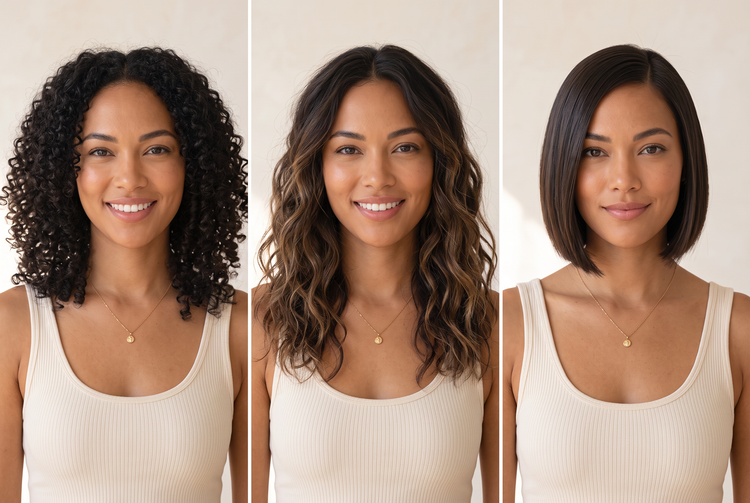

Or tap here
File must be JPEG (JPG), PNG or WEBP and up to 100 MB.
By uploading your image or video, you agree to the Adobe Terms of Use and Privacy Policy and confirm you are 18 years of age or older.
Or tap here
File must be JPEG (JPG), PNG or WEBP and up to 100 MB.
By uploading your image or video, you agree to the Adobe Terms of Use and Privacy Policy and confirm you are 18 years of age or older.
Or drag and drop here
File must be JPEG (JPG), PNG or WEBP and up to 100 MB.
By uploading your image or video, you agree to the Adobe Terms of Use and Privacy Policy and confirm you are 18 years of age or older.
- File size larger than 100 MB
- Unable to process the request
- We are unable to process this file type. Please try again.
- Only one file can be uploaded at a time.
- Image is smaller than the minimum dimensions (512 x 512 pixels). Please resize and try again.

{{nbsp}}
Discover your next look with Adobe Firefly.
The AI hairstyle feature in Adobe Firefly lets you test a cut, colour or texture on your own photo before you commit. Your face, features and framing stay in place so the hair is the only thing that changes.
Try the AI hairstyle generator for free with any clear photo.
Upload a well-lit photo and describe the hairstyle you want. Adobe Firefly will apply it to your picture while keeping the rest of the scene as it is.
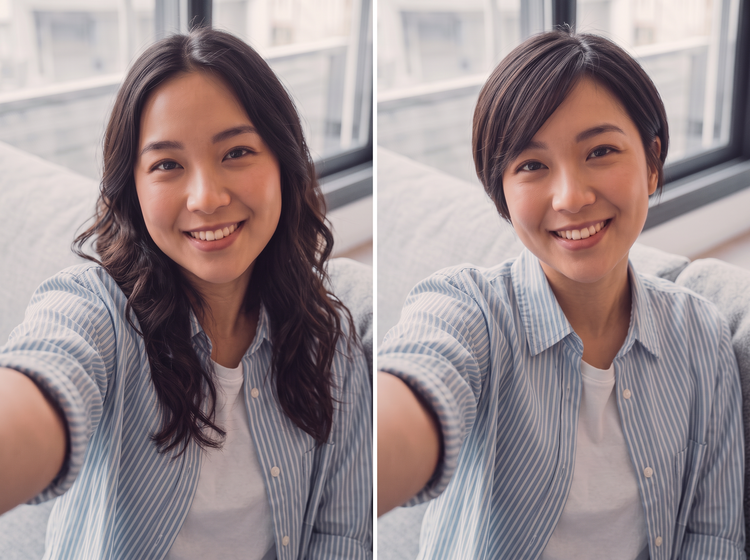
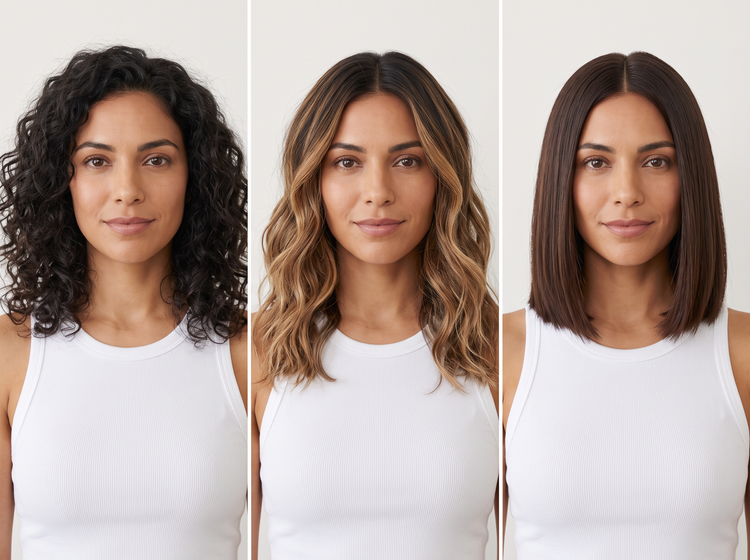
Explore cuts, colours and textures.
Compare a sleek bob with loose curls or a soft balayage with a bold single colour. Each preview shows how a hairstyle fits your features so you can narrow down what you like.
Combine with other Adobe Firefly tools.
Pair your hairstyle preview with the haircut generator or the AI portrait generator to explore more looks, all within Adobe Firefly.
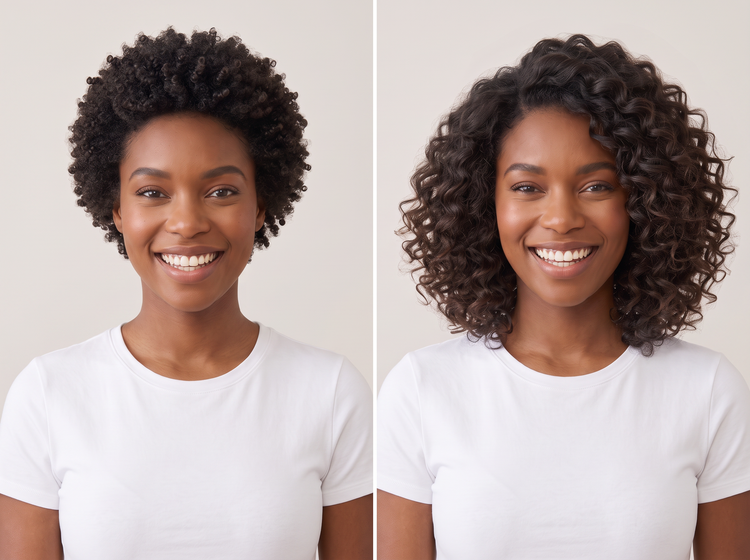
How to try an AI hairstyle with Adobe Firefly.
Step 1
Open Adobe Firefly.
Step 2
Upload your photo.
Step 3
Describe your hairstyle.
Step 4
Generate your AI hairstyle.
Step 5
Download or share.
Steps on how to preview a new hairstyle on your photo using Adobe Firefly.
PT4M
firefly


Precise creative control
Name the length, texture, colour and fringe you want, then compare the previews. Adjust your prompt to fine-tune each detail and keep the hairstyle you like best.

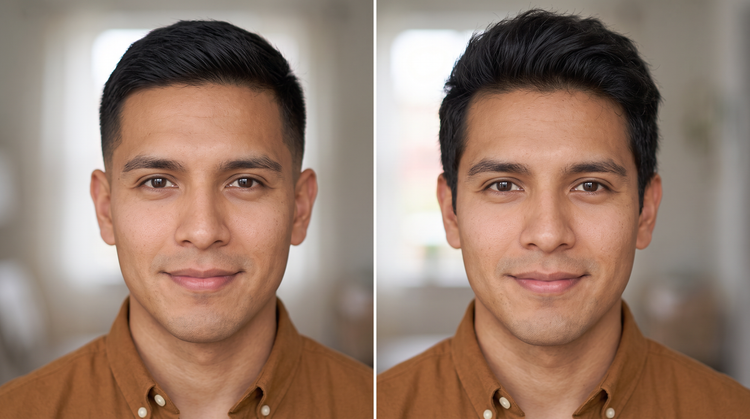
Top AI models, all in one place
Adobe Firefly pairs its own models with models from FLUX, Google, OpenAI and others in one creative studio. Open the model drop-down menu to compare hairstyle previews side by side and pick the look that suits you.

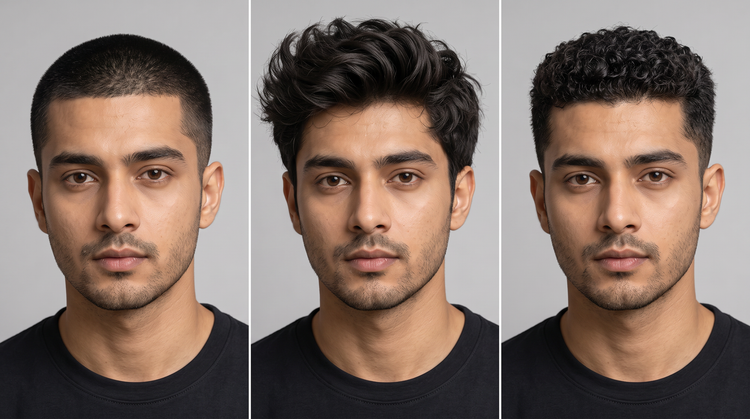
Your complete creative studio
Upload a photo, describe a hairstyle and refine the result in one place. Adobe Firefly carries you from first idea to a preview you can save, all without switching tools.


Built for creators
Content creators and stylists can sketch out hairstyle ideas fast, then use precise prompts when the details matter.