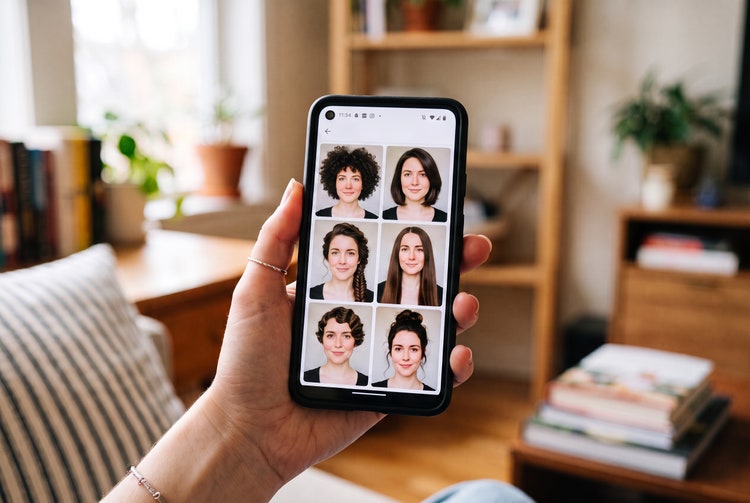
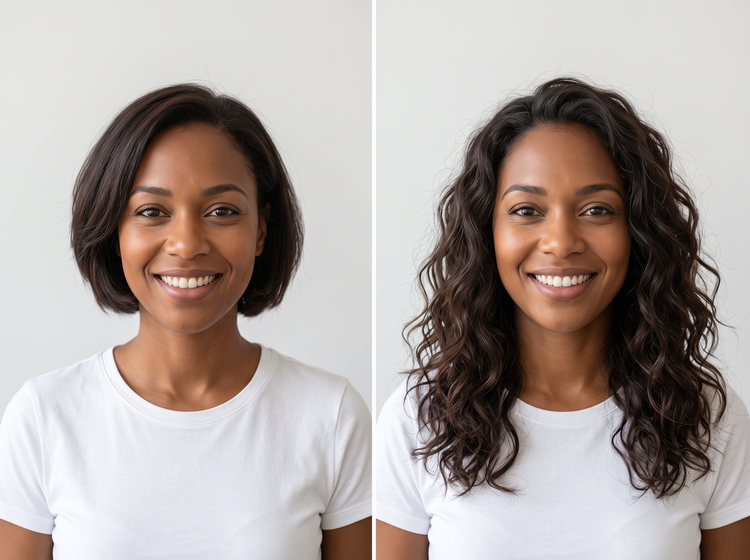
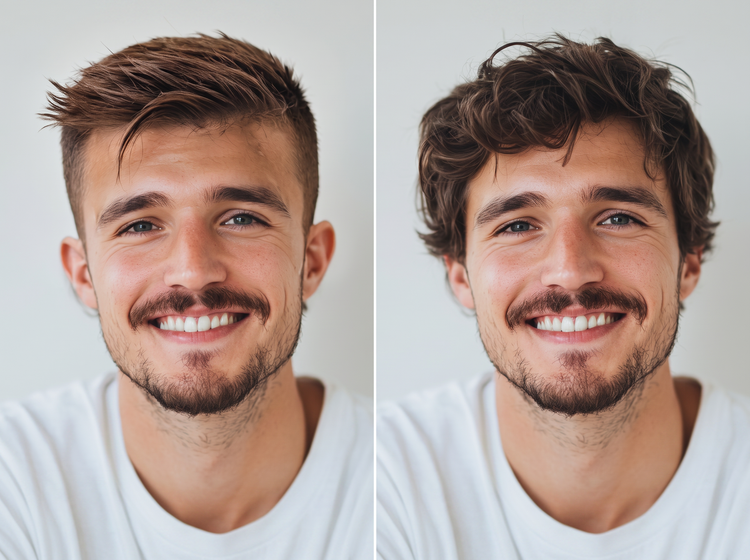
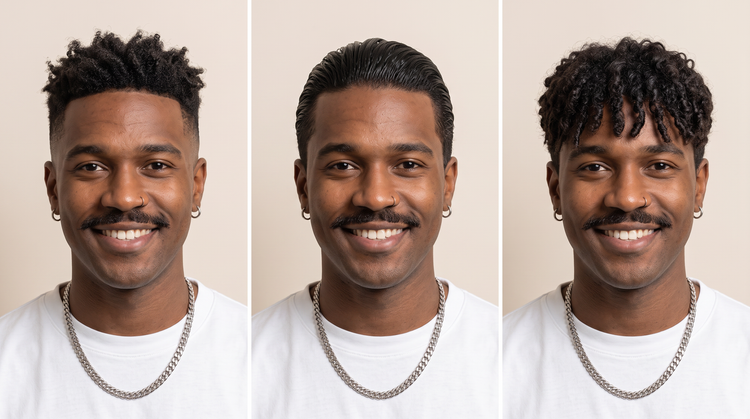
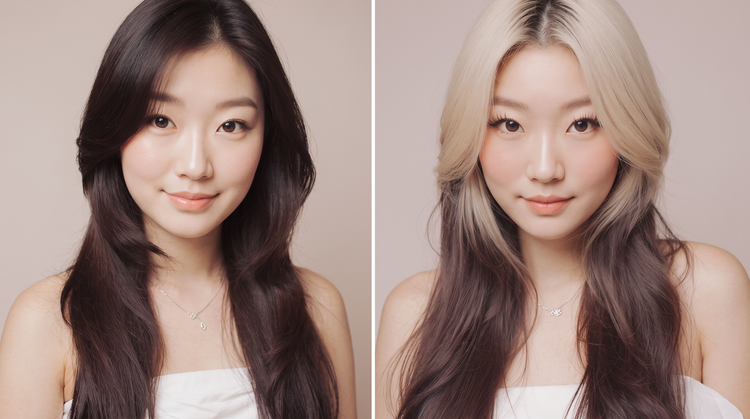
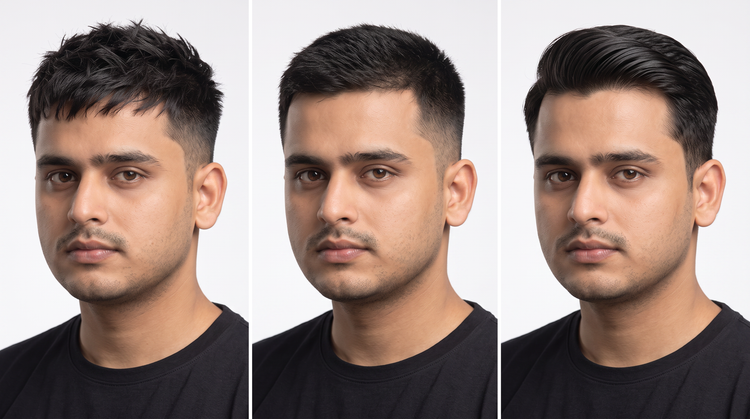
The Adobe Firefly haircut generator is a tool that uses AI to preview a new haircut on a photo you upload. Describe the length, layers, or shape you want, and Adobe Firefly will generate a realistic preview of that cut on your own photo.
Upload a clear photo of yourself, then describe the cut you want to see, such as a blunt bob or textured layers. Adobe Firefly will generate a version of your photo with that haircut applied so you can compare it against your current style.
Yes. Upload your photo once, then generate your haircut previews. Adobe Firefly will create a new version each time you adjust your prompt, whether you want a shorter length, different bangs, or more layering, so you can compare options side by side before you book an appointment.
You can preview most cuts you can describe with Adobe Firefly, including pixie cuts, bobs, lobs, shags, and layered styles at any length. Combine a cut with a fringe or texture description in your prompt to see the full look in one preview.
Start with a clear, well-lit, front-facing photo. Write a specific prompt naming the length, layers, and fringe style you want. Adobe Firefly will produce a more accurate preview when your description is precise, and you can refine the prompt and regenerate if the first result isn’t quite right.
People preparing for a haircut appointment, stylists sketching options with a client, and anyone curious about a new length all use the free haircut generator. Adobe Firefly is built for a quick, low-pressure way to test a change before it’s permanent.
Yes. Download your favorite preview from Adobe Firefly and bring it to your appointment, or send it to your stylist ahead of time. A clear reference photo helps you and your stylist agree on the exact length and shape before any cutting starts.
The best AI haircut generator gives you a realistic preview based on your own photo, precise control over length and shape, and the flexibility to try several options quickly. Adobe Firefly does this and brings together its own models with top partner models in one studio, so you can compare results and refine your favorite before you decide.
Adobe Firefly brings together its own models and top partner models from Google, OpenAI, and FLUX in a single studio. You can switch between models, compare haircut previews side by side, and refine your favorite with precision tools instead of starting over in a different app.
Adobe Firefly accepts JPEG (JPG), PNG, and WEBP files for the haircut generator. Your photo must be under 100MB and at least 512 x 512 pixels.
Yes. Adobe Firefly runs in your browser, so you can generate a haircut preview from your phone or tablet as well as a desktop computer. Upload a photo from your device’s camera roll and generate your preview from anywhere.
Yes, you can generate a haircut for free on Firefly with an Adobe account. A free account gives you access to free daily generations, so you can try Adobe Firefly without a paid plan.
Learn more about using Adobe Firefly for free. Paid plans are available for higher-volume generation.