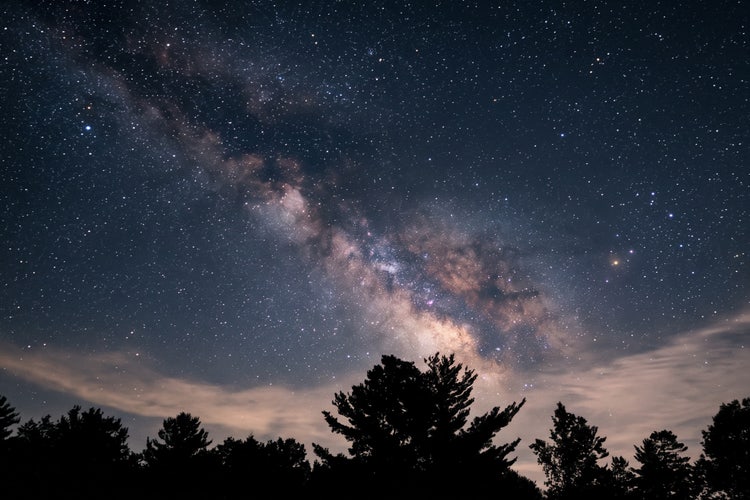
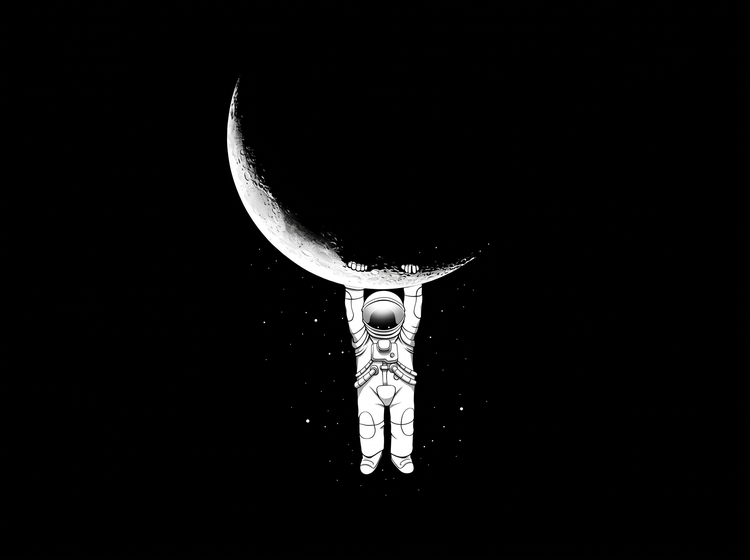
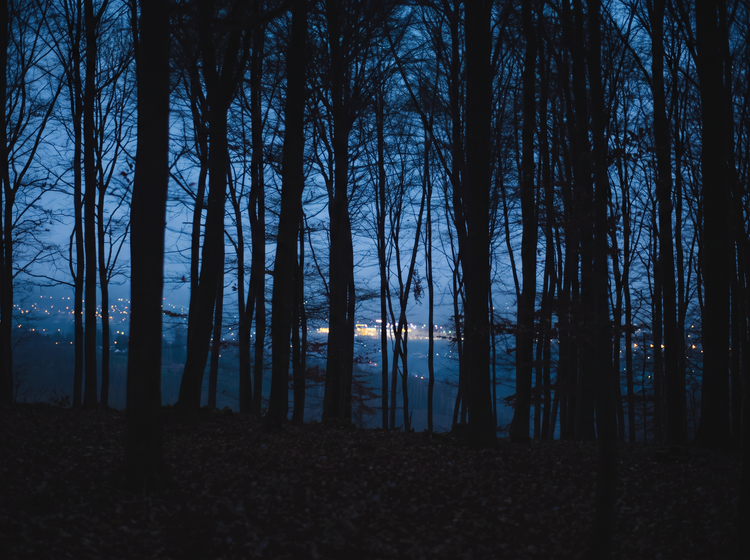
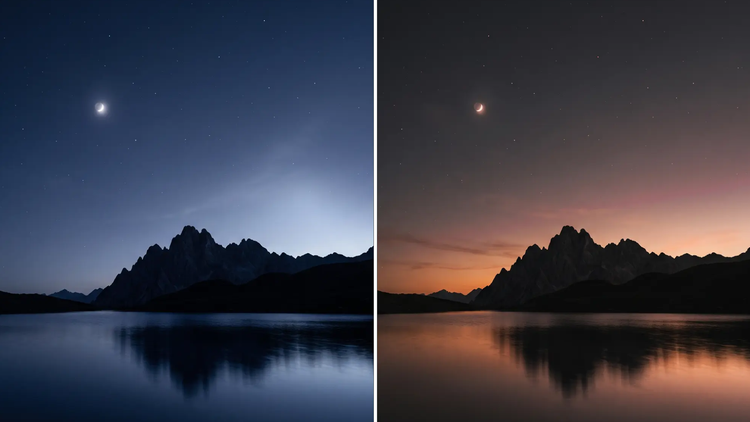
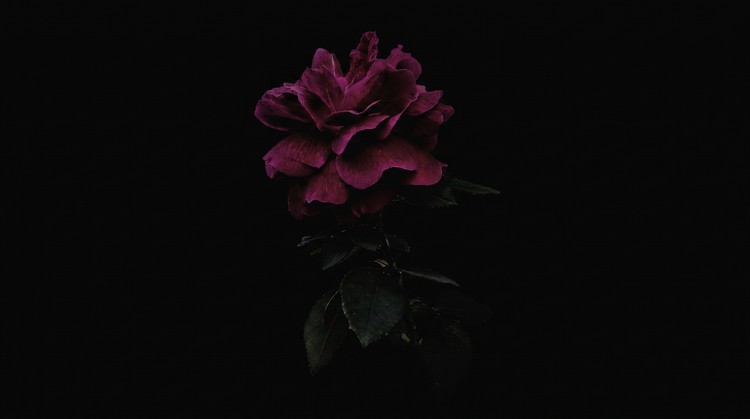
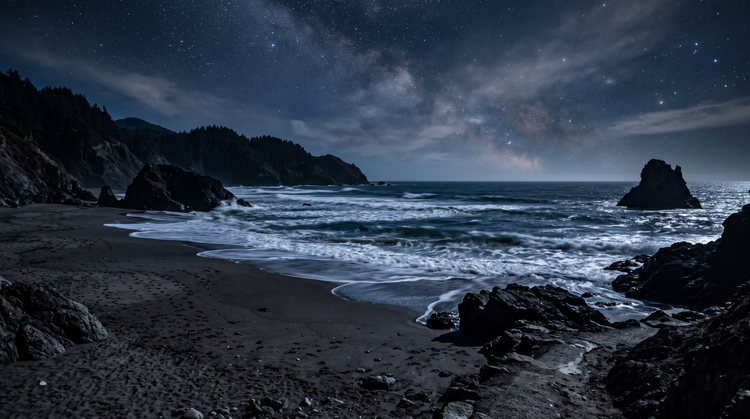
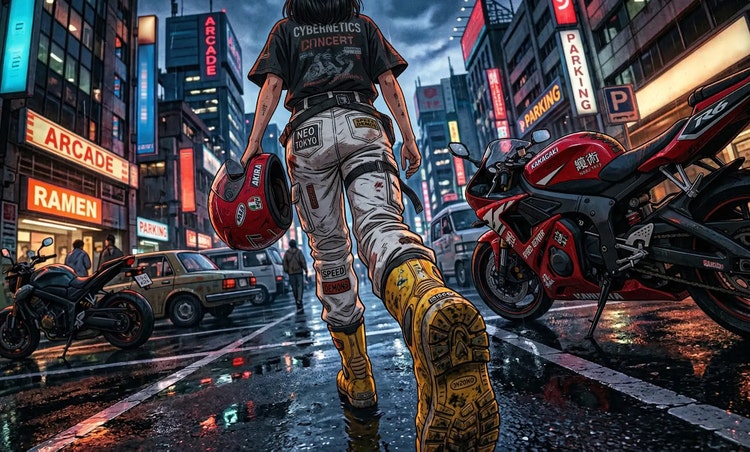
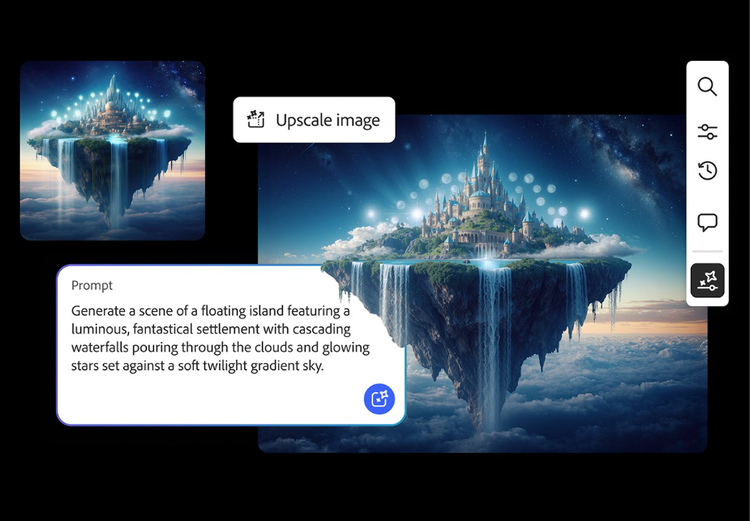
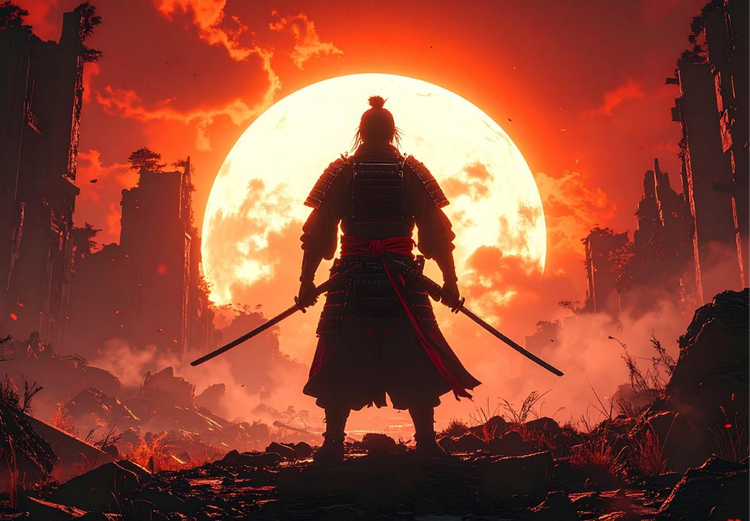
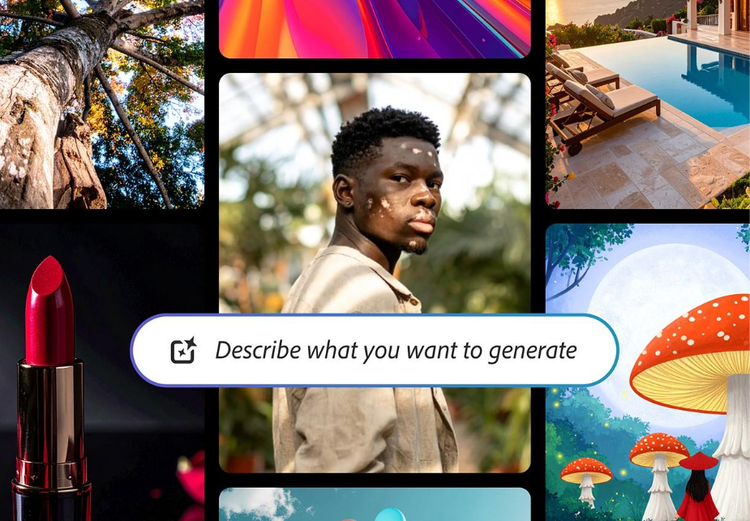
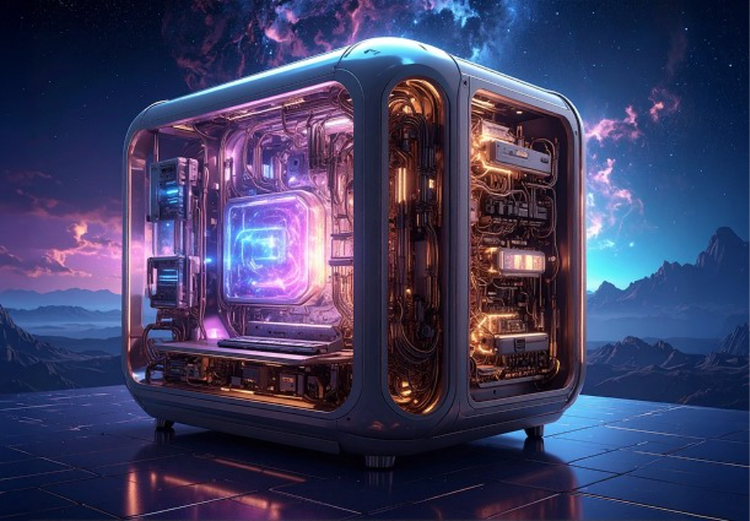
The types of dark wallpaper you can create with Adobe Firefly are only limited by your imagination. Try prompts like “a lone lighthouse against a stormy night sky, vertical composition, dramatic silhouette, deep navy and black tones,” or “minimalist black marble texture with thin gold veins, subtle gradient lighting, portrait orientation,” or “a single neon sign glowing in a dark rain-soaked alley, vertical framing, moody cinematic lighting.” Describe the mood, color palette, and scene you want, and Adobe Firefly will produce a fully composed wallpaper in moments.
Start with the scene, then add a color palette and a light source. A prompt like “a charcoal-black cityscape at night with one glowing window and a deep indigo sky” gives Adobe Firefly enough detail to produce a controlled result. Describe the shadow depth, accent color, and mood to push the image closer to your vision.
Yes. Adobe Firefly responds to detailed descriptions of any dark wallpaper style, including minimalist black gradients, gothic architecture, and deep-space night skies. Mention the specific palette you want like “calm moonlit shoreline,” “dramatic storm-lit skyline,” or “mysterious foggy forest,” and Adobe Firefly will apply it to your wallpaper.
Yes. Dark styles range from soft, moonlit scenes to bold, high-contrast graphic looks. In Adobe Firefly, you can use prompt adjustments and style references to fine-tune your results until one feels right.
Vertical, high-contrast compositions tend to work well for phone lock screens, while wide atmospheric scenes suit a desktop background. Adobe Firefly lets you choose the aspect ratio that matches your device before you generate. Keep the focal point centered or in the lower third so it stays clear of the clock and notification icons at the top of the screen.
Yes, Adobe Firefly is easy to use and you don’t need any design experience. Just describe the dark look you want, and Adobe Firefly does the rest.
The best AI image generator gives you real creative control. It should give you the ability to specify the mood, palette, and light source with simple language, and the tools to refine across multiple versions without starting over. Adobe Firefly does this and brings together top AI models in one studio, with tools that take you from first generation to finished wallpaper.
Adobe Firefly brings together its own models, trained on licensed and public-domain content, and top partner models from Google, OpenAI, and FLUX. You can switch between models and compare results side by side.
Images generated with Generate Image in Adobe Firefly download as a PNG.
Yes. Adobe Firefly lets you select different aspect ratios before generating, so you can create a vertical wallpaper for your phone, a widescreen image for your desktop, or a square version for social use.
Yes, you can generate dark wallpaper for free on Firefly with an Adobe account. A free account gives you access to free daily generations, so you can try Adobe Firefly without a paid plan.
Learn more about using Adobe Firefly for free. Paid plans are available for higher-volume generation.