https://main--cc--adobecom.aem.live/cc-shared/assets/img/firefly.svg Adobe Firefly

Convert photos to black and white for free with Adobe Firefly.
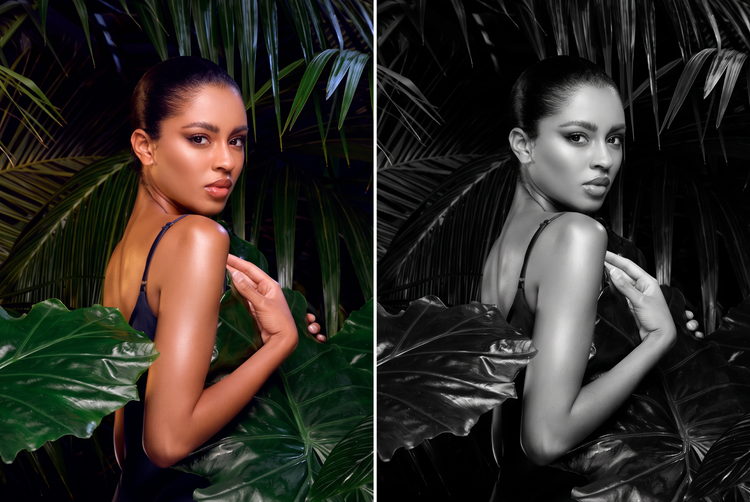
Upload any photo and Adobe Firefly will turn it into a black and white image with tonal contrast and shadow detail without changing your original composition.

Or tap here
File must be JPEG (JPG), PNG, or WEBP and up to 100MB.
By uploading your image or video, you agree to the Adobe Terms of Use and Privacy Policy and confirm you are 18 years of age or older.
Or tap here
File must be JPEG (JPG), PNG, or WEBP and up to 100MB.
By uploading your image or video, you agree to the Adobe Terms of Use and Privacy Policy and confirm you are 18 years of age or older.
Or drag and drop here
File must be JPEG (JPG), PNG, or WEBP and up to 100MB.
By uploading your image or video, you agree to the Adobe Terms of Use and Privacy Policy and confirm you are 18 years of age or older.
- File size larger than 100MB
- Unable to process the request
- We are unable to process this file type. Please try again.
- Only one file can be uploaded at a time.
- Image is smaller than the minimum dimensions (512 x 512 pixels). Please resize and try again.

{{nbsp}}
Turn any image into a black and white photo with Adobe Firefly.
Convert a color photo into black and white art for free in Adobe Firefly. Rich contrast and deep shadow details replace color while your composition, subject, and framing stay exactly the same.
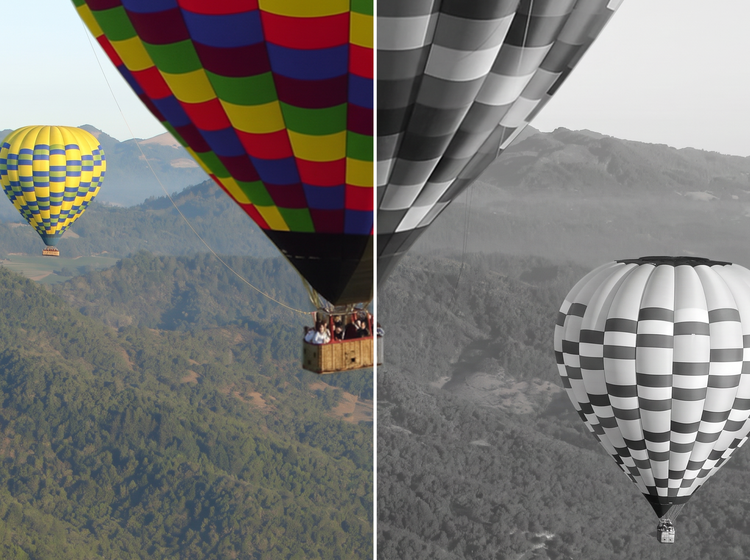
Preserve every detail as the color disappears.
Adobe Firefly keeps your original highlights, shadows, and texture intact while removing color, so nothing about the scene changes except the palette.
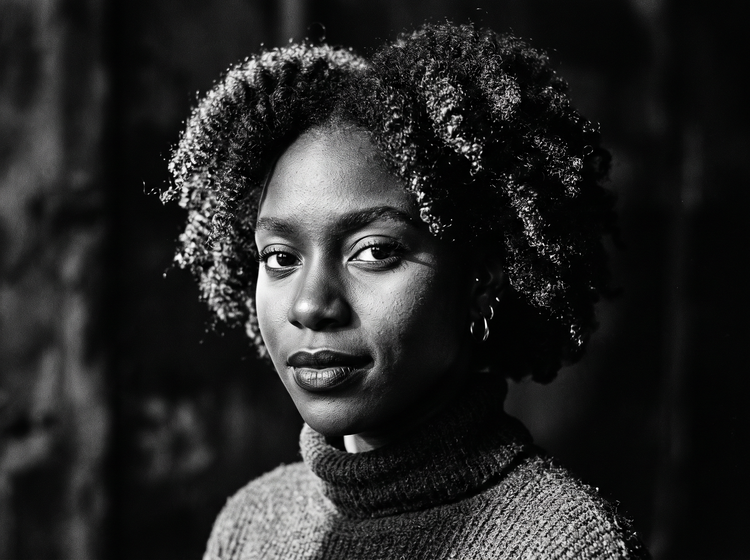
Get a classic, editorial look in moments.
From portraits to street photography, Firefly adds the tonal depth of a black and white print without manual editing.
Combine with other Adobe Firefly tools.
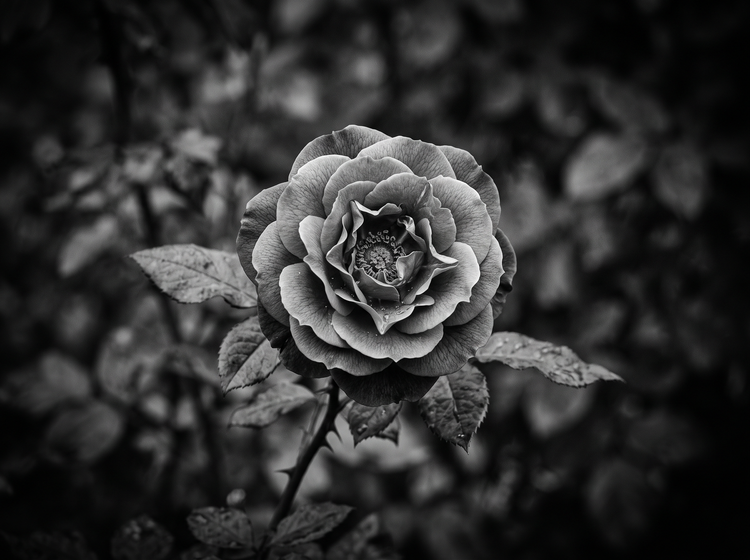
Pair your black and white conversion with a vignette effect or photo restoration to finish the look, all within Firefly.
How to convert a photo to black and white with Adobe Firefly.
Step 1
Open Adobe Firefly.
Step 2
Describe your black and white edit.
Step 3
Generate your black and white photo.
Step 4
Refine in the Edit tab.
Step 5
Download or share.
Steps on how to convert a photo to black and white using Adobe Firefly.
PT4M
firefly
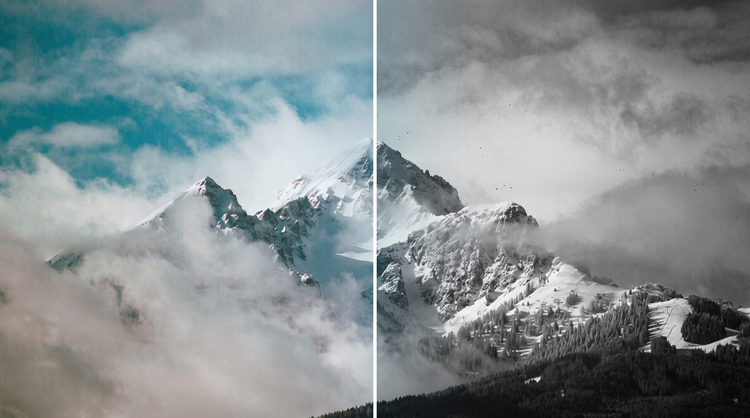
Precise creative control
Choose exactly how dramatic the shadows and contrast should be and preview the result before committing. Adjust the black and white look so it matches your vision.
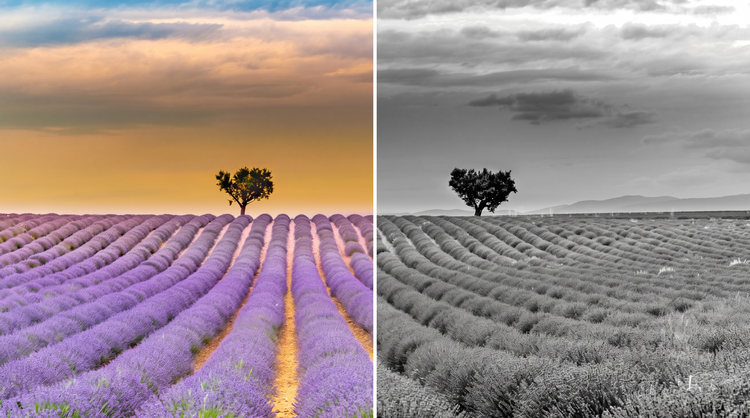
Top AI models, all in one place
Adobe Firefly pairs its own models with top partner models from FLUX, Google, OpenAI, and others in one creative studio. Switch between models in the model dropdown menu to compare results side by side and land on the black and white look you want.
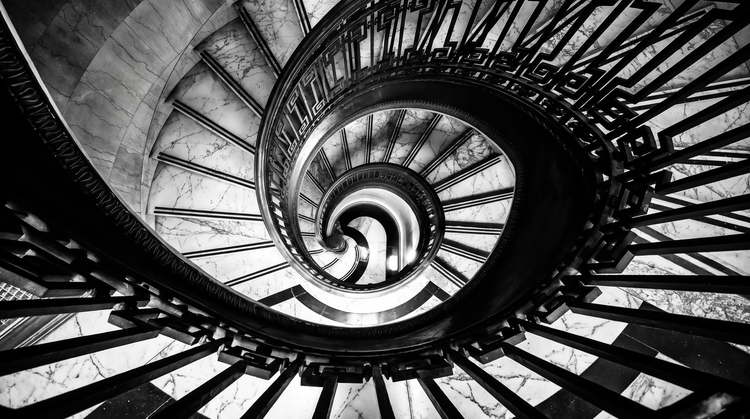
Your complete creative studio
Adobe Firefly covers the whole arc of the edit in one place. Upload your photo, apply the black and white look, and refine the details without leaving your creative flow.
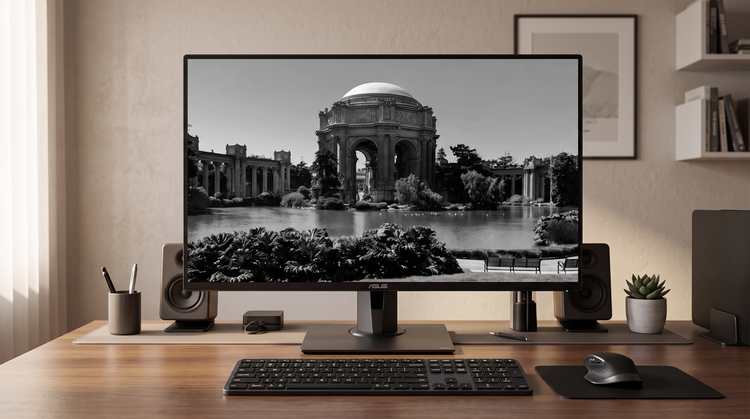
Built for creators
Get fast results when you need them for your black and white art using intuitive tools that automate common image edits. Dial in the details with precision tools when details matter.