https://main--cc--adobecom.aem.live/cc-shared/assets/img/firefly.svg Adobe Firefly

Add a posterized effect to your photos for free.
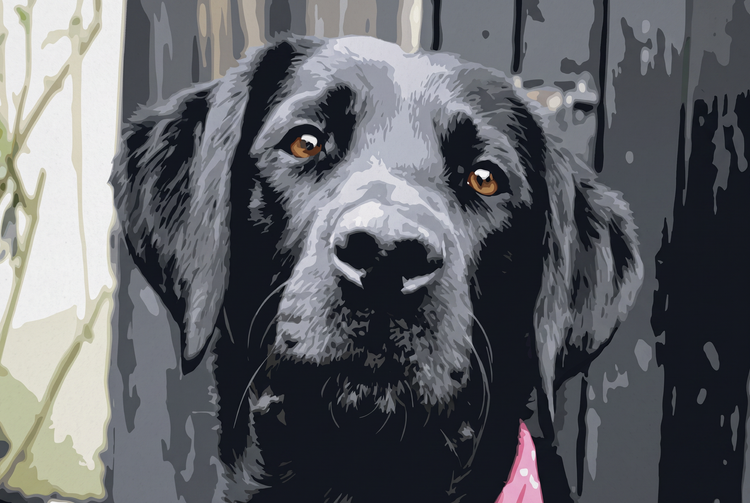
Upload a photo and Adobe Firefly will generate a posterized version. Flattened tonal bands and bold, simplified color blocks turn your photo into striking, graphic art with a retro poster feel.

Or tap here
File must be JPEG (JPG), PNG, or WEBP and up to 100MB.
By uploading your image or video, you agree to the Adobe Terms of Use and Privacy Policy and confirm you are 18 years of age or older.
https://main--cc--adobecom.aem.live/cc-shared/assets/svg/s2-icon-upload-20-n.svg Upload your image
Or tap here
File must be JPEG (JPG), PNG, or WEBP and up to 100MB.
By uploading your image or video, you agree to the Adobe Terms of Use and Privacy Policy and confirm you are 18 years of age or older.
https://main--cc--adobecom.aem.live/cc-shared/assets/svg/s2-icon-upload-20-n.svg Upload your image
Or drag and drop here
File must be JPEG (JPG), PNG, or WEBP and up to 100MB.
By uploading your image or video, you agree to the Adobe Terms of Use and Privacy Policy and confirm you are 18 years of age or older.
- File size larger than 100MB
- Unable to process the request
- We are unable to process this file type. Please try again.
- Only one file can be uploaded at a time.
- Image is smaller than the minimum dimensions (512 x 512 pixels). Please resize and try again.

Give your photos a posterized effect with Adobe Firefly.
The AI posterize generator flattens tones into bold bands of color and simplifies shadow and light into striking, graphic blocks for free.
Control the number of tones and boldness of your posterize effect.
With the Adobe Firefly AI posterize generator, you can adjust how many tonal bands appear and how bold the color transitions look. From a subtle, painterly reduction to a stark, graphic poster look, Firefly gives you control over tone and color. Remix and iterate until you land on the exact look you want.
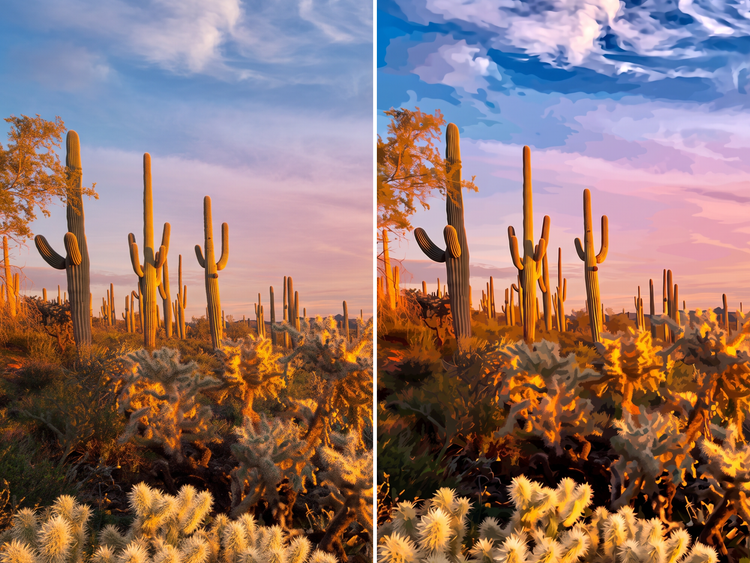
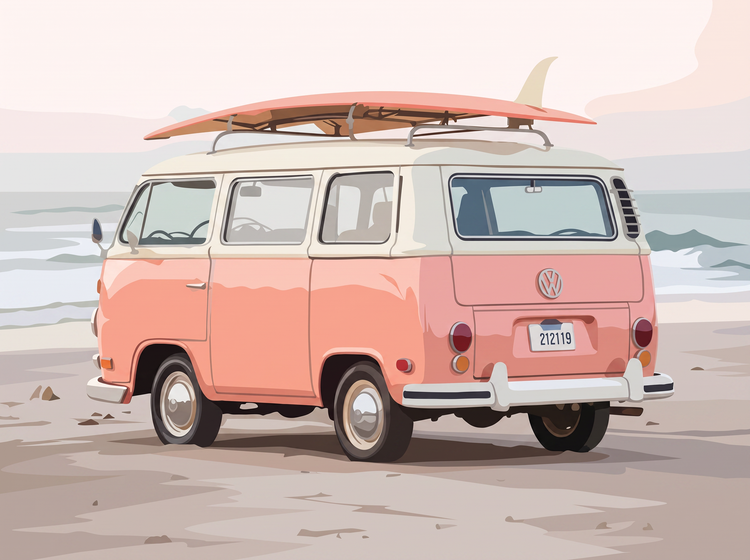
Add a posterize effect to any kind of photo.
Whether you're finishing a portrait, a landscape, or a product shot, the Firefly AI image generator makes it easy to generate a posterized effect at any size and resolution.
Easily refine your posterized look.
Take your image further with editing tools built into Firefly. Adjust the number of tones, color palette, and contrast of the posterize effect, or generate new variations to evolve your look.
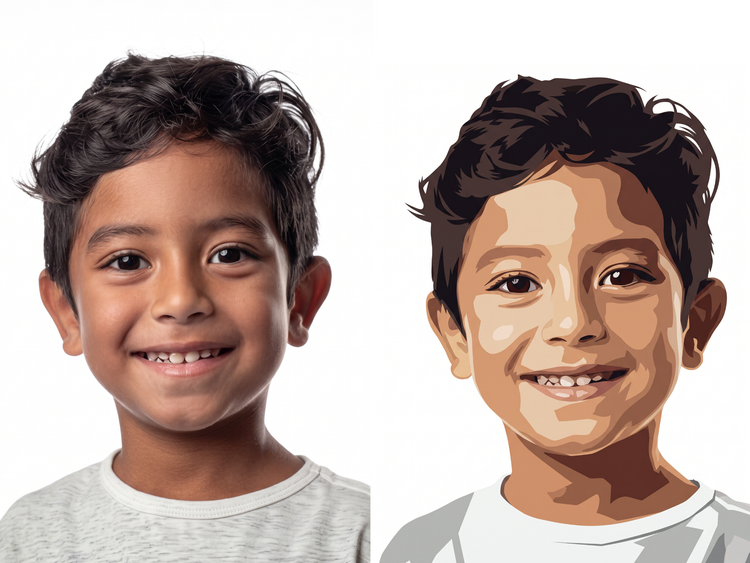
How to generate a posterized effect.
Step 1
Open Adobe Firefly.
Step 2
Describe your posterized effect.
Step 3
Generate your posterized image.
Step 4
Refine in the Edit tab.
Step 5
Download or share.
Steps on how to add a posterized effect to a photo with Adobe Firefly.
PT5M
firefly
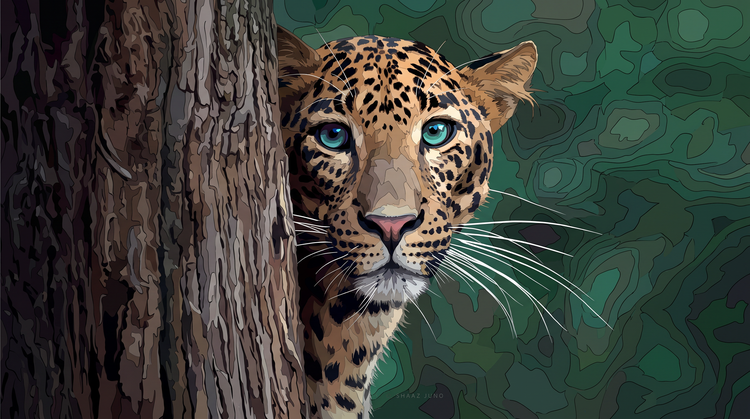
Bold, graphic tonal reduction
Firefly generates a posterize effect with clean tonal bands and bold color transitions, turning your photo into striking, graphic art.
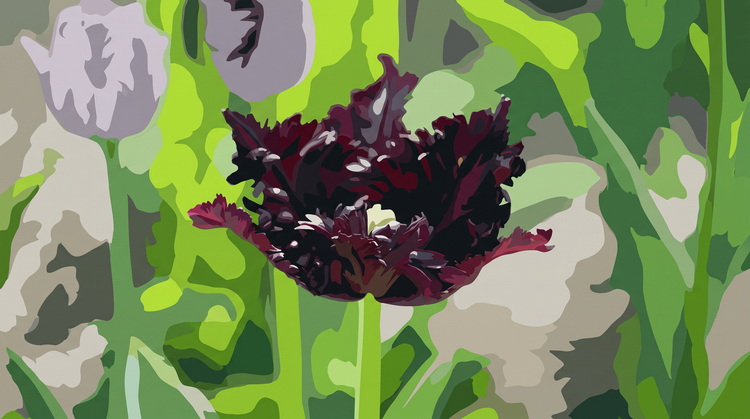
Full creative control
Adjust and refine your posterize effect with intuitive editing tools. Fine-tune the number of tones, color palette, and contrast to land on the exact look you want.

More models, more creative range
Experiment with partner models from FLUX, Google, OpenAI, and others to explore different posterize styles and outcomes.
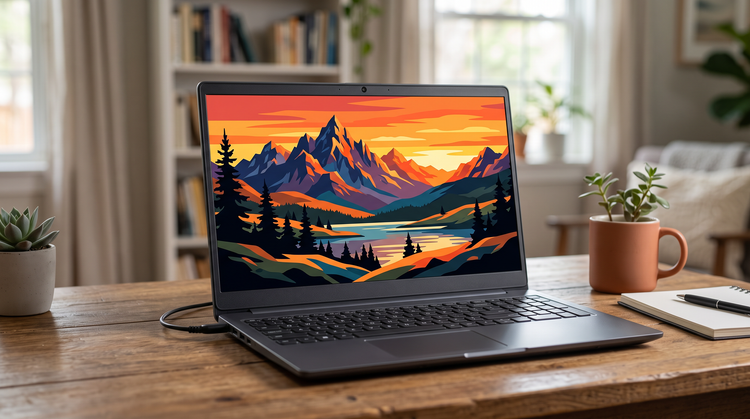
Built for creators
Create with ease, move fast when you need results now, or refine every detail when precision matters. Firefly gives you the quality, speed, and flexibility to create your way, without the complexity.