https://main--cc--adobecom.aem.live/cc-shared/assets/img/firefly.svg Adobe Firefly

Add a vignette effect to your photos with Adobe Firefly for free.
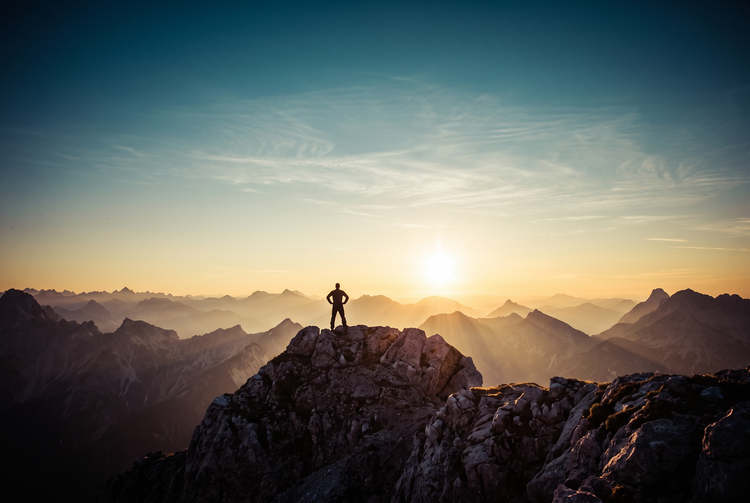
Upload a photo and Adobe Firefly will generate it. Darkened, softened edges draw the eye toward your subject, adding depth and a classic, cinematic feel to any image.

Or tap here
File must be JPEG (JPG), PNG, or WEBP and up to 100MB.
By uploading your image or video, you agree to the Adobe Terms of Use and Privacy Policy and confirm you are 18 years of age or older.
https://main--cc--adobecom.aem.live/cc-shared/assets/svg/s2-icon-upload-20-n.svg Upload your image
Or tap here
File must be JPEG (JPG), PNG, or WEBP and up to 100MB.
By uploading your image or video, you agree to the Adobe Terms of Use and Privacy Policy and confirm you are 18 years of age or older.
https://main--cc--adobecom.aem.live/cc-shared/assets/svg/s2-icon-upload-20-n.svg Upload your image
Or drag and drop here
File must be JPEG (JPG), PNG, or WEBP and up to 100MB.
By uploading your image or video, you agree to the Adobe Terms of Use and Privacy Policy and confirm you are 18 years of age or older.
- File size larger than 100MB
- Unable to process the request
- We are unable to process this file type. Please try again.
- Only one file can be uploaded at a time.
- Image is smaller than the minimum dimensions (512 x 512 pixels). Please resize and try again.

Generate a vignette effect with Adobe Firefly.
The AI vignette generator applies darkened, softened edges to your prompt, framing the subject and adding a natural falloff of light toward the corners. With Adobe Firefly, you can generate a vignette effect for free.
Control the strength and shape of your vignette.
Using Adobe Firefly as an AI vignette generator, you can adjust how dark, how wide, and how soft the effect falls across the frame. From a subtle darkening at the corners to a bold, tight frame around your subject, Firefly gives you control over tone and falloff. Remix and iterate until you land on the exact look you want.
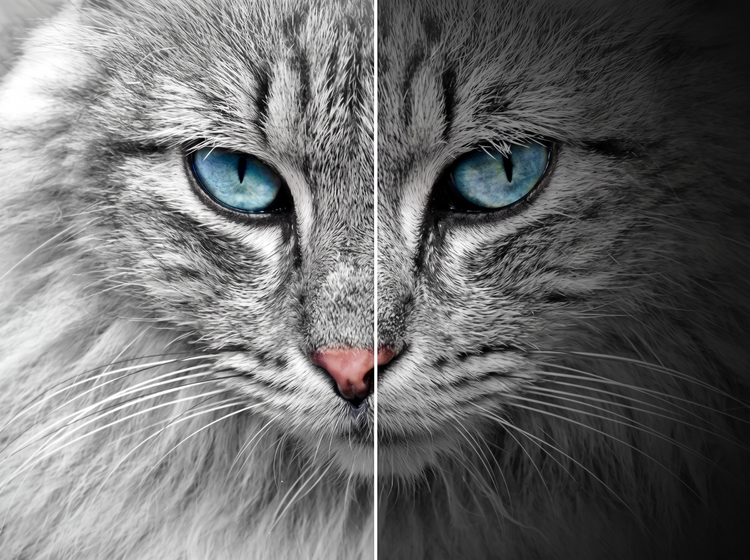

Add a vignette to any kind of photo.
Whether you're finishing a portrait, a landscape, or a product shot, the Firefly AI image generator makes it easy to generate a vignette effect at any size and resolution.
Easily refine your vignette effect.
Take your image further with editing tools built into Firefly. Adjust the darkness, softness, and shape of the vignette, or generate new variations to evolve your look. As a multi-model creative environment, Firefly lets you explore fresh styles, then keep refining your result.

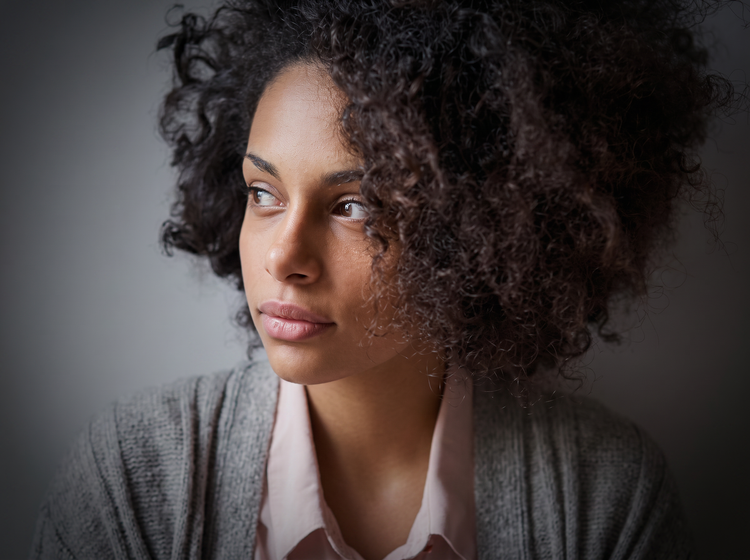
Create a striking vignette for any project.
A vignette effect works well for portraits, editorial photography, packaging, and social content, letting you generate polished, gallery-worthy images in moments.
How to generate a vignette effect.
Step 1
Open Adobe Firefly.
Step 2
Describe your vignette effect.
Step 3
Generate your vignette.
Step 4
Refine in the Edit tab.
Step 5
Download or share.
Steps on how to add a vignette effect to a photo with Adobe Firefly.
PT5M
firefly
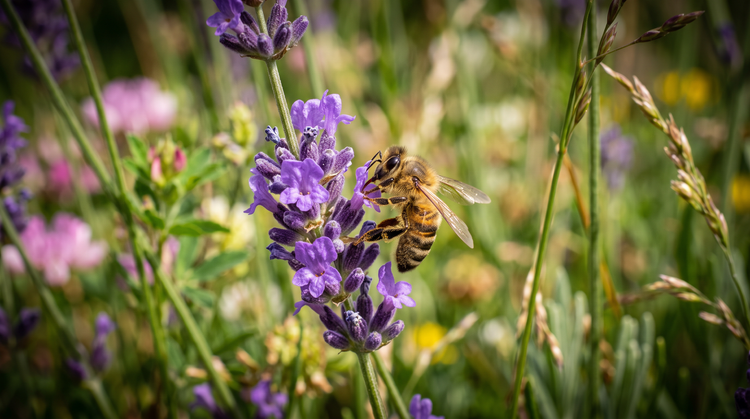
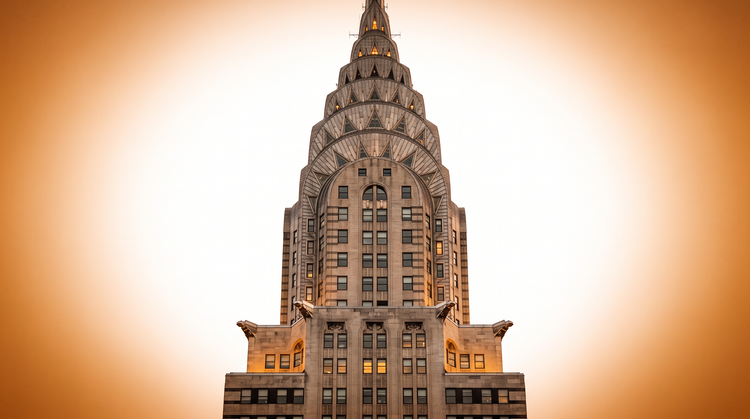
Natural, realistic falloff
Firefly generates a vignette effect with a soft, natural falloff of light and color toward the edges of your image.
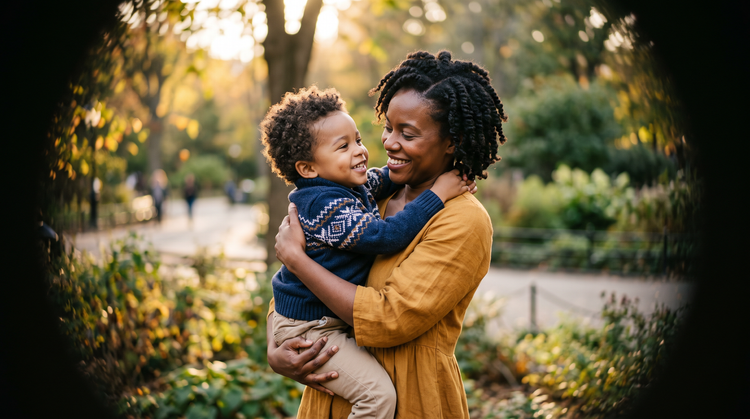
Full creative control
Adjust and refine your vignette with intuitive editing tools. Fine-tune darkness, softness, and shape until you land on the exact look you want.
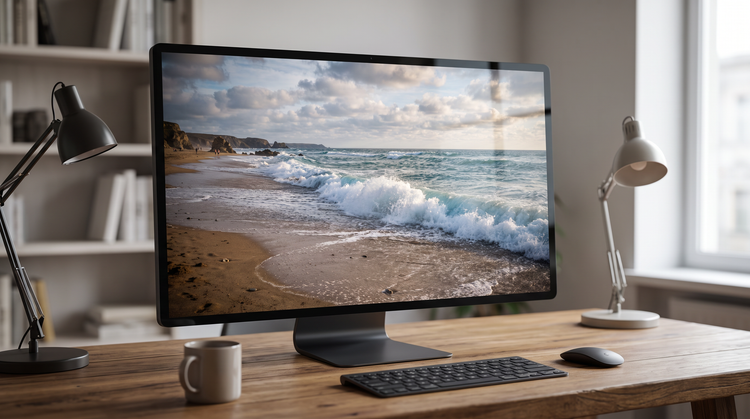
More models for more creative range
Experiment with partner models from FLUX, Google, OpenAI, and others to explore different vignette styles and outcomes all within one Creative Cloud experience.
Seamless integration
Once you've generated your vignette effect, open it in Photoshop on the web for further retouching, or bring it into Adobe Express to build a finished design.