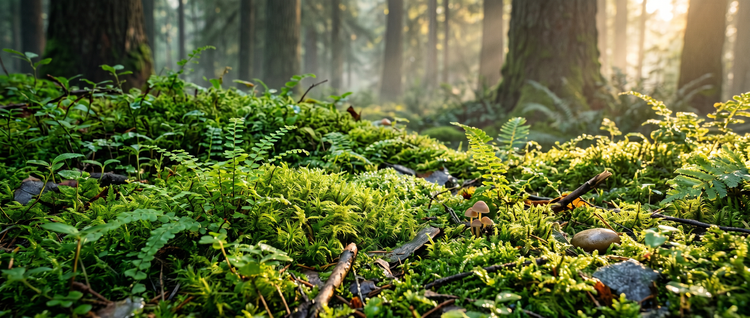
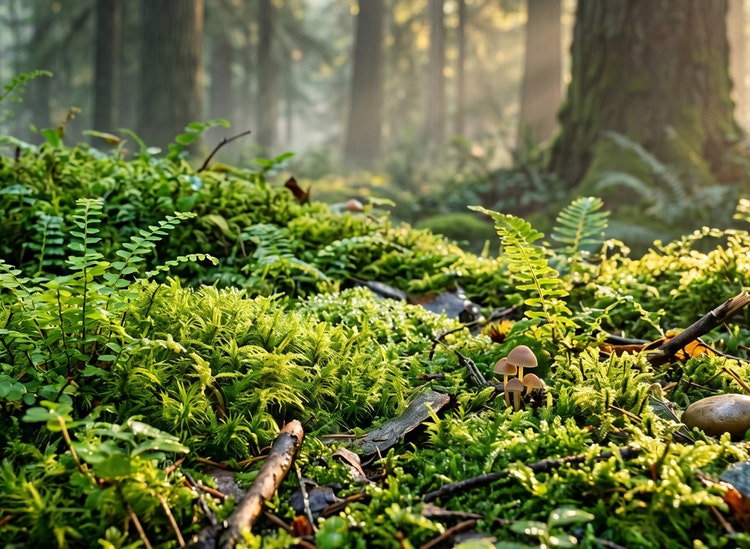
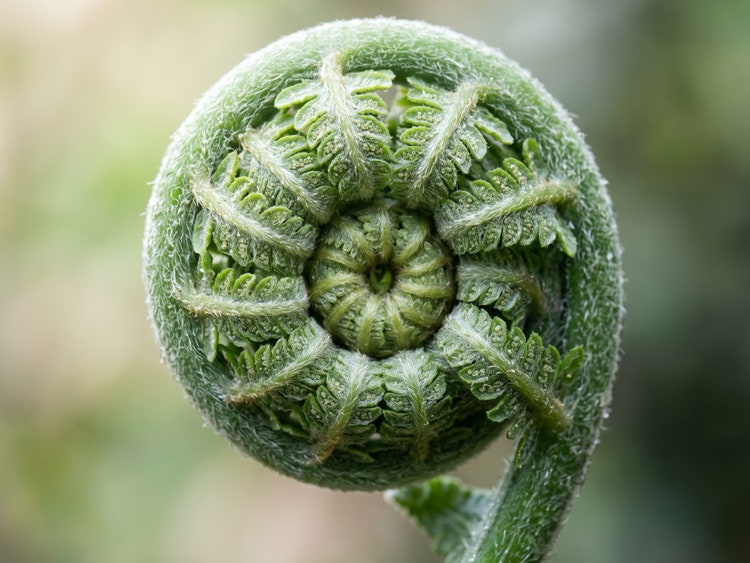
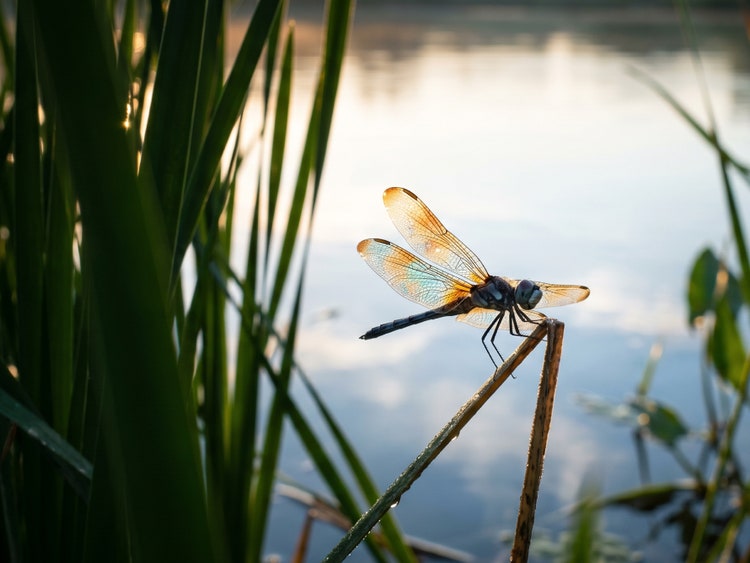
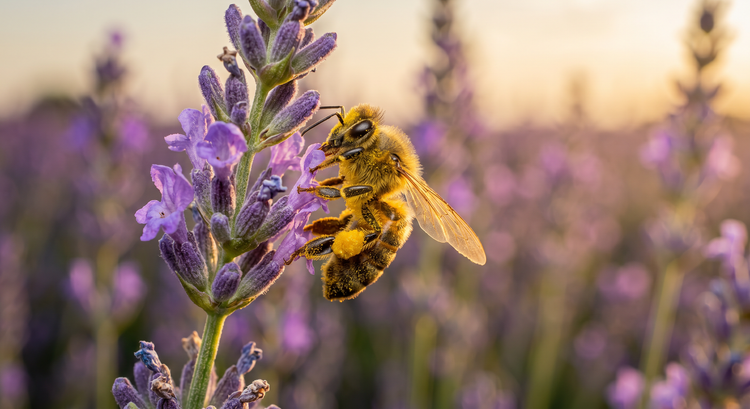
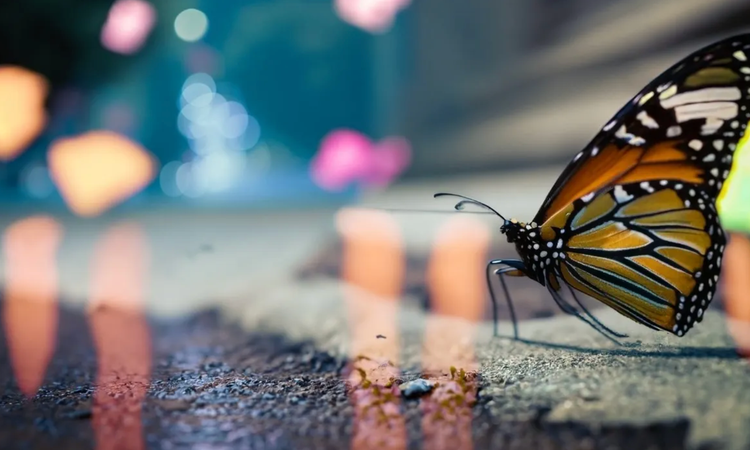
Start with your subject, then add details about magnification, lighting, depth of field, and mood. For example: “extreme close-up of a honeybee on a lavender blossom, pollen on legs visible, shallow depth of field, warm natural light, soft purple bokeh background.” The more specific your prompt, the more precisely Adobe Firefly can match your creative direction.
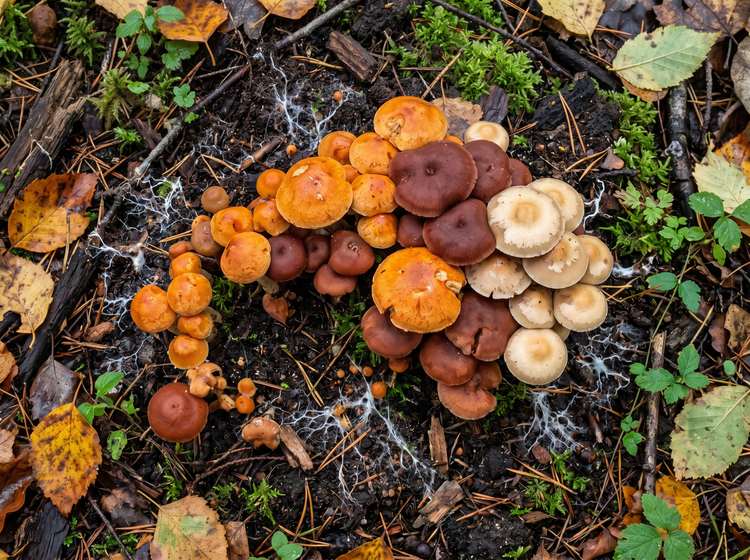
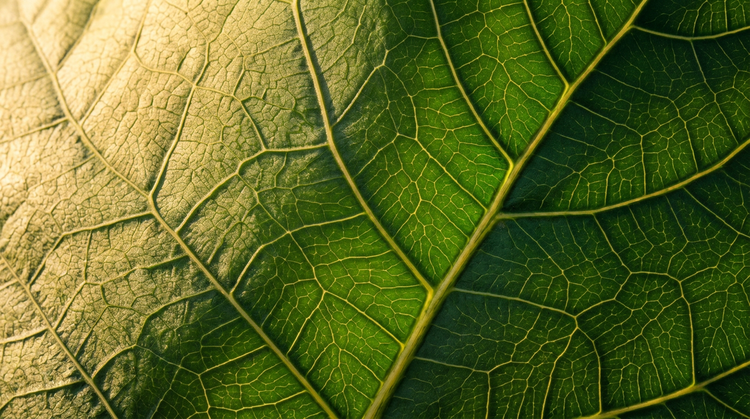
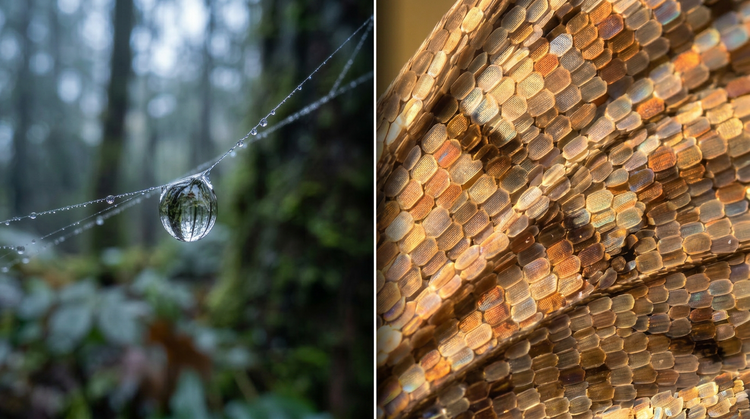
Adobe Firefly responds well to specific natural subjects. Insects (dragonflies, beetles, bees), botanical details (pollen-covered stamens, leaf veins, moss filaments), water droplets on surfaces, fungi, lichens, and feathers all produce rich macro results. Include the species name when you want precision, and add lighting or texture descriptors to push the detail further.
Use terms like “macro,” “close-up,” or “extreme close-up” to tell Adobe Firefly how much detail you want. Pair them with depth-of-field language: “shallow depth of field” isolates a subject against a blurred background, while “extended depth of field” keeps the whole subject sharp. The more descriptive your prompt, the more control you have over the final image.
The best AI macro nature photography tool turns detailed prompts into high-quality close-up images with realistic texture and accurate natural color. Adobe Firefly delivers those results alongside a full range of model choices, style controls, and refinement tools. You get everything you need to go from a rough concept to a polished, project-ready nature image in one studio.
Yes, you can use Generate Image for free with an Adobe account. Free users receive free daily generations, so you can try Adobe Firefly without a paid plan. When you’re ready for more, you can upgrade to a paid subscription for additional access.
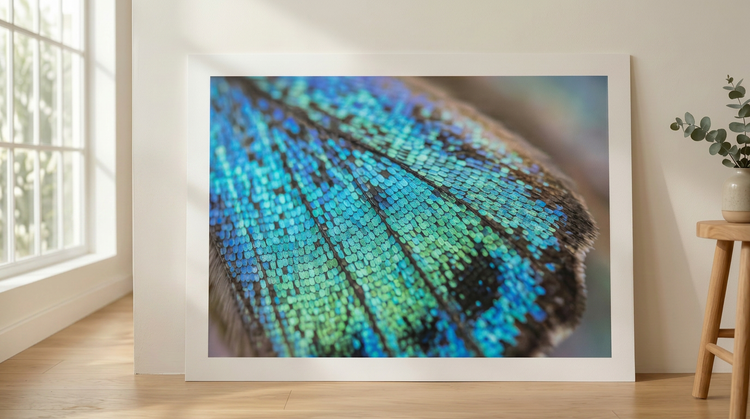
Yes. Include the species name in your prompt for targeted results. Try prompts like “macro close-up of a morpho butterfly wing, iridescent blue scales” or “extreme close-up of a sundew leaf with glistening sticky tentacles.” Adobe Firefly responds to specific botanical and entomological descriptions to produce images that match your creative direction.
No, you do not need photography or editing skills to use Adobe Firefly for macro nature images. Just describe the image you want in plain language and Adobe Firefly does the rest.
The best AI image generator gives you real creative control over the detail, lighting, and mood of your result, alongside the flexibility to compare results across multiple AI models. Adobe Firefly brings together top AI models in one studio, with prompt controls, style settings, and refinement tools that take you from first generation to a polished macro nature image. It also lets you switch models in the Model Picker and compare results side by side.
Macro nature images generated with Adobe Firefly models are safe for commercial use, as the models are trained on licensed and public-domain content. You’re responsible for determining whether content generated with partner models is appropriate for use in your projects.