
https://main--cc--adobecom.aem.live/cc-shared/assets/img/firefly.svg Adobe Firefly
Generate monochrome art with Adobe Firefly for free.
Describe the monochrome art you want, and Adobe Firefly will generate it in moments. Rich tonal gradients, a single color palette, and high-contrast light and shadow create bold, unified artwork for artists, designers, and creators of all skill levels.
- image
- Describe a subject, an action, a place, a mood, or a style.
- Adobe Generative AI Terms
- https://main--cc--adobecom.aem.live/creativecloud/animation/testdoc/unity/generate.svg Generate
- Describe the monochrome art you want to generate
- Prompt
- Tip
- Unable to process the request
- Please describe what you want to generate.
- Prompt exceeds the max length of 750 characters
- monochromeArt
Generate monochrome art with Adobe Firefly.
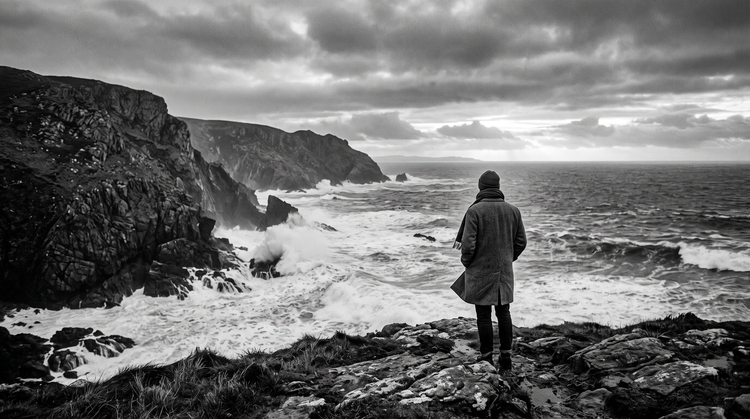
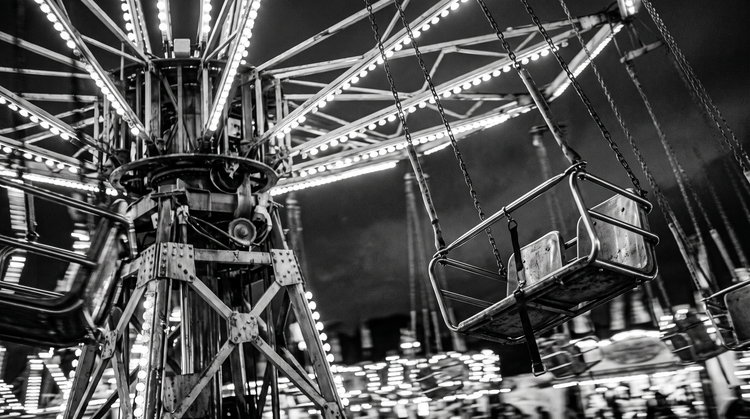
The AI monochrome generator applies a single color palette, tonal gradients, and high-contrast light and shadow to your prompt, creating art that favors mood and depth over multiple hues. With Adobe Firefly, you can generate monochrome art for free.
Explore monochrome tones, contrast, and mood.
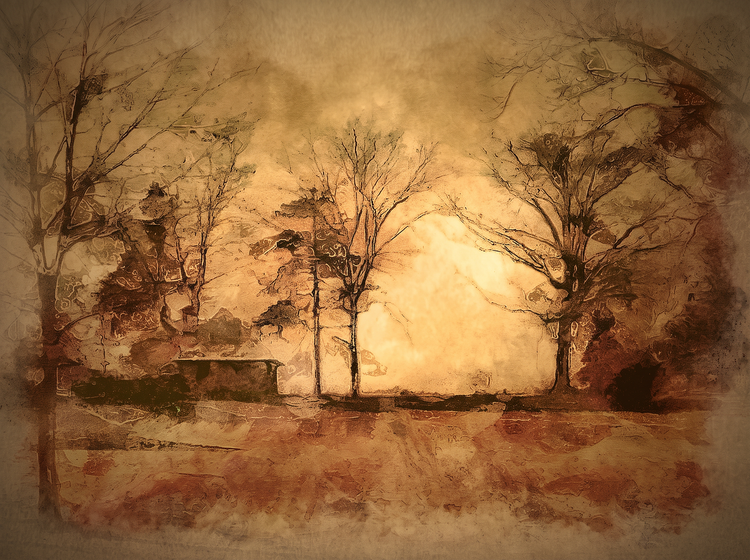
Using Firefly as a monochrome generator, you can experiment with a wide range of tones, contrast levels, and moods, all built from a single color. From soft, muted gradients to high-contrast light and shadow, Firefly gives you the control to refine tone, texture, and composition. Remix and iterate until you land on the exact monochrome look you want, or find more inspiration on the Firefly community gallery.
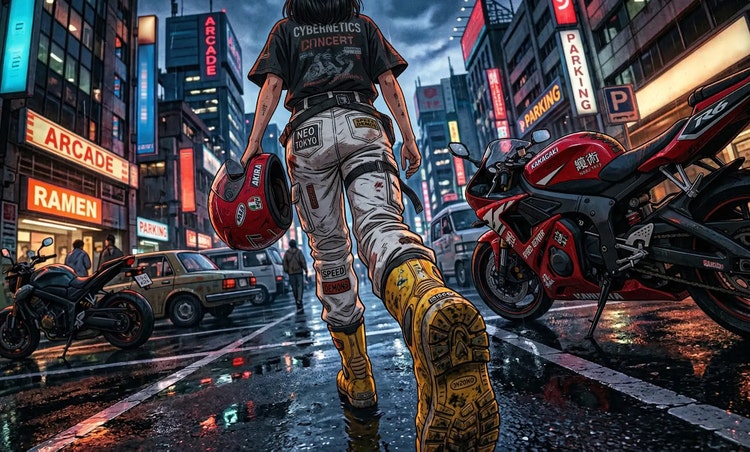
Create AI monochrome art for any project.
Whether you're designing social graphics, album art, packaging, or a personal piece, the Firefly AI image generator makes it easy to generate monochrome art at any size and resolution.
Easily refine your monochrome art.
Take your artwork further with editing tools built into Firefly. Adjust tone, contrast, and composition, or generate new variations to evolve your design. As a multi-model creative environment, Firefly lets you explore fresh looks, then keep refining your result.
How to generate monochrome art.
Step 1
Open Adobe Firefly.
Step 2
Describe your monochrome art.
Step 3
Generate your monochrome artwork.
Step 4
Refine in the Edit tab.
Step 5
Download or share.
Steps on how to generate monochrome art with Adobe Firefly.
PT5M
firefly
Realistic monochrome tones
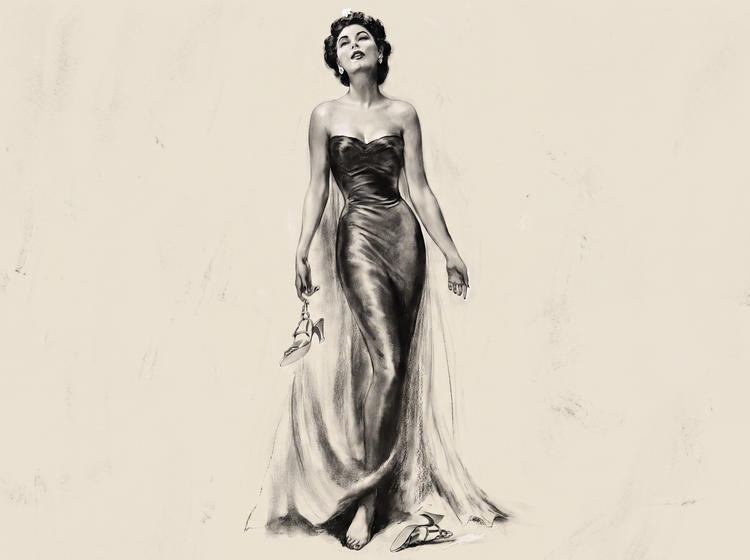
Firefly generates expressive monochrome artwork with rich tonal gradients, deep shadow detail, and a cohesive single-color palette.
Full creative control
Adjust and refine your artwork with intuitive editing tools. Fine-tune tone, contrast, and composition until you land on the exact monochrome look you want.
More models for more creative range
Experiment with partner models from FLUX, Google, OpenAI, and others to explore different monochrome styles and outcomes, all within one Creative Cloud experience.
Seamless integration
Once you've generated your monochrome art, open it in Photoshop on the web for further retouching, or bring it into Adobe Express to build a finished design.