https://main--da-cc--adobecom.aem.live/cc-shared/assets/img/firefly.svg Adobe Firefly
Generate free landscape design concepts with Adobe Firefly.
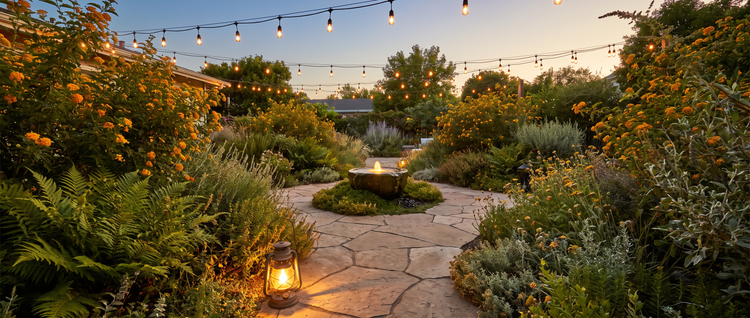
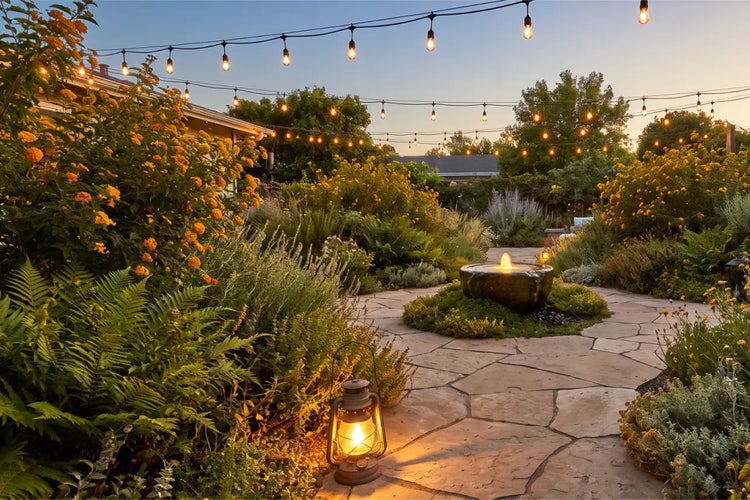
Describe the landscape design you want, from a backyard patio to a layered garden bed, and get a concept that fits your project. Adjust the plantings, materials, or light and generate again until it’s exactly right.
Or tap here
File must be JPEG(JPG), PNG, or WEBP and up to 100MB.
By uploading your image or video, you agree to the Adobe Terms of Use and Privacy Policy and confirm you are 18 years of age or older.
Or tap here
File must be JPEG(JPG), PNG, or WEBP and up to 100MB.
By uploading your image or video, you agree to the Adobe Terms of Use and Privacy Policy and confirm you are 18 years of age or older.
Or tap here
File must be JPEG(JPG), PNG, or WEBP and up to 100MB.
By uploading your image or video, you agree to the Adobe Terms of Use and Privacy Policy and confirm you are 18 years of age or older.
- File size larger than 100MB
- Unable to process the request
- We are unable to process this file type. Please try again.
- Only one file can be uploaded at a time.
- Image is smaller than the minimum dimensions (512 x 512 pixels). Please resize and try again.
{{nbsp}}
Design landscape concepts in moments.
Landscape design calls for the right balance of hardscape, plantings, and natural light to match your outdoor space. Describe the landscape design you want to generate and Adobe Firefly will turn your vision into a design concept you can share with clients or use for your own backyard plans, for free.
Explore different styles without starting over.
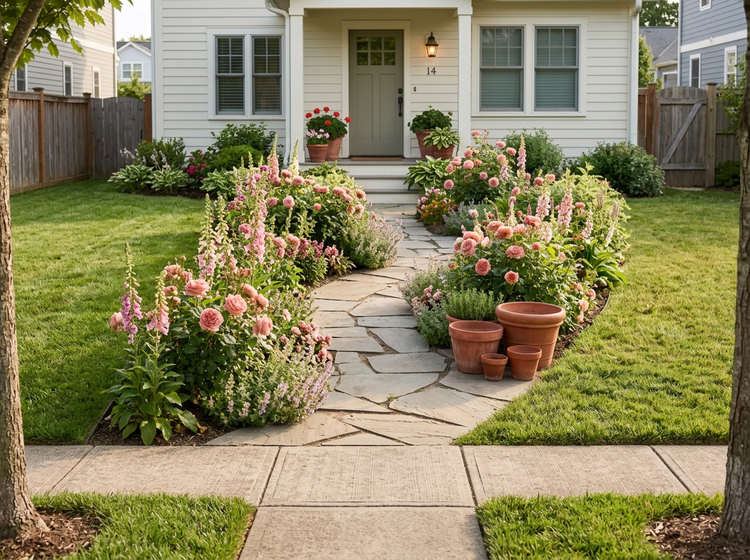
Update your landscape design any time your creative direction shifts. Describe a new plant palette or season, and Adobe Firefly will generate a different concept while keeping your layout intact.
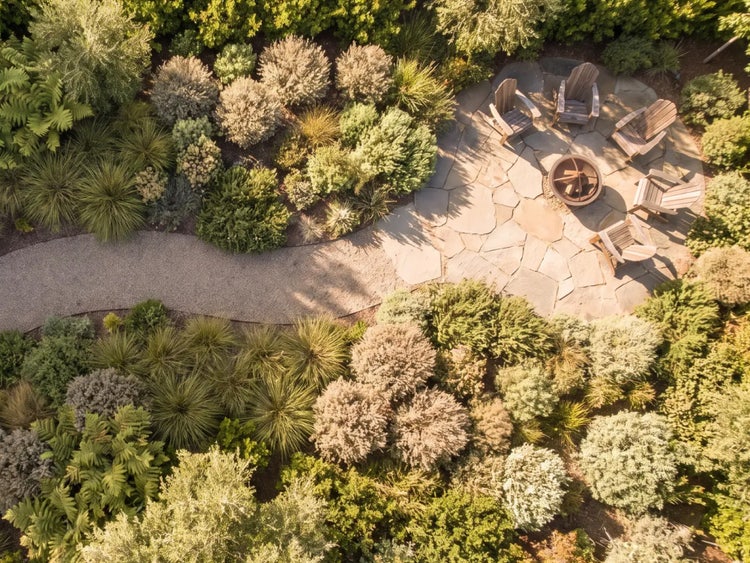



Fine-tune your landscape design with precision edits.
Use Remove Object in Adobe Firefly to clear a harsh shadow or an unwanted item, then generate again to refine the rest of your design. With Adobe Firefly you can make fast, flexible edits without losing your current design.
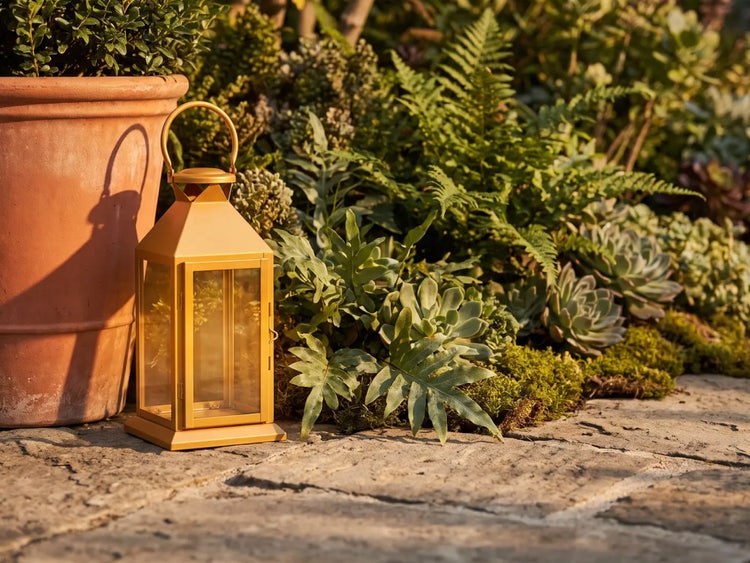
How to create a landscape design with Adobe Firefly.
Step 1
Open Adobe Firefly and select Generate Image.
Step 2
Describe your landscape design.
Step 3
Adjust your style settings.
Step 4
Generate and refine your design.
Step 5
Download your landscape design.
Steps on how to generate a landscape design concept using Adobe Firefly Generate Image.
PT3M
firefly
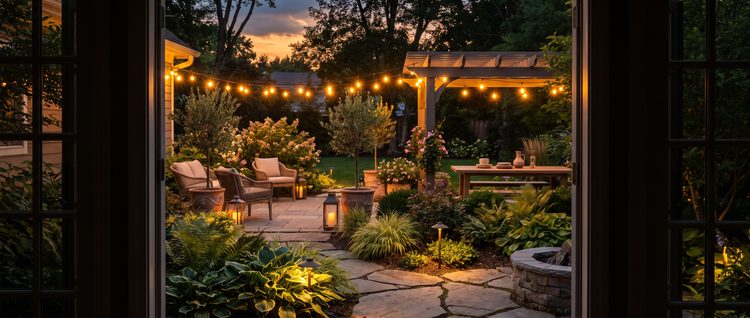
Precise creative control
Landscape design lives in the details: which plants, what light, how the hardscape ties together. Refine each one independently, generating new versions until the layout works exactly the way you pictured it.
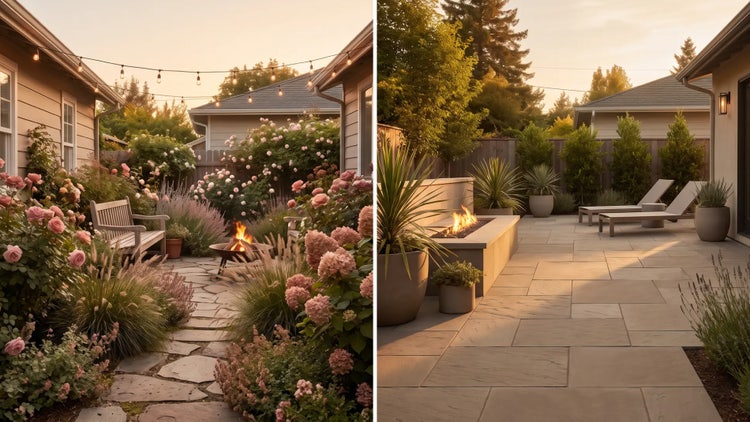
Top AI models, all in one place
Adobe Firefly puts its own models alongside partner models from Google, OpenAI, Flux, and others in a single workspace built for the full creative process. Switch models to compare different takes on your landscape concept, then refine the one you like best.
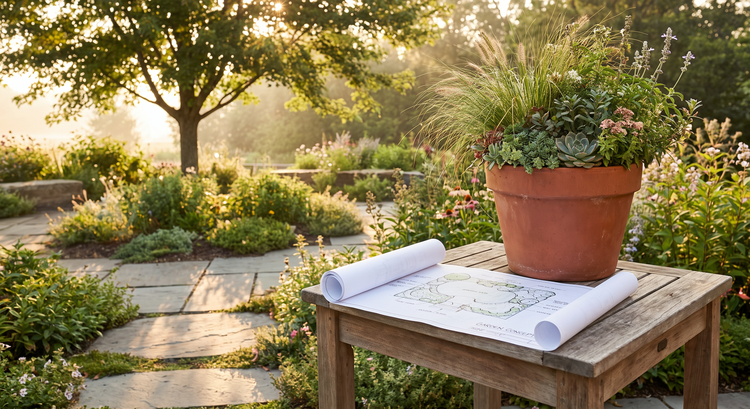
Your complete creative workspace
A landscape concept is a starting point, not a final deliverable, in Adobe Firefly. Generate the layout, adjust it with precision tools, and carry it all the way to a presentation-ready image.
Seamless integration
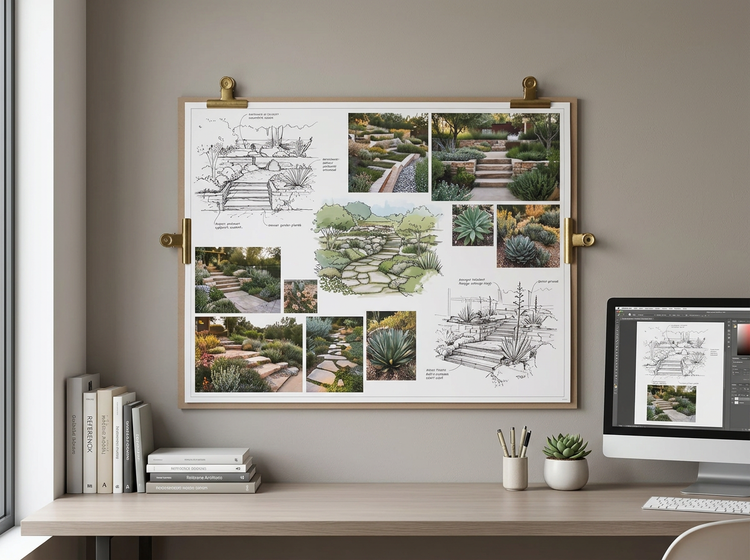
Bring your landscape concept into Adobe Express to build a client-ready presentation, or open it in Photoshop on the web for detailed retouching. Everything stays accessible from the cloud, wherever you pick the project back up.