https://main--cc--adobecom.aem.live/cc-shared/assets/img/firefly.svg | Adobe Firefly logohttps://main--cc--adobecom.aem.live/cc-shared/assets/img/ff-lockup-f4.svg | Adobe Firefly
Image-to-image AI: Transform existing photos with AI.
Transform any visual with powerful image-to-image AI tools that let you edit, combine and restyle images in seconds.
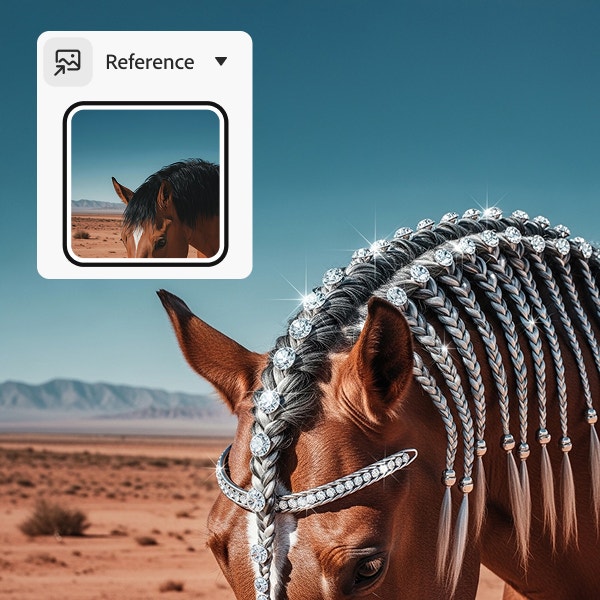
Or drag and drop here
File must be JPEG (JPG), PNG or WEBP and up to 100 MB.
By uploading your image or video, you agree to the Adobe Terms of Use and Privacy Policy and confirm you are 18 years of age or older.
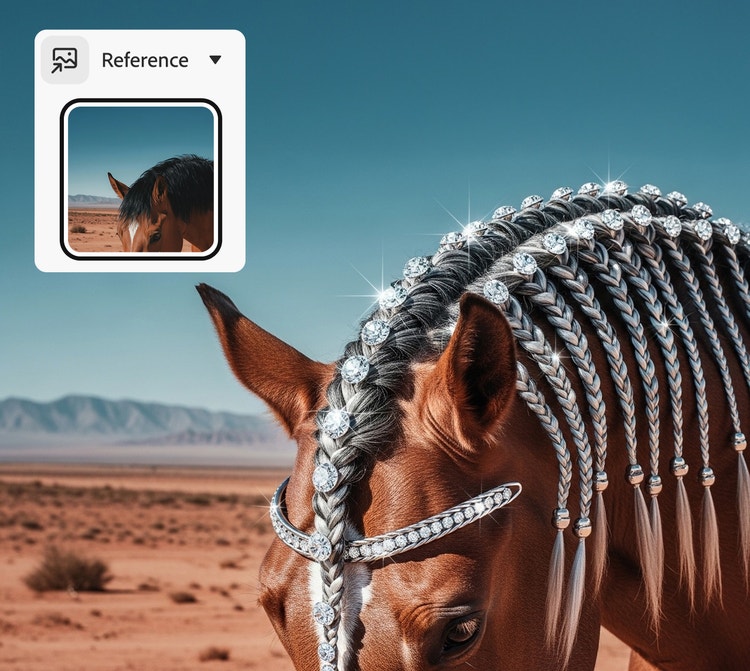
https://main--cc--adobecom.aem.live/cc-shared/assets/svg/s2-icon-upload-20-n.svg Upload your image
Or drag and drop here
File must be JPEG (JPG), PNG or WEBP and up to 100 MB.
By uploading your image or video, you agree to the Adobe Terms of Use and Privacy Policy and confirm you are 18 years of age or older.
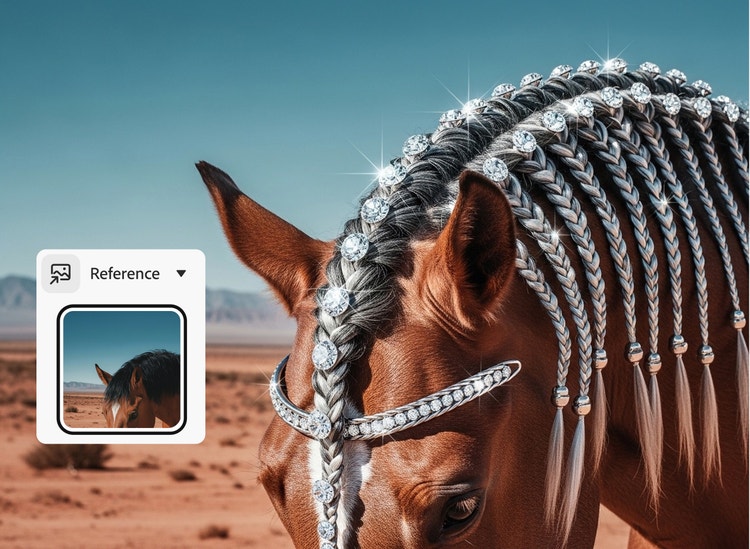
https://main--cc--adobecom.aem.live/cc-shared/assets/svg/s2-icon-upload-20-n.svg Upload your image
Or drag and drop here
File must be JPEG (JPG), PNG or WEBP and up to 100 MB.
By uploading your image or video, you agree to the Adobe Terms of Use and Privacy Policy and confirm you are 18 years of age or older.
- File size larger than 100 MB
- Unable to process the request
- We are unable to process this file type. Please try again.
- Only one file can be uploaded at a time.
- Image is smaller than the minimum dimensions (512 x 512 pixels). Please resize and try again.
https://main--cc--adobecom.aem.live/cc-shared/assets/img/product-icons/svg/firefly-80.svg
Adobe Firefly
https://main--cc--adobecom.aem.live/cc-shared/assets/img/product-icons/svg/firefly-80.svg
Adobe Firefly
The next evolution of creative AI is here for all your ideas, with image, video, audio and vector tools.
What is image-to-image AI?
Image-to-image AI is a generative AI technique that transforms one image into another, such as converting a daytime scene into a nighttime one. It uses machine learning models trained on large image datasets to recognise patterns, styles and visual context. Users can generate AI images from photos, drawings, digital art and more by uploading an image and selecting modifications, making it easy to generate new variations and explore creatively.
How to use image-to-image AI in Adobe Firefly.
With image-to-image AI, it’s easy to turn a photo, sketch or design into something entirely new. Whether you’re looking to enhance a product photo, rework a hand-drawn character or give digital art a fresh twist, the AI image generator is simple and flexible. You can generate AI images from photos by uploading your image, selecting how you want it transformed and letting the AI handle the rest.
Step 1
Open Firefly.
Step 2
Upload your image.
Step 3
Add a text prompt.
Step 4
Choose your AI model.
Step 5
Adjust strength.
Step 6
Play with styles.
Step 7
Export your image.
- How to remove an object from a photo in Firefly photo editor.
- Steps on how to remove an object from a photo in Firefly photo editor
- PT5M
- firefly
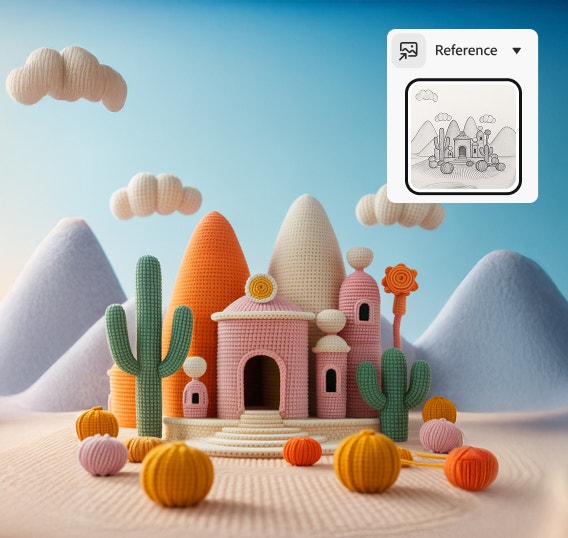
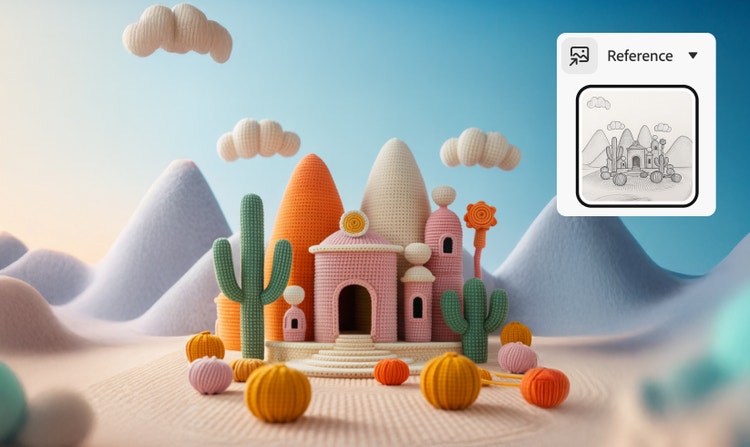
Structural fidelity
By using reference images in Firefly, you can preserve the structure of an image while transforming its style.
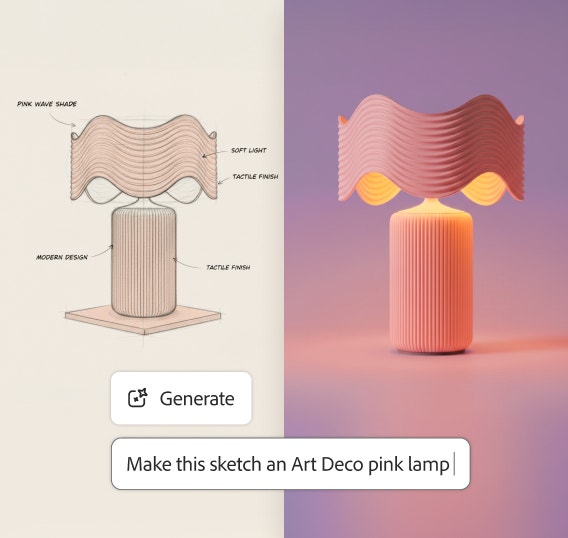
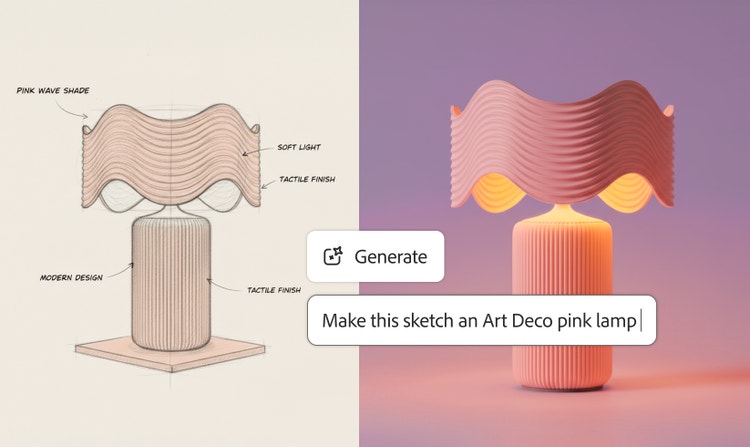
Fast creative exploration
Quickly evolve product photography or image concepts while staying aligned with business and brand needs.
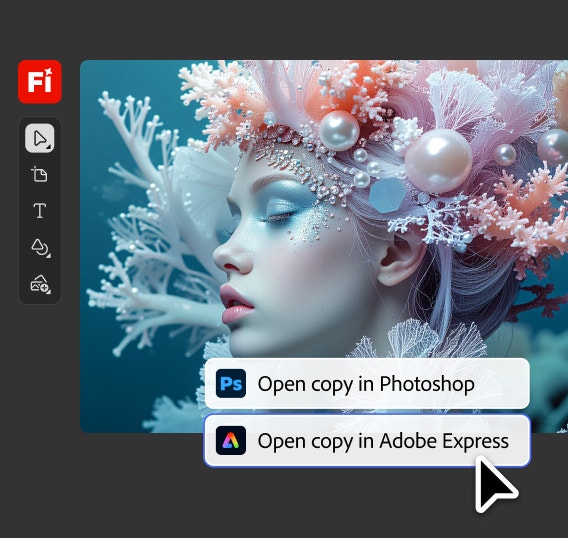
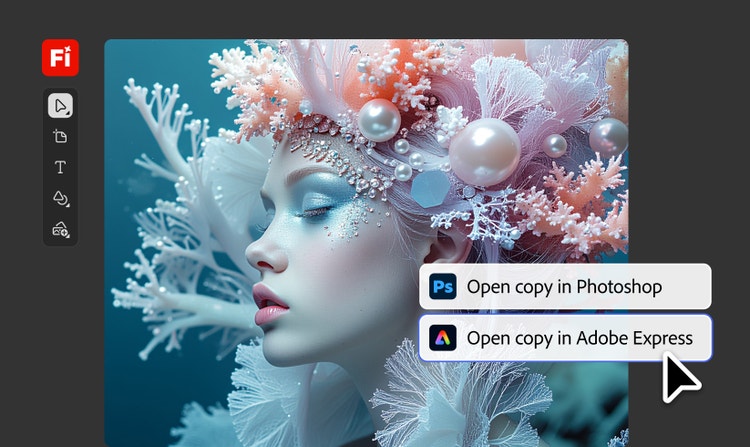
Seamless Creative Cloud integration
Once you generate an image in Firefly you can send it to Creative Cloud apps like Photoshop and Illustrator to take it further. Develop children’s book characters and scenes, transform comic panels into stlylised illustrations and more.
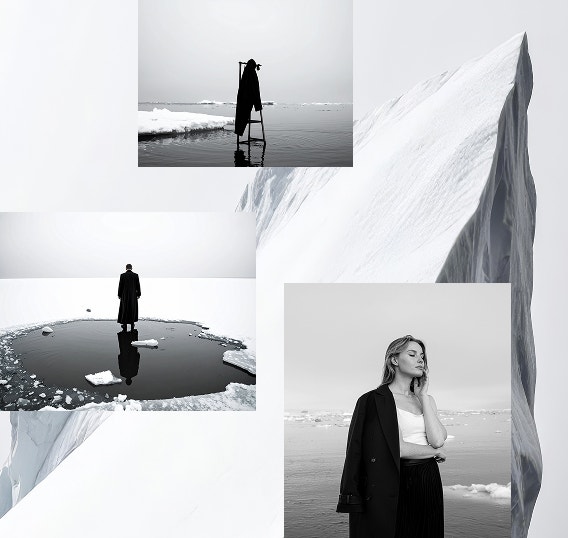
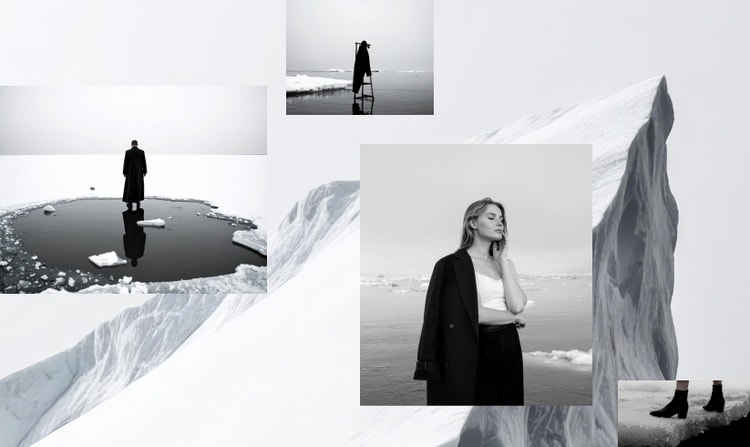
One workflow for multiple variations
Whether you’re turning hand-drawn graphic design concepts into polished digital assets or refreshing social media photos, Firefly makes it easy to compare visual variations for faster decision-making.
See what you can do in Firefly.


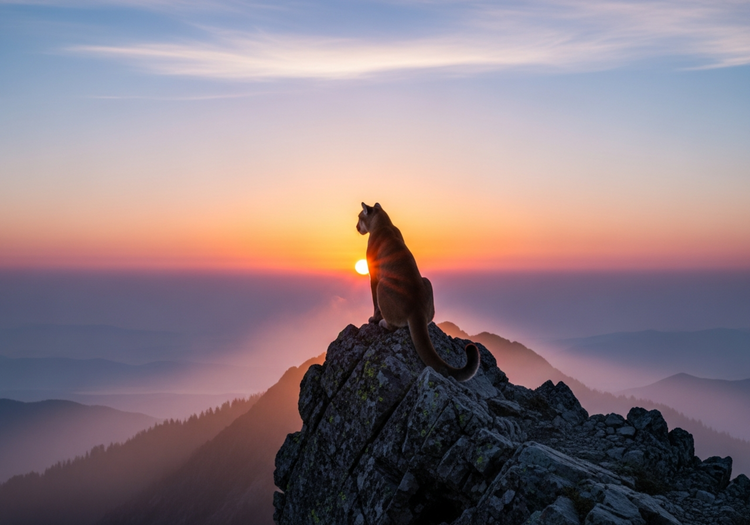
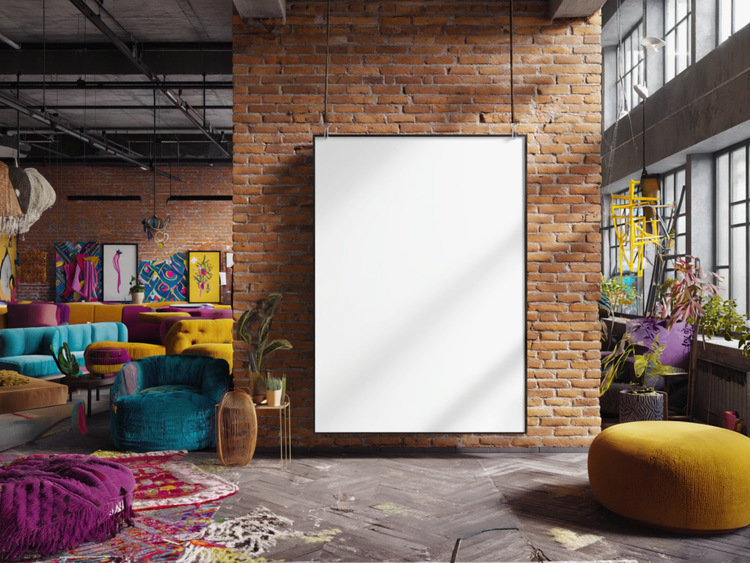
Discover even more features.
Questions? We have answers.
What is image-to-image AI?
Can AI create an image from another image?
What is an image-to-image AI generator?
How do image-to-image generators work?
How do I convert an image to AI art?
What is the difference between image-to-image and text-to-image?
What is the best image-to-image AI tool?
How do I keep the structure of an image while changing the style?
Can I generate images from photos for commercial projects?
Share this page.
Explore more Firefly generative AI tools.
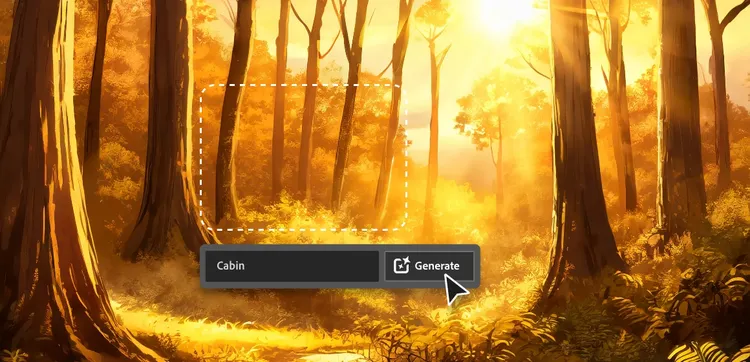
AI for graphic designers.
Learn about the AI tools available to graphic designers and how they can help you be more productive and take your work in surprising directions.
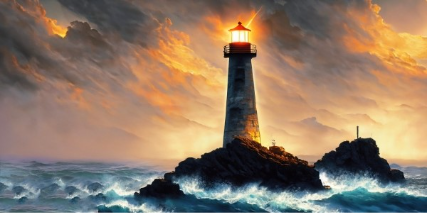
Turn words into artwork using Adobe Firefly as an AI painting generator.
You don’t need paint or hours of spare time to make a frame-worthy work of art, just an idea and the power of generative AI.
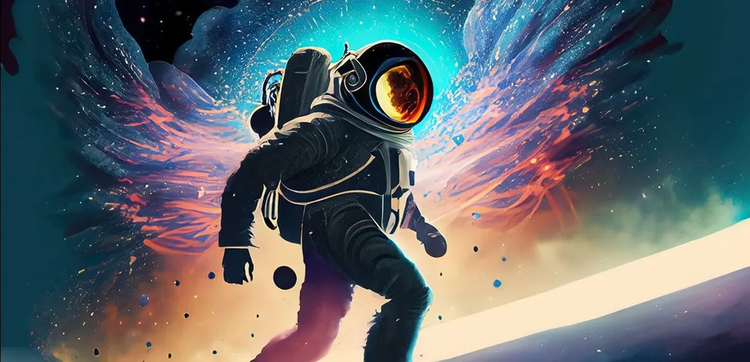
Generative AI is changing creative work.
Generative AI can mimic — but not replace — human intelligence. Learn how it can help you to take your creativity to new places.
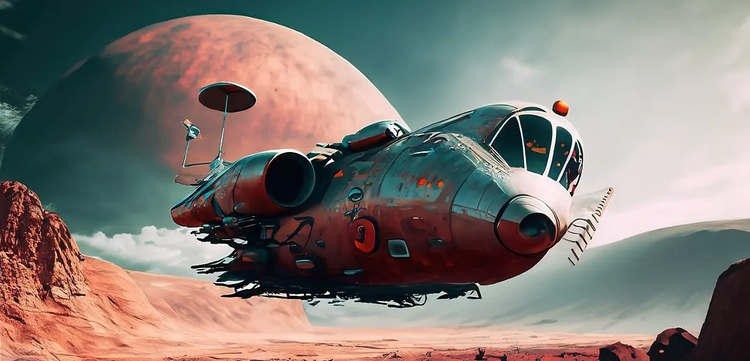
How to write AI art prompts that get results.
The best prompts for AI aren't always obvious. These tips get you to your destination in record time.