

https://main--cc--adobecom.aem.live/cc-shared/assets/img/firefly.svg Adobe Firefly

Create horse sound effects.
Produce your own neighs, galloping hooves, and horsey snorts using simple text descriptions or audio references.
- audio
- Keep it short and specific, like birds chirping
- Adobe Generative AI Terms
- https://main--cc--adobecom.aem.live/creativecloud/animation/testdoc/unity/generate.svgGenerate
- Describe what you want to generate
- Prompt
- Suggestions
- Tip
- Variation 1
- Variation 2
- Variation 3
- Variation 4
- ff_campaign=embed_generate_acom&promoid=T32PLJF8&mv=other
- Unable to process the request
- Please describe what you want to generate.
- Prompt exceeds the max length of 750 characters
- Unable to play audio. Please try other variations.


https://main--cc--adobecom.aem.live/cc-shared/assets/img/product-icons/svg/firefly-80.svg

Adobe Firefly
The next evolution of creative AI is here for all your ideas, with image, video, audio, and vector tools.
https://main--cc--adobecom.aem.live/cc-shared/assets/img/product-icons/svg/firefly-80.svg
Adobe Firefly
The next evolution of creative AI is here for all your ideas, with image, video, audio, and vector tools.
Generate horse sound effects with AI.
Just describe the sound you want your horse to make. With prompts like “horse neighing in an open field,” “calm horse breathing in a stable,” or “horse walking on rocky ground,” you can create the perfect sound effect for your video or audio project with the Firefly sound effect generator.
Wrangle horse sound effects into any project.
Generate horse sound effects in Firefly for films, videos, commercials, games, animations, podcasts, and cinematic storytelling. And use the Firefly AI video editor to trim and rearrange clips, add titles, and insert more audio.
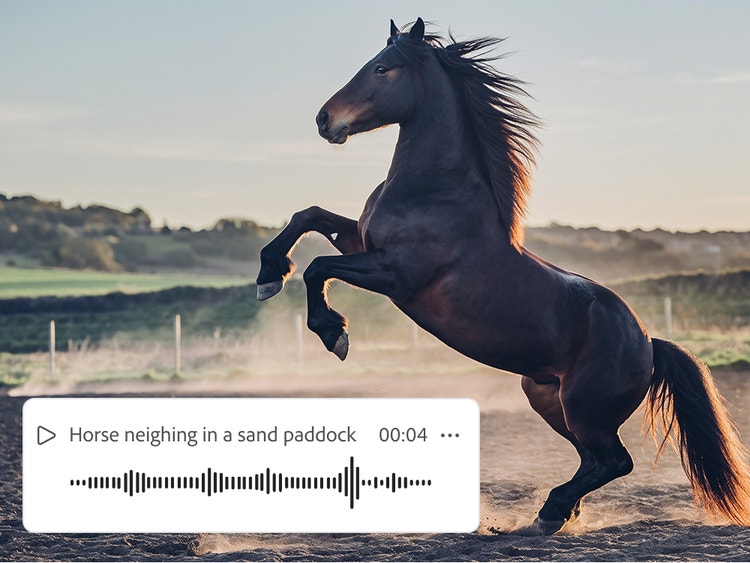
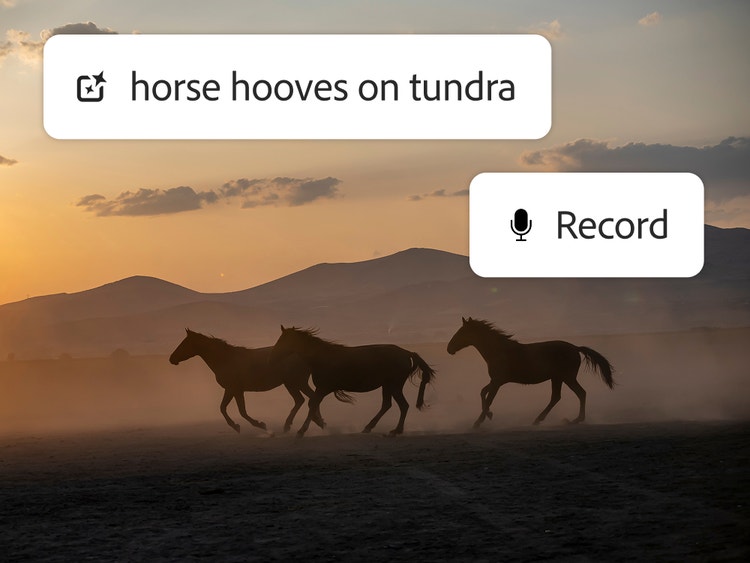
Adjust and perfect your horse sounds.
By combining your text prompt with your recorded voice prompt, you can change the timing, volume, and tone to get the exact horse sound you want. Layer tracks in your timeline, add multiple effects for neighs, hoofbeats, and more.
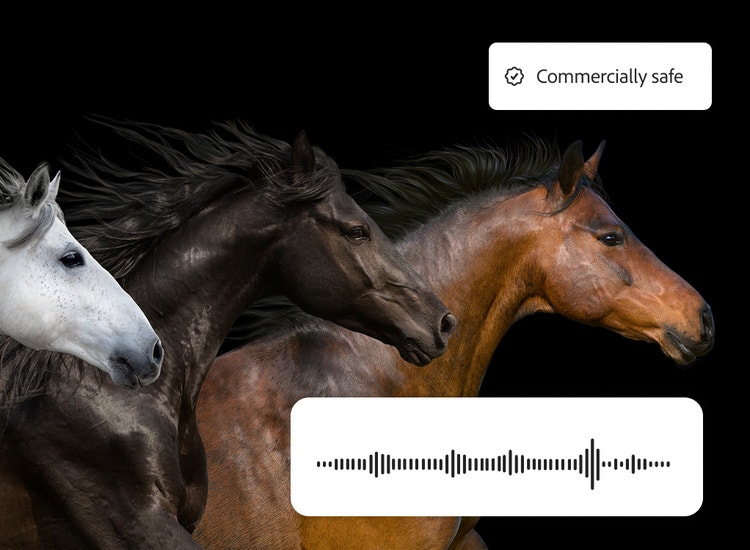
Add horse sound effects to commercial projects.
Firefly models are trained on licensed and public domain content, so you can turn your horse sounds into workhorses. Confidently use commercially safe sound effects in professional, branded, and monetized projects. Learn more about the Firefly AI approach to generative AI for business.

Create sound effects anywhere (even on horseback).
You can generate and edit horse sound effects wherever inspiration strikes in the Adobe Firefly mobile app, and your mobile projects will sync automatically with the web app.
How to generate horse sound effects in Firefly.
Follow these quick steps to easily create horse sounds with the Firefly AI sound effect generator.
- Open Firefly.
On the Adobe Firefly homepage, click the New button and select Generate New Audio to go to Voice to Sound Effects. - Upload your media (optional).
On the Generate Sound Effects page, upload a video or audio file that you want to improve with sound effects. - Describe the horse sound effect with a prompt.
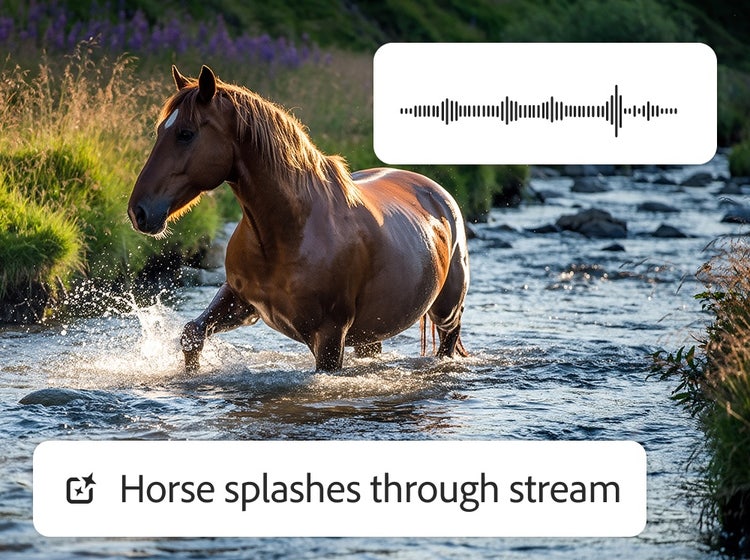
Type a simple prompt, like “horse whinnying”, “horse walking sound”, or “horse splashes through a stream.” - Preview the horse sound effect and refine your results.
Listen to the generated cricket sound effect and then fine-tune the length, tone, and intensity until you’re satisfied. - Pick your clip and drop it in your timeline.
Preview output variations, select your favorite, and add it to the timeline at your playhead. - Download.
Download your custom horsesound effect by itself in WAV or embedded in your MP3 or MP4.
Why Firefly for horse sound effect generation?
An AI horse sound effect generator uses artificial intelligence to create horse sound effects from text prompts and voice guides. Adobe Firefly is a strong choice for generating horse sound effects because it offers these key advantages:
- Ease of use: With just your voice and a text prompt, you can create the exact horse sounds you need to match your video or fit in among other audio elements.
- High-quality results: You can make any effect sound realistic in Firefly.
- Precise timing: Upload your own video or audio file, use the timeline to start the effect at the right moment, and then use your voice to get the rhythm right.
- Commercially safe model: Firefly is trained on licensed and public domain content so you can use your outputs for professional projects.
Discover even more generative AI features.
Dog bark sound effect generator AI sound effect generator Text to image Scene to image AI animation generator Translate audio Translate video AI cartoon generator
Questions? We have answers.
What is the best AI horse sound effect generator?
Can I generate horse sound effects for free with Firefly?
What types of horse sounds can I create?
How do I add horse sound effects to video or audio projects?
What file formats are supported?
You may also like
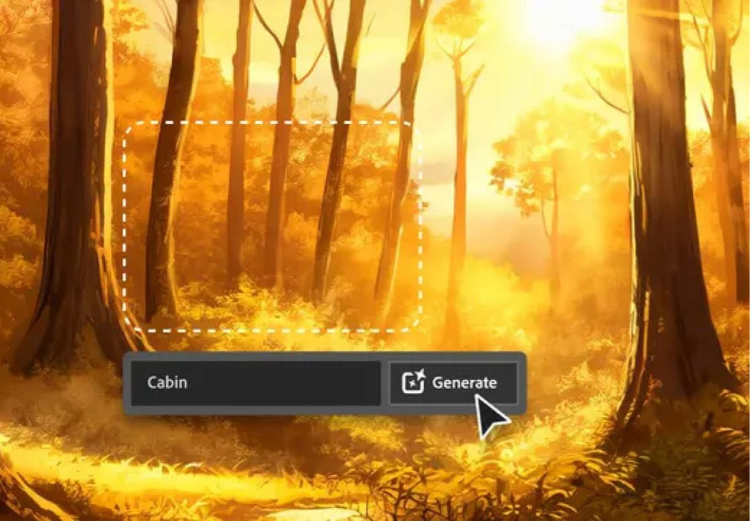
AI for graphic designers.
Learn about the AI tools available to graphic designers and how they can help you be more productive and take your work in surprising directions.
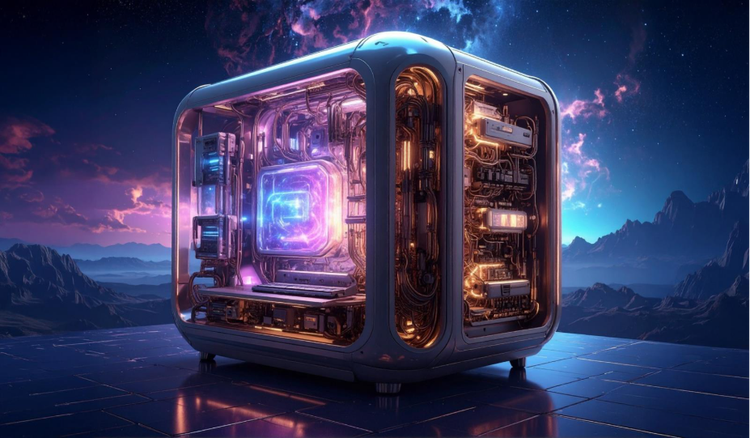
How generative AI works: From training to output.
Generative AI is all over the headlines, and that’s not empty hype. This new technology is likely to be part of your life soon — if it’s not already. Learn how generative AI works and start streamlining your workflow.
Learn more | Learn more - How generative AI works: From training to output

A creative revolution: The top three use cases for AI art.
Discover the many applications of AI art and how it’s transforming the creative landscape
Learn more | Learn more - A creative revolution: The top three use cases for AI art.

AI art prompts for graphic designers.
Learn how to write effective prompts for generative AI to get amazing results for graphic design.
Learn more | Learn more - AI art prompts for graphic designers.