
- image
- https://main--cc--adobecom.aem.live/creativecloud/animation/testdoc/unity/generate.svgGenerate
- Edit prompt or enter your own text.
- Unable to process the request
- Prompt exceeds the max length of 750 characters
- Adobe models
- Choose a style


-
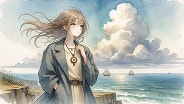
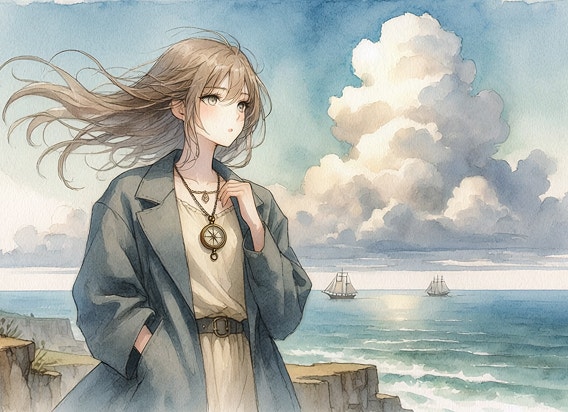
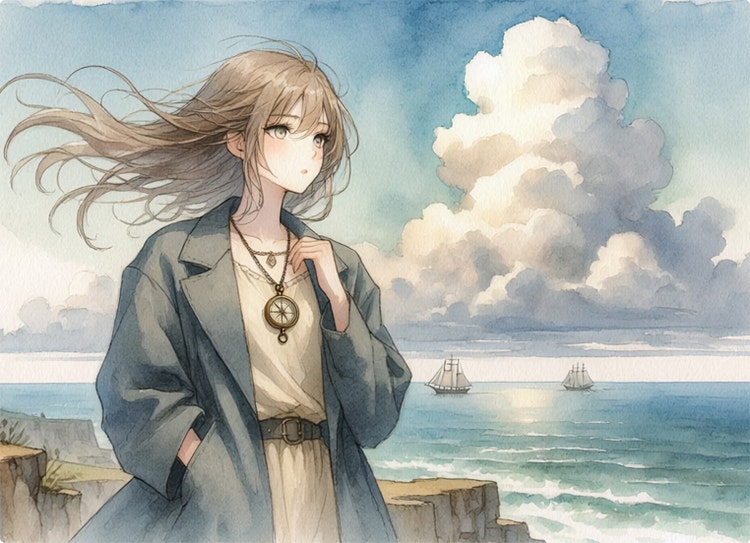
Cinematic wide composition, anime illustration, watercolor style.
Super detailed anime illustration of a young woman with flowing hair and a vintage compass necklace, standing on a cliff overlooking a vast ocean, wind catching her oversized jacket, sky bleeding into, visible paper grain texture, volumetric cloud formations, distant sailing ships on the horizon. -
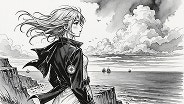
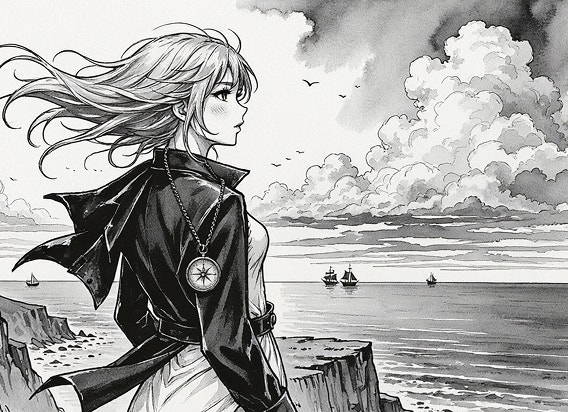
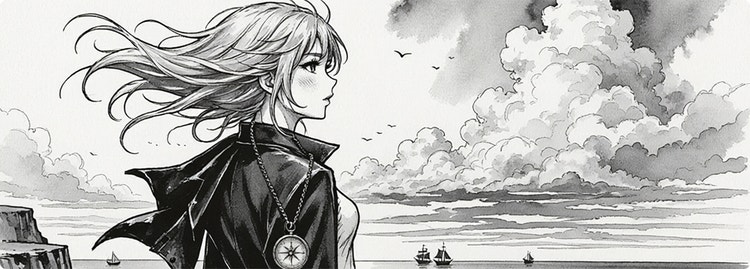
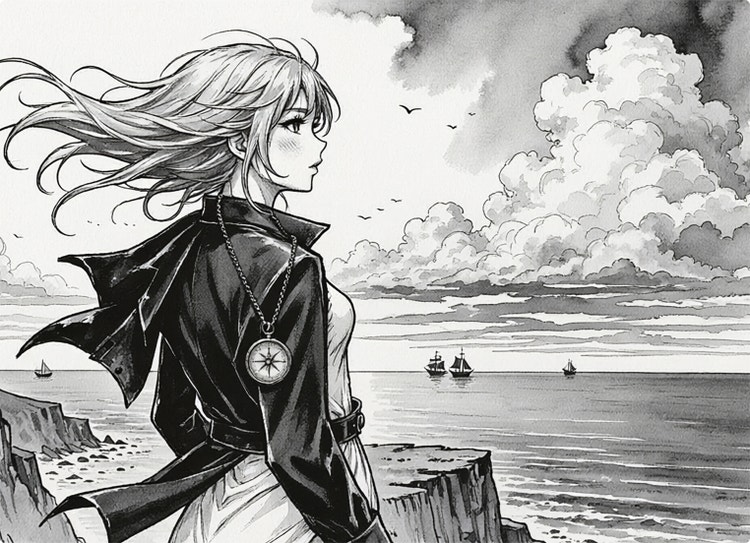
Cinematic wide composition, anime illustration, black and white ink style.
Super detailed anime illustration of a young woman with flowing hair and a vintage compass necklace, standing on a cliff overlooking a vast ocean, wind catching her oversized jacket, sky bleeding into, visible paper grain texture, volumetric cloud formations, distant sailing ships on the horizon. -
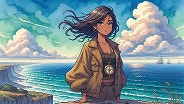
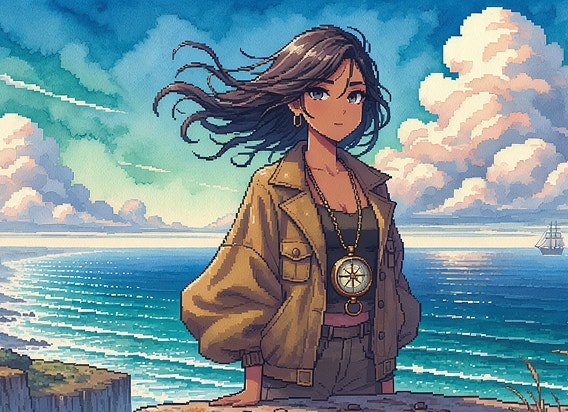
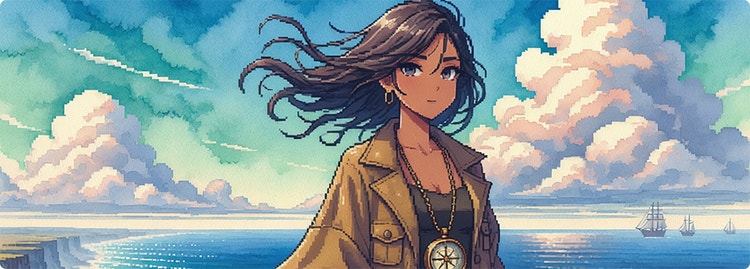
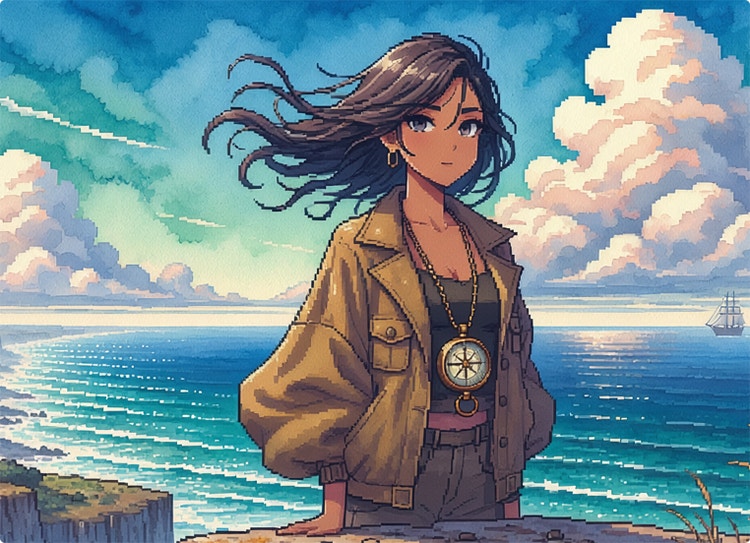
Cinematic wide composition, anime illustration, pixelated style.
Super detailed anime illustration of a young woman with flowing hair and a vintage compass necklace, standing on a cliff overlooking a vast ocean, wind catching her oversized jacket, sky bleeding into, visible paper grain texture, volumetric cloud formations, distant sailing ships on the horizon. -
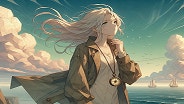
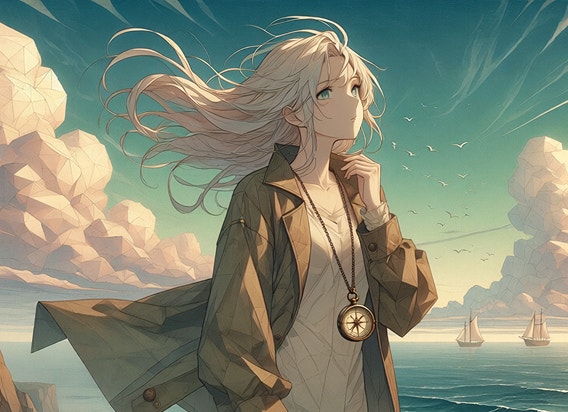
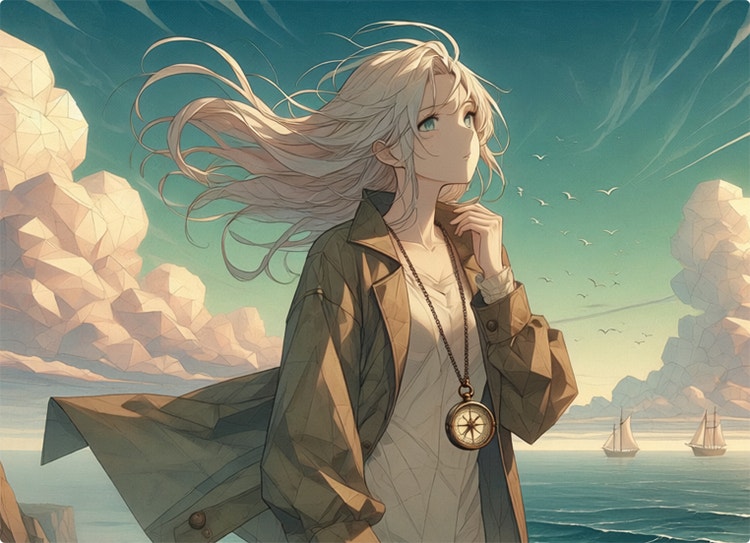
Cinematic wide composition, anime illustration, poly style.
Super detailed anime illustration of a young woman with flowing hair and a vintage compass necklace, standing on a cliff overlooking a vast ocean, wind catching her oversized jacket, sky bleeding into, visible paper grain texture, volumetric cloud formations, distant sailing ships on the horizon.

https://main--cc--adobecom.aem.live/cc-shared/assets/img/product-icons/svg/firefly-80.svg
Adobe Firefly
https://main--cc--adobecom.aem.live/cc-shared/assets/img/product-icons/svg/firefly-80.svg
Adobe Firefly
The next evolution of creative AI is here for all your ideas, with image, video, audio, and vector tools.
Explore the AI anime generation tools in Firefly.
Whether it’s big eyes, a cloud of magic sparkles, or mischievous cat smiles, you can add all the anime details you want to see with Firefly as your anime AI art generator. Create manga images with Generate Image and generate anime videos with Generate Video.
Develop anime characters with Generate Image.
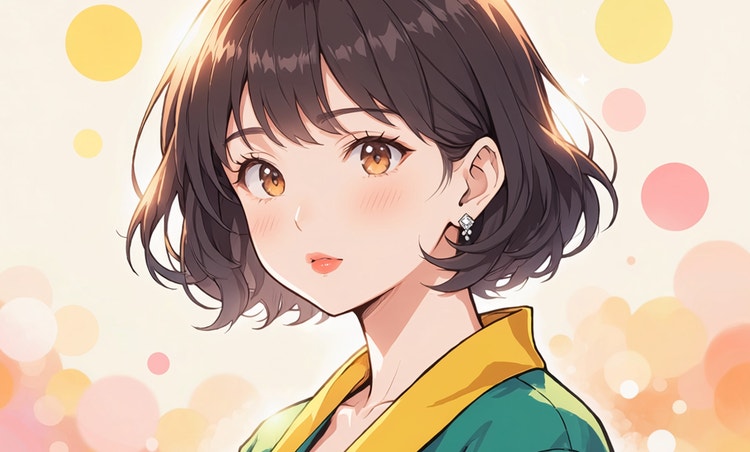
Create your own anime avatars or develop fictional characters with the Firefly AI anime art generator. In the Generate Image module, once you select the Anime theme, you can type the physical description of the character you want to create and explore the possibilities.
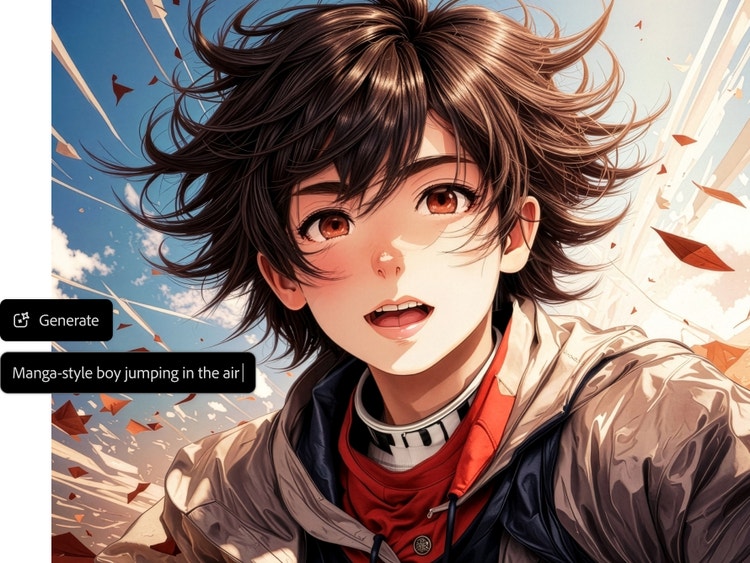
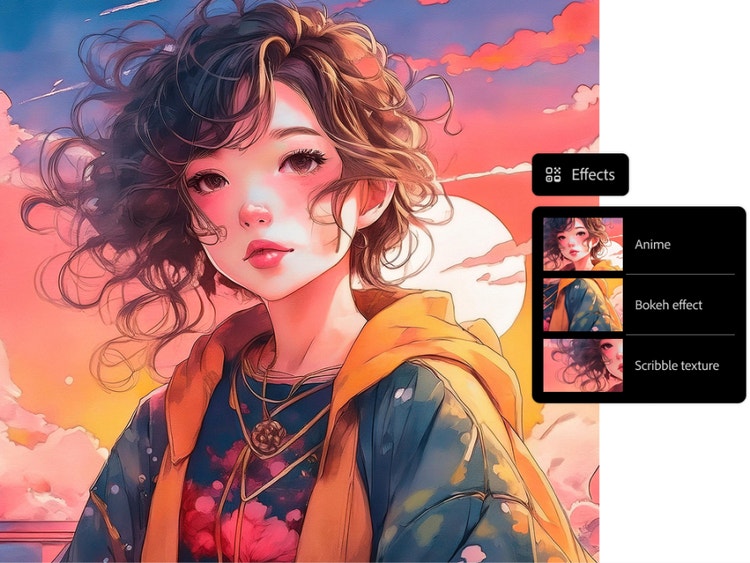
Customize your anime art style.
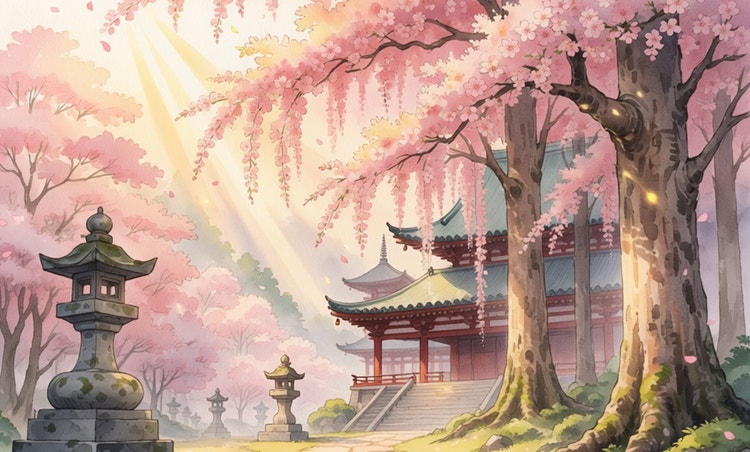
Give your anime a steampunk vibe or make it look like a doodle drawing. You can refine your AI anime art by adjusting the color scheme, choosing additional effects, and even playing with materials.
Generate AI anime videos.
Turn your text prompt into video, or set your anime images in motion with Generate Video. With a first frame and a text prompt, or first frame and last frame, you can generate action that moves your story forward.
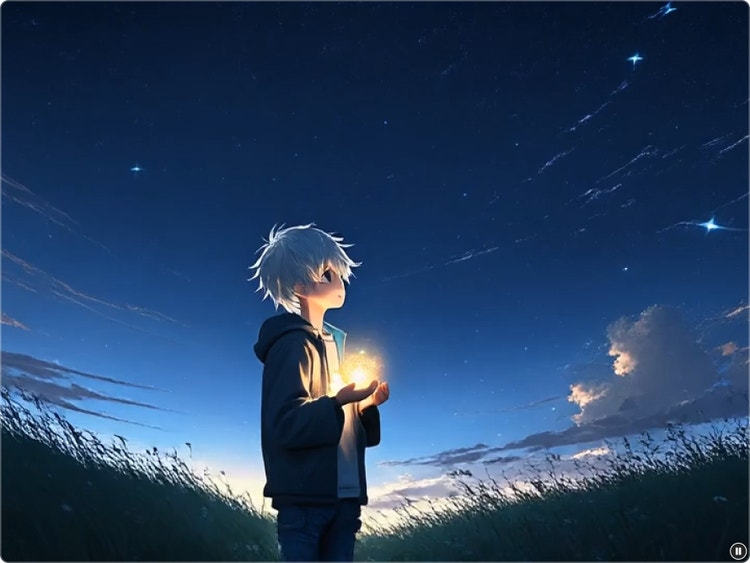
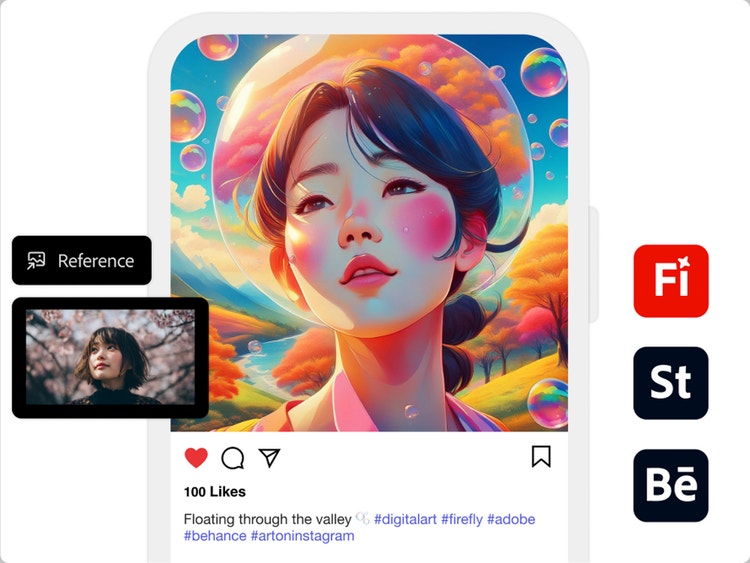
Take your AI anime art anywhere.
Incorporate your AI anime images and videos into larger projects or share them on social media or the web. Firefly models are trained on Adobe Stock, licensed content, and public domain materials, so they are designed to be safe for commercial use.
Transform your pictures into anime with Image to Image.
Turn real-world images into anime-style artwork using the Image to Image feature in the Firefly AI anime art generator. Upload a reference image, photo, illustration, or sketch — such as a natural landscape or a self-portrait — and transform it into vibrant anime art while preserving key details, like composition and lighting.
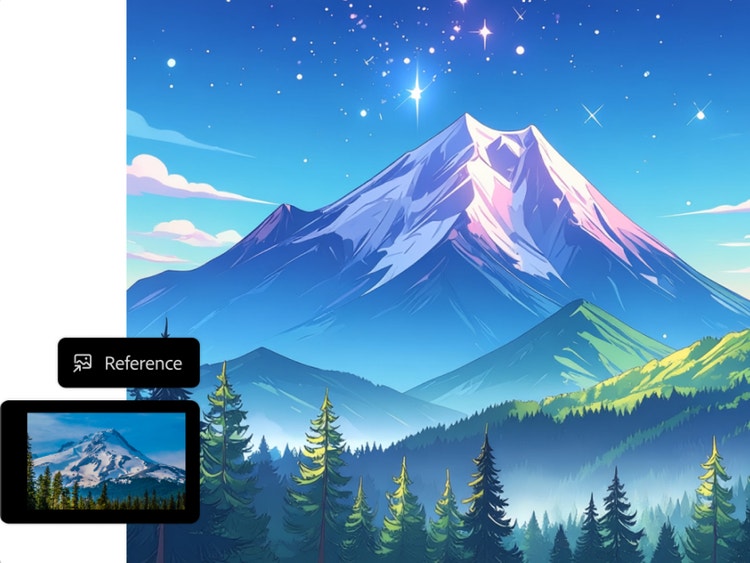
How to generate AI anime art with Firefly.
With Firefly as your anime AI art generator, you can visualize your ideas in a few quick steps.
Step 1
Log in to Adobe Firefly.
Step 2
Write a text prompt or upload a reference image.
Step 3
Generate your image or video.
Step 4
Refine, revise, and regenerate.
- How to generate AI anime art with Firefly.
- Steps on how to generate AI anime art with Firefly.
- PT5M
- firefly
Full creative control
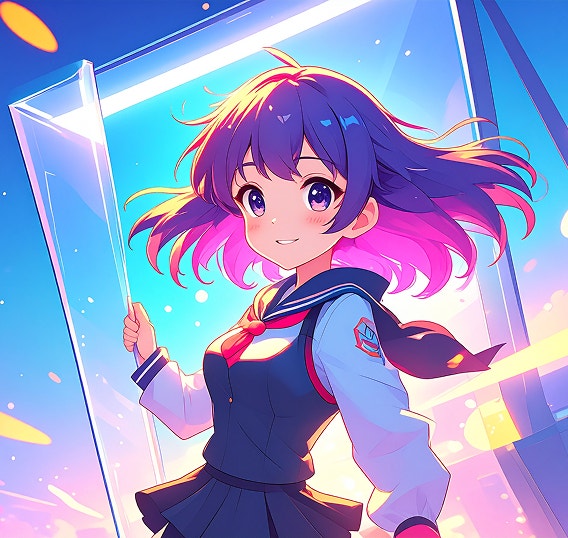
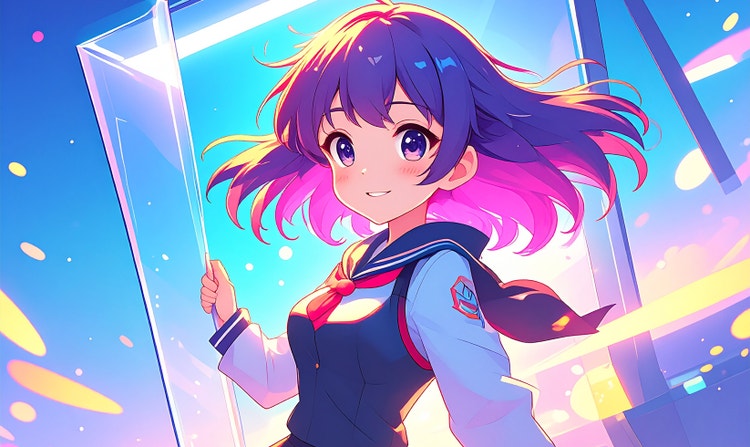
Precisely adjust poses, expressions, lighting, and color to shape your anime characters and scenes.
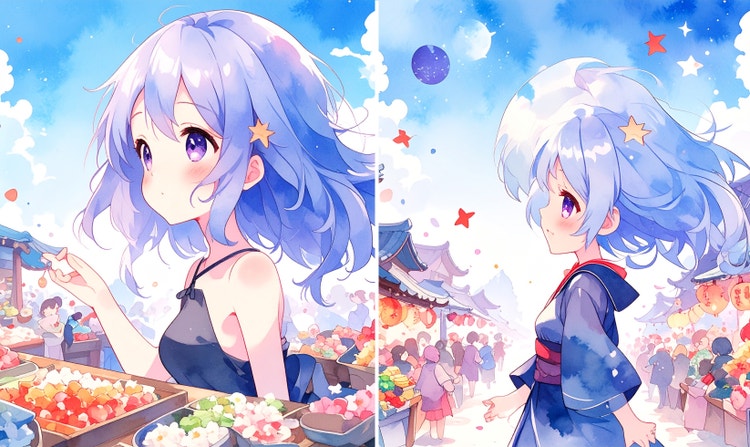
Character consistency
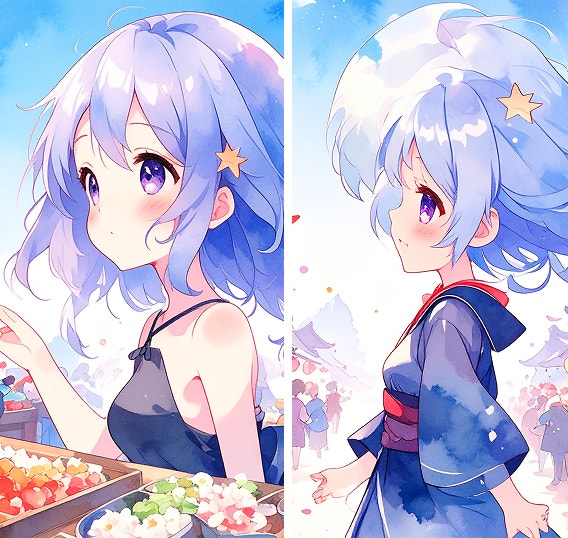
The AI anime generator can maintain consistent characters across images — ideal for comics, storyboards, and serialized content.
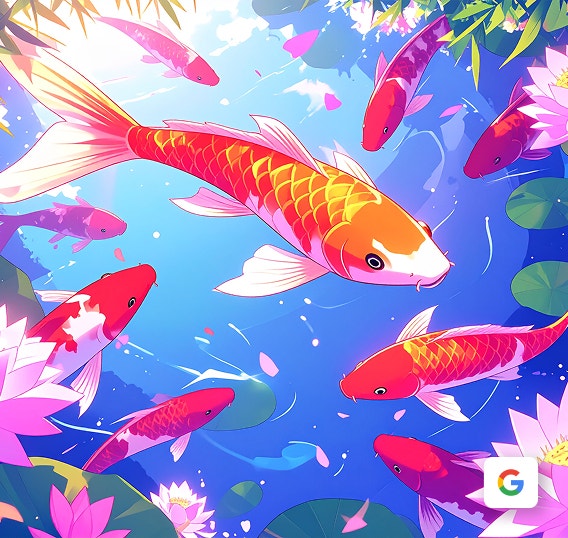
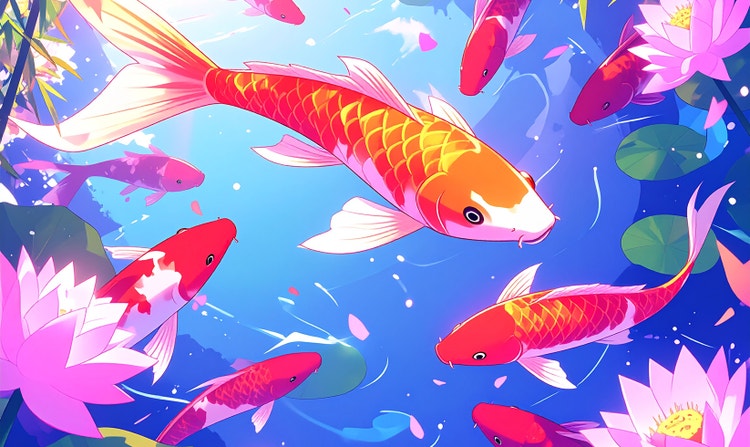
Commercial safety
Firefly models are trained on licensed and public domain content, making anime art safe for commercial use in any project.
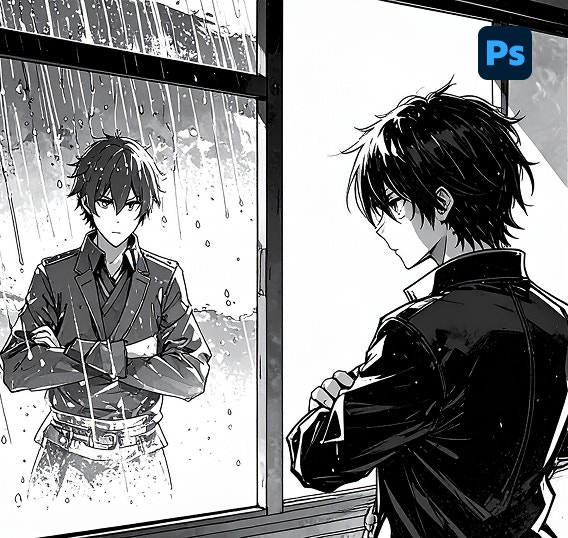
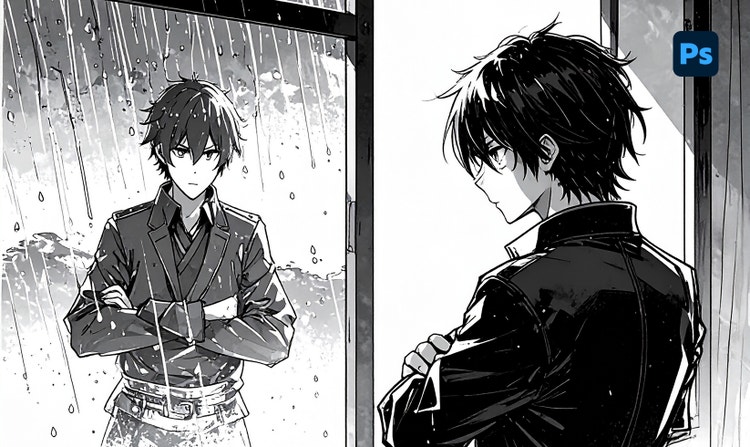
Seamless integration
Move easily between the Firefly AI anime art generator and Adobe creative tools for a streamlined, professional workflow.
See what you can do in Firefly.
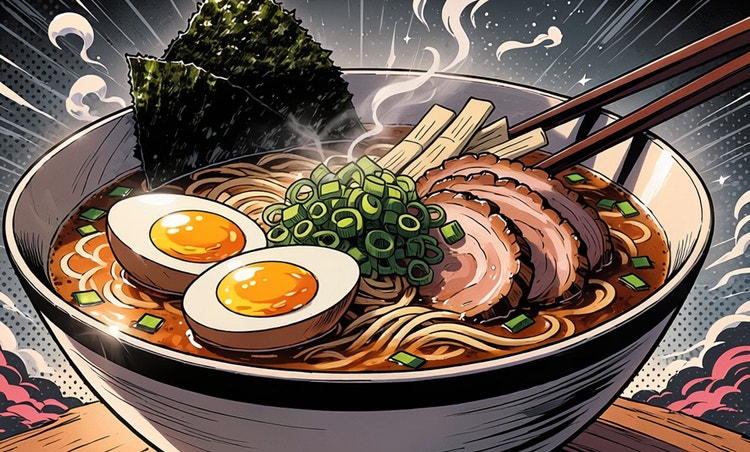
Discover even more features.
Questions? We have answers.
What is an anime AI art generator?
Can I use AI-generated anime images for commercial projects?
Is the Firefly AI anime art generator free?
Can I convert my own images, photos, or sketches into anime?
Yes, for specific features and tools within the Firefly ecosystem, you can use your own images, photos, or sketches as starting points for generating AI-enhanced images.
Current options for using your own images:
- Generate Image:
You can upload an image whose style or composition you want to replicate by selecting the Reference dropdown menu in the Styles and Composition tabs. - Generative Fill (Adobe Photoshop/Firefly web app):
You can upload or open your own photo or sketch in Photoshop with Generative Fill, powered by Firefly. Remove, replace, or add elements to your image using AI prompts, use your image as a base and selectively enhance it, and turn sketches into full compositions. - Generative Recolor (for illustrators):
If you're working with vector sketches or artwork, you can use the Firefly-powered Generative Recolor feature to apply AI-generated color themes.
Which AI models are available in Adobe Firefly for anime generations?
What devices and browsers support Adobe Firefly?
What is the best AI anime generator?
Share this page.
Explore more Firefly tools.
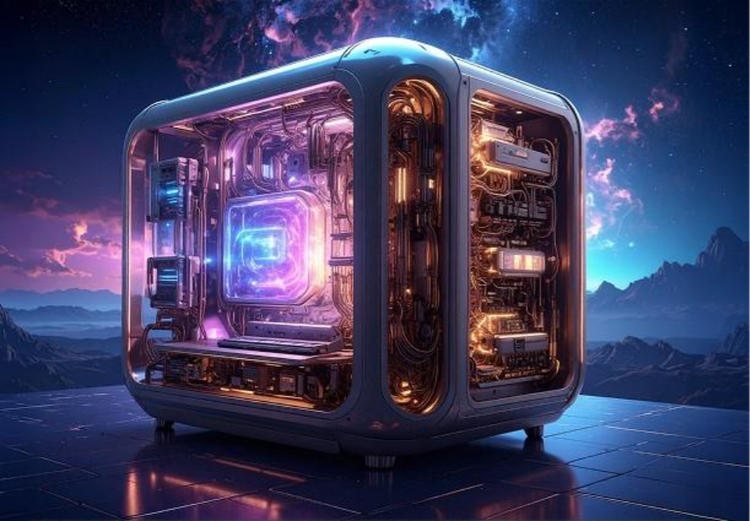
How does Generative AI Work
Generative AI is all over the headlines, and that’s not empty hype. This new technology is likely to be part of your life soon — if it’s not already. Learn how generative AI works and start streamlining your workflow.
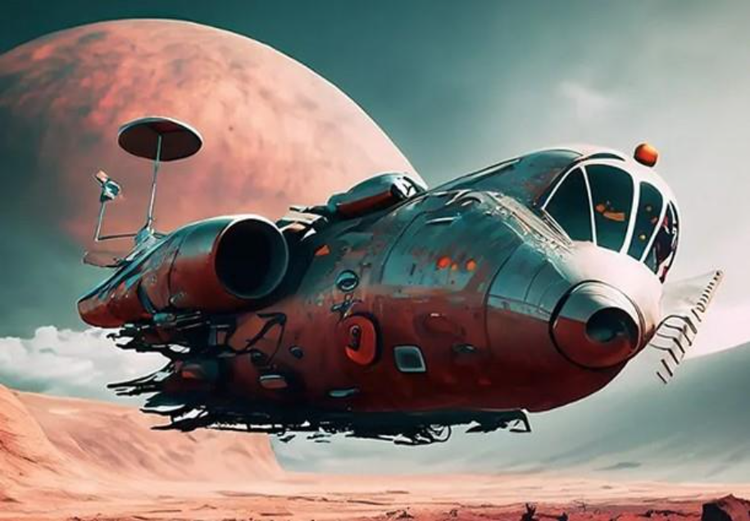
How to write AI art prompts that get results
The best prompts for AI aren't always obvious. These tips get you to your destination in record time.
Learn more | Learn more - How to write AI art prompts that get results
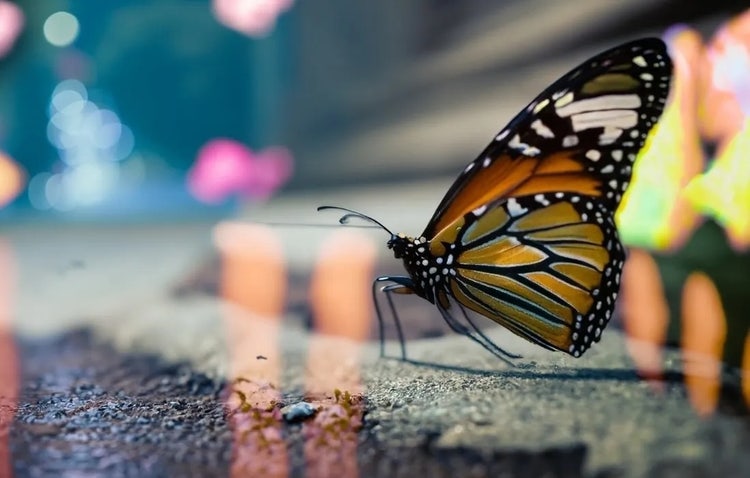
The benefits of generative AI for creatives
Learn how to use generative AI to boost productivity and discover new possibilities while maintaining creative control.
Learn more | Learn more - The benefits of generative AI for creatives
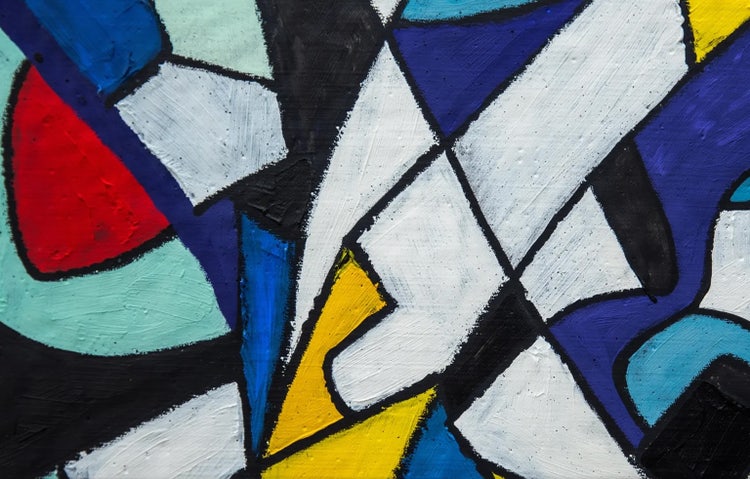
AI art generator: Type images into existence in seconds
Create original artwork in seconds with the Adobe Firefly AI art generator. With Text to image, all you have to do is type a prompt, choose a style, and watch your idea transform into a finished image — no advanced skills required.
Learn more | Learn more - AI art generator: Type images into existence in seconds