https://main--cc--adobecom.aem.live/cc-shared/assets/img/firefly.svg Adobe Firefly

Design fantasy clothing with Generate Image in Adobe Firefly.
From sweeping elven robes to intricate armored bodices, describe the garment you have in mind. Adobe Firefly will render it in sharp, portfolio-ready detail.

Or tap here
File must be JPEG (JPG), PNG, or WEBP and up to 100MB.
By uploading your image or video, you agree to the Adobe Terms of Use and Privacy Policy and confirm you are 18 years of age or older.
https://main--cc--adobecom.aem.live/cc-shared/assets/svg/s2-icon-upload-20-n.svg Upload your image
Or tap here
File must be JPEG (JPG), PNG, or WEBP and up to 100MB.
By uploading your image or video, you agree to the Adobe Terms of Use and Privacy Policy and confirm you are 18 years of age or older.
https://main--cc--adobecom.aem.live/cc-shared/assets/svg/s2-icon-upload-20-n.svg Upload your image
Or drag and drop here
File must be JPEG (JPG), PNG, or WEBP and up to 100MB.
By uploading your image or video, you agree to the Adobe Terms of Use and Privacy Policy and confirm you are 18 years of age or older.
- File size larger than 100MB
- Unable to process the request
- We are unable to process this file type. Please try again.
- Only one file can be uploaded at a time.
- Image is smaller than the minimum dimensions (512 x 512 pixels). Please resize and try again.
https://main--cc--adobecom.aem.live/cc-shared/assets/img/product-icons/svg/firefly-80.svg

Adobe Firefly
The next evolution of creative AI is here for all your ideas, with image, video, audio, and vector tools.
Generate one-of-a-kind fantasy clothing designs with Firefly.
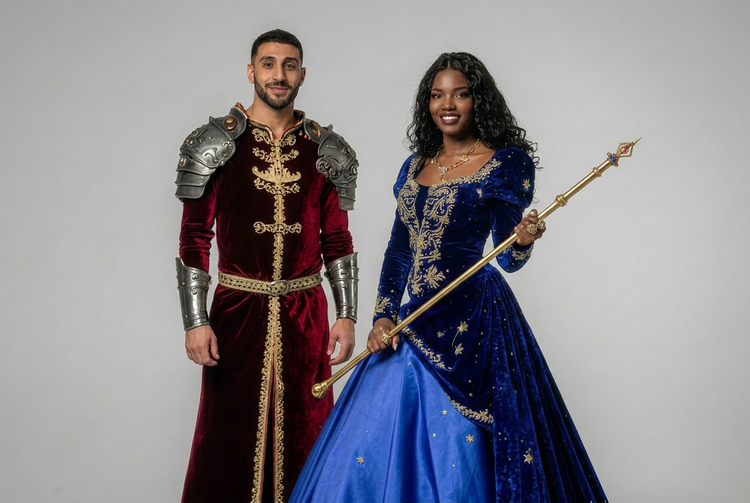
Firefly understands garment construction, fabric behavior, and cultural aesthetic in enough detail to render any clothing item you can imagine. Describe the silhouette, the materials, and the mood, and generate a set of variations to iterate from.
Describe any fantasy garment detail and see it rendered.
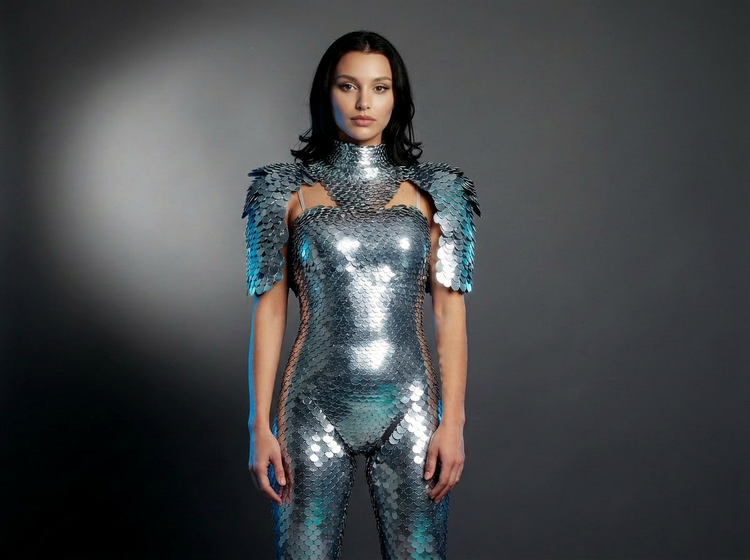
Start with a general style direction or go specific with fabric type, construction details, and cultural references. Adobe Firefly handles prompts like "medieval court gown, gold brocade, cathedral train" as well as "futuristic bodysuit, iridescent scales, asymmetric silhouette." Use the Enhance Prompt feature to expand a short idea into a fully detailed garment description if you are not sure where to begin.
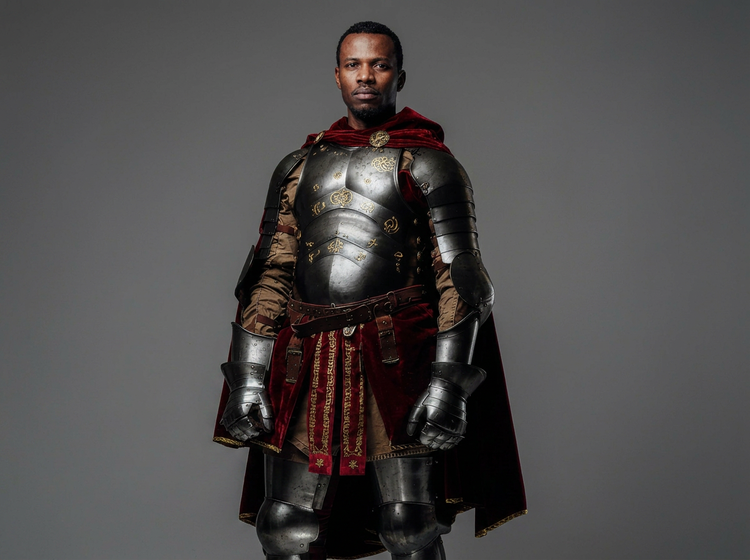
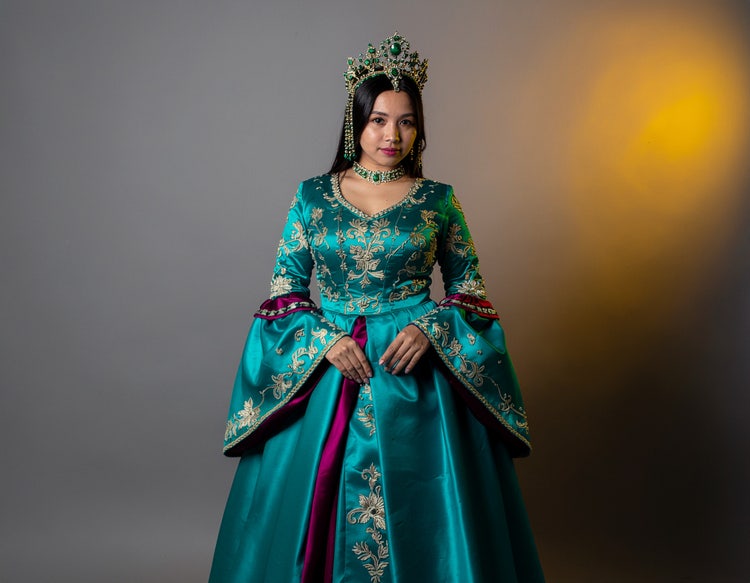
Build a costume mood board before committing to a design.
Visualizing a costume direction is faster when you can generate dozens of looks in a single session. Upload a reference image or start from a text prompt and explore garment variations across different silhouettes, color palettes, and embellishment styles. Shift from a warm jewel-toned ceremonial look to a cooler, metallic armor aesthetic with a few prompt adjustments.
Produce portfolio-ready fashion visuals for any creative project.
Costume designers, game artists, and illustrators can use Adobe Firefly to produce polished fantasy clothing concepts fast. Firefly delivers high-resolution results that work for client presentations, merchandise mockups, lookbooks, and portfolio pieces. Download your finished images as PNG files, ready to drop into any project.
How to generate fantasy clothing images with Adobe Firefly.
Step 1
Open Adobe Firefly.
Step 2
Upload a reference image or write a prompt.
Step 3
Generate your fantasy clothing visuals.
Step 4
Refine your results.
Step 5
Download and use your fantasy clothing images.
- How to generate fantasy clothing images with Adobe Firefly.
- Steps on how to generate fantasy clothing images with Adobe Firefly
- PT5M
- firefly
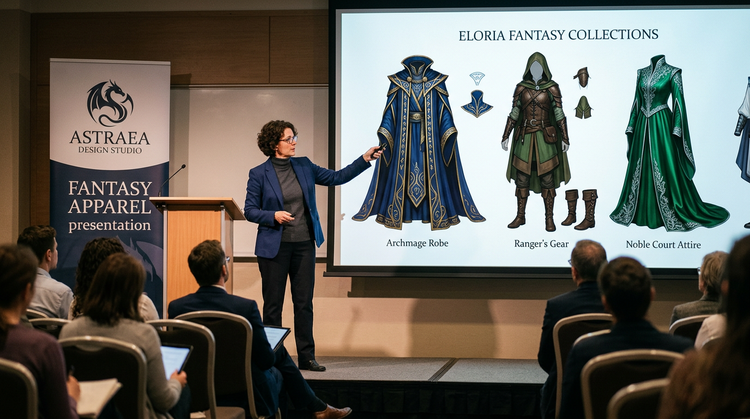
Commercial safety
Content generated with Adobe Firefly models is commercially safe for use in personal or professional projects.
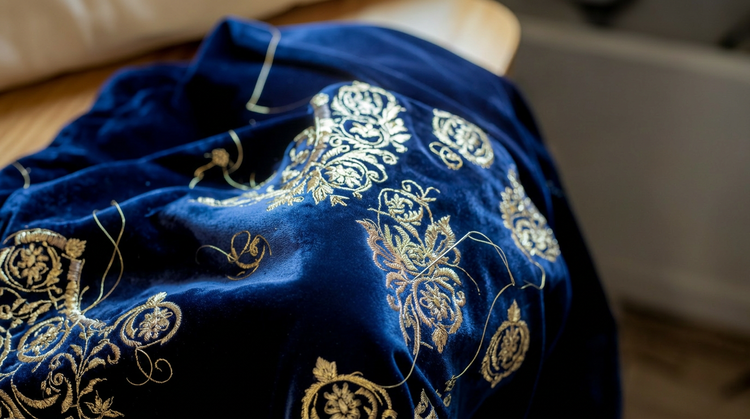
Precise creative control
Adjust color palettes, silhouettes, fabric textures, and embellishment styles with natural language. Describe exactly what you want and refine quickly until the result matches your creative vision.
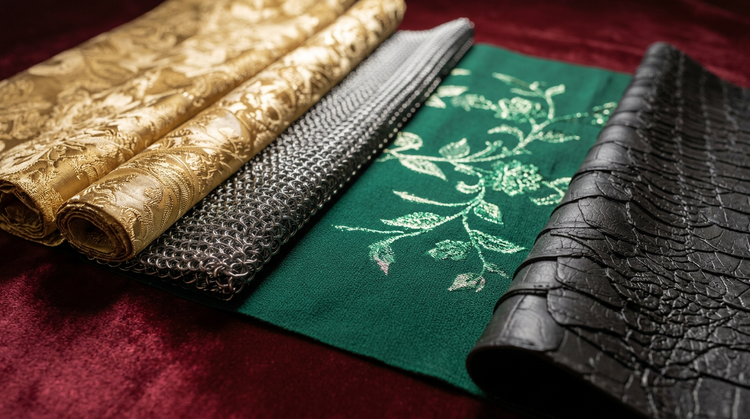
Multiple AI models
Adobe Firefly brings together its own models and top partner models from companies such as Google, OpenAI, Flux, and more in a single creative studio. Try different models to compare results and pick the best fit for your project.

Seamless integration
Move from concept to production without interruption. Brainstorm in Firefly Boards, create visuals in Generate Image, and continue refining in Adobe Photoshop on the web or Adobe Express.