https://main--cc--adobecom.aem.live/cc-shared/assets/img/firefly.svg https://main--cc--adobecom.aem.live/cc-shared/assets/img/ff-lockup-f4.svg | Adobe Firefly


Generate free street style art with Adobe Firefly.
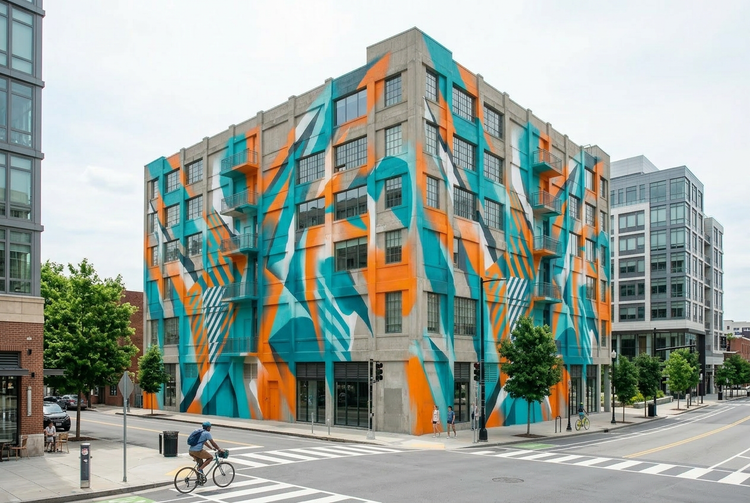
Turn a description or reference image into a graffiti-inspired, mural-style, or urban wall art concept. Describe the subject, style, and setting, and Adobe Firefly will generate a custom street style art result fast.

Or tap here
File must be JPEG (JPG), PNG, or WEBP and up to 100MB.
By uploading your image, you agree to the Adobe Terms of Use and Privacy Policy and confirm you are 18 years of age or older.
Or tap here
File must be JPEG (JPG), PNG, or WEBP and up to 100MB.
By uploading your image, you agree to the Adobe Terms of Use and Privacy Policy and confirm you are 18 years of age or older.
Or drag and drop here
File must be JPEG (JPG), PNG, or WEBP and up to 100MB.
By uploading your image, you agree to the Adobe Terms of Use and Privacy Policy and confirm you are 18 years of age or older.
- File size larger than 100MB
- Unable to process the request
- We are unable to process this file type. Please try again.
- Only one file can be uploaded at a time.
- Image is smaller than the minimum dimensions (512 x 512 pixels). Please resize and try again.
https://main--cc--adobecom.aem.live/cc-shared/assets/img/product-icons/svg/firefly-80.svg

Adobe Firefly
The next evolution of creative AI is here for all your ideas, with image, video, audio, and vector tools.
Bring your street style art vision to life.
Whether you're developing a mural concept, exploring graffiti-inspired lettering, or building a mood board for an urban campaign, Generate Image in Adobe Firefly turns your ideas into detailed visuals you can share, pitch, or take to your wall for free.
Start from a description.
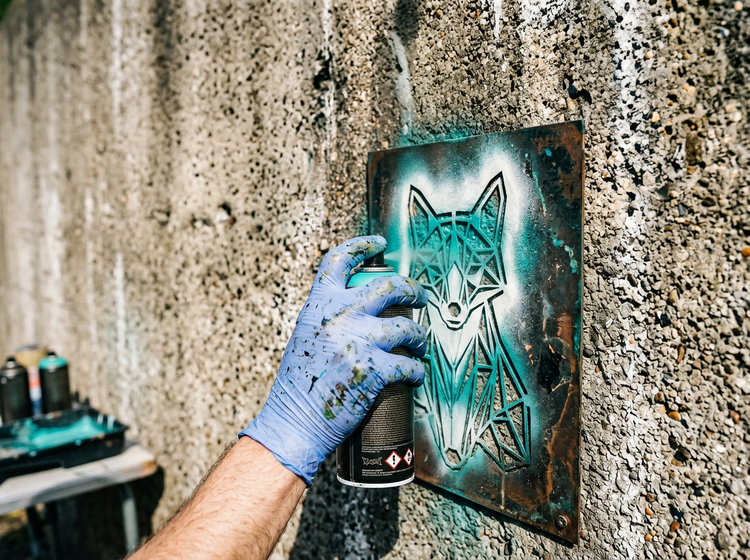
Type a prompt describing the street art style you want, and Adobe Firefly will translate it into a richly detailed image. Describe the subject, the wall or urban surface, the spray paint color palette, and the overall energy.
Explore variations.
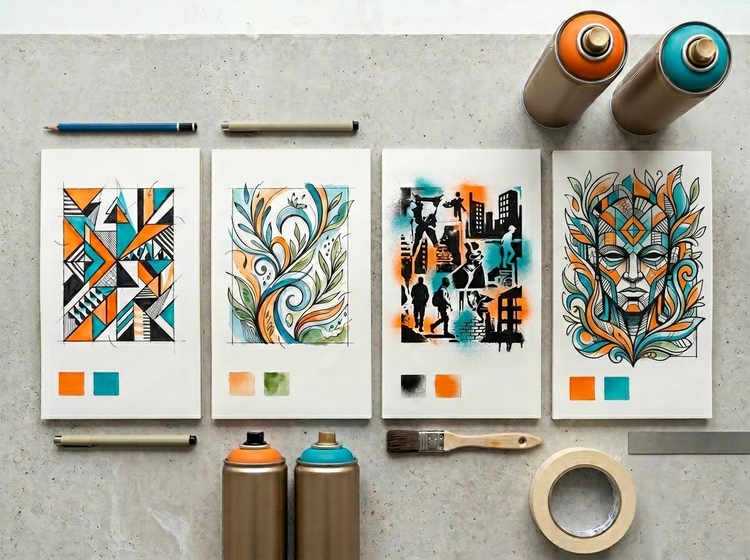
Generate multiple directions for the same concept and compare them side by side. Adjust the color palette, lettering style, or compositional weight across iterations without starting over. You'll find the direction that fits the wall, the brief, or the campaign before committing to a final design.
Use your images with confidence.
Images generated with Adobe Firefly models are commercially safe. Muralists can include them in client proposals, designers can feature them in brand activation decks, and agencies can use them in urban campaign pitches without licensing concerns.
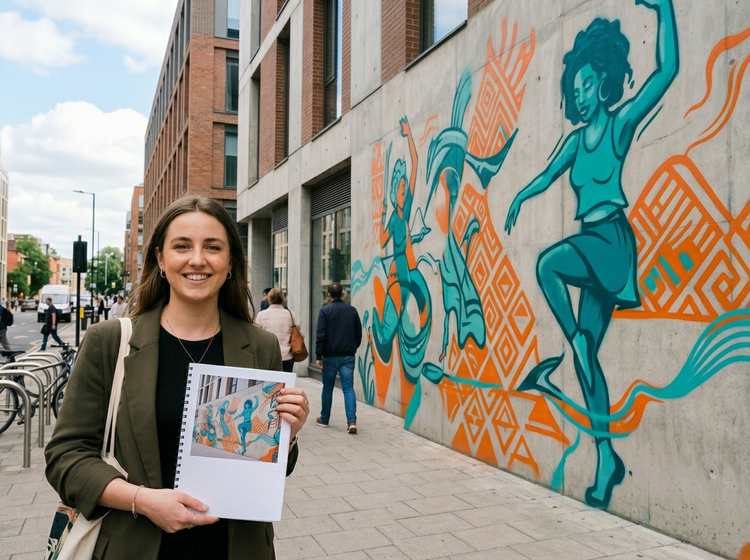
How to generate street style art with Adobe Firefly.
Step 1
Open Adobe Firefly.
Step 2
Upload a reference image or write a prompt.
Step 3
Generate and iterate.
Step 4
Download and use.
Steps on how to generate street style art using the Adobe Firefly Generate Image feature
PT5M
firefly
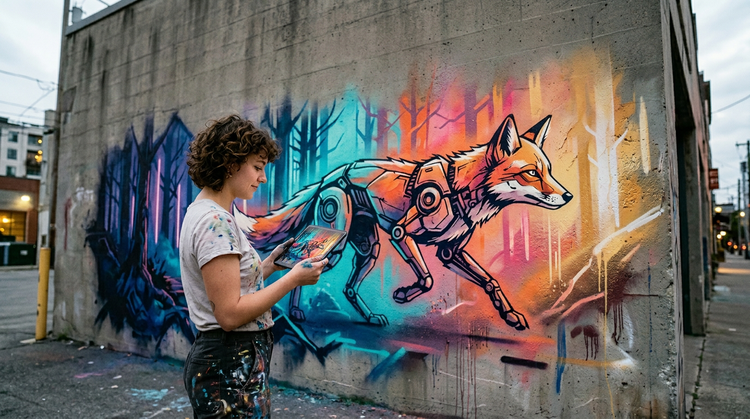
Natural language, detailed results
Describe exactly what you want in everyday words. Mention the spray paint texture, the stencil style, the wall material, or the color progression across the piece. Adobe Firefly will interpret your prompt and produce detailed images.
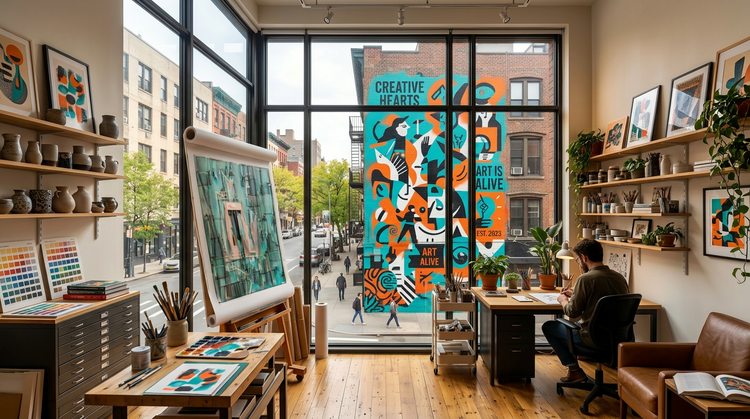
Versatile outputs
Quickly resize your image in Firefly for any format, then download and apply it anywhere. Whether you need a square for Instagram, a wide crop for a campaign deck, or a full-resolution PNG to hand off to a muralist, your street style art output is ready for immediate use.
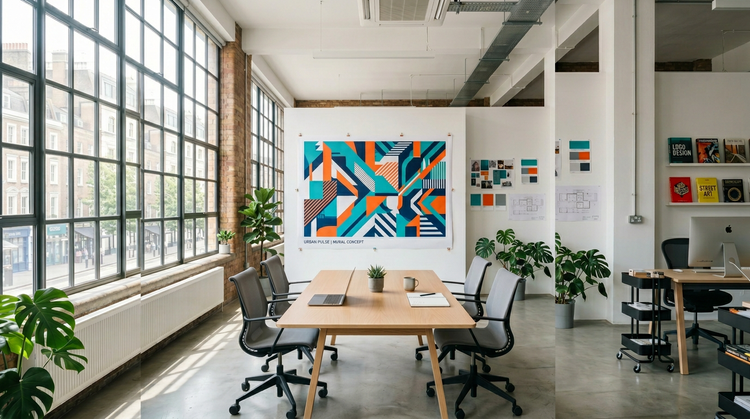
Commercially safe models
Adobe Firefly models are trained on licensed and public-domain content, so the street style art images you generate are safe for professional and commercial use.
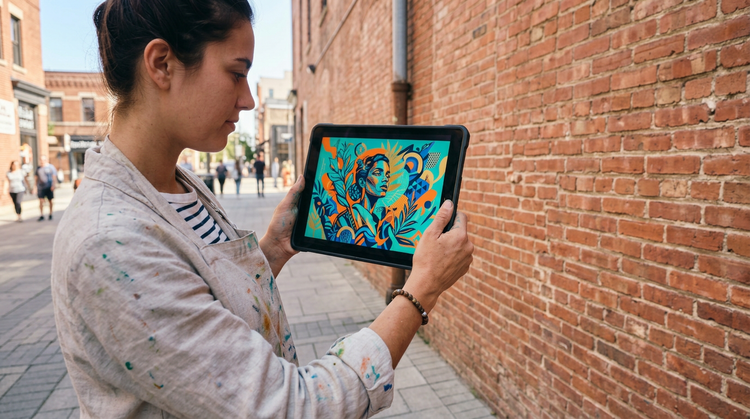
Seamless integration
Open your generated image directly in Adobe Photoshop on the web for precise retouching, or bring it into Adobe Express for quick layout and publishing.