
https://main--da-cc--adobecom.aem.live/cc-shared/assets/img/firefly.svg Adobe Firefly
Generate surrealism art with Adobe Firefly.
Describe the impossible and then watch as Adobe Firefly quickly generates images that match your vision.
- image
- Describe a subject, an action, a place, a mood, or a style.
- Adobe Generative AI Terms
- https://main--cc--adobecom.aem.live/creativecloud/animation/testdoc/unity/generate.svg Generate
- Describe the surrealist scene you want to generate
- Prompt
- Tip
- Unable to process the request
- Please describe what you want to generate.
- Prompt exceeds the max length of 750 characters
https://main--cc--adobecom.aem.live/cc-shared/assets/img/product-icons/svg/firefly-80.svg
Adobe Firefly
https://main--cc--adobecom.aem.live/cc-shared/assets/img/product-icons/svg/firefly-80.svg
Adobe Firefly
The next evolution of creative AI is here for all your ideas, with image, video, audio, and vector tools.
Bring your surrealist ideas to life.
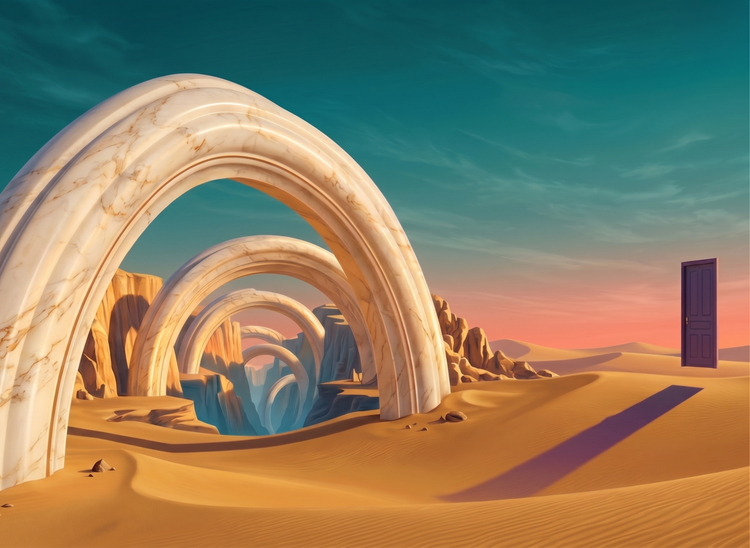
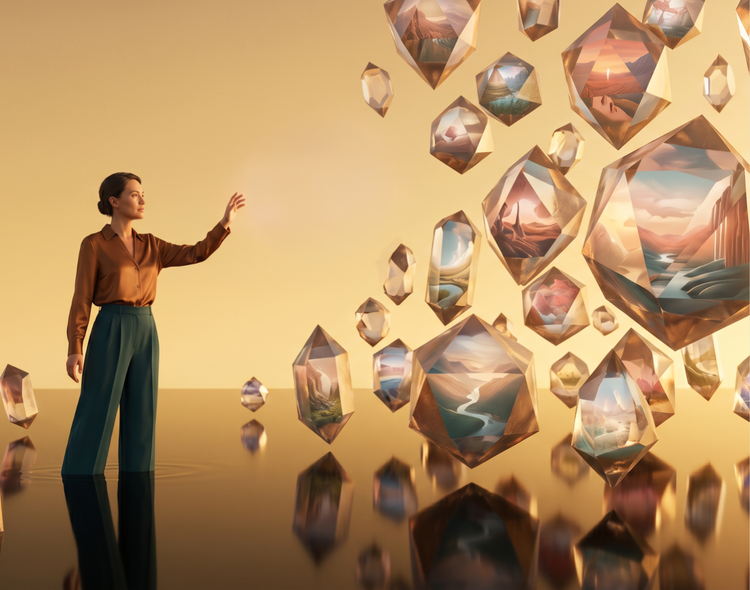
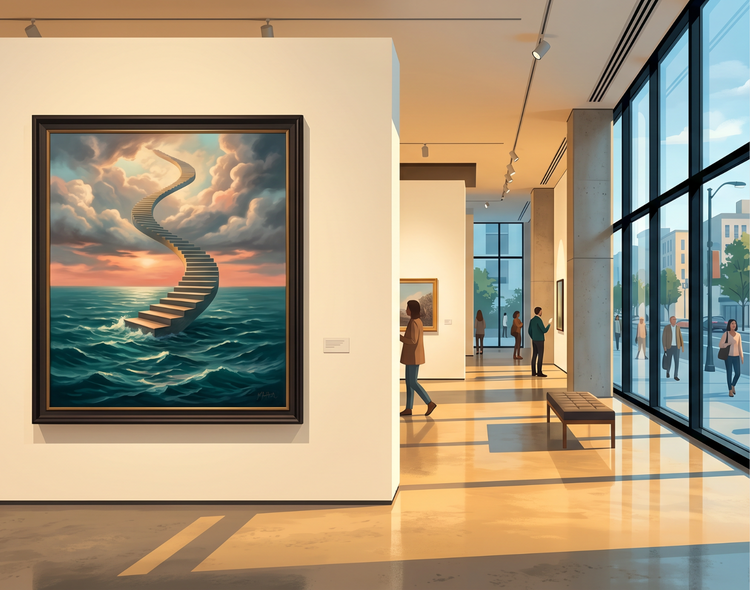
Turn dreamlike concepts into polished images with the Adobe Firefly surrealism art generator. Describe floating objects, impossible architecture, or logic-defying landscapes, and then use Adobe Firefly AI models to generate commercially safe surrealism art you can use in campaigns, personal projects, and client work.
Describe surreal scenes and generate them quickly.
Type a prompt and get a finished image quickly. Adjust your description to explore different compositions, color palettes, and levels of abstraction. The more specific your prompt, the closer the result matches your vision.
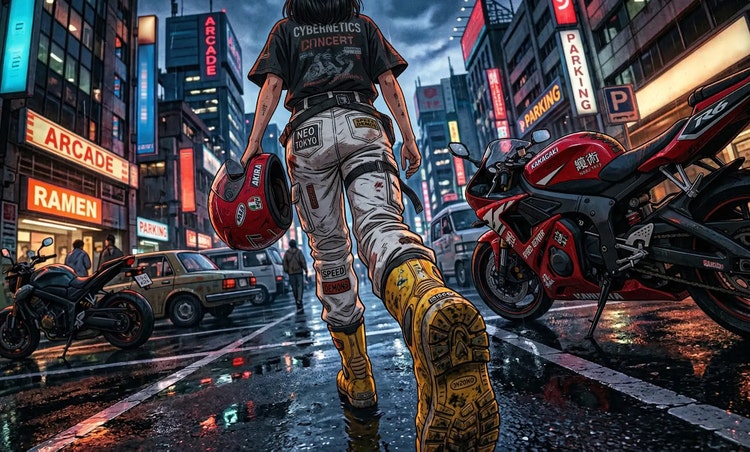
Fine-tune every detail of your image.
Use the settings in Adobe Firefly to adjust style, composition, lighting, and color tone. Upload a reference image to guide the overall aesthetic direction of your surrealism art. Combine prompts with reference photos to blend real-world textures with dream-logic imagery.
Use your surrealism art with confidence.
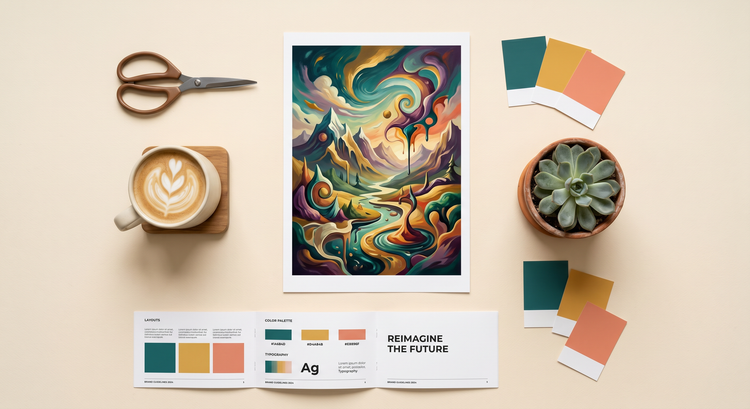
Images you generate with Adobe Firefly models are commercially safe. You can use your surrealist art in advertising campaigns, editorial illustrations, social media content, and more.
Explore endless surrealist possibilities.
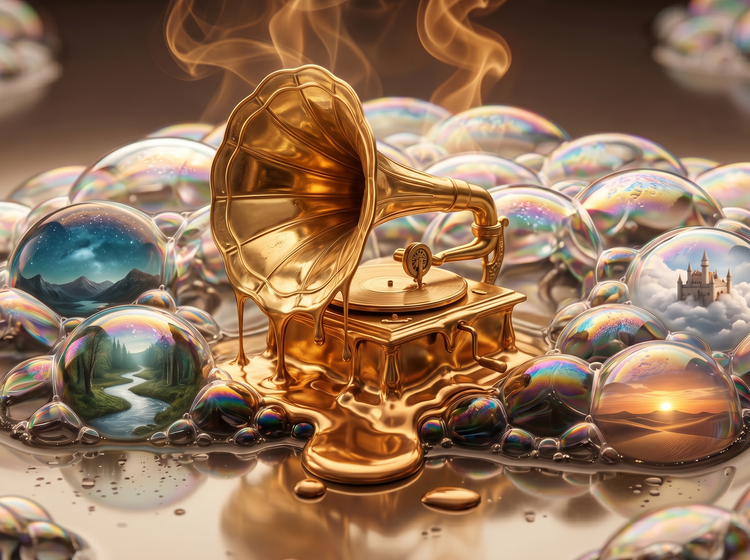
Take your surrealism art in any direction. From melting landscapes and floating still lifes to warped buildings and dream-sequence portraits, Adobe Firefly gives you the creative range to match any project or artistic vision.
How to generate surrealism art with Adobe Firefly.
Step 1
Open Adobe Firefly and select Generate Image.
Step 2
Describe the surrealist image you want.
Step 3
Adjust your settings.
Step 4
Generate your results.
Step 5
Download and share.
Steps on how to generate surrealism art using Adobe Firefly Generate Image.
PT3M
firefly
Commercial safety
Images generated with Adobe Firefly models are commercially safe, so you can confidently use your surrealism art in professional and client work.
Precise creative control
Fine-tune every detail of your surrealist images. Use descriptive prompts to describe everything from color palette and lighting to composition and mood, and adjust settings to get the perfect result.
Lightning-fast results
Go from idea to finished surrealism art faster with Adobe Firefly. Your results are generated in moments, so you can quickly move on to refining your composition or exploring new directions.
Seamless integration
Easily open Adobe Firefly creations in Photoshop on the web and Adobe Express for a seamless creative workflow, all in one place.
See what else you can create with Adobe Firefly.