https://main--da-cc--adobecom.aem.live/cc-shared/assets/img/firefly.svg Adobe Firefly

Generate vintage photobooth portraits with Adobe Firefly.
Describe the era, lighting, and mood you want and turn it into a polished photo strip ready for your project. Get warm, nostalgic results without setting up a physical booth or editing for hours.


Or tap here
File must be JPEG (JPG), PNG, or WEBP and up to 100MB.
By uploading your image or video, you agree to the Adobe Terms of Use and Privacy Policy and confirm you are 18 years of age or older.
https://main--cc--adobecom.aem.live/cc-shared/assets/svg/s2-icon-upload-20-n.svg Upload your image
Or tap here
File must be JPEG (JPG), PNG, or WEBP and up to 100MB.
By uploading your image or video, you agree to the Adobe Terms of Use and Privacy Policy and confirm you are 18 years of age or older.
https://main--cc--adobecom.aem.live/cc-shared/assets/svg/s2-icon-upload-20-n.svg Upload your image
Or drag and drop here
File must be JPEG (JPG), PNG, or WEBP and up to 100MB.
By uploading your image or video, you agree to the Adobe Terms of Use and Privacy Policy and confirm you are 18 years of age or older.
- File size larger than 100MB
- Unable to process the request
- We are unable to process this file type. Please try again.
- Only one file can be uploaded at a time.
- Image is smaller than the minimum dimensions (512 x 512 pixels). Please resize and try again.

https://main--cc--adobecom.aem.live/cc-shared/assets/img/product-icons/svg/firefly-80.svg
Adobe Firefly
https://main--cc--adobecom.aem.live/cc-shared/assets/img/product-icons/svg/firefly-80.svg
Adobe Firefly
The next evolution of creative AI is here for all your ideas, with image, video, audio, and vector tools.
Bring the vintage photobooth aesthetic to your creative projects.
The vintage photobooth look is defined by warm color casts, soft grain, and the charm of a four-frame strip. With Adobe Firefly AI models, you can generate that entire visual language with a text prompt. Describe the era and subject, adjust your style settings, and get images you can drop straight into wedding activations, social posts, marketing campaigns, and brand moments.
Dial in the era you want.
The look of photo strips have changed over the years — describe the aesthetic you want to get the right look. Use your prompt to specify a 1970s mall studio portrait, an early-2000s color strip, or a 1990s film-grain look, then fine-tune the result with Adobe Firefly color and tone controls. Each iteration keeps the warm, lived-in feel the aesthetic depends on.
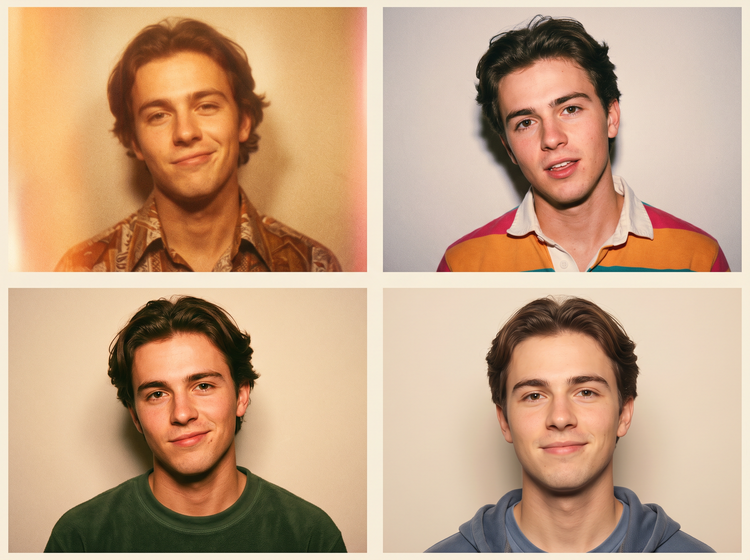

Control grain, light leaks, and color fade.
Describe soft halation around highlights, a faint magenta cast on the edges, or the gentle blur of a flash that fired half a second late. Upload a reference image to guide the overall direction, then adjust composition and camera angle settings to frame the scene exactly the way you want.
Generate strip layouts that feel real.
Photobooth strips have a specific rhythm: four frames, slight variation in pose and expression between each. Describe that structure in your prompt and Adobe Firefly will produce the sequence in a single image, ready to crop or share.
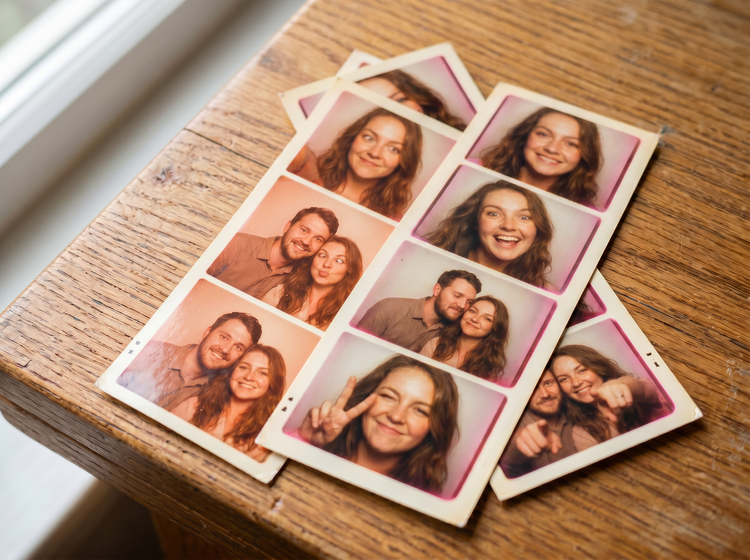

Use your photobooth visuals with confidence.
Images generated with Adobe Firefly models are safe for commercial use. You can use your vintage photobooth images in event branding, social campaigns, editorial layouts, product mockups, and client presentations without worrying about licensing.
How to generate vintage photobooth images with Adobe Firefly.
Step 1
Open Adobe Firefly and select Generate Image.
Step 2
Describe your photobooth scene.
Step 3
Adjust your settings.
Step 4
Generate your results.
Step 5
Download and share.
Steps on how to generate vintage photobooth images using Adobe Firefly Generate Image.
PT3M
firefly
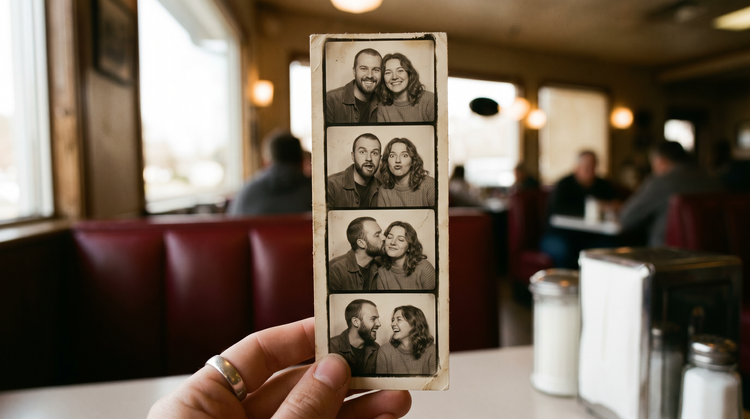
Commercial safety
Images generated with Adobe Firefly models are safe for commercial use, so you can confidently use your vintage photobooth artwork in event activations, brand campaigns, and client work.
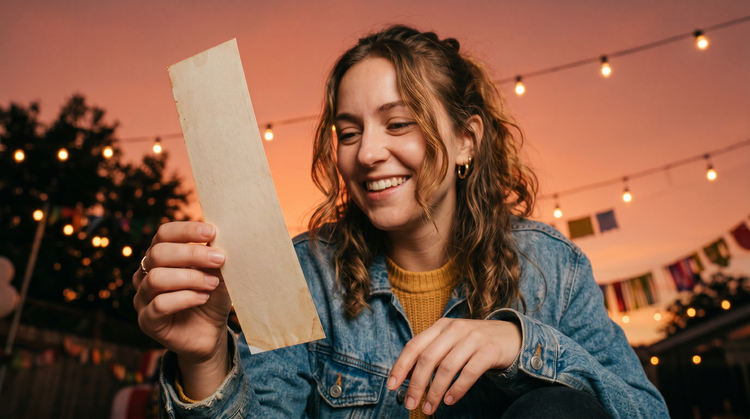
Precise creative control
Fine-tune every detail of your photobooth images. Use descriptive prompts to specify everything from grain density and color fade to flash falloff and pose variation, then adjust settings to lock in the result you want.

Fast results from prompt to portrait
Go from idea to finished vintage photobooth artwork quickly with Adobe Firefly. Your results are generated in moments, so you can iterate on poses, lighting, and era styling until the strip feels exactly right.
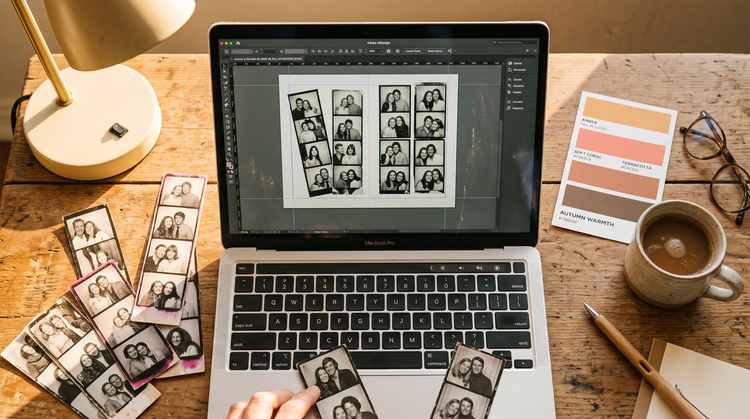
Seamless integration
Easily open your Adobe Firefly creations in Photoshop on the web and Adobe Express for a seamless creative workflow, all in one place.
See what else you can create with Adobe Firefly.

Discover even more features.
Questions? We've got answers.
What prompts work best for a vintage photobooth aesthetic in Adobe Firefly?
Can I use AI-generated vintage photobooth images in commercial projects?
How do I control color fade and grain in my AI vintage photobooth images?
What is the best AI vintage photobooth generator?
Is the Adobe Firefly vintage photobooth generator free to use?
Do I need design skills to generate vintage photobooth images?
Can Adobe Firefly generate authentic photo strip layouts?
What file format do vintage photobooth images download as from Adobe Firefly?
Share this page.
Explore more Firefly tools.
The benefits of generative AI for creatives
Learn how to use generative AI to boost productivity and discover new possibilities while maintaining creative control.
Learn more | Learn more benefits generative AI for creatives

Generative AI is changing creative work
Generative AI can mimic but not replace human intelligence. Learn how it can help you take your creativity to new places.

AI for graphic designers
Learn about the AI tools available to graphic designers and how they can help you be more productive and take your work in surprising directions.
AI art prompts for graphic designers
Learn how to write effective prompts for generative AI to get high-quality results for graphic design.
Learn more | Learn more AI art prompts for graphic designers