


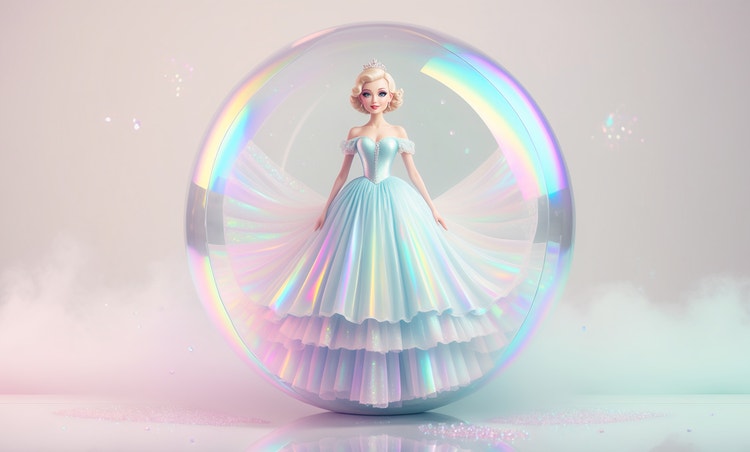
Build environments from a description.
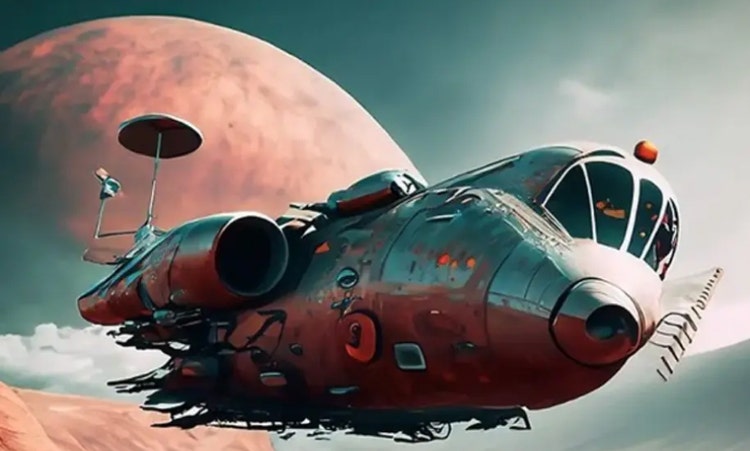
Type a description of the scene you need and Adobe Firefly will generate the full scene. Adjust lighting, camera angle, color and tone to develop the environment further with each iteration.



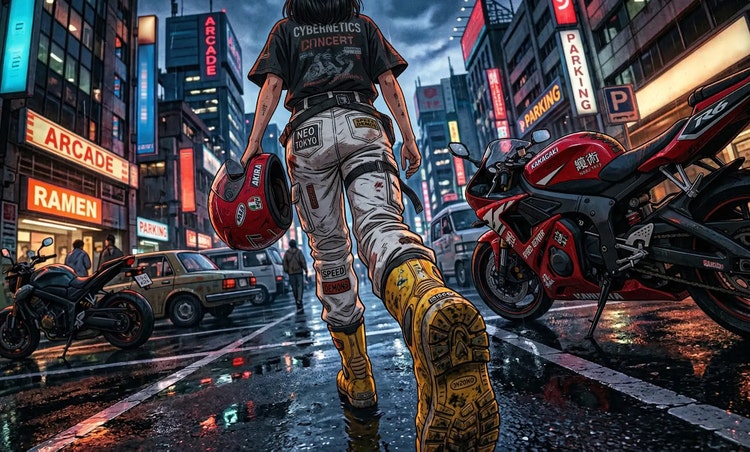
Describe a world, a character, or a scene and turn it into polished concept art fast.
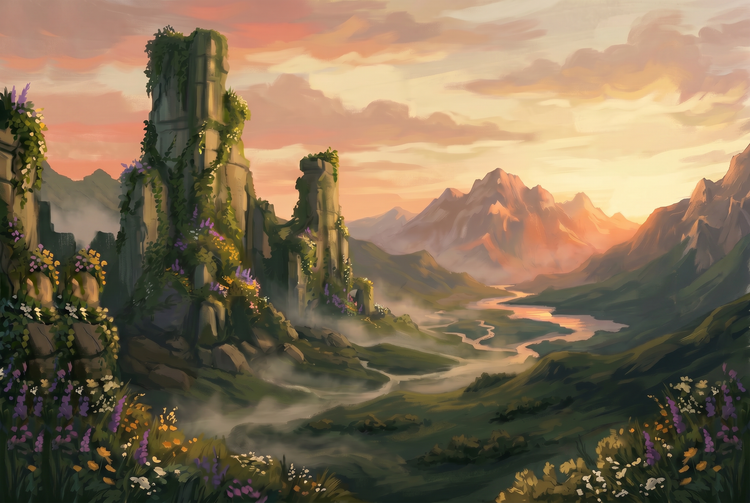
Concept art sets the visual direction for games, films, illustrations, and creative campaigns. With Adobe Firefly, you can generate fully realized environments, characters, and scenes from a text prompt for free. Explore directions quickly, iterate on ideas, and develop a visual language for your project without needing to start from a blank canvas.
Type a description of the scene you need and Adobe Firefly will generate the full scene. Adjust lighting, camera angle, color and tone to develop the environment further with each iteration.
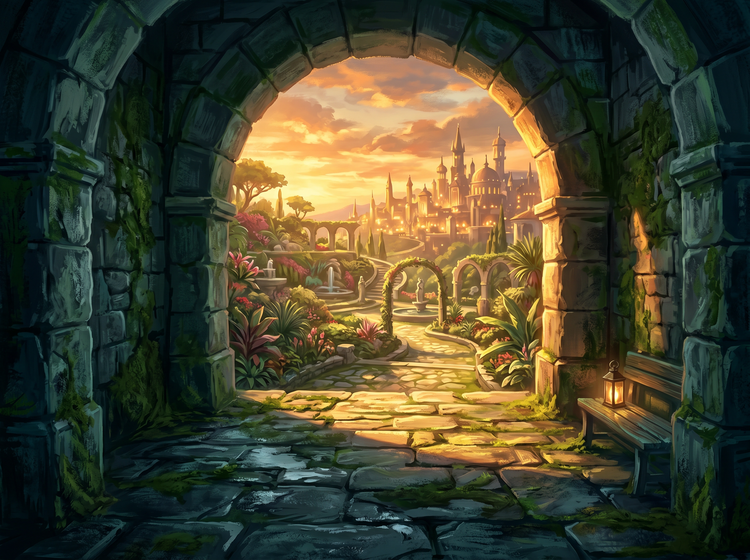
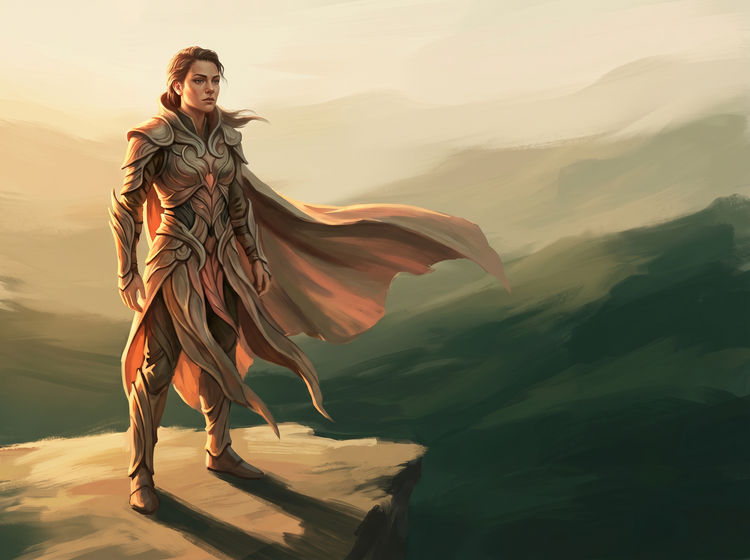
Describe a character's silhouette, costume, mood, and setting and get a fully rendered concept image to work from. Use a reference image to anchor the visual style, then vary the prompt to explore different directions within the same register.
Adobe Firefly models produce commercially safe outputs, so you can bring your concept art into pitches, presentations, client decks, and production pipelines without worrying about licensing.

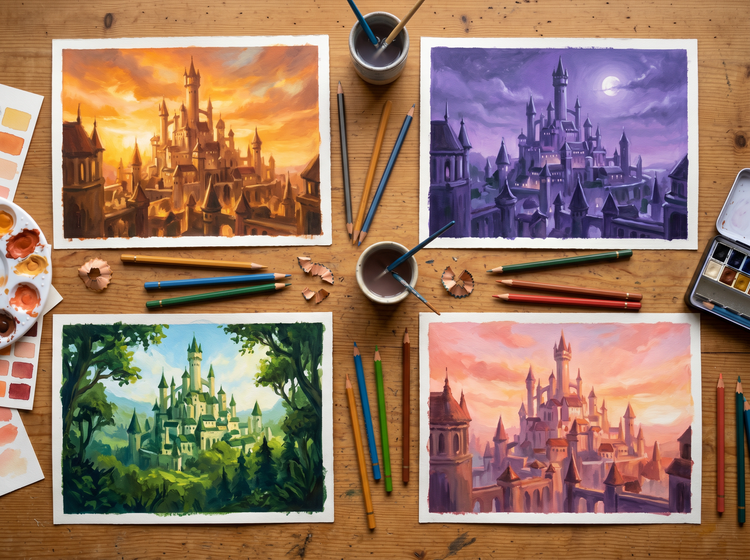
Concept development is iterative by nature. Adobe Firefly lets you generate multiple visual directions from a single brief, compare results side by side, and refine the strongest ideas. Bring your final images into Adobe Photoshop on the web to composite, retouch, or extend them for production.
Log in to Adobe Firefly with your Adobe ID or create a free account to get started. Select the Generate Image feature from the home screen.
Type a detailed prompt that includes the subject, setting, lighting, mood, and visual style you want. The more specific you are about atmosphere and composition, the closer your results will be to the direction you have in mind.
Select an aspect ratio and apply style options. Adjust composition, color, tone, and lighting settings. Upload a reference image to guide the overall visual direction of your results. Style settings such as composition, color and tone, lighting settings are only available on Firefly Image 3 and Firefly Image 4 models.
Click Generate to produce your image. Review the results and refine your prompt and settings to push the concept further. Generate multiple variations to explore different directions before committing.
Download your concept art as a PNG. Share it directly from Adobe Firefly for feedback and review, or open it in a desktop app for further compositing and editing.

Adobe Firefly models produce commercially safe output, so you can bring your concept art into professional and client work with confidence.
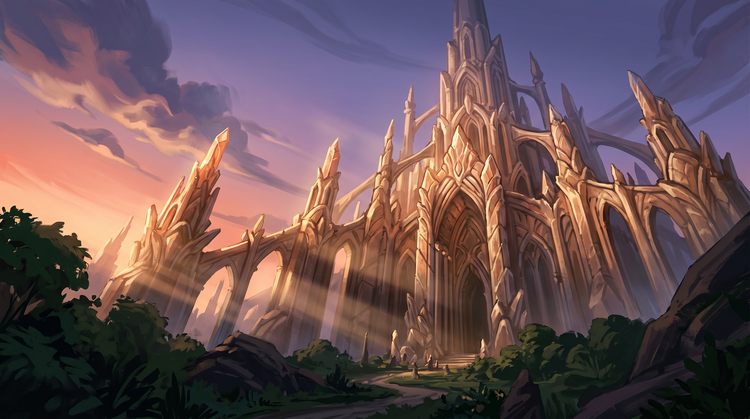
Fine-tune every aspect of your concept art. Specify lighting type, color temperature, composition, and visual style in your prompt, then use the settings panel to dial in the result exactly.
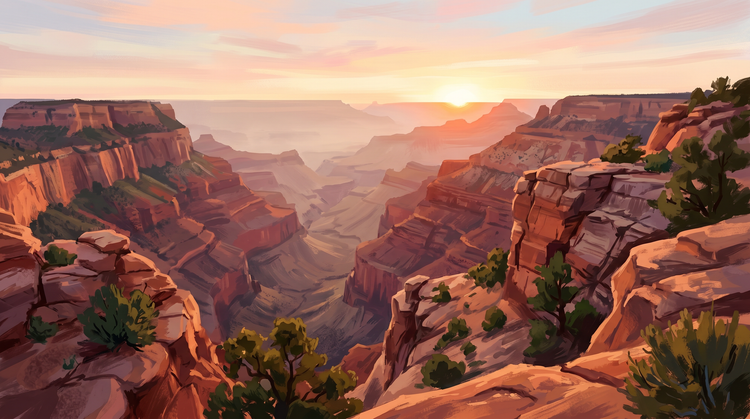
Go from written brief to visual concept quickly. Generate multiple directions from a single prompt, compare results, and refine the strongest ideas without waiting on external resources.
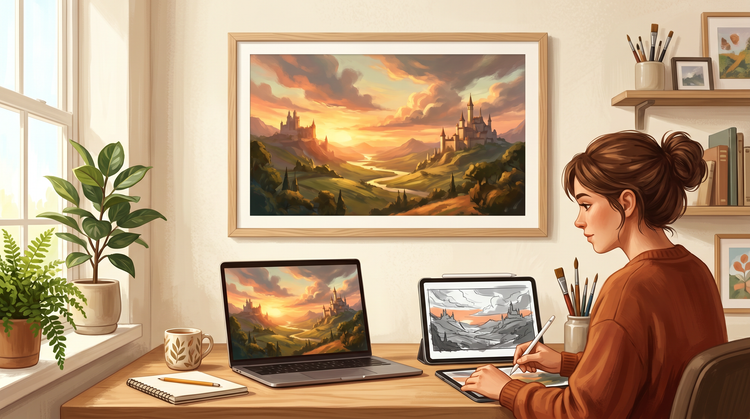
Open your Adobe Firefly concept art in Photoshop on the web or Adobe Express for a connected creative workflow. Composite, retouch, and scale your images for production all in one place.

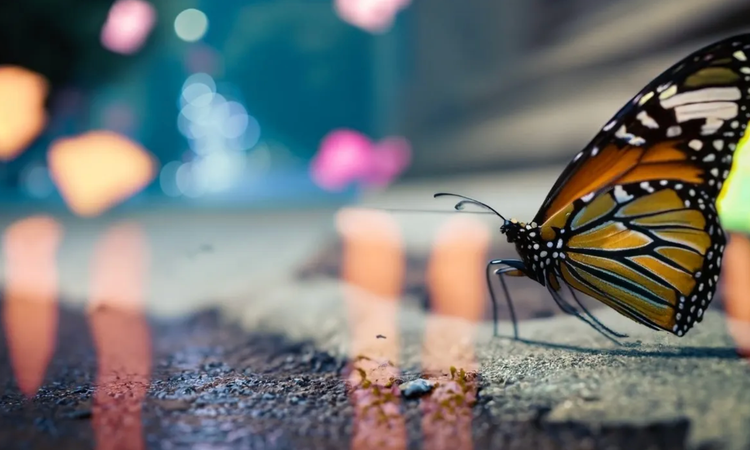
Learn how to use generative AI to boost productivity and discover new possibilities while maintaining creative control.
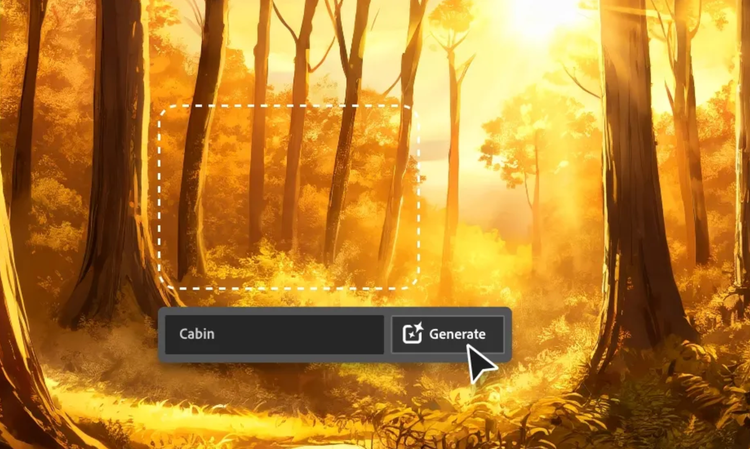
Generative AI is all over the headlines, and that’s not empty hype. This new technology is likely to be part of your life soon. Learn how generative AI works and start streamlining your workflow.
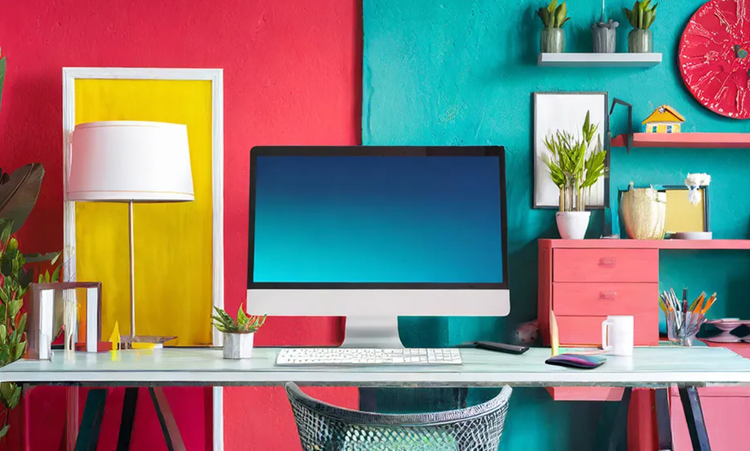
Learn about the AI tools available to graphic designers and how they can help you be more productive and take your work in surprising directions.
The best prompts for AI aren't always obvious. These tips get you to your destination in record time.


