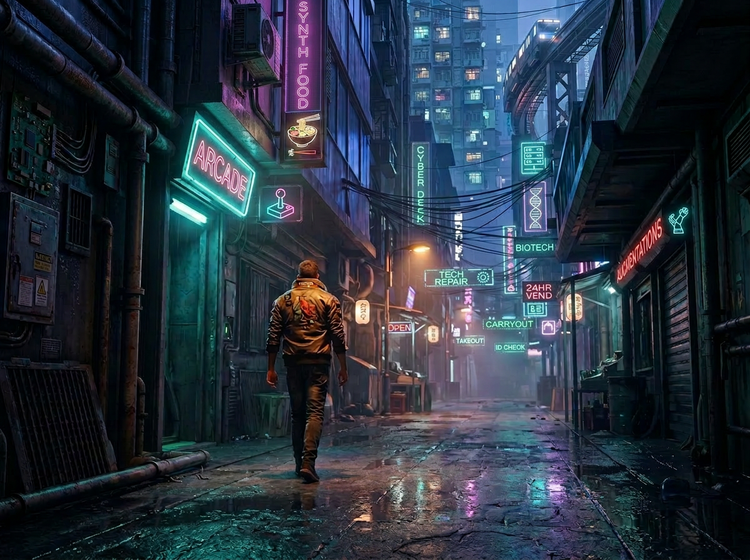
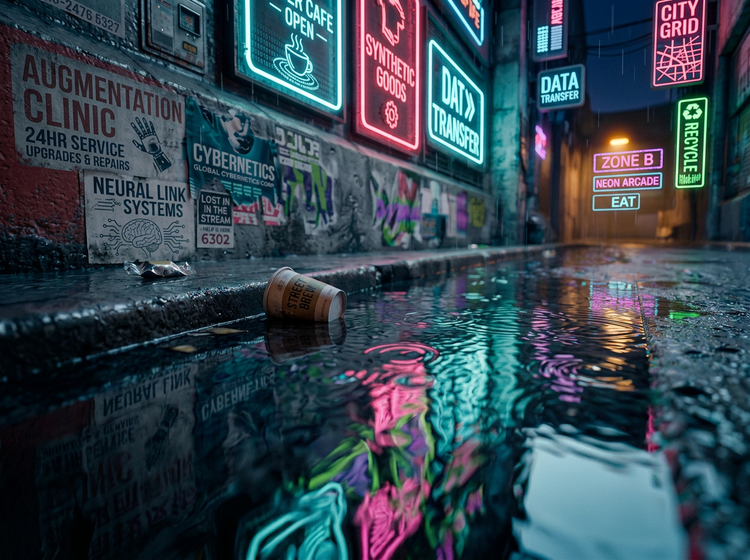
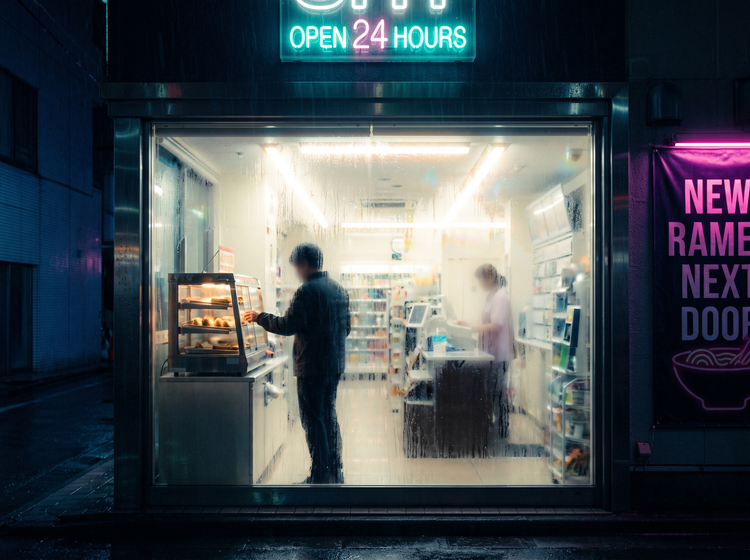
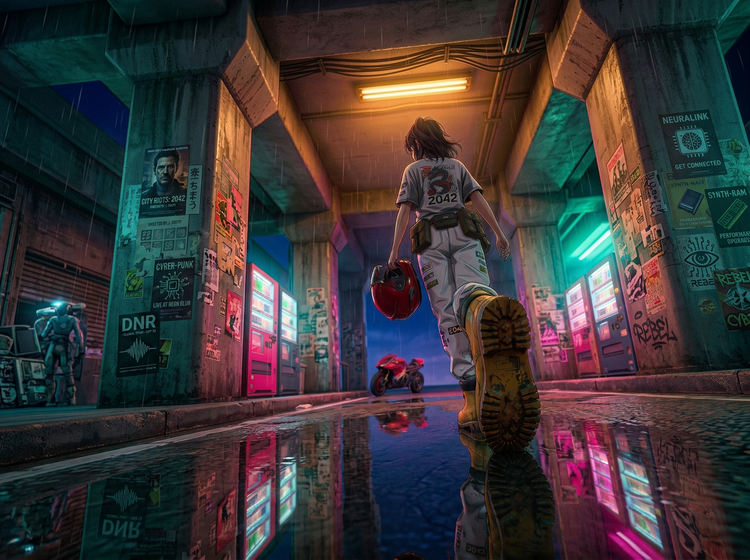
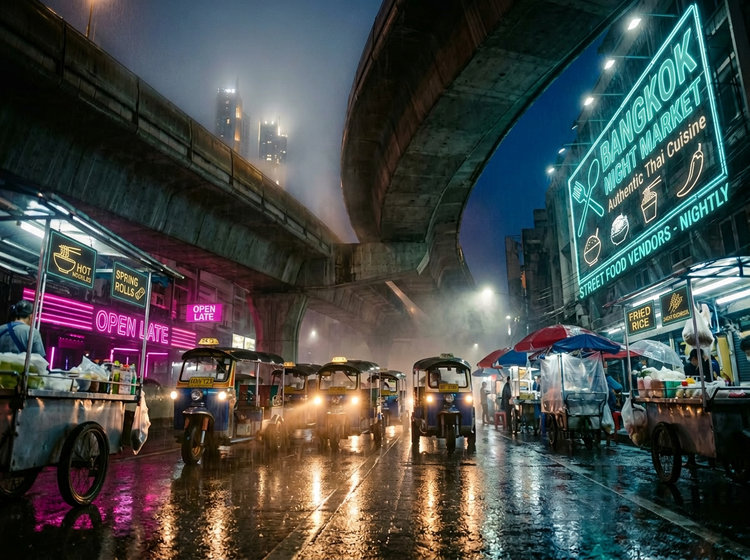
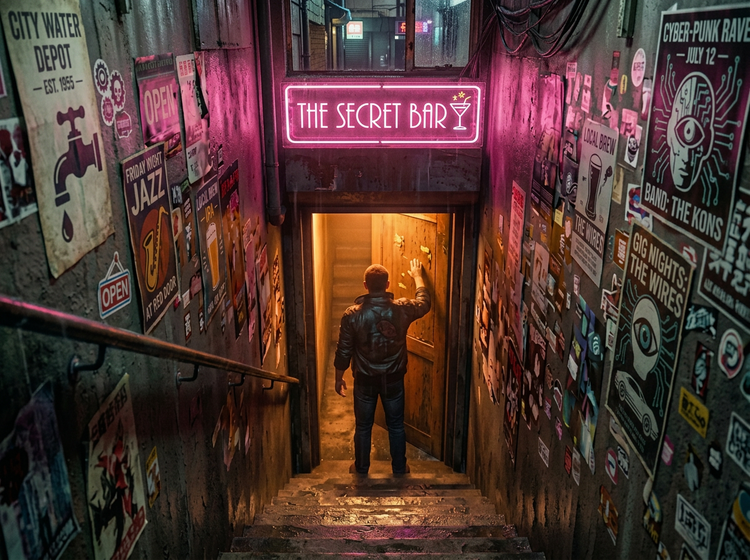
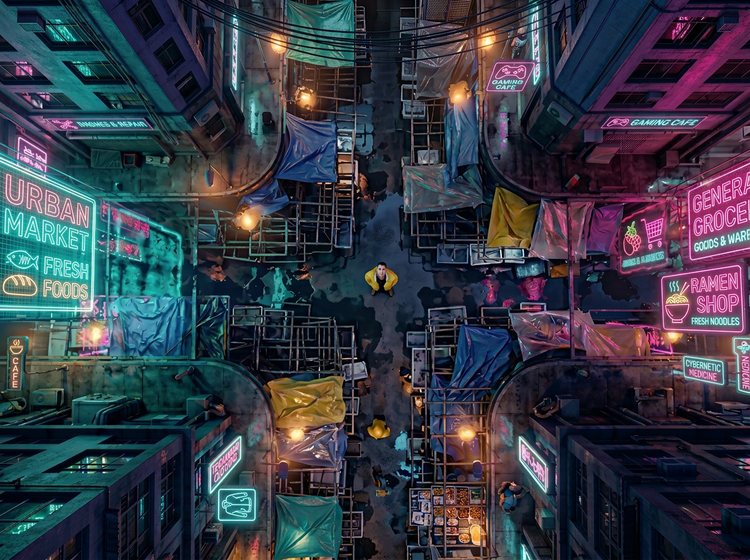
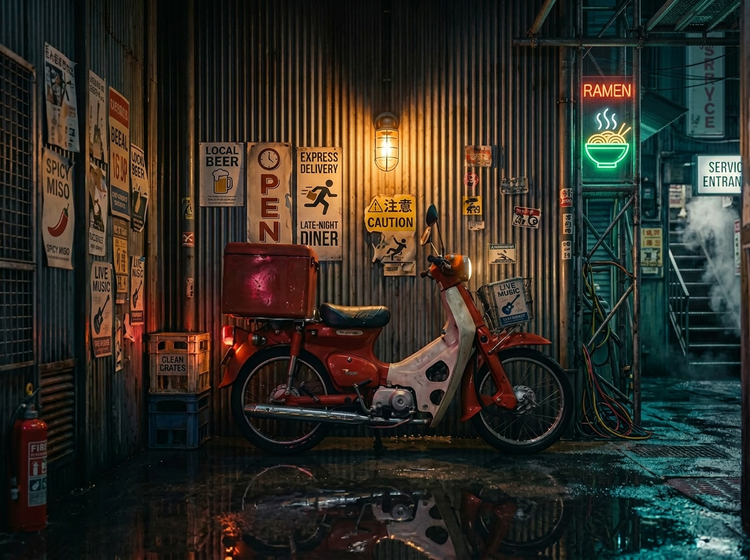
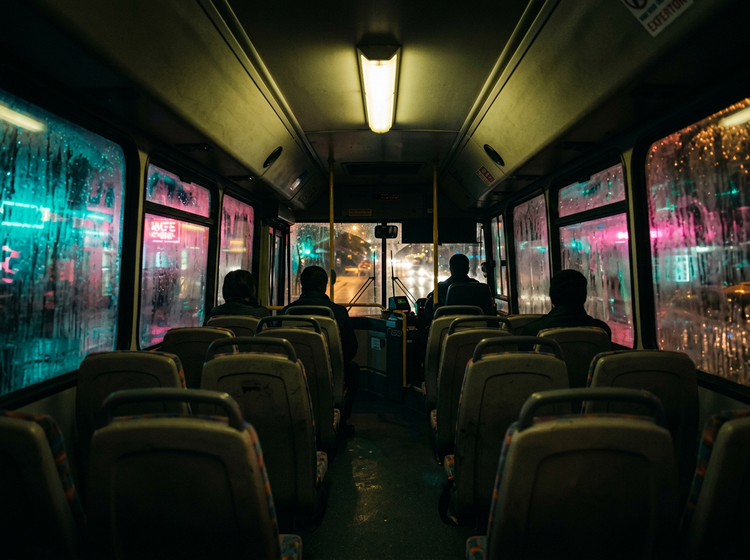
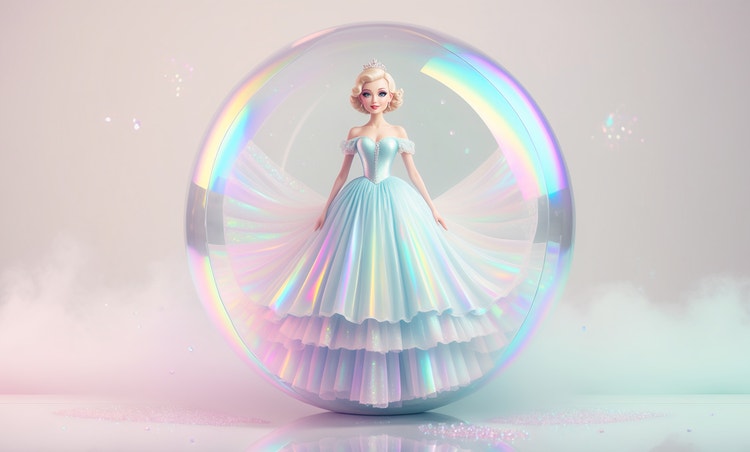
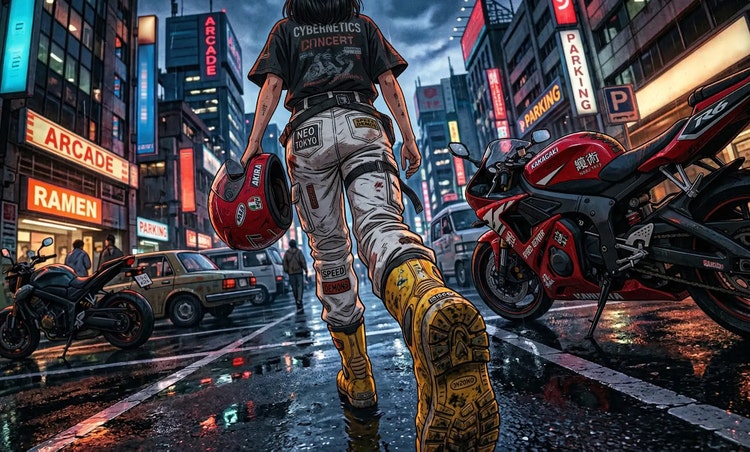
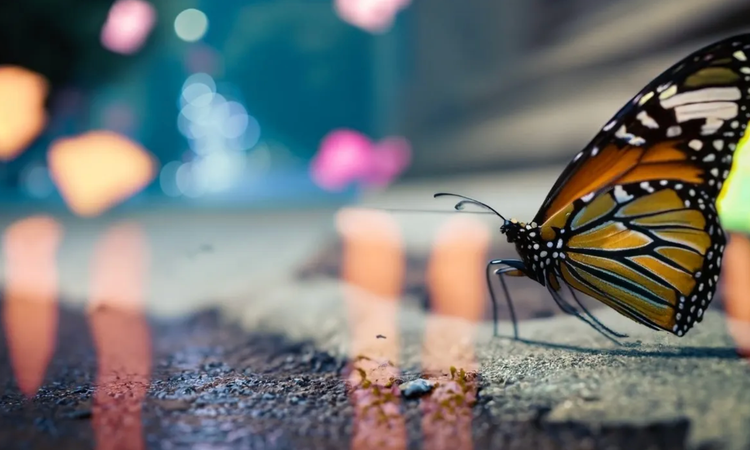
Effective cyberpunk prompts include specific visual details like neon lighting colors, urban settings, atmospheric effects, and material textures. For example, use something like “a futuristic city street at night with electric blue and hot pink neon signs, rain-slicked pavement, holographic advertisements, and volumetric fog.” The more specific you are about lighting, mood, and composition, the closer your results will match the cyberpunk look you want.
Images generated with Adobe Firefly models are safe for commercial use, as they are trained on
Adobe Stock, licensed content, and public domain materials. You can use your cyberpunk visuals in ads, social media, client work, product mockups, and marketing campaigns. You're responsible for determining if images generated with partner models are appropriate for use in your project.
Specify the exact colors and lighting you want in your prompt. For example, include phrases like “electric blue and neon pink lighting,” “high-contrast shadows,” or “warm amber streetlights against cool blue fog.” You can also use the Adobe Firefly settings panel to adjust color, tone, and lighting after generation. Uploading a reference image with the color palette you want is another effective way to guide results.
The best AI cyberpunk generator turns detailed prompts into original, high-quality cyberpunk images that can be used for a range of creative projects. Adobe Firefly delivers these results and offers integration with Adobe Creative Cloud apps like Photoshop and Illustrator, so you can generate images and then edit and scale them for real-world projects.
Yes. If you have a free account, you can start creating AI generated images and artwork in Adobe Firefly using free daily generations. This lets you explore what Adobe Firefly can do without committing to a plan. Learn more about
using Adobe Firefly for free. When you're ready for more, you can upgrade to a paid subscription for additional access.
No. Simply describe the cyberpunk scene you want in plain language and Adobe Firefly will generate the image for you. You can refine your results by adjusting your prompt or using the built-in settings. No illustration or photo editing experience required.
Yes. Cyberpunk images generated with Adobe Firefly models are commercially safe, so you can use them in advertising campaigns, editorial illustrations, social media content, product packaging, and more. Download your images as high-resolution PNG files ready for production.